
Daz 3D is part of 
Connect
DAZ Productions, Inc.
7533 S Center View Ct #4664
West Jordan, UT 84084
Licensing Agreement | Terms of Service | Privacy Policy | EULA
© 2026 Daz Productions Inc. All Rights Reserved.
Comments
I have been experimenting with animation of Daz store content with AI alot lately.
All animations were generated in mere seconds from single Daz studio Iray renders on a samsung Galaxy S24 ultra,
Smart phone.
It all started in Daz Studio with the Chainmail Bikini for Genesis 9 Feminine.
one of many composite DAZ studio renders animated with Ai videos I have done since
Pretty impressive; did you ever think, back when you were starting your Galactus movie, that one day you'd be doing much more, much, much, much faster... on your phone? What a world!
Wandering through the forums I came accros this thread again. I thought I'd share the final image and the process since some participants here might be interested.
This is an image worked with off and on for about three months. It was just a crazy idea I had. I wanted to see if I could use Krita AI Diffusion for a combination of image to image, AI in fill painting, and manual editing to turn a render from DS into an image with elements not available for DS.
First I had to get a base image that I hoped would guide the AI generation the direction I wanted to go. Unfortunately I didn't have any face/body paints with the exact options I wanted, so I composited 3 images together to get the starting image I wanted (the last/bottom 3 images are what I use to make the starting image).
The I used Krita with the Diffusion AI plugin to begin the attempt at creating the image I wanted. It took multiple attempts/iterations' with a lot of prompt tweaking and moving between Flux and SDXL Juggernaut during the refining process to get the style and mood I wanted to arrive at the new base image I wanted. This process included taking generated images That were closer to what I wanted and using them as the new base image for image to image generation. I also did some inpainting for the necklace (I was hoping that the necklace I used in the original image would get re-imagined into something I wanted, but no such luck) and a combination of in-painting and manual editing of the image throughout the generation process to help guide the AI generation to where I wanted to go.
I also wasn't thinking far enough ahead with the framing of the original image. There wasn't enough space for the full feather head dress. So after I finally got the image to what I wanted, I used the expand function with Krita AI to expand the top portion of the image to show the feathers without cropping them.
The final steps in Krita included in painting and manual painting to fix many feathers that weren't quite right, and editing some of the metal elements that I didn't like. The last step was to take the image into Gimp to add some vignette, the signature, and do some final edits that are easier for my in Gimp (like fix some oddness with the for head jewel).
I'm sorry there isn't more detail (like prompt info) in my description, but it was quite a while ago, and a lot of changes to the prompt along the way.
Final Image (Title: Raven Mage)
Image used for Image to Image in Krita AI
Base Image for editing in Gimp
Layer 1 for editiing in Gimp
Layer 2 for editing in Gimp
Thanks for sharing the production info, the final image is gorgeous and really shows off how AI can be used as a tool, not as an and-all, be-all.
Not in my lifetime Walt
It really feels like some sudden Sci-fi time skip into the future.
IMHO it does help to have "traditional " skill sets in areas such as 2D graphic design (photoshop etc), as well as video editing if you are doing AI animations.
I typically do a alot of compositing prep work
before I even upload the starter frame and the AI
just does the “animation & rendering” in seconds
directed by my prompt instructions
this crazy Ai video
using these renders
https://www.daz3d.com/forums/discussion/comment/9355131/#Comment_9355131
Wonderful updates, people. Amazing.
You took it ALL the way! Nice work!
same renders as before but with Wan 2.2 instead of LTX
unfortunately Ai has a mind of its own or not, added game UI text to my video
A little render to AI test with one of my favorite old school Poser figures, Sixus1's Scarlet.
The Starter right out of Poser 13's Comic Shader Render.
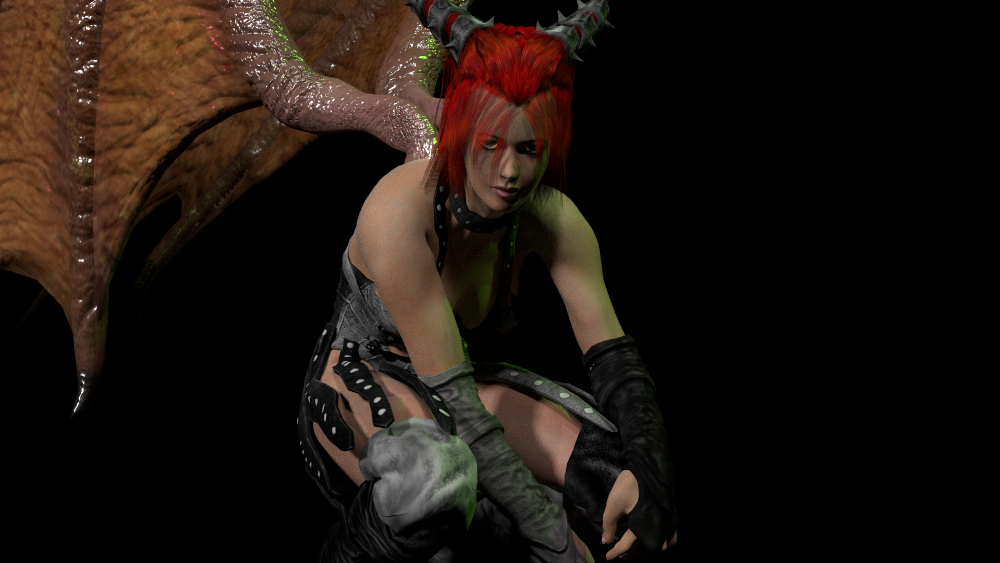
Remixed with an original character designed in Higgsfield Soul

Remixed with further Nanobanana prompting
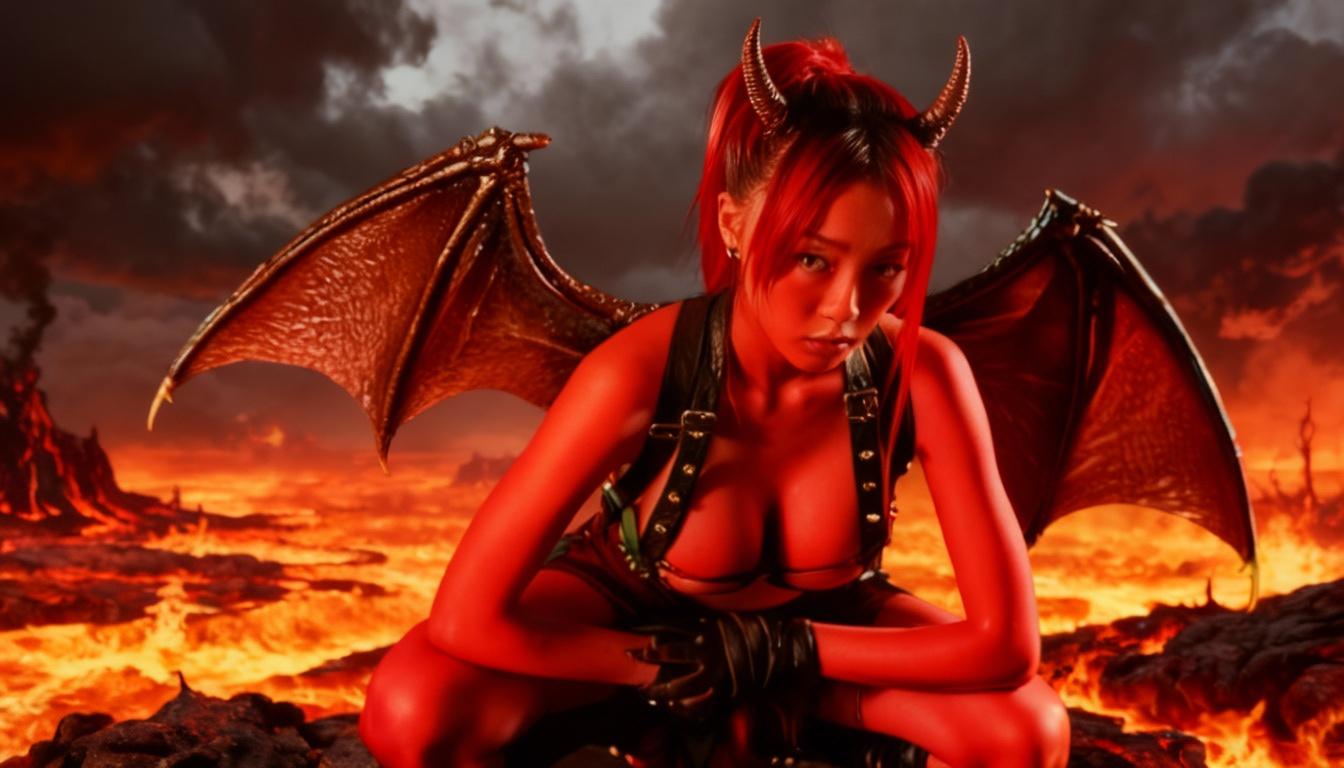
I saw this is the gallery first and was amazed!! Breathtaking!
This is something I dream of doing. Making my art better with AI. I am not a real artist, but I have fun. I cannot draw in real life. I can't make art in Photoshop. That is what I mean. I guess I am a real 3d artist. I tell people I am.
I know it's been asked a thousand times, but would you please tell me your recommended AI software? I actually joined one 2 years ago and have no idea which one it was. It was so easy and I made a bunch of images.
Then, I got very sick. I need to check my credit cards from 2 years ago. I don't think I am still being billed...I hope not, anyway.
So, below is a piece I am working on. This was a test render and the background props were not centered properly and the lighting was terrible.
Anyway, I Googled AI software and found OpenArt SDXL - AI Image Generator | OpenArt
I uploaded my test render. Then, I made my girl smile and look surprised. It was a blast!!! I am shocked at the outcome.
However, if I am doing a vintage piece, I want to make it look vintage. Can I do that in AI?
I guess what I am asking, is a easy learning, not expensive software for enhancing my art in vairous ways.
Thank you so your help!!
I have another question. Could I take that image and put a fur stole on her in an AI software? I love fur and gorgeous flowing hair.
Can I do those things in an AI software?
one you can use for free if you have facebook is Meta Ai
https://www.meta.ai/
there is also a link ion my Facebook page and in Messenger
you can upload reference images and tell it what you want it to do such as put a character from one image in a scene of another one posed a way you describe
change clothes and presumably add a fur stole etc
you can animate them too
my late cat dressed in a Celtic robe
click to play video
Wendy!! I commented on your very sweet cat video. I LOVE your work. Thank you so much for helping me!! :)
Aren't you facinated at what you can do? Maybe you were an artist in real life (without a computer) and that is why you are so very good. I don't know. But, you ARE so darn good!!!
nah, I can only draw scribbles
Wendy!!! Your personal videos from when you where little animated. I would love to do that with my photos. So very sweet.
Only scribbles, HUH??? Well, you can work wonders with the computer :)
I know this is confusing but I actually have 7 YouTube channels
that one is my eponymous Google one I try not to associate with my others so I don't dox myself
but I guess I just did
I don't mention my others or DAZ etc on that one
I did something LOL. I had Meta AI already opened on my computer and I animated my art.
https://youtube.com/shorts/cQ5npcu792w?si=KvG3y41hHZubvH7x
<iframe width="368" height="654" src="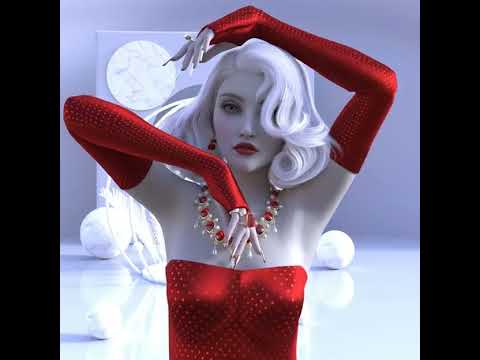 title="I just animated my art!" frameborder="0" allow="accelerometer; autoplay; clipboard-write; encrypted-media; gyroscope; picture-in-picture; web-share" referrerpolicy="strict-origin-when-cross-origin" allowfullscreen></iframe>
How do I get rid of the above wording and just leave my video?
<iframe width="654" height="654" src="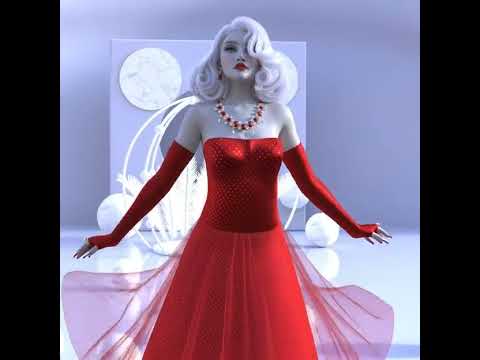 title="Another animated art from my Daz Studio render" frameborder="0" allow="accelerometer; autoplay; clipboard-write; encrypted-media; gyroscope; picture-in-picture; web-share" referrerpolicy="strict-origin-when-cross-origin" allowfullscreen></iframe>
I don't copy the embed just the URL under share and change the forum box to source and paste it
Added a stole and animated in Meta AI
https://youtube.com/shorts/POoRx3f_YN4?si=Ba5mg7XtdNY_JQNE
I learned that once I use an URL, the source box will not come up.
I tried with a family video and what you told me to do worked great.
Probably, if I deleted all of my cookies, it would work. I need to start dinner, however :)
oh shorts are fussier
change shorts to watch in the URL
go there, then chose share and copy the URL
IE paste https://youtu.be/POoRx3f_YN4?si=f6ps2Jm3wp6ndTm0 in with source chosen and it will embed after post comment
Thank you!!! I will try that next time :)
Awesome work! I'm glad Wendy was here to answer your question. Her solution I much easier than mine. For static images and image to image I use Krita (Free/OS) and the Krita AI Difussion plugin (also free). It's fairly simple to instal and use, let me know if you want more information, there are some great YouTube videos that can help get you started. That's what I used for the image I posted.
For videos I use Pinokio Browser (a simple "web browser" that is installed on your machine, that can then install the AI software you want to use and all of the dependencies, it also provides a simple user interface. I installed Wan 2.1 and Framepack for use on my computer (no web services). Pinokio is free as are all of the programs it can install.
I would say based on how fast and good your results were, your current method is probably much easier than what I am doing.
Thank you so much!! It's a lot to learn!
Ai animated renders
the fully 3D rendered composited version (characters only with shadowcatch iray mat primitives and png series on rendered backgounds)
this one is considerably more Ai than 3D for most sequences with a only a couple of entirely unedited 3D renders as the starting images