DS 4.12 Completely white - Solved
 AJ2112
Posts: 1,417
AJ2112
Posts: 1,417
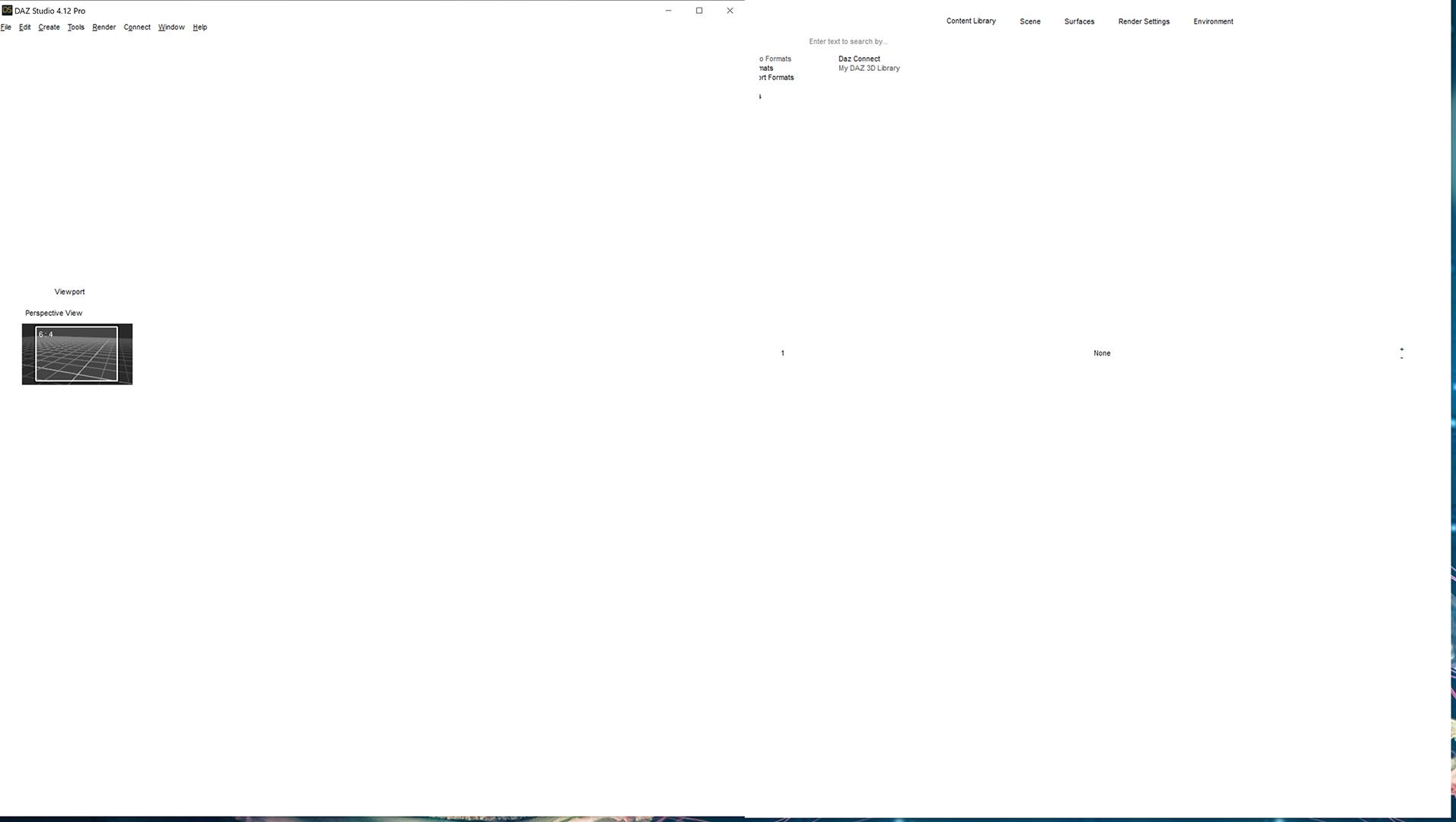
Hi, been away from DS for a few months, tonight I upgraded to DS 4.12, I start DS up and all I get is a complete white program screen. I tried uninstall/reinstall, rebooting system, etc...... I should have just stayed away. Goodness gracious, Rofl !!!!
Has anyone else had this type issue. Assistance appreciated.
Post edited by AJ2112 on

Daz 3D is part of 
Connect
DAZ Productions, Inc.
7533 S Center View Ct #4664
West Jordan, UT 84084
Licensing Agreement | Terms of Service | Privacy Policy | EULA
© 2026 Daz Productions Inc. All Rights Reserved.
Comments
Got it working. In case others have this issue, directories had changed. How, no idea. I noticed in DIM, downloads/installs were failing. I was able to open Content Directory Manager, clicking around on white screen, Lol
! changed directory paths...... back in business.
DS is gonna make us all computer software experts in no time
That issue is usually down to installing while DS was still running (possibly only in the bckground, as it shut down).
Hi Richard, you are correct, believed I had DS open when I upgraded, which caused all types of problems. All is working well. Thanks so much friend.
Having the same problem all white screen went to content database maintenance a drop down menu popped up with several options. Clear all groups, Condence Database, Process Metadata Queue, Re-import Metadata, Export user data and reset database. Which one should I pick? Thanks
None - and all white screen has nothing to do with the database. You need to make sure that DS really is closed, then uninstall and reinstall.
Thanks Richard I'm back on track.
Glad to hear (read) it.