Angelababy(a celebrity)
 imdjs
Posts: 0
imdjs
Posts: 0
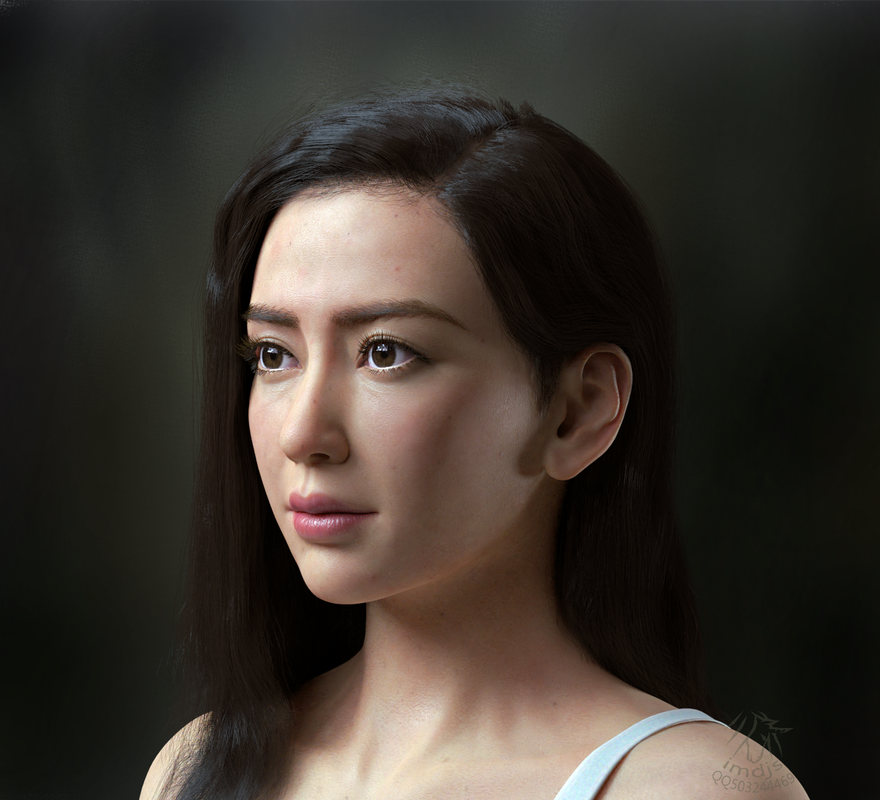
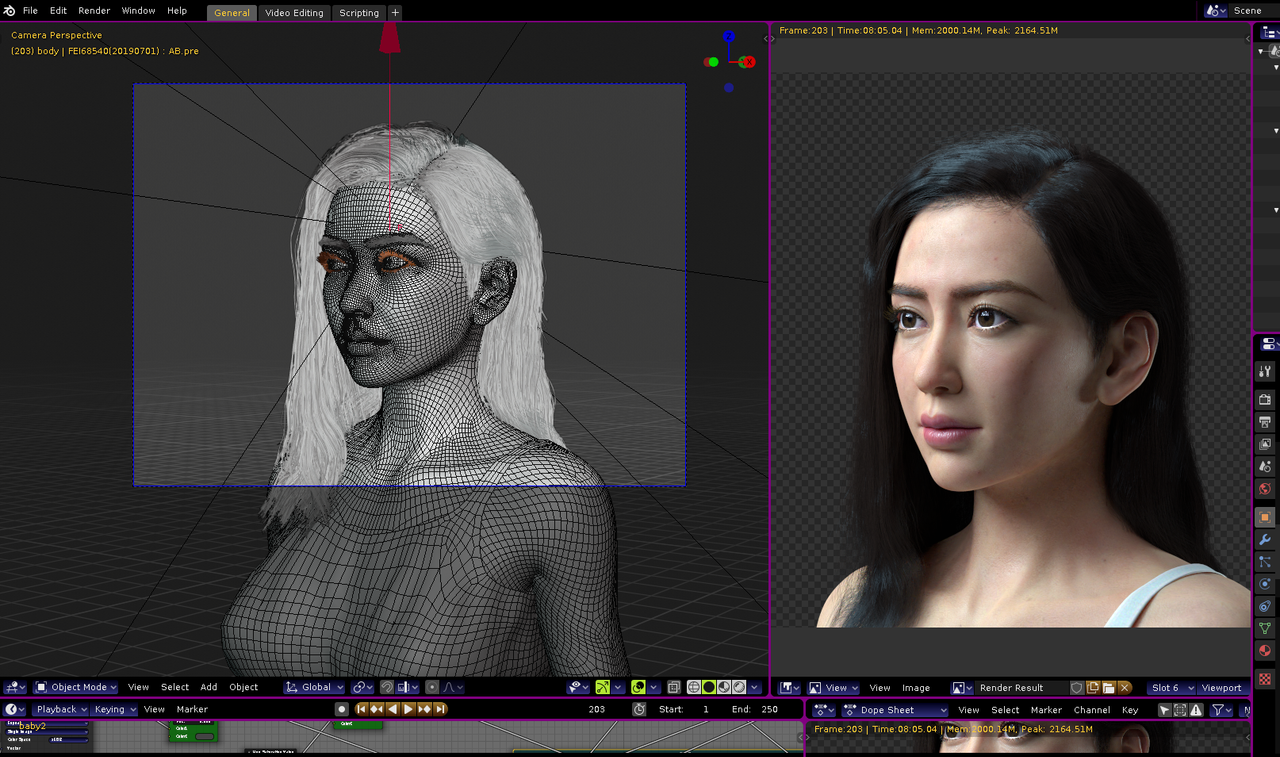
model and render with blender 2.8 cycles.(still not perfect maybe needed some modification later)
Post edited by Chohole on

Daz 3D is part of 
Connect
DAZ Productions, Inc.
7533 S Center View Ct #4664
West Jordan, UT 84084
Licensing Agreement | Terms of Service | Privacy Policy | EULA
© 2026 Daz Productions Inc. All Rights Reserved.
Comments
Very nice! I like the nuances in the lighting!
Paradoxically, the lighting on the ear is of interest, but the earlobe shadow on the cheek doesn't sit right. (I'm not saying it is wrong, it just makes me almost say, "Excuse me, Miss, you have something on your face.")
Please take this comment as a compliment though. If the image wasn't somehow striking I wouldn't have taken the time to say a single word. : )
It's probably Iray. You can't turn off shadows in Iray, so the low backlight will throw a shadow from the ear, as well as highlighting the ear's translucence.
Q: can you soften the shadows in Iray? softening the hard edge of that particular shadow might help.
The OP said it's not Iray, but Blender 2.8 Cycles. :)
Laurie
Very impressive skills. Also impressed with the quality of modeling and render from Blender.
very nice!