Daz Connect Offline
 Noah LGP
Posts: 2,617
Noah LGP
Posts: 2,617
Hi,
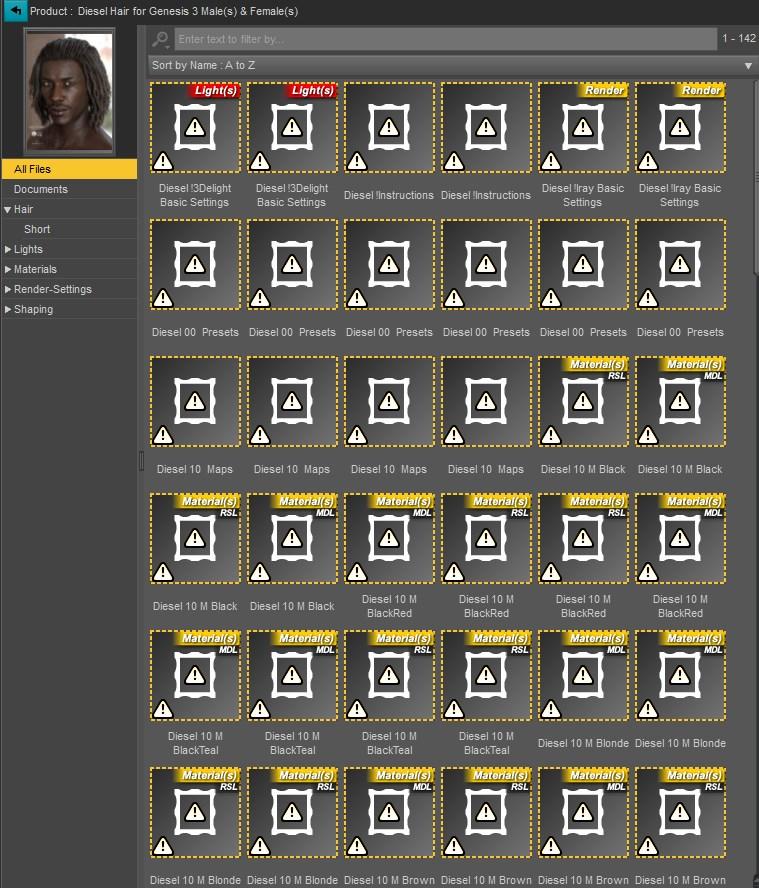
When the products are installed by using the sep/sea files, Daz Studio add the metdata but can't detect the product folder from My Daz Connect Library\data\cloud folder.
- Browse To Folder Location works
- Browse To File Location doesn't work
How can I fix this issue without using DIM and Daz Connect ?
Post edited by Noah LGP on

Daz 3D is part of 
Connect
DAZ Productions, Inc.
7533 S Center View Ct #4664
West Jordan, UT 84084
Licensing Agreement | Terms of Service | Privacy Policy | EULA
© 2026 Daz Productions Inc. All Rights Reserved.
Comments
And if you browse to the folder what does it contain? I suspect that th validation is failing and you are not getting the files decrypted.
The files are decrypted.
Recently I change the settings in the Content Directory Manager from C drive to D drive because of a low disk space. All the products were uninstalled before moving these library folders
The database seems to be corrupted.
Well, I reset the database now it works.