IPR Start and Stop buttons greyed out in Aux Preview
 jamslut
Posts: 17
jamslut
Posts: 17
I just learned about the Aux Preview pane but I can't do an interactive render because the start and stop buttons are greyed out. In the tutorial (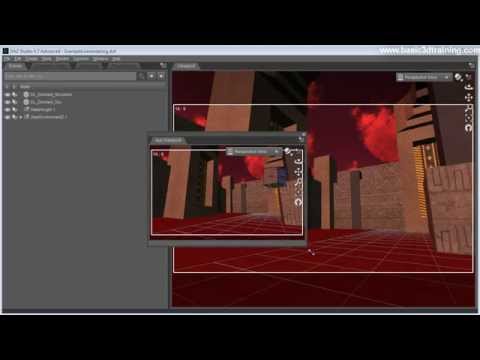 ) they are active. Anyone know why?

Daz 3D is part of 
Connect
DAZ Productions, Inc.
7533 S Center View Ct #4664
West Jordan, UT 84084
Licensing Agreement | Terms of Service | Privacy Policy | EULA
© 2025 Daz Productions Inc. All Rights Reserved.
Comments
You need to change your render settings to use 3delight, not Iray.
okay thanks. I never tried 3delight
You can put the Aux Viewport into nVidia Iray preview mode, if you want a small render-preview for iray while working in the main viewport. Click the sphere icon next to the Camera/View picker button at top-right.
Just wondering if there's a way preventing the preview to be created like with 3delight? That'd be a handy feature for me - my workaround is to open/close the Aux Viewport pane with a button on the main Toolbar, but this doesn't seem to work: Even when the pane closes it takes quite a while until the PC's load goes down.
Thus, a "Stop Preview" functionality for iRay would be great. Octane Render has it b.t.w.