Super Deformed
 exstarsis
Posts: 2,128
exstarsis
Posts: 2,128
Hi there. I've been experimenting with converting Daz Renders into very small game sprites. For example, this is Myrtle at around 64 pixels tall (and then resized for viewability on the fourm). To look better in a game environment it's important that her proportions be changed. Chibi-Myrtle here has her limbs and torso at Y & Z of 50% and X at 125% (except her hips and pelvis).
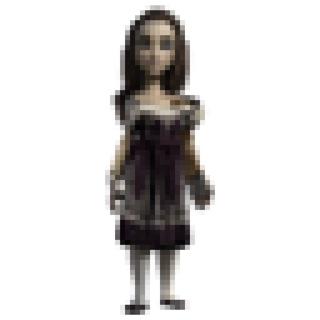
This is surprisingly fun. At least, deciding on proportions and playing with the results is fun. Entering all the scaling data for the body parts is less fun, more annoying, especially when I consider that if I proceed along these lines I may have to do it many, many, many times. Does anybody know if there's a script out there that will let you scale a bunch of body parts quickly? And maybe even load saved settings from elsewhere? Or could I save the scaling data from my prototype as some kind of preset and apply it to other figures?

Daz 3D is part of 
Connect
DAZ Productions, Inc.
7533 S Center View Ct #4664
West Jordan, UT 84084
Licensing Agreement | Terms of Service | Privacy Policy | EULA
© 2026 Daz Productions Inc. All Rights Reserved.
Comments
If you want the same values just save a Pose preset and in the option dialogue select only the scale values you want to change (the menu button half-way down on the right should help), then you can apply it to any character.
Thank you!
Hmm. I go to Pose Preset, uncheck everything but the Scale items, save it off and try to re-apply but it doesn't work, even on another instance of the exact same model. When I step up a bit and save the 'General' settings, a rotation matching the original is applied but not the scaling....
ETA: You know what? I bet I have to select each scaled bone individually and check off 'Scale'.
ETA2: Ooh, 'check all modified'.
Yes, Check All modified will work if the figure is otherwise unposed.
You may want to experimenting with some 'toon' style textures or rendering techniques to cut done on all the detail that just blurs together at that size image.