Iray renders are flat white
 Just Lulu
Posts: 8
Just Lulu
Posts: 8
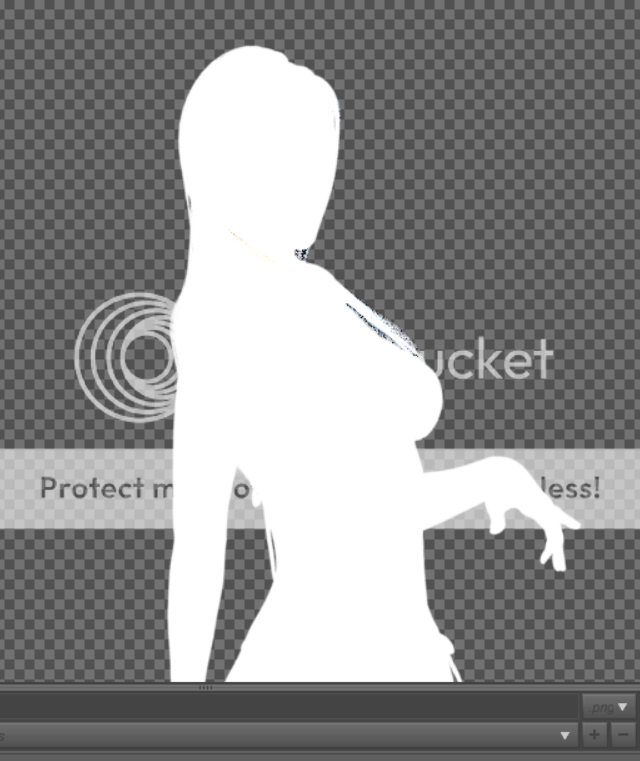
I gave up on DS because I couldn't learn to use it before and now I'm trying again but about to give up once more. All my Iray renders come out as a flat white image. What am I doing wrong?

Daz 3D is part of 
Connect
DAZ Productions, Inc.
7533 S Center View Ct #4664
West Jordan, UT 84084
Licensing Agreement | Terms of Service | Privacy Policy | EULA
© 2026 Daz Productions Inc. All Rights Reserved.
Comments
What are your render settings? How are youn lighting the scene?
This looks to me like its rendering an alpha, instead of your image. I got a similar result when I turned off tonemapping using the default hdri dome. Try turning tonemapping on (should be on by default) or turn the environmental intensity down to like .0003. turning off tonemapping makes your lights very sensative and bright unless you know how to control them
Richard, I followed a tutorial (http://thinkdrawart.com/daz-studio-iray-tutorial-for-beginners) and got the flat white image. Mostly Harmless, I'll try your suggestion and let you know if that fixed it.
Just a sugestion, but before you try your next render, hit the defaults button under render settings and give it a go. If the scene renders normally, you can tweak the settings from there
I'm tired of this. This is why I didn't bother with DS and left the whole 3D thing alone for a few years. Ok, I completely uninstalled everything. Wiped out all traces of Daz and content. Downloaded everything again and guess what? I got some stupid little prop to render properly but I can't load anything that has to do with Genesis. It keeps telling me the .duf file doesn't exist. I'm so sick of this.
Thanks for trying to help.
Have you installed the Starter Essentials for the various Genesis figures?
That looks a lot like a 32bit render, with no tone mapping.
Sounds like something isn't pointing to the right location. May I ask how you reinstalled everything? Was it through the DIM, through Daz Studio 9's connect, or did you do it manually?
I do hope you don't give up so soon. I'm sure we will be able to figure this out
Sounds like you've already given up, but in case anyone else gets this, I'd say it has every appearance of an extremely bright light source swamping out everything.
You don't need to follow a tutorial to get started. Out of the box, with default settings, D|S will render a perfectly acceptable Iray scene using just the Iray Dome and camera headlamp. Reset to the defaults, start over, and then build up from there. Everyone's first woodworking project is an old piece of wood with a nail in it. The fine cabinetry work comes later. Renders are the same.
In case anyone else googles and finds this old thread like I just did - this was happening to me and it turns out it couldn't find the HDR file I had loaded in the environment. It didn't tell me that until I tried reopening the scene. That's what I get for reorganizing files while I wait for a render *facepalm* - anyway, solution was to load the HDR again by browsing to it.
I know this is an old thread, but this keeps happening to me, and I haven't found any solution yet.
It seems that the IRay Uber Base shader is broken. Applying any other shader works, but as soon as I apply the Uber Base shader, everything turns out white, no matter, what I try. This used to work with the exact same settings, but all of a sudden it just stopped working.
Does anybody have any more ideas how to fix this?
First question: What version of DS are you using?
Second question: Are you using the same version of "Default content" that was avaialble with that version?
Third question: Cpu or GPU rendering?
It might just be a render error, save, close, reload, try again.
Or it may be that you're trying a previous, or newer, version of the shader with a more recent, or older, version of DS.
Could also be a driver issue with GPU rendering. might try updating or rolling back.
Or it could be that something just broke, reinstall DS.