-
RSSY Hair Converter from Michael 4 to Genesis 8 Male
-
-
-
-
$19.95
Artist:Compatible Figures:Genesis 8 Male, Genesis 8.1 MaleFile Formats:DUFSKU:63285Optional License Add-Ons:
$35.00$1.99*Unless otherwise specified, no discounts or offers will apply to License Add‑Ons.
Artist: RiverSoft Art SickleyieldCompatible Figures: Genesis 8 Male, Genesis 8.1 MaleFile Formats: DUFSKU:63285Optional License Add-Ons:
$35.00$1.99*Unless otherwise specified, no discounts or offers will apply to License Add‑Ons.
-
Details
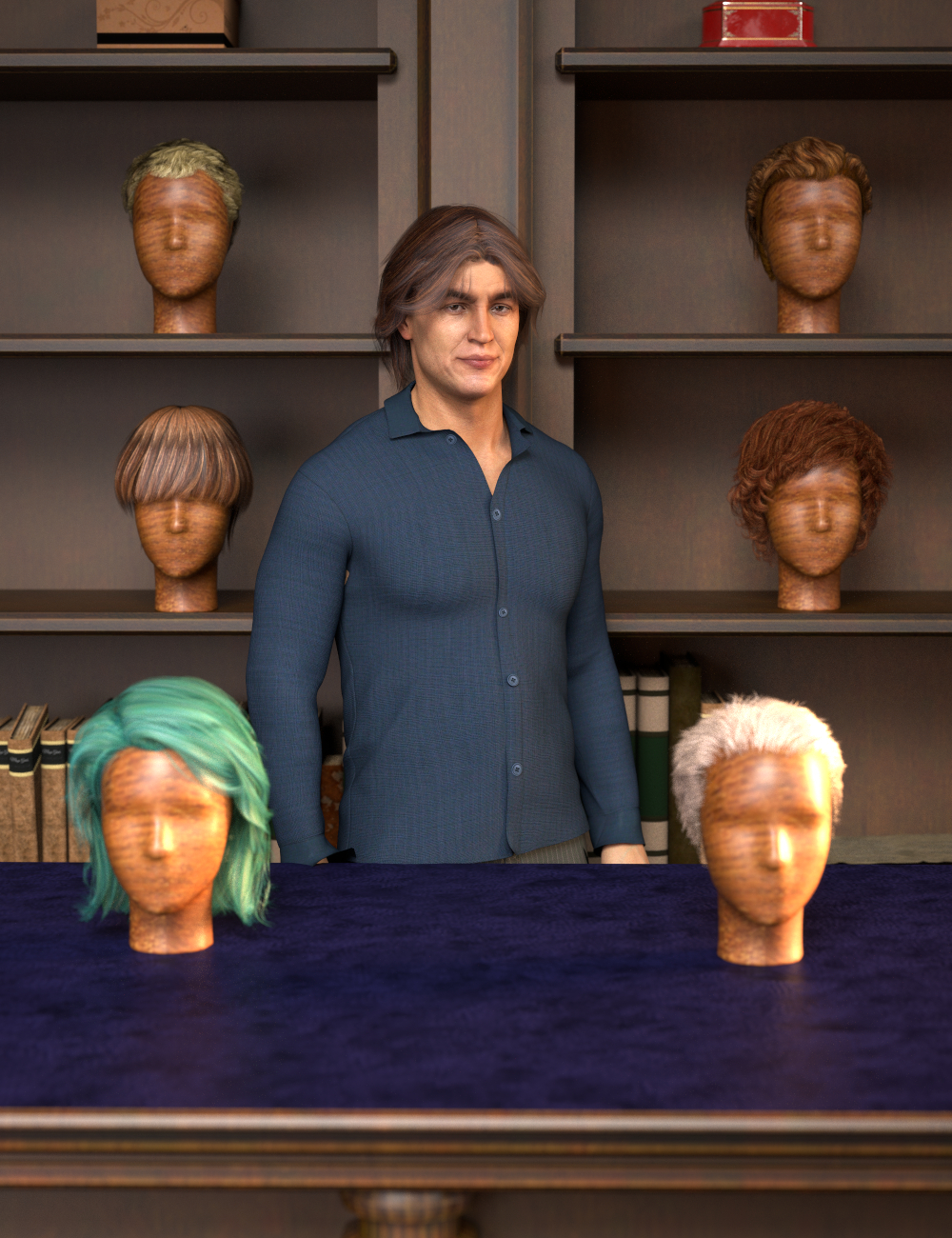
Use your favorite Michael 4 hair on your Genesis 8 Males!
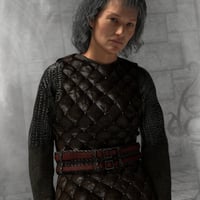
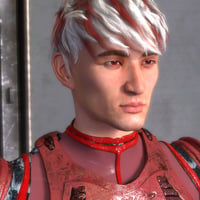
Automatically convert almost your entire library of Hair items using the new Hair Converter from Michael 4 to Genesis 8 Male! The Hair Converter scripts provide batch execution for automatically converting your Michael 4 Hair to Genesis 8 Male. Easily select the hair items in your library, select an output directory, and execute the script. Even better, icons and categories (where present) are copied from your original Michael 4 hair to the new Genesis 8 Male hair items.
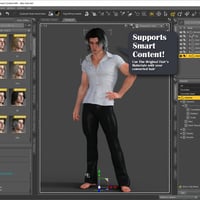
Your new Genesis 8 Male hair is Smart Content-aware! They will show up when you select a Genesis 8 Male. Plus, all materials shown in Smart Content for your Michael 4 item will show for your converted Genesis 8 Male item.
Items without metadata can be converted but will not show up in Smart Content. They may also need to be converted using a Force Convert Item(s) button.
- Convert Michael 4 Hair for use by Genesis 8 characters.
- New rigs add even more functionality to most Michael 4 hairs
- Copies icons from Michael 4 hair to Genesis 8 hair for a professional look.
- Converted Hair is Smart Content enabled! All materials shown in Smart Content for your Michael 4 item will show for your converted Genesis 8 item.
- Automatically convert your entire library of hair with one operation!
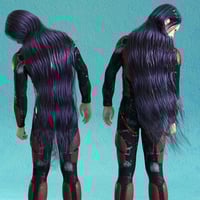
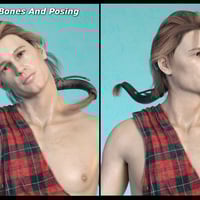
- Low ponytails and braids are given new bone rigs that can be posed from your Scene tab. Long and Extra-Long hair options add new pose bones too!
- All of a hair's original morphs are retained.
TIP: When converting textures to Iray on older hairs, sometimes turning down Cutout Opacity in your Surfaces tab can help decrease the appearance of sharper strands!
What's Included and Features
- RSSY Hair Converter from Michael 4 to Genesis 8 Male: (.DSE)
- Hair Converter Script
- Detailed User Guide (.PDF)
Notes
- This product includes:
- 1 DSON Core Installer
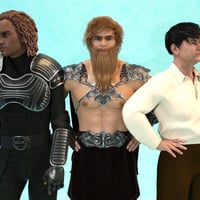
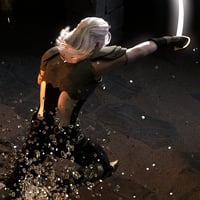
- Additional Products used in Promo Images:
- Redhouse Christmas Carol
- Ceazarius Short Hair
- Mon Chevalier Hair
- Cuffed Tail 2
- Duke Hair
- M4 Beard PLUS
- Elven Prince Hair
- Feather Male Hair
- Historical Curls
- Jordan Hair
- Timeless Male Hair for Genesis
- Jordan and Evan Hair Bundle
- Guillaume Hair for Genesis and M4
- Rockstar Hair
- UHT Hair Shaders for Iray
- Fantasy Courtyard
- Fast Fog Iray
- Dragonsbane Barbarian Bundle
- Dark Prince Outfit for Genesis 8 Male(s)
- Serious Dungeon
- Sci-fi Police Officer Outfit for Genesis 8 Male(s)
- dForce Informal Suit for Genesis 8 Male(s)
- Lief Viking Outfit for Genesis 8 Male(s)
- ExpansiveAPESuit Bundle
- Erik HD for Lee 8
- Hudson HD for Christian 8
- Thorn for Landon 8
- Sanjay 8
- Chen HD for Mr Woo 8
- dForce Skyhaven Outfit for Genesis 8 Male(s)



Daz 3D is part of 
Connect
DAZ Productions, Inc.
7533 S Center View Ct #4664
West Jordan, UT 84084
Licensing Agreement | Terms of Service | Privacy Policy | EULA
© 2026 Daz Productions Inc. All Rights Reserved.