-
-
-
-
$29.99
Artist:Compatible Figures:Genesis 8 Male, Genesis 8.1 Female, Genesis 8.1 Male, Genesis 9, Genesis 8 FemaleSKU:115940Optional License Add-Ons:
$1.99*Unless otherwise specified, no discounts or offers will apply to License Add‑Ons.
Artist: UmblefuglyCompatible Figures: Genesis 8 Female, Genesis 8 Male, Genesis 8.1 Female, Genesis 8.1 Male, Genesis 9SKU:115940Optional License Add-Ons:
$1.99*Unless otherwise specified, no discounts or offers will apply to License Add‑Ons.
-
Details
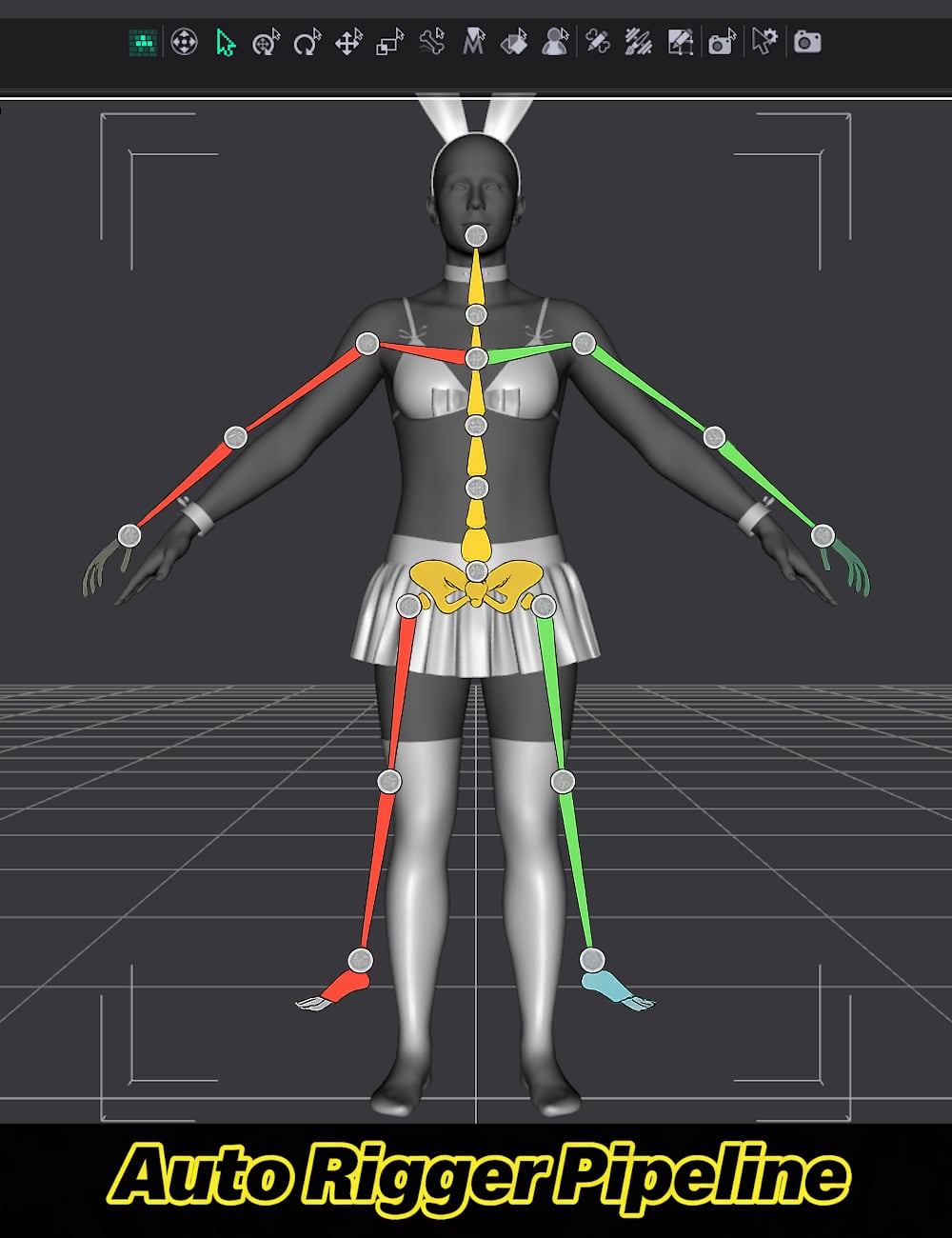
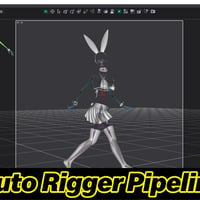
Auto Rigger Pipeline - Feature List
Import a single OBJ file or batch import all OBJ files from a selected folder in a single run.
Includes seven source application scale presets for DAZ/Maya, Carrara, XSI, Silo, Blender, 3DS Max/C4D, and Bryce/Poser to ensure geometry imports at the correct size regardless of the originating application.
Includes five built-in figure profiles for Genesis 9, Genesis 8 Female, Genesis 8.1 Female, Genesis 8 Male, and Genesis 8.1 Male, along with automatic projection template directory resolution and a free-entry field for custom figure labels.
Automatic platform detection for Windows and macOS correctly resolves content library paths and path separators without user intervention.
Per-item projection template assignment uses a browsable drop-down populated live from the selected templates folder, while remembering and pre-selecting the last-used template for subsequent items during the session.
Full Transfer Utility rigging via DzTransferUtility transfers bindings, morphs, face groups, and region groups while automatically setting the source figure as the primary scene selection to avoid Transfer Utility warnings.
Post-transfer node re-resolution automatically refreshes rigged nodes by label after doTransfer replaces the original DzNode with a new DzFigure.
Automatically deletes unweighted bones after rigging to keep rigs clean and store ready.
The Optional Daz Smoothing Modifier application is available per node.
Optional Sub-D subdivision modifier support includes selectable render subdivision levels from 1 to 4.
Pipeline stages, including Import, Rig, Delete Unweighted Bones, Smoothing, and Sub-D, can all be toggled independently so any combination of steps can be run or skipped without editing the script.
Features a wizard-style multi-page dialog with a branded dark interface that guides users through Import, Rig, and Bones and Modifiers pages with clearly labeled controls and inline status feedback.
An integrated Import button allows importing directly during the Rig setup page, so results can be verified before committing to rigging.
All pipeline settings are automatically saved to a JSON file next to the script and restored on the next launch, with forward-compatible merging to preserve existing saved values when future versions introduce new settings.
Comprehensive console logging includes a consistent [Pipeline] tag on all messages for easy filtering in the DAZ Studio log.
Critical and non-critical failure handling is implemented throughout the pipeline. Missing source figures or zero imported nodes stop the process immediately, while individual node failures generate warnings and allow processing to continue for the remaining nodes.
The script follows full linter compliance standards, including IIFE encapsulation, Hungarian notation, g_-prefixed globals, style constants, camelCase functions, tab indentation, structured section separators, and extensive try/catch coverage.
What's Included and Features
-
Auto Rigger Pipeline
- Scripts for both DAZ Studio 4.2x and DAZ Studio 2026
- 15 Page Auto Rigging Pipeline Technical Manual
Notes
- This product includes:
- 1 DSON Core Installer
-
Auto Rigger Pipeline


Daz 3D is part of 
Connect
DAZ Productions, Inc.
7533 S Center View Ct #4664
West Jordan, UT 84084
Licensing Agreement | Terms of Service | Privacy Policy | EULA
© 2026 Daz Productions Inc. All Rights Reserved.