-
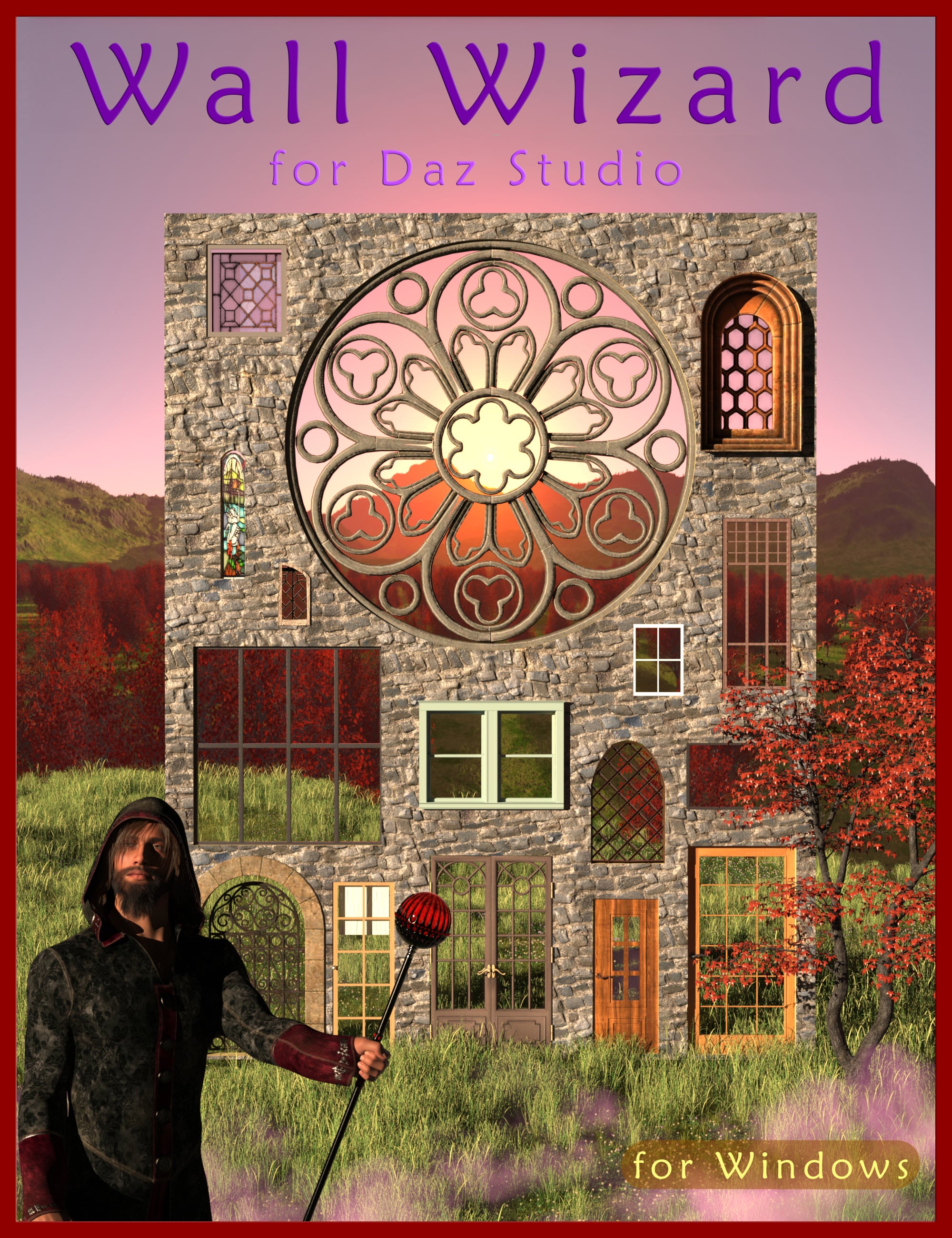
Wall Wizard - Advanced Geometry Cutout Tool for Daz Studio
-
-
-
-
$59.99
Optional License Add-Ons:
$1.99*Unless otherwise specified, no discounts or offers will apply to License Add‑Ons.
Optional License Add-Ons:
$1.99*Unless otherwise specified, no discounts or offers will apply to License Add‑Ons.
-
Details
Wall Wizard is a standalone program available for Windows. No plugins or dependencies are required. Simply install through DIM and you're ready to go.
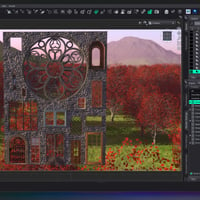
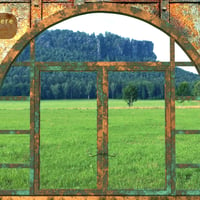
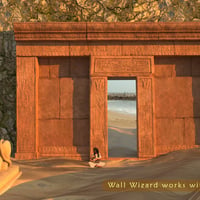
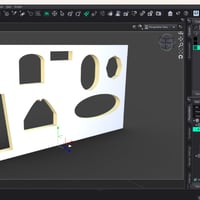
Have you ever wanted to move a window from the corner of a wall to the center while working in DAZ Studio? Cutting holes in walls to perfectly fit a window or door asset has traditionally been difficult. Wall Wizard solves this problem by creating precise cutouts directly in your wall geometry. Position the opening exactly where you want it, then bring the wall into DAZ Studio with just two clicks.
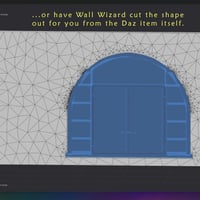
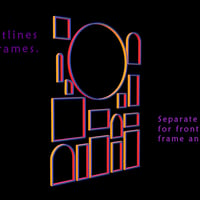
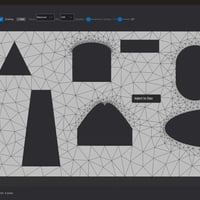
Wall Wizard builds walls with the exact shape and dimensions needed for your cutouts. Choose from built-in primitives such as rectangles, arches, gothic points, round windows, cones, capsules, and octagons, or import your own asset to generate a precision custom cutout that matches it perfectly.
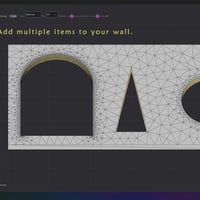
Five tracing algorithms are included: Fast, Balanced, Precise, Convex Hull, and Concave Hull. These options allow you to control the level of detail used when tracing shapes, from simple silhouettes to highly accurate mesh boundary detection. Multiple windows and doors can be added to the same wall.
Wall Wizard is designed specifically for DAZ Studio artists who need a fast and intuitive solution for creating walls with custom openings, without dealing with complicated modeling workflows or external software.
The workflow is simple: isolate your window or door asset in DAZ Studio, optionally using the Geometry Editor to remove unwanted geometry, save it as a Scene Subset, and load it into Wall Wizard. With one click, the program creates a matching cutout in the wall. Two additional clicks import the wall back into DAZ Studio, ready for your asset placement.
A live 3D preview with orbit, pan, and zoom controls lets you see changes instantly. You can also add or copy textures to your wall for quick scene integration.
What's Included and Features
-
Wall Wizard - Advanced Geometry Cutout Tool for Daz Studio
- Import and Export:
- Import into Wall Wizard using DUF (Scene Subset), FBX, and OBJ formats.
- Export walls as FBX, OBJ, or self-contained DUF files with no broken references, allowing walls to work properly when reopening scenes on another machine.
- Includes a seamless 2-click export workflow back into DAZ Studio.
- Save and reload wall configurations using .wallwiz files so you can continue editing later without starting over.
- Shape Tools:
- Includes 8 built-in primitives: Rectangle, Arch, Gothic, Round, Octagon, Cone, Capsule, and Custom.
- Import any DAZ Studio item to generate a precision custom cutout.
- Includes 5 tracing algorithms with adjustable point counts (64, 128, 256, and 512), along with simplification and corner angle controls.
- An interactive outline editor with zoom and pan allows you to move, add, or delete vertices, and manually refine shapes using smooth curves or sharp corners.
- Includes 6-view rotation controls: Front, Right, Back, Left, Top, and Bottom, allowing you to capture any profile of your imported model.
- A Depth Slice control lets you cut exact cross-sections from deep objects such as fireplaces, bookcases, or cave entrances.
- A scale slider allows imported objects to be resized relative to the wall without leaving the application.
- Surfaces and Workflow:
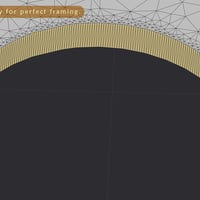
- Wall Wizard creates walls with 4 independent surface zones: front, back, jamb, and edges. Each surface can be textured independently with different materials.
- Create traces around windows and doors that can be extruded into additional objects.
- Opening Only mode allows you to export only the shaped tunnel through the wall, ideal for cave entrances, fireplaces, and architectural niches.
- Work with fireplaces, bookshelves, cavernous caves, and other complex objects by capturing only the visible opening shape.
- Includes 50-step undo and redo support.
- Wall Wizard is a unique workflow tool designed specifically to solve wall geometry challenges with advanced and streamlined solutions.
- Compatible with DAZ Studio 4.24 and above.
- Currently available for Windows only. It may function on macOS through compatible emulation software.
- This product page is for the Windows version of Wall Wizard only.
Notes
- This product includes:
- 1 DSON Core Installer
-
Wall Wizard - Advanced Geometry Cutout Tool for Daz Studio




Daz 3D is part of 
Connect
DAZ Productions, Inc.
7533 S Center View Ct #4664
West Jordan, UT 84084
Licensing Agreement | Terms of Service | Privacy Policy | EULA
© 2026 Daz Productions Inc. All Rights Reserved.