-
-
-
-
$14.99
Artist:Required Products:Compatible Figures:N/AFile Formats:DUFSKU:110944Optional License Add-Ons:
$1.99*Unless otherwise specified, no discounts or offers will apply to License Add‑Ons.
Optional License Add-Ons:
$1.99*Unless otherwise specified, no discounts or offers will apply to License Add‑Ons.
-
Details
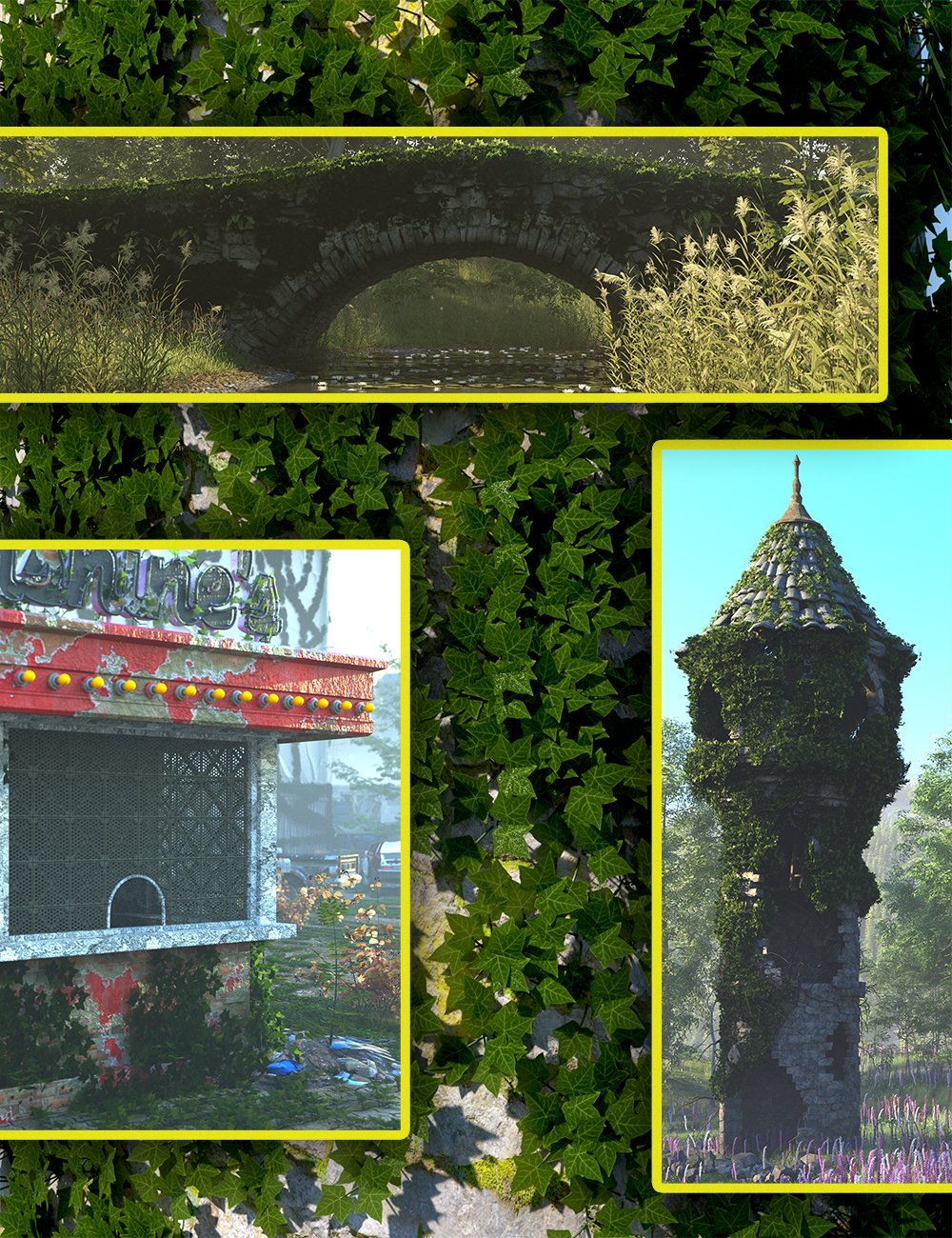
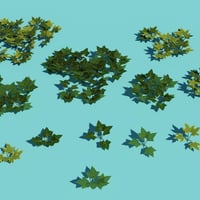
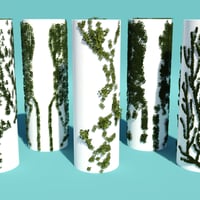
This little set of ultra Low Resolution ivy plants and five different Scene subsets containing all the material needed to translate them in to ultra scatter 2 to grow on all sorts of objects is a great way to both quickly cover many items in ivy, and also to learn how to use ultra scatter 2 settings in the process.
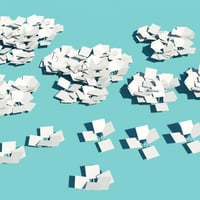
The ivy plants them selves can be used in any scattering or non scattered mode, they are low resolution so you can use hundreds or thousands of them and their instances with ease.
The Ultra Scatter 2 Scene subsets contain everything you need to add the ivy to an object as a scatter.
Though not infallible, and as with all things Ultra scatter2 , they will work better on some objects than others ( a lot depends on the uv mapping, materials mapping and general way that the object has been constructed) - so some trial and error is required - these presets will give you a mapped scatter of ivy plants on the object.
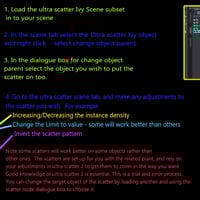
First load your object, then load the ultra scatter 2 subset of your choice ( you can add as many to an object as you want by following this procedure for each one).
Select your ultra scatter ivy object in the scene tab and right click on it. Parent it to the object you want the ivy to grow on - by dragging it or by choosing change object parent from the menu that will appear and then choosing the object on to which you wish the ivy to grow.
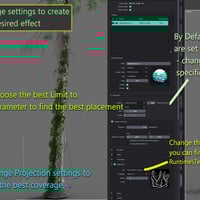
Now, with your object selected go to the ultra scatter 2 pane and hit the little re calibrate button on the bottom of the scatters window - this will scatter your ivy on to your object.
You can leave it there if it is as you want it or if not, try adjusting some of the presets which are used. It does sometimes take a little trial and error to find the best settings, and you will need to decide whether you wan the ivy to grow on the whole object or just a portion as listed in the limit too section.
In the ultra scatter 2 pane you can re size the scatters, make that random and adjust to your hearts content.
Please note that as stated , ultra scatter is not infallible and some objects work better than others with it. If you cant get your ivy to grow try putting a plane, cylinder or other primitive around or just in front of your object and parenting the scatter to that, adjust it, and once you have what you are looking for unparent it from the primitive and remove the primitive, the scatter will stay intact and as an independent group in your scene and appear to be on the object you were scattering on assuming that the privative shape matched the outer surface of that object.
So whether you just want a set of ultra low res ivy plants to use and scatter on your own or a set of tools to help you scatter it using ultra scatter 2, this bundle will help you. Some experiance with ultra scatter 2 and a willingness to experiment will an advantage.
What's Included and Features
- Scatters - Ivy - With Ultra Scatter 2 Presets: (.DUF)
-
Scene Subsets:
- MJFSCI Ivy Ultra Scatter 2 Subset 01
- MJFSCI Ivy Ultra Scatter 2 Subset 02
- MJFSCI Ivy Ultra Scatter 2 Subset 03
- MJFSCI Ivy Ultra Scatter 2 Subset 04
- MJFSCI Ivy Ultra Scatter 2 Subset 05
-
Zero Props:
- MJFSCI Scatter Ivy 01a
- MJFSCI Scatter Ivy 01b
- MJFSCI Scatter Ivy 01c
- MJFSCI Scatter Ivy 02a
- MJFSCI Scatter Ivy 02b
- MJFSCI Scatter Ivy 02c
- MJFSCI Scatter Ivy 03a
- MJFSCI Scatter Ivy 03b
- MJFSCI Scatter Ivy 04a
- MJFSCI Scatter Ivy 04b
- MJFSCI Scatter Ivy 05a
- MJFSCI Scatter Ivy 05b
-
Daz Studio Iray Material Presets (.DUF)
- MJFSCI Ivy a Mat
- MJFSCI Ivy b Mat
-
Textures Include:
- 30 Textures for Base Color, Bump, Displacement, Height, Glossiness, Normal, Reflection, Roughness, Specular, Transparency (900 x 900 to 1300 x 1300)
Notes
- This product includes:
- 1 DSON Core Installer



Daz 3D is part of 
Connect
DAZ Productions, Inc.
7533 S Center View Ct #4664
West Jordan, UT 84084
Licensing Agreement | Terms of Service | Privacy Policy | EULA
© 2026 Daz Productions Inc. All Rights Reserved.