-
-
 NEW
NEW
-
-
-
$34.99
Artist:Required Products:Compatible Figures:Genesis 8.1 Female, Genesis 8.1 Male, Genesis 9, Genesis 8 Female, Genesis 8 MaleSKU:118174Optional License Add-Ons:
$1.99*Unless otherwise specified, no discounts or offers will apply to License Add‑Ons.
Artist: Nathy DesignRequired Products:Compatible Figures: Genesis 8.1 Male, Genesis 9, Genesis 8 Female, Genesis 8 Male, Genesis 8.1 FemaleSKU:118174Optional License Add-Ons:
$1.99*Unless otherwise specified, no discounts or offers will apply to License Add‑Ons.
-
Details
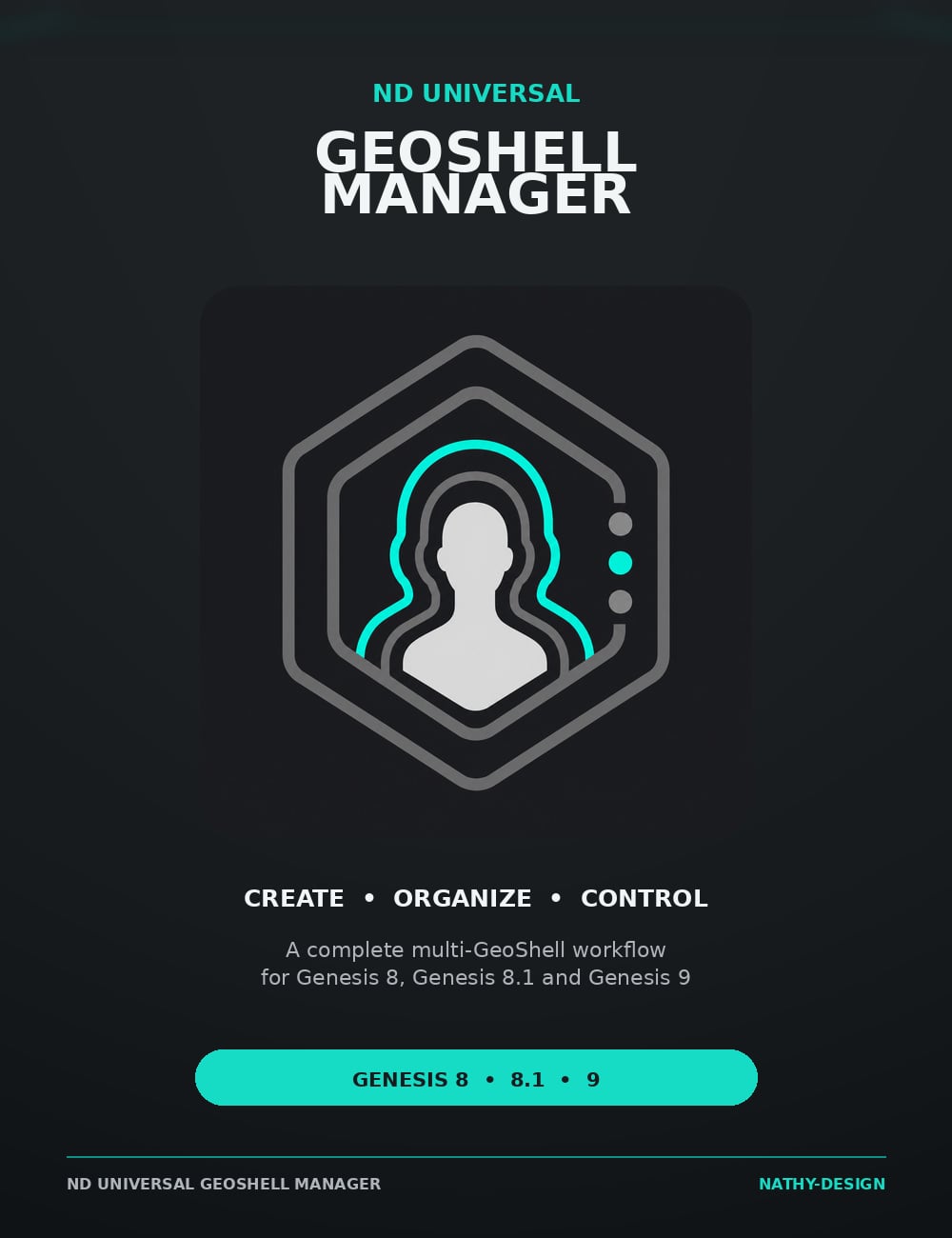
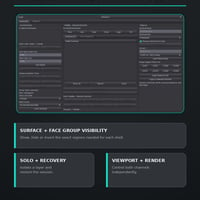
Create, organize, and control multiple Geometry Shells from one clear interface. Manage visibility, precise positive or negative offsets, stack order, roles, viewport and render states, and reusable presets for Genesis 8, Genesis 8.1, Genesis 9, and other compatible targets.
What's Included and Features
ND Universal GeoShell Manager
- Create new Geometry Shells directly from the utility
- Automatically detect Geometry Shells related to the selected target
- Manage multiple Geometry Shells independently
- Adapt the interface to the Surfaces and Face Groups available on the target
- Support for figures, independent figure elements, and compatible props
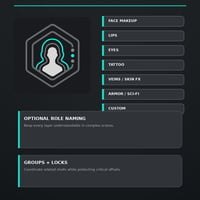
- Optional automatic GeoShell renaming based on its assigned role
Geometry Shell Visibility
- Individual Surface visibility controls
- Individual Face Group visibility controls
- Quick selection controls:
- Face
- Lips
- Eyes
- Arms
- Legs
- Full
- Show All
- Hide All
- Invert Visibility
- Copy visibility between compatible Geometry Shells
- Save persistent personal visibility presets
- Preview preset compatibility before application
- Apply saved Surface and Face Group states together or separately
- Missing controls are safely ignored
Distance and Stack Management
- Custom positive, zero, and negative Geometry Shell offsets
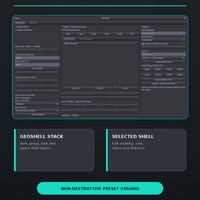
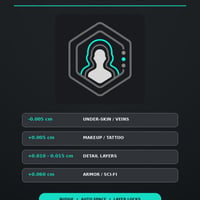
- Ready-to-use offset presets from -0.005 cm to +0.100 cm
- Fine positive and negative offset adjustments
- Apply Distance Only option
- Move Geometry Shells inward or outward through the stack
- Automatic spacing of multiple unlocked Geometry Shells
- Custom Auto Space start and step values
- Lock individual Geometry Shells to protect their position
- Organize Geometry Shells into groups
- Solo the selected Geometry Shell
- Restore the complete stack after leaving Solo mode
GeoShell Roles
- Unassigned
- Face Makeup
- Lips
- Eyes
- Tattoo
- Veins / Skin FX
- Armor / Sci-Fi
- Custom
- Apply Role Only option
- Filter the displayed Geometry Shells by role
- Optional automatic role-based naming
- Persistent role information saved with the scene
Viewport and Render Controls
- Viewport On
- Viewport Off
- Render On
- Render Off
- Enable Both
- Disable Both
- Select the active Geometry Shell directly in the Scene pane
- Viewport and render status displayed in the Geometry Shell stack
Session and Recovery Tools
- Create a temporary Session Snapshot
- Automatically create a recovery snapshot before major changes
- Restore:
- Geometry Shell names
- Offsets
- Surface visibility
- Face Group visibility
- Viewport state
- Render state
- Simulation state
- Include newly created Geometry Shells in an existing snapshot
Preset Library
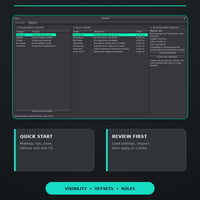
- Quick Start presets:
- Makeup Safe
- Lips Makeup
- Eye Details
- Tattoo Body
- Artificial Skin
- Under-Skin
- Armor / Sci-Fi
- Common visibility profiles
- Precise offset presets
- Personal saved visibility presets
- Complete All Presets catalog
- Selected Preset Summary displaying:
- Recommended use
- Visibility
- Offset
- Role
- Load a preset for an existing Geometry Shell
- Start a new Geometry Shell from a preset
- Presets are staged for review before any scene modification
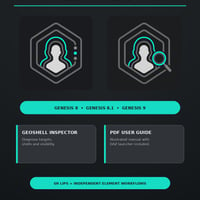
Genesis Compatibility
- Genesis 8 Female
- Genesis 8 Male
- Genesis 8.1 Female
- Genesis 8.1 Male
- Genesis 9
- Genesis 9 Body and compatible independent elements
- Dedicated Genesis 9 Lips technical opacity mask
- Genesis 9 independent Eyes, Mouth, Tear, and other compatible elements can be managed as separate targets
- Iray Uber Base automatically applied to newly created Genesis Geometry Shells
- GeoShell opacity automatically normalized to 1.0
Additional Utilities and Documentation
- ND GeoShell Inspector diagnostic utility
- Illustrated PDF User Guide
- Daz Studio script for opening the PDF User Guide
- 1 technical Genesis 9 Lips opacity mask
A compatible figure, figure element, or prop that supports Daz Studio Geometry Shells is required for use.
What's Included and Features
-
ND Universal Geoshell Manager
- Main tool
- ND Universal Geoshell Manager.dsa
- Utilities :
- ND GeoShell Inspector.dsa
- Documentation :
- ND Universal GeoShell Manager - Open User Guide.pdf
- Read-Me
Notes
- This product includes:
- 1 DSON Core Installer


Daz 3D is part of 
Connect
DAZ Productions, Inc.
7533 S Center View Ct #4664
West Jordan, UT 84084
Licensing Agreement | Terms of Service | Privacy Policy | EULA
© 2026 Daz Productions Inc. All Rights Reserved.