-
Carrara Community Art Gallery - Show us your Renders!!!
Khoe said:
Hello, I'm back. At the beginning of summer I always get a creative hole. I rarely visit the individual pages and forums.
Now I've started to do the first things again.
The picture shows the storm coming. I made the terrain in Gaea, the clouds were made in Carrara and they took the longest time.
Trees are from Carrara.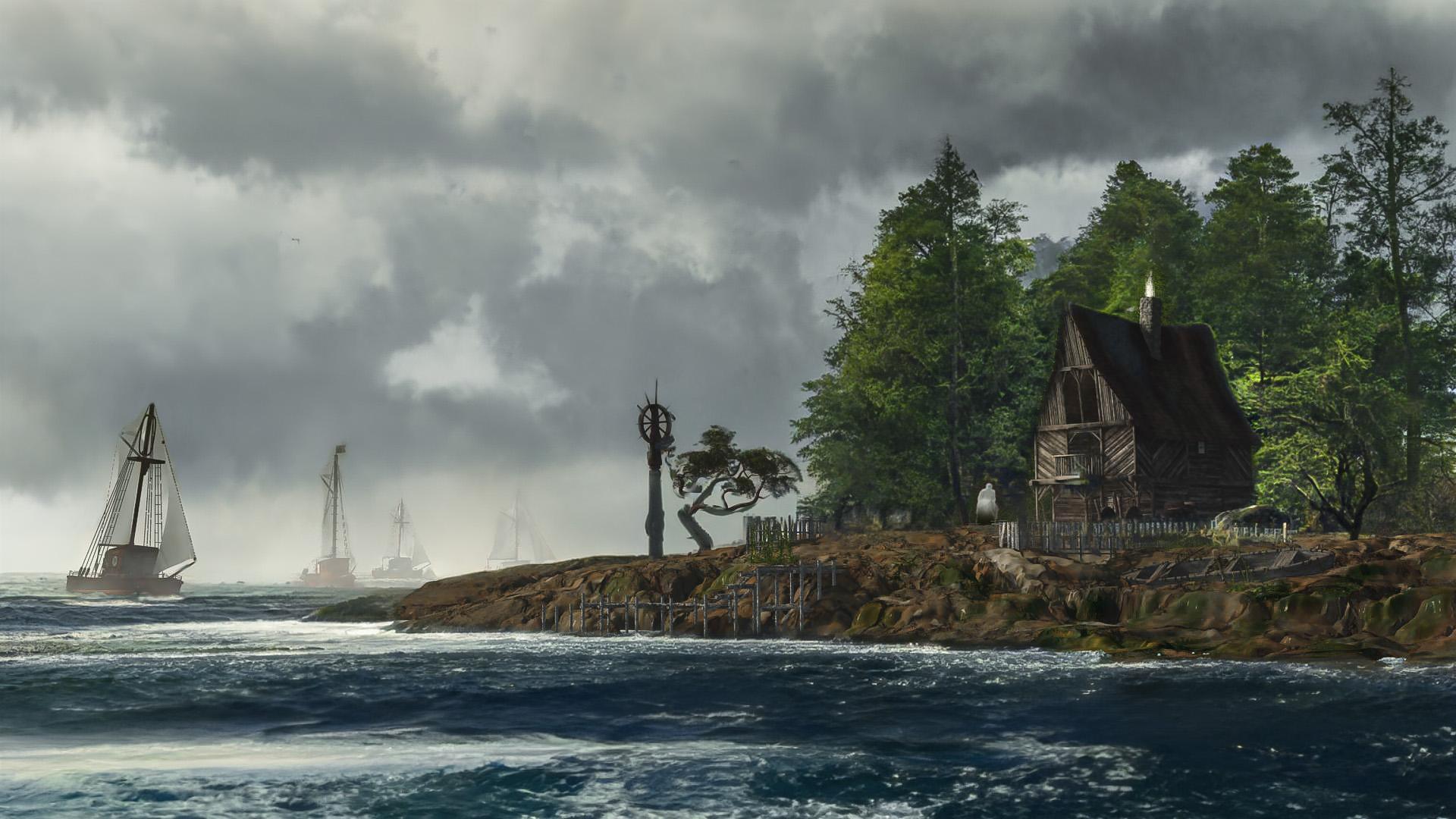
cool image though I can't help but feel they're all going to run aground...
 Carrara Community Art Gallery - Show us your Renders!!!
Khoe said:
Hello, I'm back. At the beginning of summer I always get a creative hole. I rarely visit the individual pages and forums.
Now I've started to do the first things again.
The picture shows the storm coming. I made the terrain in Gaea, the clouds were made in Carrara and they took the longest time.
Trees are from Carrara.Very nice !
Carrara Community Art Gallery - Show us your Renders!!!Khoe said:
Hello, I'm back. At the beginning of summer I always get a creative hole. I rarely visit the individual pages and forums.
Now I've started to do the first things again.
The picture shows the storm coming. I made the terrain in Gaea, the clouds were made in Carrara and they took the longest time.
Trees are from Carrara.Really nice work.
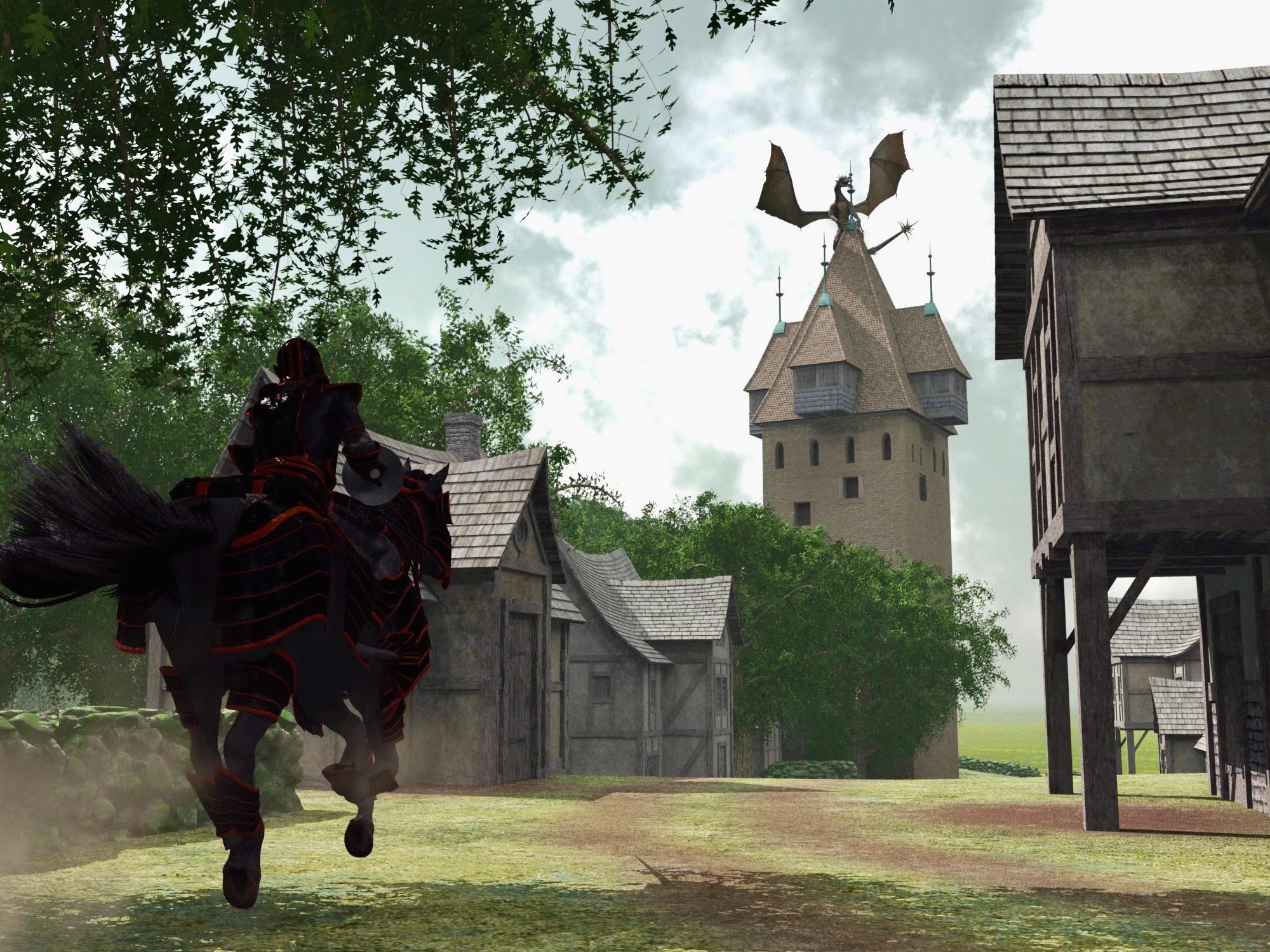
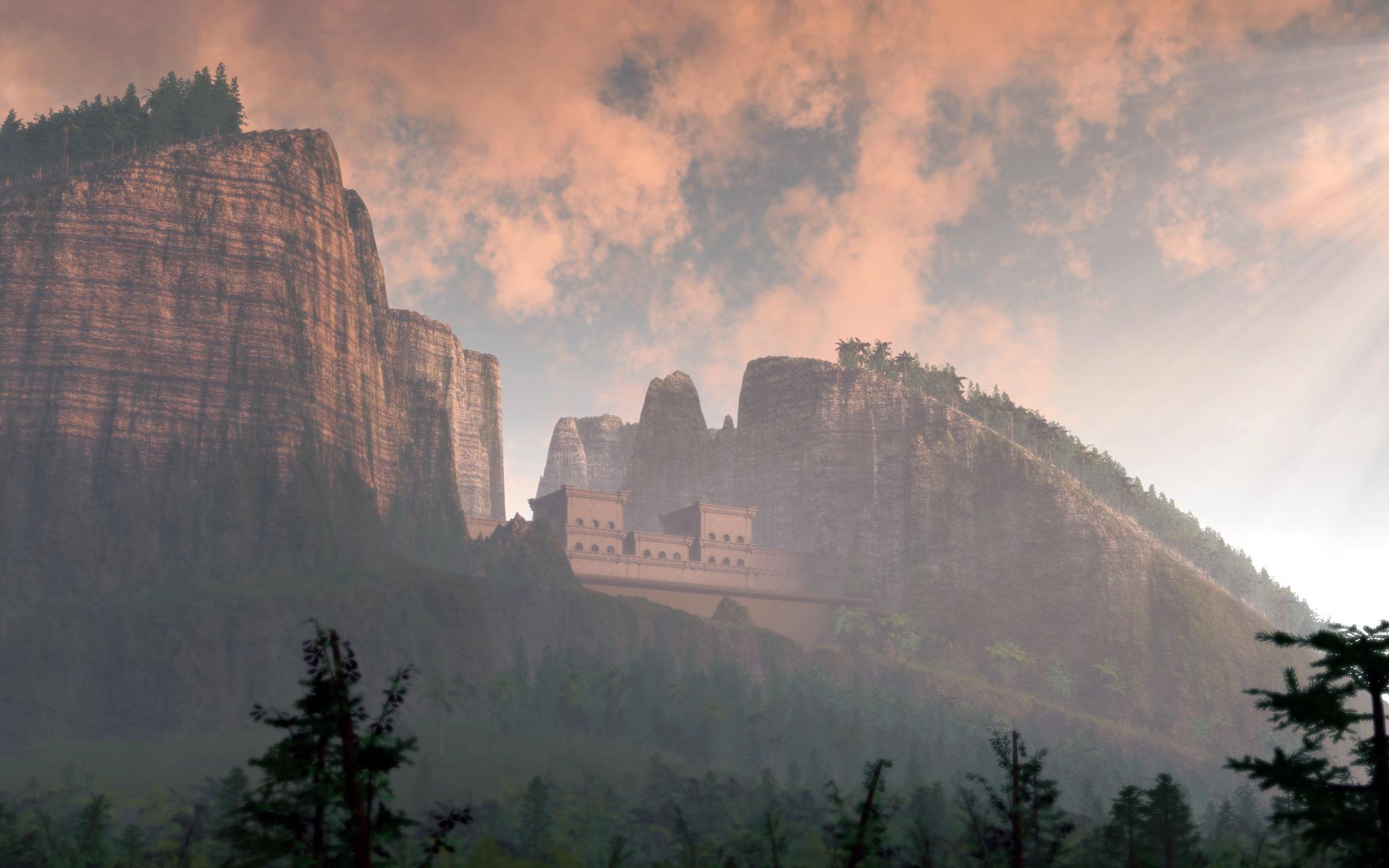
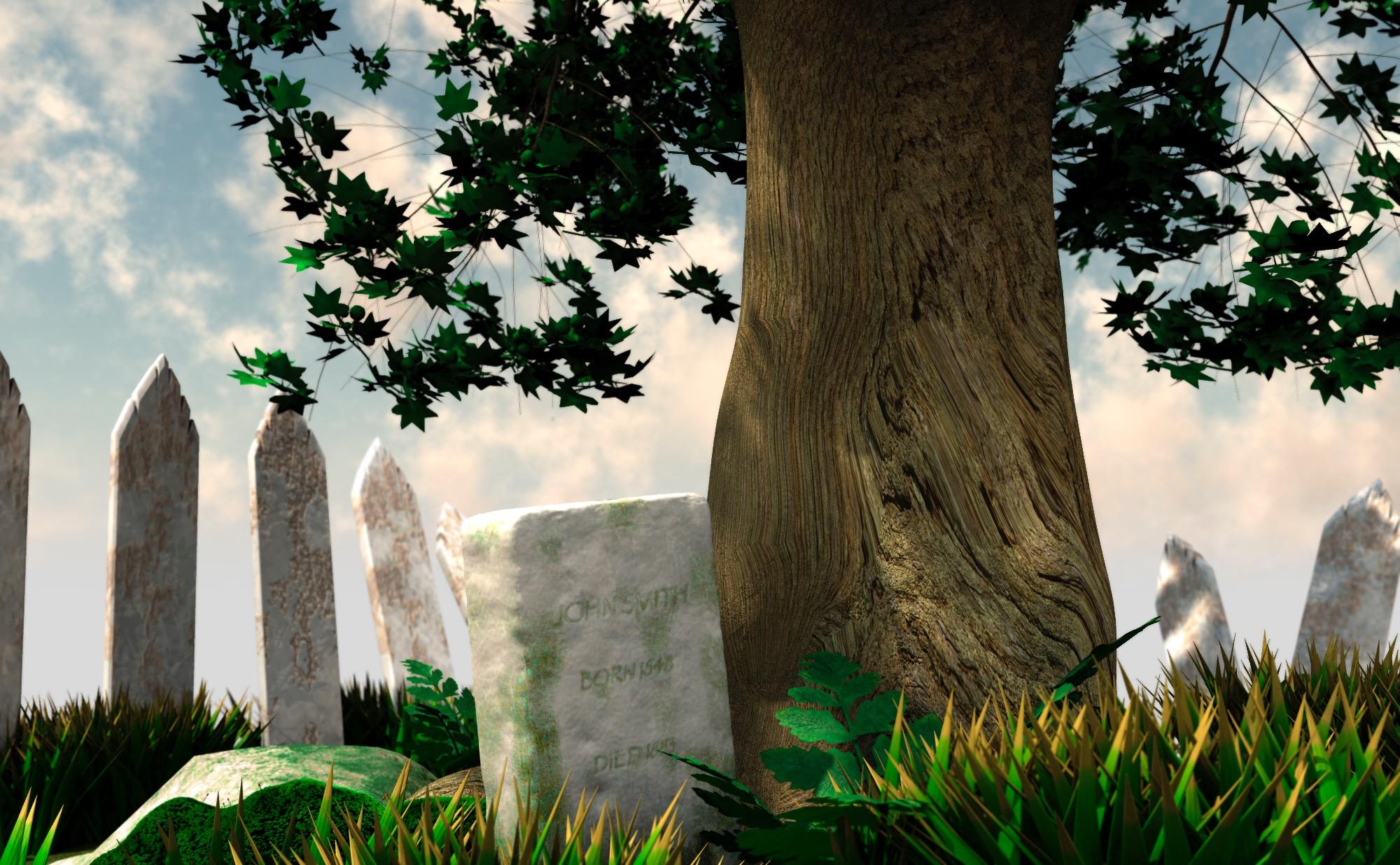
A tip for faster cloud renders, aside from the quality and lighting settings in the editior, is to avoid intersecting clouds if you are using multiple clouds in your scene. You can play with the settings in the editor and get some single cloud objects to look like multiple clouds. The other possibility is to use forced perspective in your scene with multiple clouds that don't actually intersect. I'll post a couple renders that use single clouds that look like multiple clouds.
Carrara Community Art Gallery - Show us your Renders!!!Hello, I'm back. At the beginning of summer I always get a creative hole. I rarely visit the individual pages and forums.
Now I've started to do the first things again.
The picture shows the storm coming. I made the terrain in Gaea, the clouds were made in Carrara and they took the longest time.
Trees are from Carrara.Carrara Community Art Gallery - Show us your Renders!!!evilproducer said:
Stezza said:
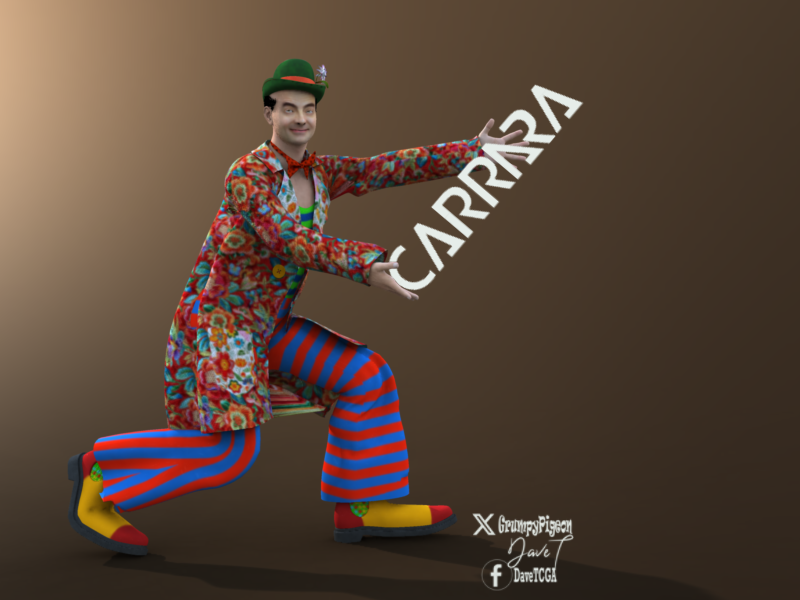
a clown


Very nice! What did you do for the clouds? Were they added later or rendered in Carrara?
thanks EP
It's a background image I created in Photoshop ... then loaded in the backdrop and used a shadow catcher.
 LF a Pit
I know it doesn't help but when I seen this thread I had to do something wacky in Carrara

 How to get purchased 3d models into Carrara?
I'm running Cararra 8.5.1.19 on an Intel MacBook Pro, OS Ventura 13.0 . Please tell me . . . how does one "manually" load 3d models into Cararra? Thanks.
Carrara Community Art Gallery - Show us your Renders!!!Stezza said:
a clown
Very nice! What did you do for the clouds? Were they added later or rendered in Carrara?
Buy Something That Doesn't Work in Carrara? Post your Questions and Workarounds here. (please)BrianP21361 said:
Stezza,
Thanks for the herculean effort. Exporting as an obj was going to be my last resort since I don't have a lot of experience with it in Studio. I figured I'd reach out here first. I'll try to recreate what you did. I guess it's the only way to get this product to work. Since the pants are loose fitting, the weight painting won't have to be that exact.
Brian
this is fun... been doing some experimenting in DS
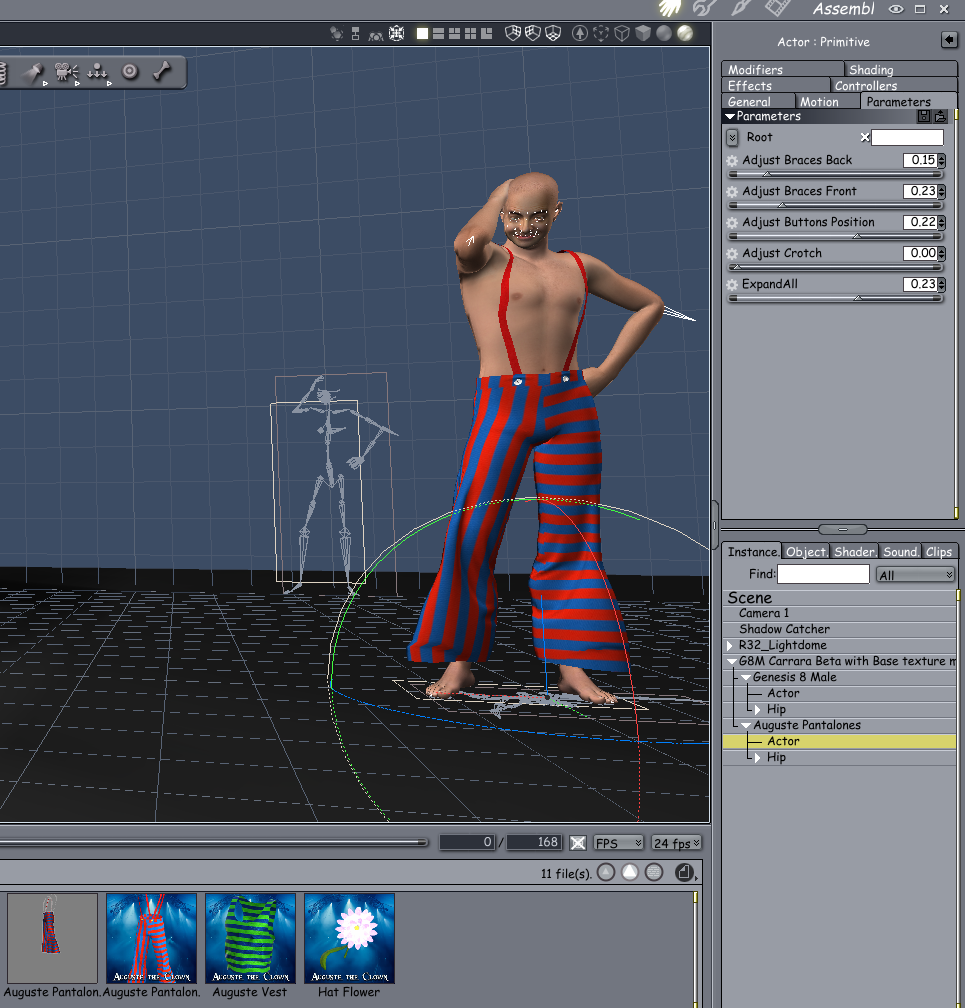
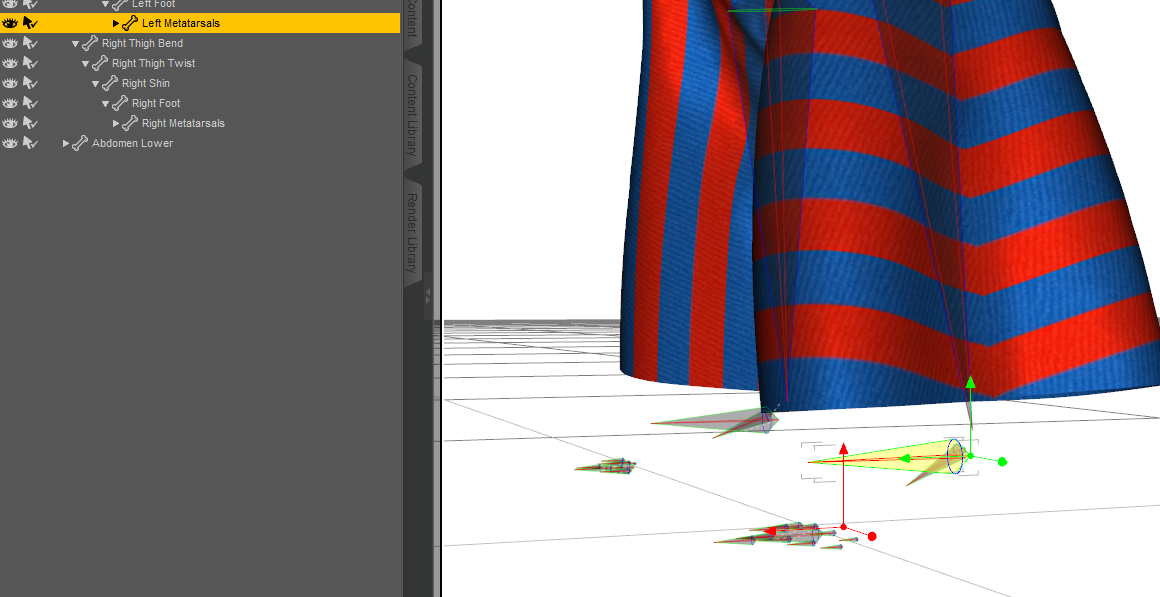
load the Pantalones in DS and activate the bone tool... delete the foot metatarsals and then convert the weight painting and 'save as' support asset/figure/prop and browse to the Cybertenko folder and rename the file to something new... I used the original filename plus 'for Carrara' ie.. Auguste Pantalones for Carrara
I then added compatibility in the export settings for Genesis 8 as it wasn't originally selected and left the rest as is...
In Carrara load up G8 fro Carrara and then add the Pantalones you just created to the figure...
Voila... and there it is complete with morphs.
I did these same steps a long time ago for the 3dUniverse cockroaches to get to load up and work and thought why not try the same for these. I don't know why it does it but it's an easy work around.
 Carrara Community Art Gallery - Show us your Renders!!!
evilproducer said:
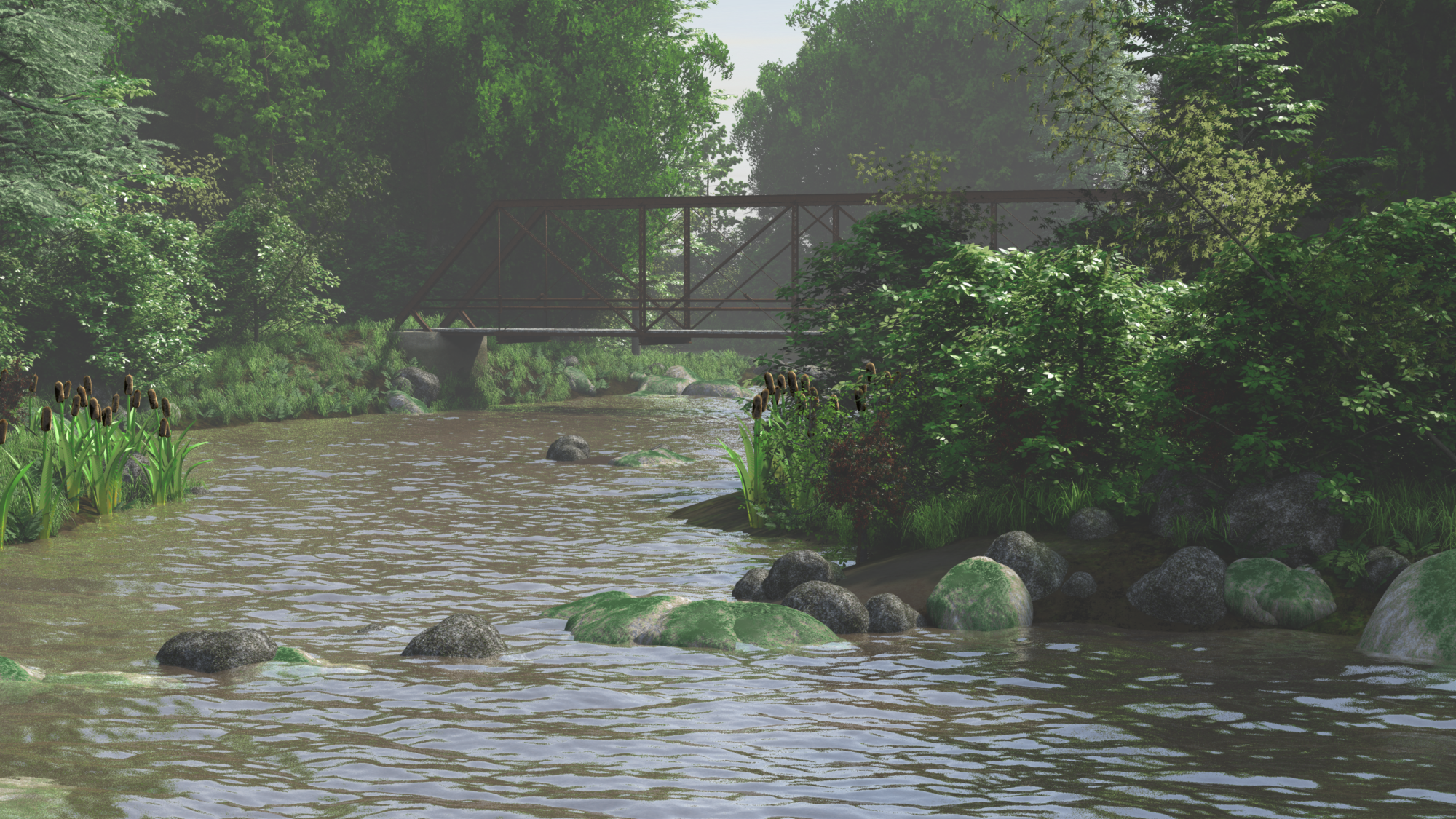
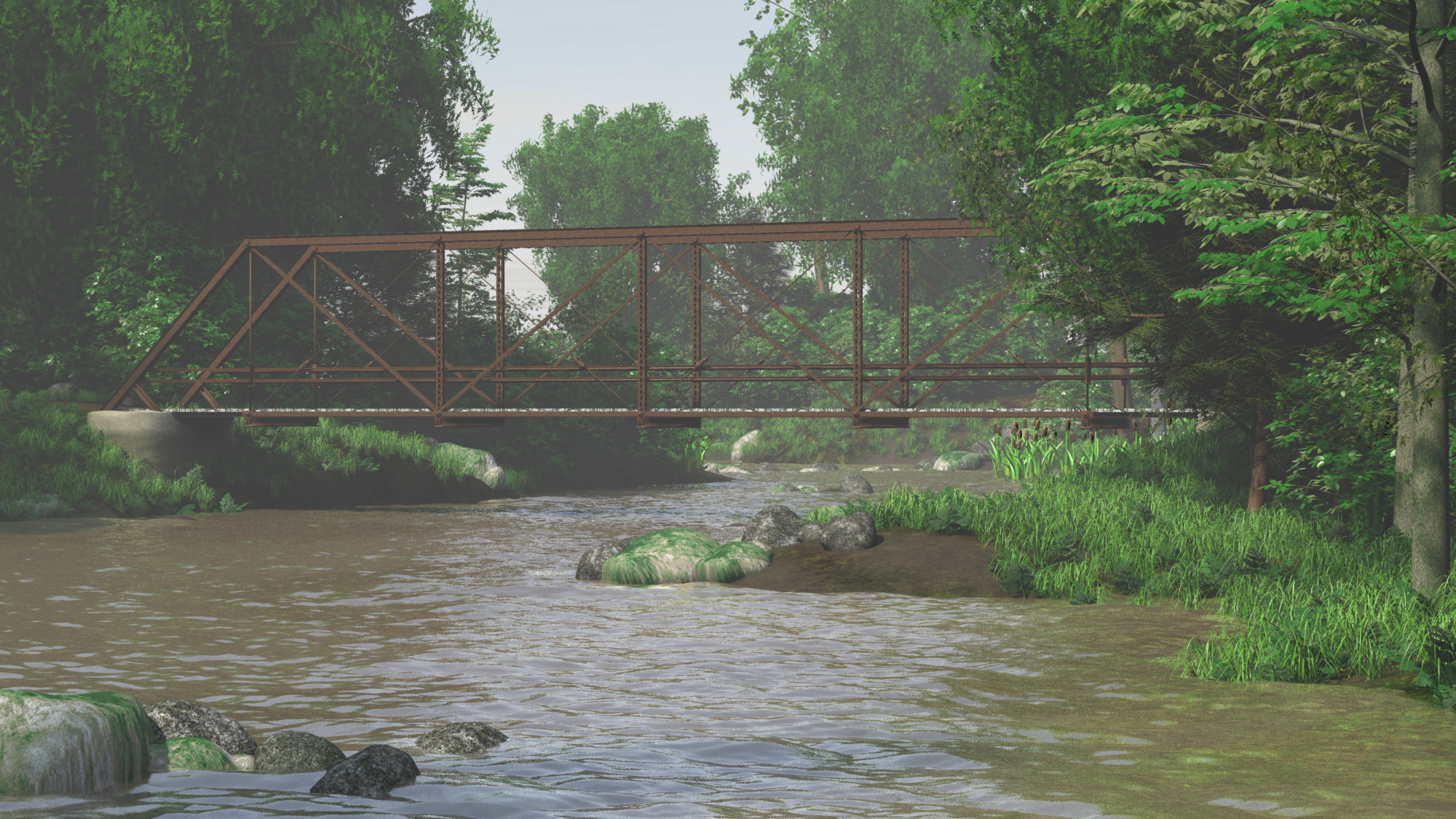
I built some cattails for the Bridge scene. I also made a distribution map for gthe surface replicator for them. I think I need to work on the cattails a bit more. I may make one without the stalk and seed pod to add some variability. I'll have to get some better referencepictures first. One thing I'm happy with is that they are 100% procedural shaders. For instance, I used an elevation shader to make the bottom of the leaves slightly yellowish. The seed pods use a color gradient and Fake Freznel (I forget who made the plugin), to create the felt-like look of the seed pod's surface.
These renders are straight out of Carrara, with the only postwork to convert them to a web friendly .png format. No levels or color correction.Click image for full size.
I like that vintage photo color grading look
great job!
Carrara Community Art Gallery - Show us your Renders!!!I built some cattails for the Bridge scene. I also made a distribution map for gthe surface replicator for them. I think I need to work on the cattails a bit more. I may make one without the stalk and seed pod to add some variability. I'll have to get some better referencepictures first. One thing I'm happy with is that they are 100% procedural shaders. For instance, I used an elevation shader to make the bottom of the leaves slightly yellowish. The seed pods use a color gradient and Fake Freznel (I forget who made the plugin), to create the felt-like look of the seed pod's surface.
These renders are straight out of Carrara, with the only postwork to convert them to a web friendly .png format. No levels or color correction.Click image for full size.
no strings attached - another free render engineFettbemme said:
Bunyip02 said:
https://www.daz3d.com/forums/discussion/635936/sketchup-into-carrara
what's that for?
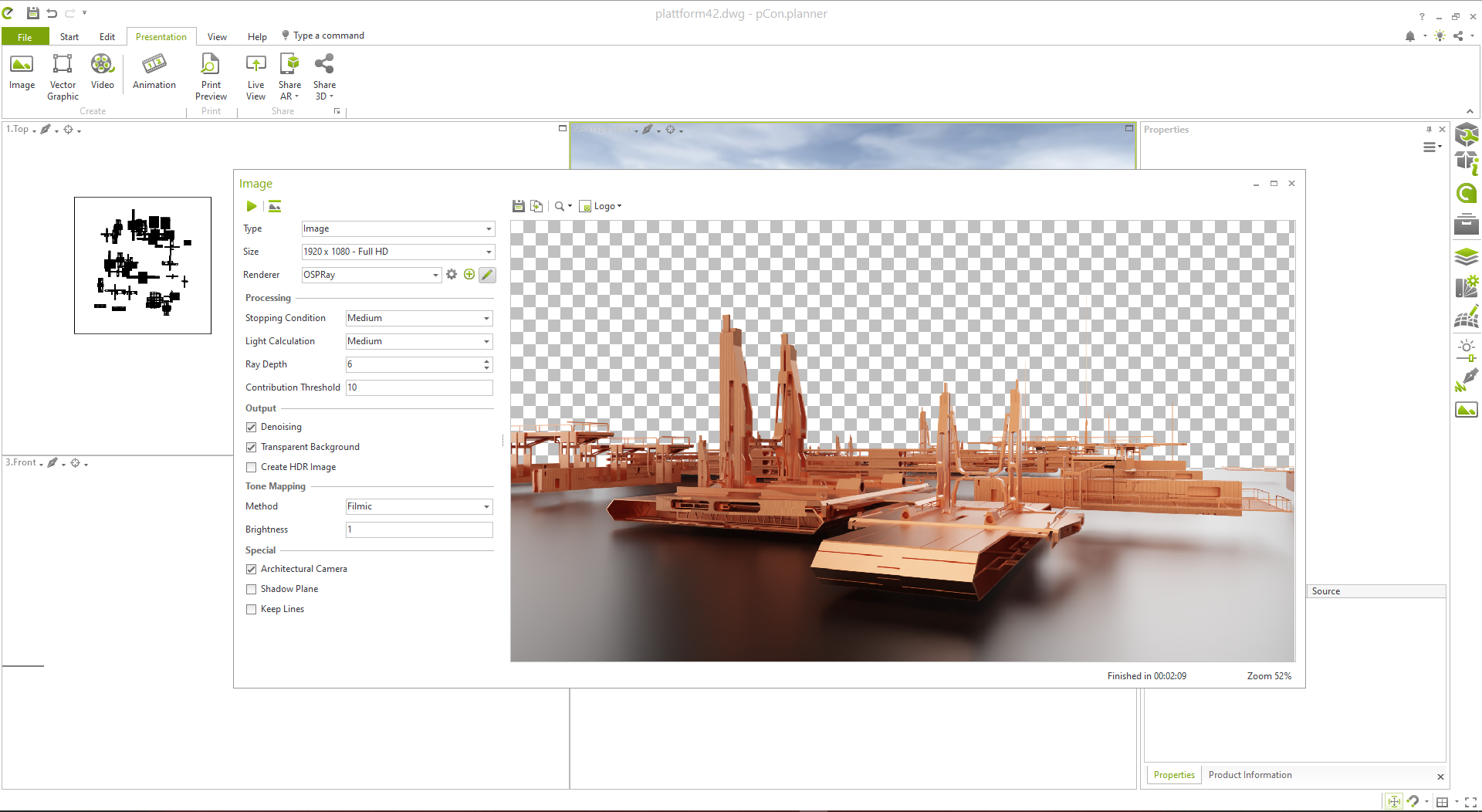
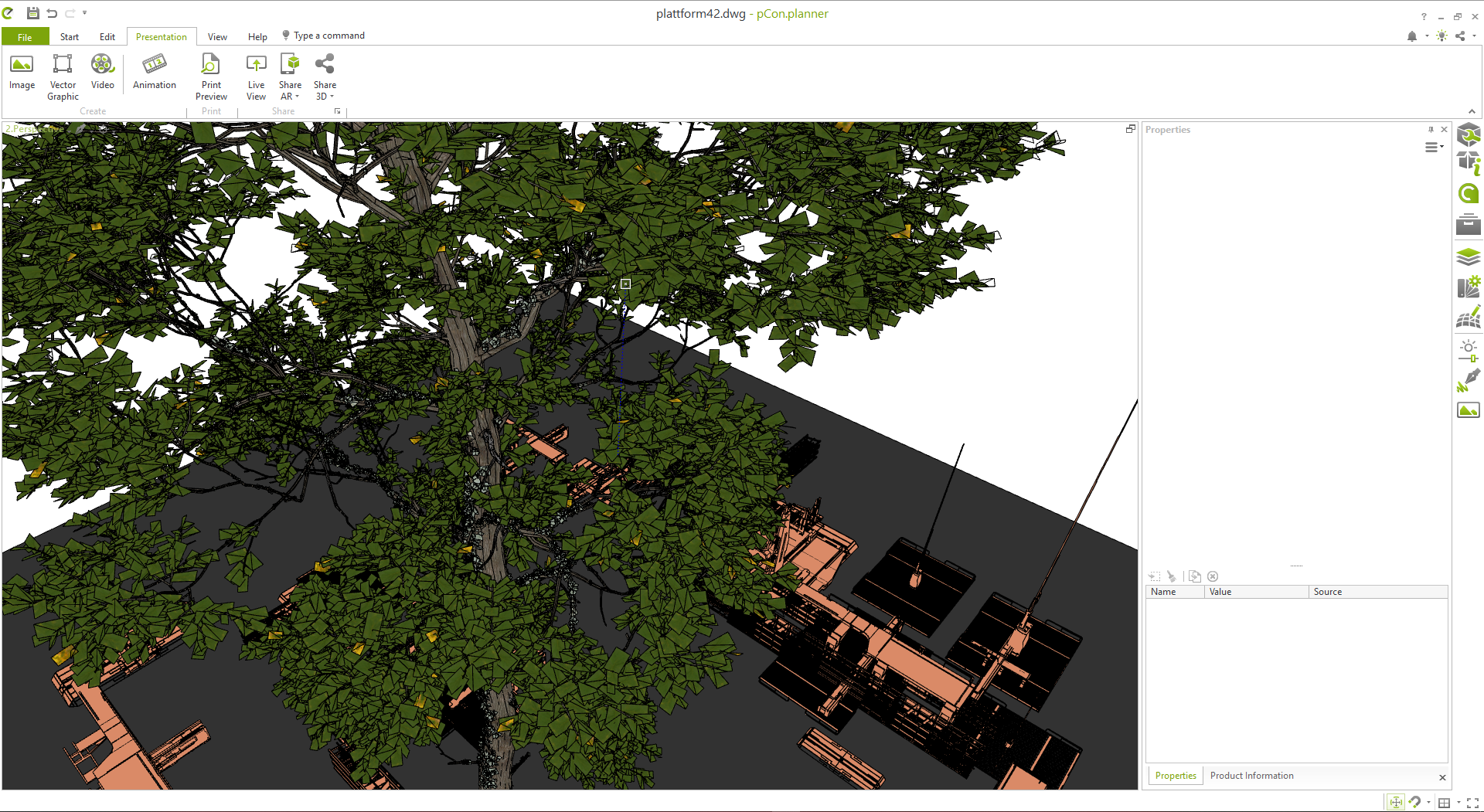
Warehouse import and FBX export from PCon then import into Carrara as is.
And? what's the problem?
PCon has been covered in other threads, both Carrara and the main forum. A gentle reminder this is a Carrara forum and not a Vue forum.
Was having troubles with two things in Carrara - textures and file size.
Textures - were coming in stretched, and badly stretched at that.
File size - larger models, typically a furnished house with trees in the yard and a parked car or two, file size for an fbx export would swell to about 500MB or more. When imported into Carrara it would crash.
Wendy was using obj export with no problems, but I was having issues with the stretched texture file.
The render is typical of the type of Sketchup file I was having trouble with. It was exported from PCon as a fbx file size over 460MB, import into Carrara caused it to crash. Exported as obj, into Blender, exported from Blender as a fbx at a size of 116MB. Carrara imported this file but took about 45 minutes to do so. Unfortunately with the texture import this time around everything in the glow channel was given a white colour which had to edited to none.
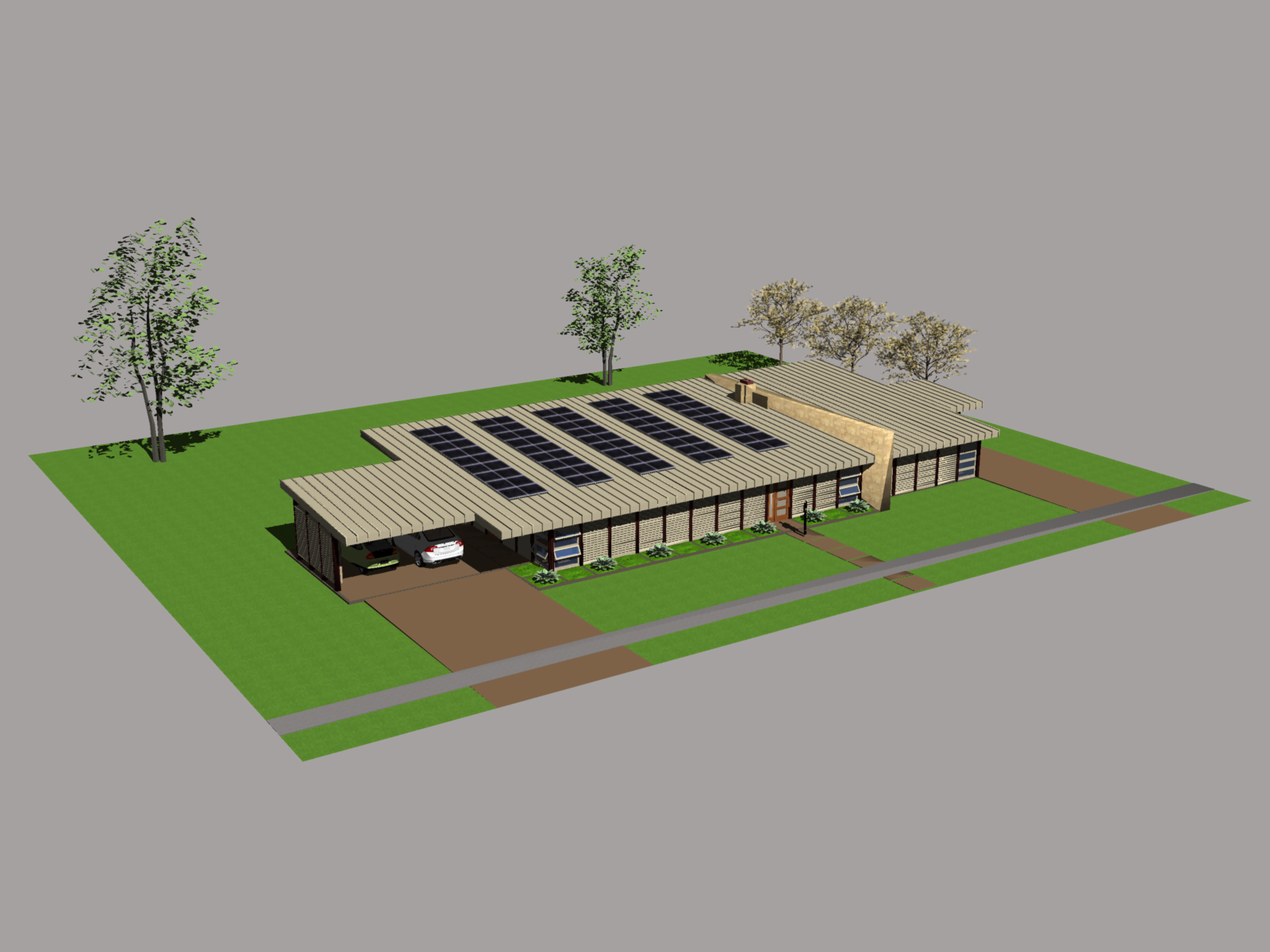 no strings attached - another free render engine
Bunyip02 said:
https://www.daz3d.com/forums/discussion/635936/sketchup-into-carrara
what's that for?
Warehouse import and FBX export from PCon then import into Carrara as is.
And? what's the problem?
no strings attached - another free render engineVery impressive, thanks. Not sure I can find time for another great program, I'm still finding new tools in Carrara, DS, VUE, VEGAS, plus all the music, sounds, & special FX that add to them. Seems like we've come a ways since this development, which at the time I found pretty exciting - animation in Bryce!
"The ability to animate a scene was added (in a stable form) with the cross-platform Bryce 3D (version 3.1) in 1997 by the newly formed MetaCreations Corporation. A 'camera object' unseen in the final image acted as the observer. The camera can be held in one place for a single image, or sent on a trajectory (!) with images being rendered at many locations. The collection of images created along the camera's trajectory are combined to create a realistic animation simulating a journey through a dynamic world." (Wikipedia)
no strings attached - another free render engineno strings attached - another free render engineNo Account creation needed. You don't have to be online to use the render engine. But if you wish to download the free stuff from their catalog you need an Internet connection but no account.
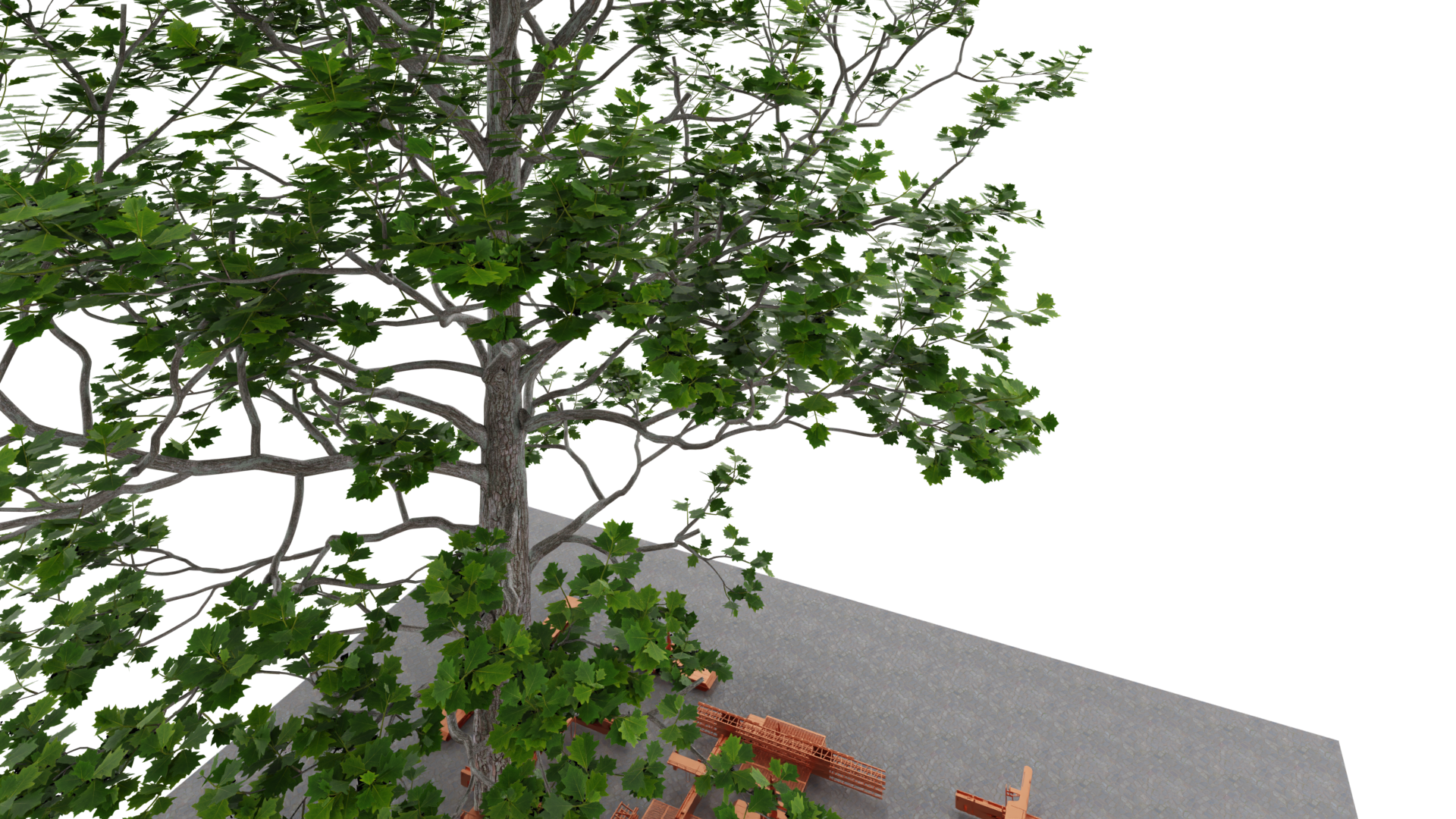
Trees from Plant Factory work, the only thing you need to change is the FBX Export to target Autodesk 3ds max and you are good to go.
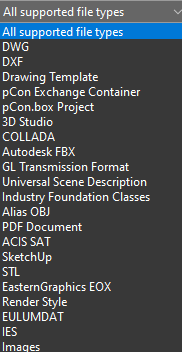
It can import Sketchup models, OBJ, FBX, IES
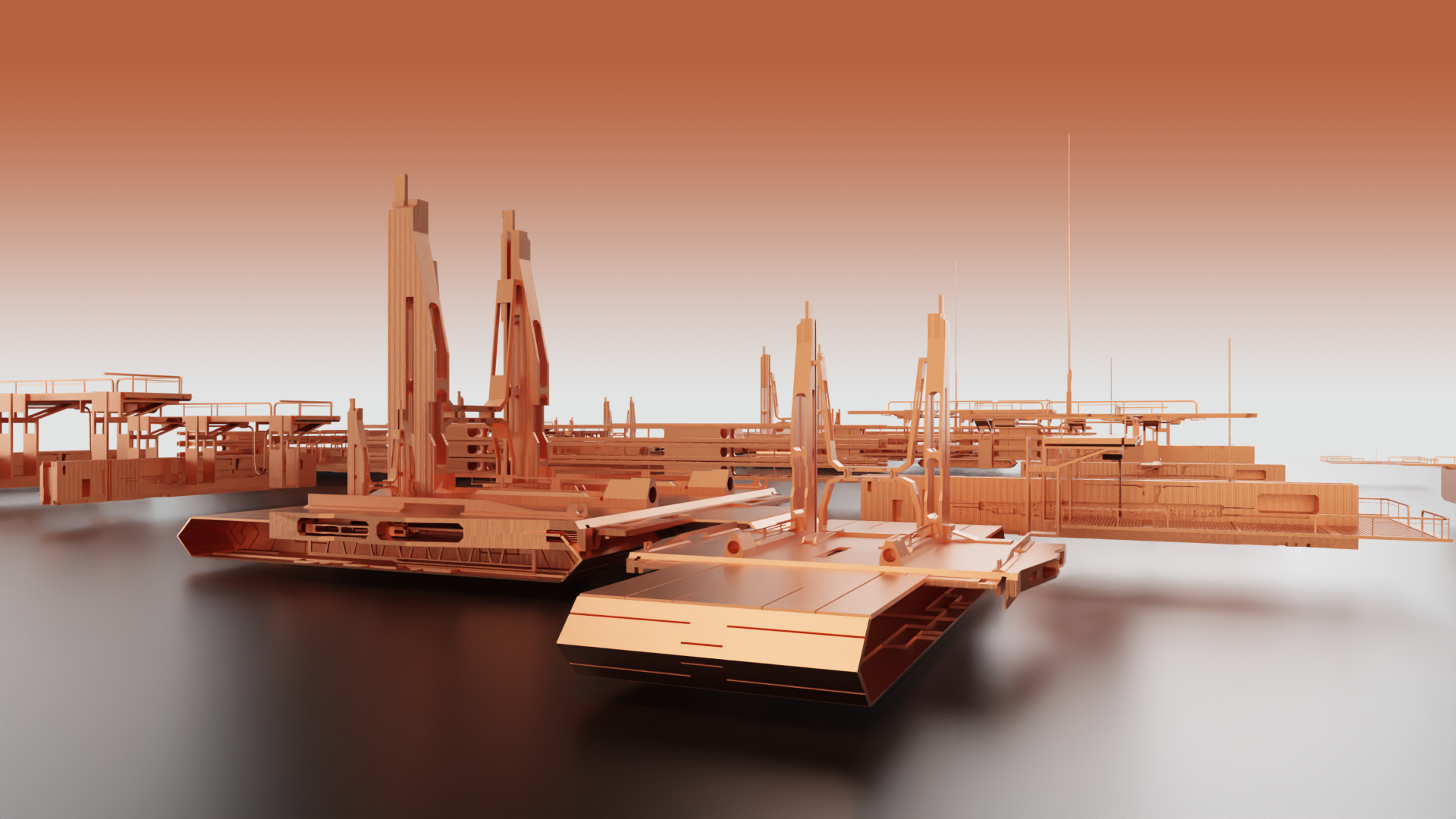
The render engine is OSPRAY which is lightning fast on non GPU hardware.
It's really free. The paid version is for real architects, only that need certain calculations for materials per SQM etc. We don't need that. Also there is an extensive free catalog to download all sorts of models for everything really and free of charge. And not to forget what the program was actually made for: you can create your houses, rooms, interior, exterior and import it into Carrara, Daz Studio, Bryce, Hexagon, Blender etc.
We all love free stuff.
have fun.
 Buy Something That Doesn't Work in Carrara? Post your Questions and Workarounds here. (please)
I went and bought it... very puzzling

I ended up in DS and exporting the pants as an OBJ file... new scene load G8 and import the OBJ and then I transferred the bones from G8 to the pants OBJ.. then adjusted the weight painting and removed G8 and saved the pants as a scene subset... the other bits of clothing I loaded into DS converted the weight painting and saved individually as saving the lot crashes Carrara on load.
 Buy Something That Doesn't Work in Carrara? Post your Questions and Workarounds here. (please)
Stezza.
Here's a screen shot of the shader tree in Studio and Carrara. I don't see anything in Carrara that could turn on/off visibility.I didn't try to use the makeup in Carrara. I just edited G8M textures with the makeup.
Thanks again for your help.
Just Curious - Does DAZ Studio Get As Easy to Use As Carrara?Steve K said:
Okay, thanks, factors to think about. I have used some DS products in Carrara, but it seems hit or miss. I've decided a few vendors seem to sell products that work in Carrara. And yes, I have exported OBJ with success. I do have a fast AMD 12 core/24 thread machine, but not CUDA, which is new to me. So many toys, so little time.
Yes, with the machines most of us have, Carrara is favored for fast animation render times, in many cases ~5 sec/frame..
I also enjoy using VUE which is now free, and GeekAtPlay has a tutorial series ~an hour long on integrating DS and VUE, I'll get into that shortly.
oh yeah, Vue my toy
 Just Curious - Does DAZ Studio Get As Easy to Use As Carrara?
Okay, thanks, factors to think about. I have used some DS products in Carrara, but it seems hit or miss. I've decided a few vendors seem to sell products that work in Carrara. And yes, I have exported OBJ with success. I do have a fast AMD 12 core/24 thread machine, but not CUDA, which is new to me. So many toys, so little time.
Yes, with the machines most of us have, Carrara is favored for fast animation render times, in many cases ~5 sec/frame..
I also enjoy using VUE which is now free, and GeekAtPlay has a tutorial series ~an hour long on integrating DS and VUE, I'll get into that shortly.
Daz 3D is part of

Connect
DAZ Productions, Inc.
7533 S Center View Ct #4664
West Jordan, UT 84084Licensing Agreement | Terms of Service | Privacy Policy | EULA
© 2026 Daz Productions Inc. All Rights Reserved.