-
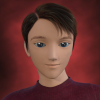
Michael 8
was starting to think it was just me saying that......
Looks like a soul-less plastic Ken doll
the whole G8 line remindes me of the Victoria 2 and 3 era.
or maybe its the lackluster renders, or the downgraded Iray settings. though Im still gona buy it
Michael 8Looks like a soul-less plastic Ken doll
the whole G8 line remindes me of the Victoria 2 and 3 era.
or maybe its the lackluster renders, or the downgraded Iray settings. though Im still gona buy it
"Brace yourself, my dear wallet! There's always another Sale - and Glitches!"OK, so Michael 8 is out. And they are throwing in the previous Michael bundles with the Michael 8 bundles.
When Victoria 8 came out, we saw the spiffy orange banner that gave us credit for any previous bundles that we may already have owned, in the form of a 10% off for each bundle that we already owned.. For those of us that acquired Victoria 5 with Carrara Pro, we eventually were allowed to get credit for the V5 pro bundles included with that purchase.
I'm hoping that we can get credit for our M5 bundles this time around, so I'm posting this up now, should we see a similar orange banner again r.e. Michael 8...heck your
Check your messages > Exclusive offers
"Brace yourself, my dear wallet! There's always another Sale - and Glitches!"OK, so Michael 8 is out. And they are throwing in the previous Michael bundles with the Michael 8 bundles.
When Victoria 8 came out, we saw the spiffy orange banner that gave us credit for any previous bundles that we may already have owned, in the form of a 10% off for each bundle that we already owned.. For those of us that acquired Victoria 5 with Carrara Pro, we eventually were allowed to get credit for the V5 pro bundles included with that purchase.
I'm hoping that we can get credit for our M5 bundles this time around, so I'm posting this up now, should we see a similar orange banner again r.e. Michael 8...
No banner here, but having M4, M6 and M7, putting M8 in the cart gets a 61% discount. And I could get a free M5.
This deal was a lot better when I didn't have most previous models (the V8 deal). This way it's not too inviting to me.
PS: There actually IS a message in the exclusive offers message box, although it only mentions 2 previous pro bundles, even though I have 3."Brace yourself, my dear wallet! There's always another Sale - and Glitches!"OK, so Michael 8 is out. And they are throwing in the previous Michael bundles with the Michael 8 bundles.
When Victoria 8 came out, we saw the spiffy orange banner that gave us credit for any previous bundles that we may already have owned, in the form of a 10% off for each bundle that we already owned.. For those of us that acquired Victoria 5 with Carrara Pro, we eventually were allowed to get credit for the V5 pro bundles included with that purchase.
I'm hoping that we can get credit for our M5 bundles this time around, so I'm posting this up now, should we see a similar orange banner again r.e. Michael 8...
Novica & Forum Members Tips & Product Reviews Pt 9A few tidbits of interest- over at Rendo, OOT has a nice material set for the Sci- Fi Lieutenant Outfit sold here, and it is 60 percent off (as is her store.) (Woot, I had just gotten/mentioned that outfit!)
Also materials for Deliciously Evil Queen (that turns it into a gorgeous outfit for good gals too!) For the guys, she has materials for Chevalier Armor. She has a shirt for Gen8F that is also dirt cheap.
From our Flash sale, I picked up a lot of the FWSA gals to get their materials for the eyebrows, there's some nice, thicker ones. I like Ana-Sofia's eyebrows and rich skin tones.
Thank you. I finally got the OOT Iray hair shaders.
Novica & Forum Members Tips & Product Reviews Pt 9A few tidbits of interest- over at Rendo, OOT has a nice material set for the Sci- Fi Lieutenant Outfit sold here, and it is 60 percent off (as is her store.) (Woot, I had just gotten/mentioned that outfit!)
Also materials for Deliciously Evil Queen (that turns it into a gorgeous outfit for good gals too!) For the guys, she has materials for Chevalier Armor. She has a shirt for Gen8F that is also dirt cheap.
From our Flash sale, I picked up a lot of the FWSA gals to get their materials for the eyebrows, there's some nice, thicker ones. I like Ana-Sofia's eyebrows and rich skin tones.
How to save a Layer Image Editor (L.I.E.) Preset?I really really dislike the use of the diffuse layers for make up and eyebrows. Doesn't show up in the working window at all so you can't see what it looks like unless you either use the iray preveiw which bogs down a lot of people's machines, or you have to spot render or do a whole render every time you change the make up. I can go through quite a few make up changes for one render so the added time and aggravation just aren't worth it for me.
I am very excited for you though and I am sure that Daz will love your character!
I'm sorry to hear that. Because it sounds like my only other options is to create a ton of L.I.E. presets, create new paths and file hierarchies, then learn how to do text/code rewriting to rewrite the paths, or the other option - bloat the files down with 72 images just for the makeup options alone and have huge file sizes - and I'm not sure people would want such large files A) taking ages to download and B) taking up valuable space on their hard drives. lol I think I'll have to go with the diffuse layers for the eye makeup for now, at least for this character. As it lets me cut the images for the makeup down from that otherwise 72 images to a much more manageable 22 images. Victoria 8 uses the diffuse layers for her makeups and eyebrows and I've not seen a lot of complaints about it on the forum. But I'd understand if you're not interested in diffuse layered makeup. :) I can't twist your arm. lol *hugs*
Edit - Her eyebrows won't be on diffuse layers, they will be on the full texture maps. The lipstick will also not be on diffuse layers. It will just be the eye makeup on the diffuse layers and I'll have very clear preview images for the makeup options to show what they look like clearly. :) I know it's not a perfect solution, but I guess with characters with a lot of different makeup and several different eyebrow options, there really isn't a 'perfect' solution. lol
Is there a way to load uv maps onto an object?Misty at the Rendo Forms outlines just doing that setting a character preset in studio and using it in Carrara. She details out a LOT of information on using from V3 to V7 in Carrara worth reading. look for Notes,workflow tips a few changes from Victoria 3 to Victoria 7. There are several relevant threads with some useful information on this and related subjects.
How to-expressions on Victoria 4.2?Parameters would be the place to look - the others require the modifier type to be set, which it won't be for the older figures. The expressions are under Morphs|Expressions in the parameters pane, with the head selected. I don't hink they have to be injected, but you might try going to Poser Formats>content directory>Pose>DAZ' Victoria 4>Morph Injections and double-clicking Inj Base V4.
No Genesis 8 Male?I really like the base G8F. V8 is a bit on the masculine side...still a good character, just not what I consider a successor for Victoria. Of course, I felt the same about Aiko 7. She went from being an anime style teenish character to just a sort of exaggerated realistic female. I guess it's a lot like the car companies do...just retain the name even if the model is entirely different.
realistic female
realistic
:|
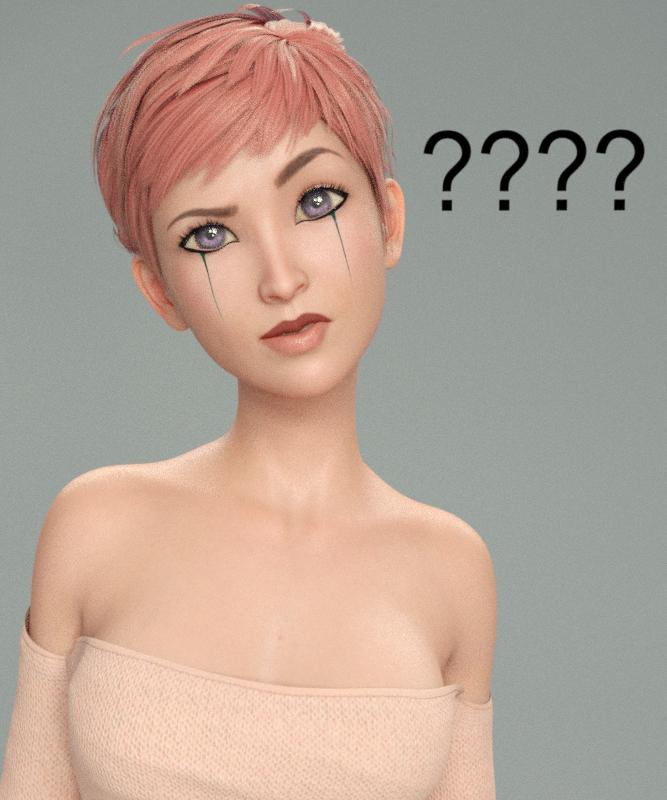
Compared to what Aiko is supposed to be known for, that IS pretty realistic. Seriously, deflate her head and shrink her eyes and she'll look exactly like a real life woman.
Daz to WhateverI like working in Maya and jumping between Maya and Mudbox for texturing, but I'm not a fan of setting up materials in Maya, so I end up using OBJ exports to move between Daz and Maya. What would be the main benefit of a Daz-to-Maya plugin?
There are no materials to setup. The plugin converts them for you. Your Daz figure will be a normal Maya HumanIK rig. If you are an animator, this is invaluable because now you can take Victoria anywhere in the 3D world. Arnold shaders, so full compatible with PBR. It seems there is an option to convert the materials to Vray too. I haven't confirmed it because I don't have Vray.
That sounds interesting, though so far I've been going in the opposite direction (Maya to Daz), so the stuff I've created in Maya can be used in my "Daz universe".
Daz to WhateverI like working in Maya and jumping between Maya and Mudbox for texturing, but I'm not a fan of setting up materials in Maya, so I end up using OBJ exports to move between Daz and Maya. What would be the main benefit of a Daz-to-Maya plugin?
There are no materials to setup. The plugin converts them for you. Your Daz figure will be a normal Maya HumanIK rig. If you are an animator, this is invaluable because now you can take Victoria anywhere in the 3D world. Arnold shaders, so full compatible with PBR. It seems there is an option to convert the materials to Vray too. I haven't confirmed it because I don't have Vray.
How to save a Layer Image Editor (L.I.E.) Preset?Hey Diva, I think you have at least one character set that uses LIE for eyebrows. Check my Iray Toon Styles for Genesis 2. I did the eyebrows using LIE on that, and the way I dealt with Mac's issue of LIE images stacking was to make a face (or character skin) reset preset to turn off all the LIE settings and go back to blank base. Be sure to put the eyebrow image in both the base color and translucency color, or you'll end up with red eyebrows.
If you want to use the diffuse overlay for the eyebrows, you would need a .png image with transparency in the Diffuse Overlay Weight, and Diffuse Overlay Color. I'm guessing you had a .jpg with a white background in there, and that is why the face turned white?
I'm looking at Daz's texture folder and it appears for Victoria 8 that they did diffuse overlays for eyebrow or no eyebrows for each makeup option, because the makeup is also changed on the diffuse overly. I'm not sure how that would affect your desire to cut down on the amounts of maps needed if you have to basically do one for every combination.
One other thing I just thought of is that maybe you want to do the eyebrow presets on a geometry shell. That would give you an extra layer to work with.
Using LIE or Diffuse overlay both have pros and cons.There isn't any one ideal combination that will work for every user, so there will come a point where you just have to decide how you want to proceed, and go with it.
Good luck!
Edit: You know, the more I think about it, the more I like the geometry shell idea for the eyebrows. That would make it really easy for the end user to switch in their own favorite eyebrow package, if desired, just by deleting the geometry shell. No fuss. I'd put a note on the .tip image to make sure you have the geometry shell selected when using the eyebrow presets, and it should be pretty straight forward. PM me if you'd like someone to give your thing a quick once over before you try to submitt it.
I love these ideas. I played around with the Geo Shell but I couldn't get it to behave right as I'm really new to geoshells and couldn't figure out what I was doing wrong. lol I then abandoned that idea and went with the Diffuse channels. The solution I found was to do all four eyebrow options on the makeupless face option, then use the Diffuse Overlay Weight and Diffuse Overlay Chanels to add the makeup. At first I couldn't get the Diffuse channels to work and kept getting white face instead for some reason. I finally tried a work around and used Victoria 8's mats then one by one changed all the maps and settings and that allowed me to use the Diffuse channels without them turning white.
I'd love for you to test my character before submitting it! I was worried about finding someone who could test it for me (someone who knows what Daz is looking for and who has experience with this sort of thing), so I really appreciate the offer! I'll PM you once I get the material files finalized and set up and everything saved properly. :)
Novica & Forum Members Tips & Product Reviews Pt 9@jakiblue Thanks! Will give it a look.
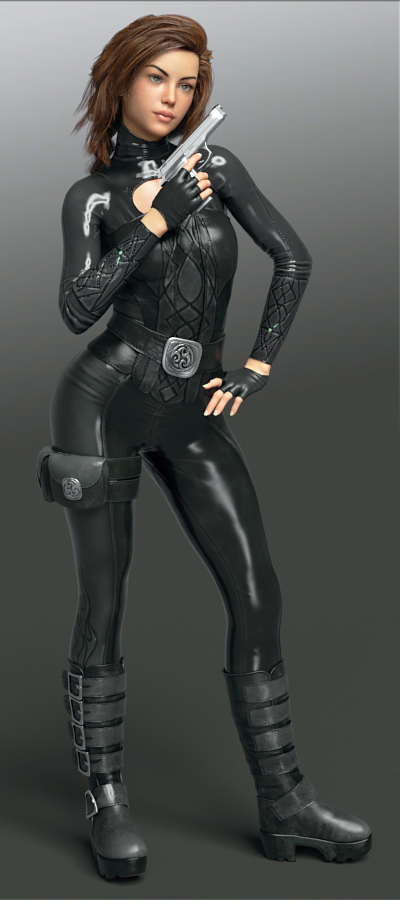
Here's FWSA Analia for Victoria 8 in Perrin Hair and Lethal Rogue Outfit for Genesis 8 Female(s) The skin is tweaked a bit with more reflectivity, a touch of metallicity, more saturation (due to the lights.) The lips have more gloss.
This is interesting- did you notice the sleeves have a mini green streak in the middle of the forearm? And it's not just me. Look at the promos. You have to go to the thumbnails and click and click again to enlarge. I was looking at mine going "What the heck is poking through? There's no green under there." So get this- when you hide the character, the green disappears. I was going to render a closeup of it, and turned off everything not needed in the scene, and when the figure is hidden, POOF goes the green. Is this what's called a firefly?
 How to obtain anatomical elements for Genesis 8 Female? Francophone.
Il faut acheter un des bundle PRO. Je pense qu'il n'y a que ces deux pro bundle a ce moment. Alors un ou l'autre est bon.
https://www.daz3d.com/victoria-8-pro-bundle
https://www.daz3d.com/olympia-8-pro-bundle
New guy full of questionsAndby default, most characters use auto-follow since G3 ?
Auto-follow, or also called autofit, has been available since the first fersion of Genesis. So all Genesis versions use it, but you may need to get other utilities to make it easy, like Wear Them All (or follow SickleYield's tutorial to do it yourself). For example, the image below is the Rhomb Suit for Genesis 3 on Victoria 8, you'll note that in the description for the suit it says noting about V8, but it fits thanks to auto-follow/autofit (if you have G8F/V8 selected when you load the suit, a dialoge comes up that allows you to select the figure the suit was designed for, and the type of item it is (in this case you would select "Genesis 3 Female", and "Full Body").
 Novica & Forum Members Tips & Product Reviews Pt 9
Well, Victoria 8 isn't exactly the same figure as Genesis 8 Female, is she? Different curves, etc? I'm just guessing that's may the issue with the boots.
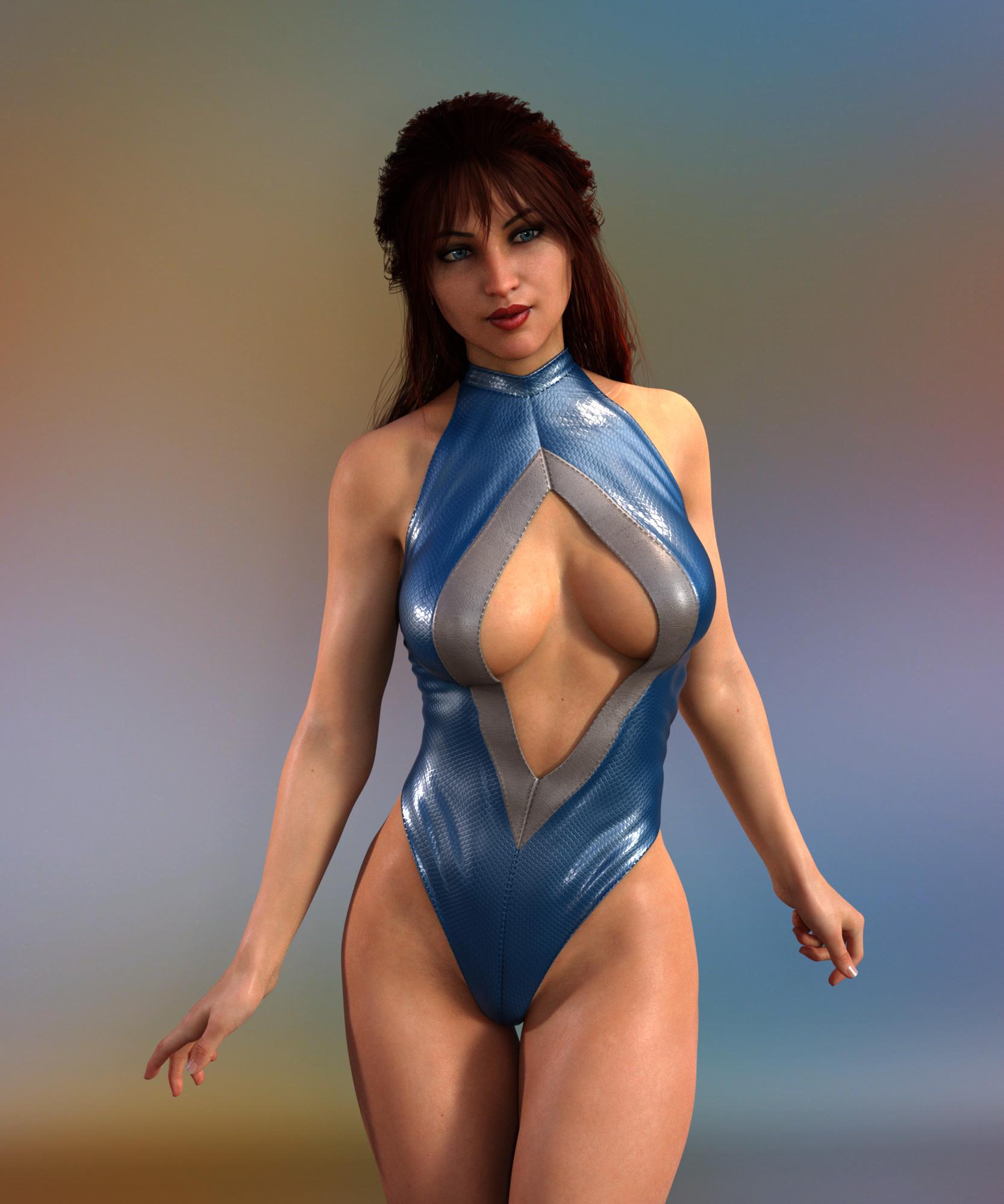
Novica & Forum Members Tips & Product Reviews Pt 9I don't understand why an outfit for Genesis 8 Female wouldn't fit Victoria 8 properly - V8 is a character for G8F, there shouldn't be a difference.
Released: Expressive Faces- One-Click Morph expressions for Victoria 8 (Commercial)Hello!
I would like to show you my third product "Expressive Faces - One-Click morph expressions for victoria 8", It contains 40 One-Click Expressions and 40 Morph dials to give you the chance to choose the best face for your rendering, making them soft or strong, it`s up to you!! The expressions are divided into categories: Angry, Happy, Sad and Surprised.
I hope you like it and enjoy this big pack of expressions.
Daz 3D is part of

Connect
DAZ Productions, Inc.
7533 S Center View Ct #4664
West Jordan, UT 84084Licensing Agreement | Terms of Service | Privacy Policy | EULA
© 2026 Daz Productions Inc. All Rights Reserved.