-
Dartanbeck's Journey - CG Filmmaking
Dartanbeck said:
Another great:

This type of iconic fantasy art is what led to my absolute love for fantasy and fantasy art. And I'm just going to say I'm impressed. I will be revisiting when I have time to sit down and wath everythign in one sitting. Most excellent!
Mammoth from Young JusticeIf anyone is willing too, I would appreciate it if they make a Daz model of DC Mammoth from Young Justice. Here is what he looks like...
Missing files for LIE makeupMelanieL said:
If you Google "Her LIE Makeup" (including the quotes) there is a fan art site I'd never heard of that seems to be where the creator of the product posted about it - I haven't read all the (many) pages but they said there would be a link posted at some stage, so presumably it can be found there. (I won't do a direct link because I'm not entirely sure it meets Forum rules).
Thank you so much, it was linked in that forum!Weird search results - please donateDAZ_Steve said:
When I do that same search I get two more results than you do. I'm guessing it is because you already own the product (even though you have hide items I own unchecked.) Can you try that search again, and once you see the results, check and then uncheck the Hide items I own, and see if they show up? We are seeing a similar issue with the search results page and maturity filter.
Redone the search. Checked and unchecked the "hide items..." button and got the same search result as already shown.
When not using "" (so when only searching for USS Horizon Interior without putting it into ") I get a different result, but still the product that I search for isn't found

So the USS Horizon SPACESHIP is found. But the product containing the interior for it isn't. I tried the turn on/off hide owned products button here, too, of course. And also the on/off for the maturity filter.
What me confuses me most, that the product doesn't even show up when I dedicatedly try to list all items by the PA
Website IssuesI do use a VPN, but only on one connection. The other connection is straight to a fiber optic modem. The third connection is through my cell phone, both on the phone and while using the phone as a hot spot.
The only thing I have been able to "reverse" narrowed down is that its not related to the new videos. The same thing happens if I try to log in at the landing page or if I try to log in on the store listing page. It doesn't happen when logging in through the forum.
(I only thought it might be the videos because that was the only thing that I noticed changed when this started.)
If no one else is seeing it, then I will just ignore it.
Weird search results - please donatemaikdecker said:
When I read the thread title I expected a link to an option to give some money for getting a working premade search engine for DAZland...

I have to admit, I do not use the search option of the shop, as it most of the time delivers either too many (and wrong), to few (and even then some wrong) or just wrong results... the categorizing seems to catch too many synonyms for many things which leads to tons of wrong results.
For example searching for "USS Horizon Interior" leads to

When using the Artist filter on the shop page the above product doesn't seem to exist, even though I bought it just yesterday. And this is not the only item that doesn't get listed after using the search option or the Artist filter for several (or all?) artists/products.
When I do that same search I get two more results than you do. I'm guessing it is because you already own the product (even though you have hide items I own unchecked.) Can you try that search again, and once you see the results, check and then uncheck the Hide items I own, and see if they show up? We are seeing a similar issue with the search results page and maturity filter.
No one asked me - Diomede screenshots on whatever - Warning AI Discussion OKKeep getting bumped off with forum access errors. Argh. Thanks, Bunyip and UB, for the feedback. No saving steps. This won't be just for current regulars. Want to be able to point random person to it in the future for any related question. This will make a starter shirt in addition to illustrating some basics.
I have the screenshots all the way through creating shading domains, UVmapping, and checking with a checkerboard shader. Just a matter of posting them while the forum is acting up.
Missing files for LIE makeupIf you Google "Her LIE Makeup" (including the quotes) there is a fan art site I'd never heard of that seems to be where the creator of the product posted about it - I haven't read all the (many) pages but they said there would be a link posted at some stage, so presumably it can be found there. (I won't do a direct link because I'm not entirely sure it meets Forum rules).
Weird search results - please donateWhen I read the thread title I expected a link to an option to give some money for getting a working premade search engine for DAZland...
I have to admit, I do not use the search option of the shop, as it most of the time delivers either too many (and wrong), to few (and even then some wrong) or just wrong results... the categorizing seems to catch too many synonyms for many things which leads to tons of wrong results.
For example searching for "USS Horizon Interior" leads to
When using the Artist filter on the shop page the above product doesn't seem to exist, even though I bought it just yesterday. And this is not the only item that doesn't get listed after using the search option or the Artist filter for several (or all?) artists/products.
Dartanbeck's Journey - CG Filmmaking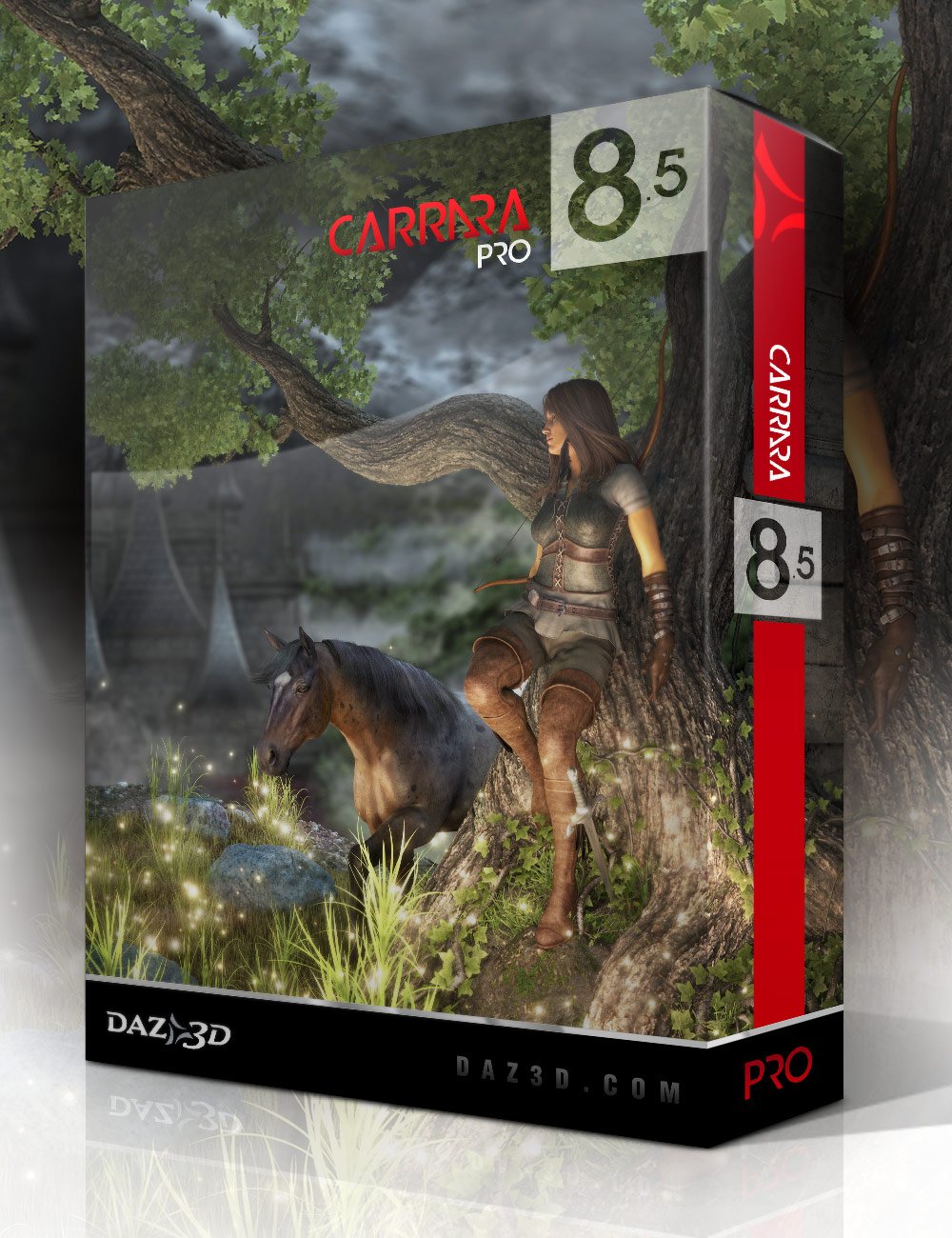 Do you have Carrara?
A Word About Carrara 8.5 Pro
It's not hard to find my words of enthusiasm about Carrara or Daz 3d. It's hard, right now for me not to just start talking about all of the things I love about it. But I had a point, and I want to stick with it.
Diomede has been putting up some wonderful tutorial info regarding Marvellous Designer and dForce, which brings me to writing this post.
I, too, have been playing around with dForce a Lot lately. One huge finding for me is that dForce opens up a whole new realm of costume design, because with its magic, I can use pretty much any clothing with any figure.
Hexagon has a handy bridge to and from Daz Studio, which is a real treat. Carrara truly is nearly that simple with its export OBJ options to include Daz Studio scaling options - and then Studio has Carrara inport/export options. Both allow us to bring the figure in question into the workspace without any special voodoo, which is handy. But it is Carrara that allows us to also use morphs and rigging, even if we're not going to animate and render within.
In Carrara I can load in my target figure, say Genesis, and then morph it around and still model to fit it.
Anyway, Carrara 8.5 Pro is a friendly environment for so many things. Setting up cloth mesh for great use in dForce is no exception.
If you don't already have Carrara 8.5 Pro, it's almost always so inexpensive these days that it's far more worth its weight simply through the wealth of great legacy content that comes with it!
Here's a fun little pictoral article on What Comes with Carrara 8.5 Pro?
These legacy Genesis items are still an invaluable part of my asset inventory. Carrara also includes Carrara surface shaders for M5 and V5 to get you started rendering them in Carrara.
On the fence about Carrara but have always wondered about it?
Dartanbeck.com has a lot of information that might help you decide:
Carrara Zone - a short landing page and container for the Carrara Zone with some pertinent links
Carrara Info - contains links to actual Carrara Discussion Forum threads started with that topic
- Cripeman Memorial - a dedication to a fallen friend with links to his many (Many) Carrara video tutorials, which are both entertaining and essential
- Carrara Plugins - an edited version of Jay Nola's Carrara Plugins Info and FAQ with updated info - with links to the plugins themselves
- History of Carrara - a fun walk through the years of Carrara's wonderful existence!
- Free e-zines: Carrara Cafe (with its wonderful Carrara 3D Expo e-zine) and 3DXtract - AMAPI and Carrara e-zine
- Physics and Particles - a special collection of videos, links and information regarding the topics
- GKDantas' Carrara Video Demonstrations - a list (with links) of excellent video help and demos by this awesome Carrara artist
- a lot more
And then there's another section geared more toward my endeavors to create CG films:
Carrara CG Workshop - a landing page and container for the articles within, which also explains the layout a bitStory - we have to start somewhere, right?
- What Happened on Odysseon Station? - a talk about using content to drive and inspire a story
- Rosie and the Winter Wolf - Using themed content to help with the story
Pacing and Rendering - a short article based on observations and needs
Pre-Production Phase - What do we need to do to get ready?
- Concept Art - designing the look - includes SS Marcoor Kit Bash - kit bashing to make your vision come to the screen
- Scene (Stage) - a landing page which will feature more in the future. Currently has my methods for Volumetric Lighting (video tutorial)
- Character Setup - a landing page with a lot of my work links. I've been busy with this one. I won't list them all here.
Production Phase - a landing page and container for the subject with links
- Animating - a landing page with links and info which currently includes aniMate 2 (article, links, video help) and Hybrid aniMation - aniBlocks and Key Framing by hand
Post Production Phase is currently empty because I'm not there yet ;)
Moved to the Commons as it is a question rather than a Product SuggestionBeing hassled by Daz forum moderators is not a Daz Studio issue?
Driving users away from the forum is a Daz Studio issue.
"This must be a question, that can’t be a question" blah blah blah…
"You can’t discuss about Genesis 9 because someone else is."
"Too many Geneses 9 issues?"
Ridiculous!
My request for head morphs from Genesis 8 and 8.1 figures is quite an important issue and request to me.
I have bought over 100 Genesis 8 and 8.1 figures, I cannot use the head morphs with Genesis 9.
I would like this issue addressed and I asked as politely as I could. I don’t care about the body morphs but, face shapes/head morphs are important to me.
I did not phrase it in a statement because that would have sounded demanding.
I phrased it in polite request (question).
I find it insulting that my request was not only moved from the request thread but also closed.
That left me no means to further discuss the topic of great importance to me.
Make Genesis 8 1 and 8.1 face shapes work with Genesis 9.
Is that better?
Or, could you please make Genesis 8 and 8.1 face shapes work with Genesis 9?
Shall I send it goldleaf embossed upon a silver platter?
I have 100 figures heads I can’t use with Genesis 9.
Please fix that.
And leave my threads open and where I put them.
I have paid dearly for use of this forum.
My gripe about this forum has everything to do with Daz Studio.
YouTube videos are not a place to air gripes about Daz Studio and its forum either, is it?
Stop picking on users who are simply trying to get help.
Please spend less time telling users how to ask by belitting them and moving their posts and more time helping them...Does anyone know where I can get a Mitre for Daz?..here's one at turbosquid in .obj format on sale though it's tris instead of quads and soemwhat low poly.
https://www.turbosquid.com/Search/Index.cfm?keyword=papal+mitre&media_typeid=2
GENERAL FREEBIE REQUESTS part 3tyra_oeildeloup said:
Hello, are there any wolf/fox ears for Genesis 8 that are a freebie ? I could find a free tail on AprilYSH site, but I have no ears :(
I know some can be bought, but in the meantime I would really appreciate to find some free ones.
I looked on Poser and DAZ freebie site and there is nothing there for Genesis 8. However for Hiro 3 there are fox ears which are props in Poser format. The image on the page is G8 wearing the hair and ears. I did not have any problems getting the hair and ears onto G8. Word to the wise I did not fit them to her just parented them. They have been declared cosplay so if you are doing a commerical product then that is prohibited. There are other ear options listed on the freebie site that might fit you needs better. Just type ears in the search box and you will get all sorts.
Inuyasha Hair - Poser and Daz Studio Free Resources Wiki (miraheze.org)
Moved to the Commons as it is a question rather than a Product SuggestionAnd this gets moved to the Commons as it is not related to daz Studio. Daz Studio Discussion is for threads about Daz Studio, the application, not the Daz site in general. Product Suggestions is for suggestions of things to be made, or searches for things that may already have been made (the two overlap, after all the to-be-made item may already exist and there may not yet be the item searched-for). Discussions of existing products go in Technical help or Art Studio, depending on the nature of the question.
I'm not sure which thread you mean - this one was locked, because we had a lot of theads on Genesis 9. Merging the thread wouldn't give you a ping, so you might not ralise where it had gone - locking and posting does give you a ping. In looking for that I'm afraid there were three other misplaced threads, which have now been moved.
https://www.daz3d.com/forums/discussion/602906/new-gen-9-update-today-where-can-i-read-about-any-changes
https://www.daz3d.com/forums/discussion/600926/i-would-be-interested-in-what-the-ultra-scenery-artist-could-do-with-a-hdri-sky-generator
https://www.daz3d.com/forums/discussion/600326/will-misfit-hair-items-get-fixed-for-genesis-9 (which I had replied to without realising where it was - sorry)Please do bear in mind that questions about moderation actions should be handled by mailing the forum team, not by forum discussion. I've left this since it is a common issue and the general reminder of the reasoning may be useful.
Desperately seeking child sitting on mother's lap pose for G8FThere are a number of family sets available here at Daz but several are for V4, K4 etc. However if you have the free pose converters they can easily be converted to poses for G8. Just do a search on "family" and several will pop up in the store.
Can't login into DIM or Daz Central, can't install manually too.... when it got to "Installing Content Management Service". Cancelling installation removed my previous Daz3D install. Now I don't have it at all.
Can't even edit on the forum.
Beta testing?I think testing is invitation-only, based on the reports made (and how usable they are) and such indications of how well the person would work. Constructive engagement with the release threads and DS forum in general will also probably help.
How does Face Mojo work with Genesis 8.1?hansolocambo said:
Source : https://www.laylo3d.com/product/face-mojo-ios-app/
Michael Hallam : "Hi LayLo, will the Face Mojo I purchased for Genesis 8 & 8.1 work with the new Genesis 9 ? Thanks"
LayLo : "Hi, Thanks for using my products! Unfortunately, the Genesis 8/8.1 version of Face Mojo won’t work with Genesis 9’s new topology, sorry."
So... according to the content creator himself, it does work (G3, G8, G8.1). Product description on Daz Store hasn't been updated obviously.
If you've got doubts, contact Laylo on Facebook. Or by email : [email protected].
Thanks for following up on the question here Hansolocambo. I had tested Face Mojo on 8.1 and saw it worked but I was not sure if everything in the face was tracking right but it looked right.
My next question would have been, does it work on Genesis 9? Thanks for your detective work on that inquiry as well!
I have learned through some YouTube videos that it is not enough to just use Face Mojo but then also adding in other animations to the face and body, exaggerating features, like, eyebrows and eye motion, smiles, blinks and maybe even changing full body poses.
Also animating Dforce on hair is useful (once Nvidia fixes Dforce).
Thanks for your search and answers to my question!
 Anyone figured out how to use Geo-Grafting Navel and Nipples for Genesis 9?
PerttiA said:
We can only give advice on how to do something, DAZ is not here and if one wants to complain to them, one must write a ticket.
Which is a shame... or a display of a lack of interest in feedback. Not having at least one employee who's job it is to check the forum's most visited parts where paying customers (!) write about their experiences with the shop software, products and service is... amateurish...
New nVidia Game and Studio driver (526.98) released to fix dForce issueGriffin Avid said:
Where is the link to the new Drivers?
All I see is the R525 U1 (526.67)
https://www.nvidia.com/Download/driverResults.aspx/194240/en-us/
nVidia has released a new Game and Studio driver (526.98)
Even the GeForce Experience App leads to the older one.
What did you select for options in the driver search? I get
https://www.nvidia.com/Download/driverResults.aspx/194380/en-us/
for Game Ready and
https://www.nvidia.com/Download/driverResults.aspx/194382/en-us/
for Studio
Daz 3D is part of

Connect
DAZ Productions, Inc.
7533 S Center View Ct #4664
West Jordan, UT 84084Licensing Agreement | Terms of Service | Privacy Policy | EULA
© 2026 Daz Productions Inc. All Rights Reserved.