-
More Non-photorealisitic Renders (NPR II)
I got way behind on the thread and now we're on a new thread! A lot of great images, and thanks in particular to @magicjava for sharing your comic work with us!
I thought I had posted this one earllier, but looking back looks like it didn't make it into this thread, only the It's Raining Men contest thread. Another pwToon piece in Studio. Click for full size.

I saw this in the "It's Raining Men" contest and wanted to ask you about how you got the shadows across the figures. Is it a gel, or did you put the light on the other side of the blinds? Either way, it's pretty good. I'm thinking you need some stronger white lines on the furniture and walls, though, to break up the various dark patches a little more. But I'm still very impressed with what you've accomplished with PW Toon (you got much better results than I ever have!). Well done.
BTW: I know you use DS for your work, but have you checked out my Poser Noir Comics tutorial? It's in the link below in my signature. I think you might find some useful tips there.)
It is a distance light from outside the blinds. With the positioning of the scene, changing the angle of the blinds helped get different thicknesses of the shadows cast on each figure as well.
I know what you mean about the lines on the furniture. One of the issues I run into with pwToon on objects with large flat planes is that it can be tough to get thick lines that don't end up filling in an entire surface. Since this render goes pretty quick, I might try a few more passes with line thicknesses, or at least focus on that for the next one.
Back nearer to when pwToon came out I think I had uploaded the presets I'm using. I don't see them on ShareCG or 'rosity now, so they might have been on the PW site (which seems to be gone mostly). I'll try to package them up and upload them somewhere again in case anyone is interested.
More Non-photorealisitic Renders (NPR II)I got way behind on the thread and now we're on a new thread! A lot of great images, and thanks in particular to @magicjava for sharing your comic work with us!
I thought I had posted this one earllier, but looking back looks like it didn't make it into this thread, only the It's Raining Men contest thread. Another pwToon piece in Studio. Click for full size.
I saw this in the "It's Raining Men" contest and wanted to ask you about how you got the shadows across the figures. Is it a gel, or did you put the light on the other side of the blinds? Either way, it's pretty good. I'm thinking you need some stronger white lines on the furniture and walls, though, to break up the various dark patches a little more. But I'm still very impressed with what you've accomplished with PW Toon (you got much better results than I ever have!). Well done.
BTW: I know you use DS for your work, but have you checked out my Poser Noir Comics tutorial? It's in the link below in my signature. I think you might find some useful tips there.)
Suppressing detailIt you want a true toon style than pwToon is what you want but if you want a claymation toon style (eg Pixar Toy Story) then you want the Sketchy product linked above.
Suppressing detailpwtoon is a set of shaders for 3DL: https://www.daz3d.com/pwtoon
Search and select surfaces in DAZ Studiolooks extremely useful! thanks a lot!
so besides iray, this could also be used to change surfaces for pwToon quickly through a whole scene, right? (that's why i searched the forum/saw this here in the 1st place...)
I may abandon IRay and revert to 3DL, however...We need 3DL for our 2D'ish Visual Style and PWToon shaders. They are VERY fast renders. That makes it essential for me! :) For 3D, Iray indoor is much faster for me (GTX 960M). I like IBLM for outdoors, but I still have to revert to Uber and AOA Advanced stuff for indoors, which runs much slower on my system. It never hurts to have many options/tools in the bag!
 Elorn Texture Commission
Sadly, there really isn't anything "quick" about creating nice looking textures. lol :)
It doesnt have to be "nice". What i want is very simple (i think)... i just dont know how to do it.
If you care to try, you can PM me and i can explain.
-MJWell I don't own elorn but looks interesting and it looks ideal for you to use this texture set on:
https://www.daz3d.com/bone-and-fantasy-scale-iray-shaders
Try it & if it has enough surfaces zones you can very easily retexture it yourself. If not, buy a gift certificate for $10.77 and send it to me & I will buy elorn & create a new set of surfaces for you & apply several variants of material presets for the creature to use & set them too you. You'd still need to buy the above texture set for that to work.
You are doing iRay? If not I can convert them to 3DL, they just won't look as good I think (but I'm not sure I only use 3DL for pwToon),
The textures should look decent in pwToon too, I think.
If reptile style textures were not what you was thinking of let me know. JGreenless has a multiple sets of iRay textures that are PC+ (so reletively cheap) so you can retexture easy & quickly. You really need to learn to create new Surfaces though if you want to be take full advantage of those iRay texture sets to maximum.
More Non-photorealisitic Renders (NPR II)... 6th
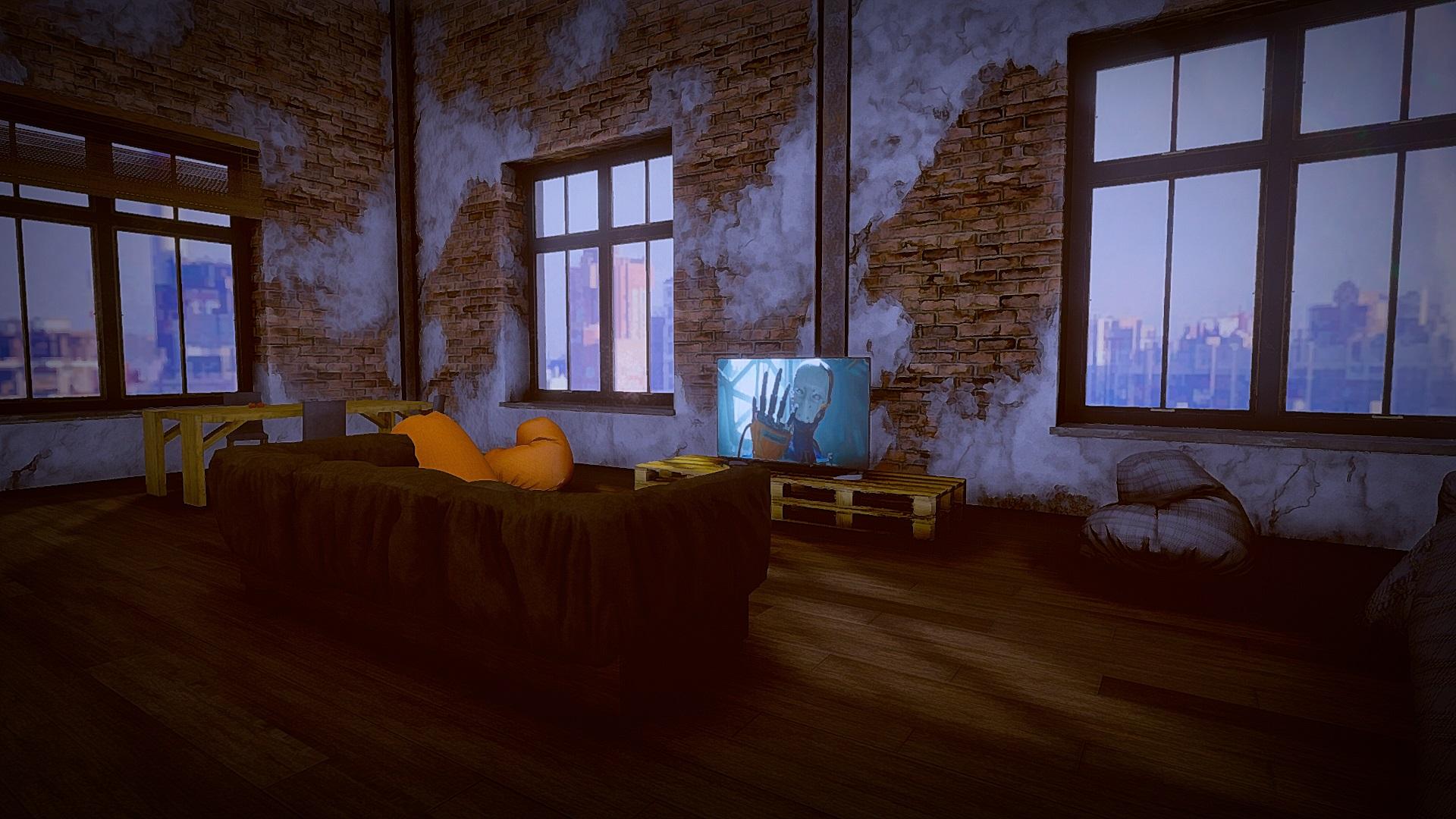
Hi Artini, I think this one is my favourite - could be a movie still.
Some treasures... edited in Topaz Studio.
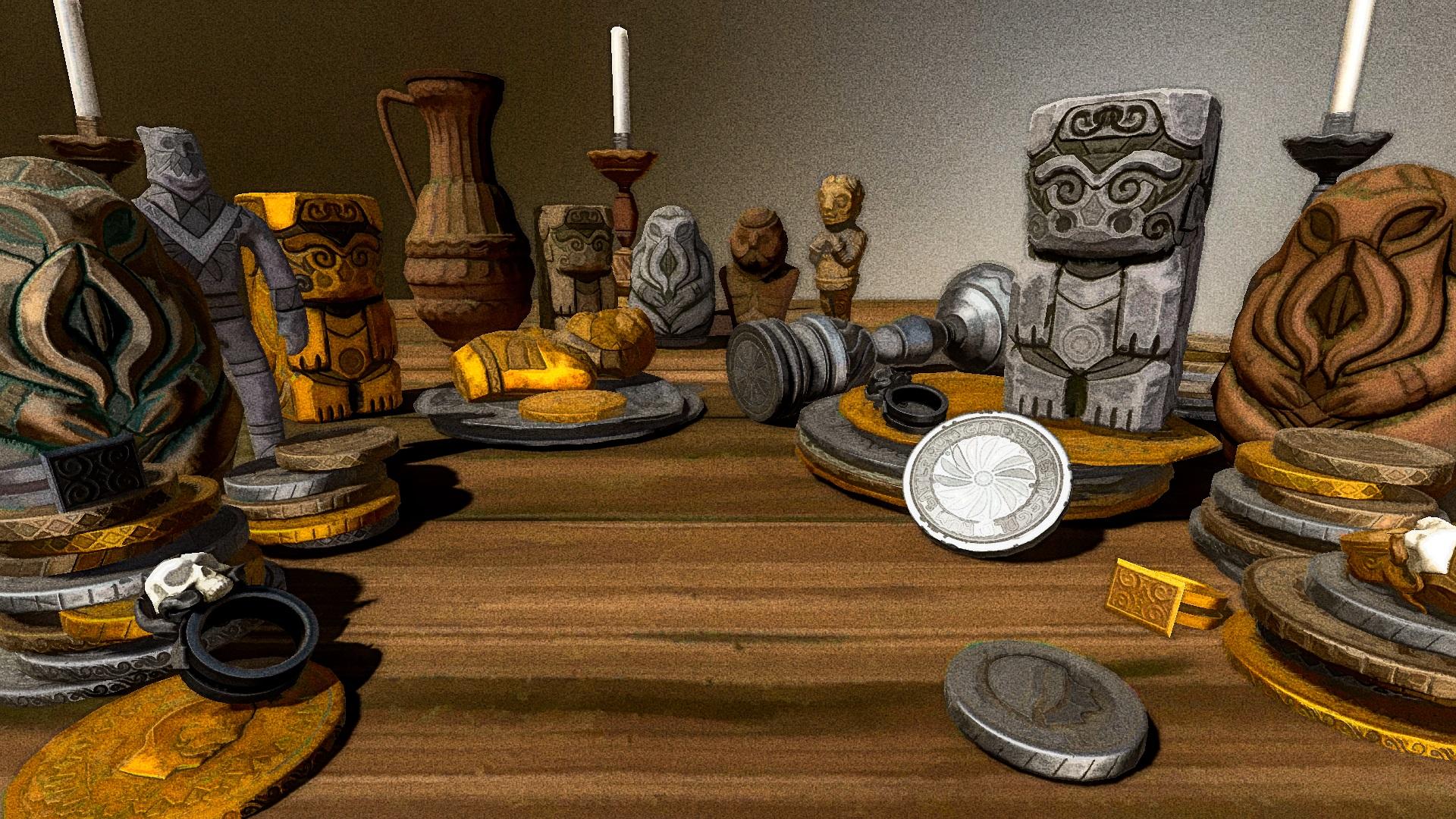
more nice work - I like the ast one best as far as having a hand done look
I've been watching Tony Leonard on Youtube. He uses ZBrush to create line art for his comic book art...
Some of his techniques like adding screentone/halftone in Photoshop to line art maybe of interest to Poser/DAZ users as well...
Not sure if I should be posting these to this thread or to thread 3D Comic Book Tips And Pictures
Anyone care to inform me which is the proper thread?
A couple of webinars Tony did for Pixologic
https://www.youtube.com/watch?v=mHQvh0oCMCo
https://www.youtube.com/watch?v=xnJzoxLo2Fc&t=1043s
thanks again Kenmo!! appreciate you sharing these treasures
I got way behind on the thread and now we're on a new thread! A lot of great images, and thanks in particular to @magicjava for sharing your comic work with us!
I thought I had posted this one earllier, but looking back looks like it didn't make it into this thread, only the It's Raining Men contest thread. Another pwToon piece in Studio. Click for full size.
terrific balance betrween black and white and a good lesson in using white outlines too
More Non-photorealisitic Renders (NPR II)I got way behind on the thread and now we're on a new thread! A lot of great images, and thanks in particular to @magicjava for sharing your comic work with us!
I thought I had posted this one earllier, but looking back looks like it didn't make it into this thread, only the It's Raining Men contest thread. Another pwToon piece in Studio. Click for full size.
Is Daz3D going to phase out 3Delight?I kind of wonder if thats the direction that they are going, as some new assets and figures do not come with a 3Delight material option. I'd hate to see it go was PWToon is still one of my favorite things to use.
That is a vendors choice weather they will include a 3Delight shader or not, its just less hassle to set them up, I can tell you that. You should keep in mind that every single DAZ original model/ outfit comes with a 3DL shaders so you shouldn't worry about it. Most of the stuff you read is merely false... Unless its officially announced by DAZ 3dl will always remain apart of DAZ :3.
MANGA STYLE & VISUAL STYLE topic - Update Sept 23rd 2017: Fixed Dropbox links! [Commercial]VSS seems to do that airbrushed look remarkably well. Moreso than PWtoon, which I've been using for ages. VSS's result is much more vibrant looking.
Is Daz3D going to phase out 3Delight?I kind of wonder if thats the direction that they are going, as some new assets and figures do not come with a 3Delight material option. I'd hate to see it go was PWToon is still one of my favorite things to use.
If they drop 3DL they have no render engine for the 32-bit version of Studio. I just don't see that happening.
Considering that 32-bit hardware is is all but dead, it doesn't fill me with much faith that it won't happen.
Is Daz3D going to phase out 3Delight?I kind of wonder if thats the direction that they are going, as some new assets and figures do not come with a 3Delight material option. I'd hate to see it go was PWToon is still one of my favorite things to use.
If they drop 3DL they have no render engine for the 32-bit version of Studio. I just don't see that happening.
Is Daz3D going to phase out 3Delight?I kind of wonder if thats the direction that they are going, as some new assets and figures do not come with a 3Delight material option. I'd hate to see it go was PWToon is still one of my favorite things to use.
Superheroes Rebooted - Ready to Rrrrrender?Thought I would drop into the thread as my latest project was a backstory/character portrait for a character from the DC Universe Online MMO. It involved a lot of postwork experimentation in Photoshop to get the various character renders close to the look and feel of old Silver Age and Golden Age comics. I picked up pwToon on the recent BOGO sale but still found Photoshop the better route.

 Superheroes Rebooted - Ready to Rrrrrender?
Thought I would drop into the thread as my latest project was a backstory/character portrait for a character from the DC Universe Online MMO. It involved a lot of postwork experimentation in Photoshop to get the various character renders close to the look and feel of old Silver Age and Golden Age comics. I picked up pwToon on the recent BOGO sale but still found Photoshop the better route.
Excellently done. I wanna read those.
Superheroes Rebooted - Ready to Rrrrrender?Thought I would drop into the thread as my latest project was a backstory/character portrait for a character from the DC Universe Online MMO. It involved a lot of postwork experimentation in Photoshop to get the various character renders close to the look and feel of old Silver Age and Golden Age comics. I picked up pwToon on the recent BOGO sale but still found Photoshop the better route.
Map Manager [Commercial]Worked perfectly with pwToon, and seeing the interface and how it's working now I see that it should work fine with any shader. Easy to use too, for what I've done so far! Even for the two most common tasks I'm doing this product is a huge time saver, and it can do a lot more than that with the other functions you added to help with the DAZ figures in particular.
Wow!!! you already tested it !!! Impressive !!! Yes it should work on any shader, any render engine.
Thank you so much for the feedback I really appreciate :) What I appreciate the most hs the "Easy to use", because I spend a lot of time to be sure anybody can use and understand the product easily.. Indeed time saving is my speciality... Time is such a precious resource!
Map Manager [Commercial]Worked perfectly with pwToon, and seeing the interface and how it's working now I see that it should work fine with any shader. Easy to use too, for what I've done so far! Even for the two most common tasks I'm doing this product is a huge time saver, and it can do a lot more than that with the other functions you added to help with the DAZ figures in particular.
Map Manager [Commercial]I figure this will be the case, but for the map management tools, these will work with any shaders to be able to transfer maps from one channel to another? Because if so, copying or moving bump to displacement and moving the diffuse to diffuse shading for the pwToon shaders is something that can be very time consuming for me, so that alone makes this sound like a great utility.
Normally the scripts are not limited to one type of shader. It simply analysis for the surfaces which are the mapped properties, and which are the mappable properties, and allows you to copy the maps from one mapped property to a mappable property whatever the shader. I have never used the pwToon shader, so I cannot be more specific, but you should be able to transfer the maps. Just let me know if you have questions when using it.
I think I must have this ;) Switching out image maps is a real drag....hehe.
Laurie
Yes, it it long and fastidious if you have many to switch, this is why I created something to make the procedure faster.
Daz 3D is part of

Connect
DAZ Productions, Inc.
7533 S Center View Ct #4664
West Jordan, UT 84084Licensing Agreement | Terms of Service | Privacy Policy | EULA
© 2026 Daz Productions Inc. All Rights Reserved.