-
Victoria is Free for her Birthday
So are the 500 items we get at 80 percent if we own all Victoria’s- Just those old v4 genesis items? Am I missing something more?
Vicky's Birthday!!!I may as well join the party and wish Vicky a happy 2nd birthday.
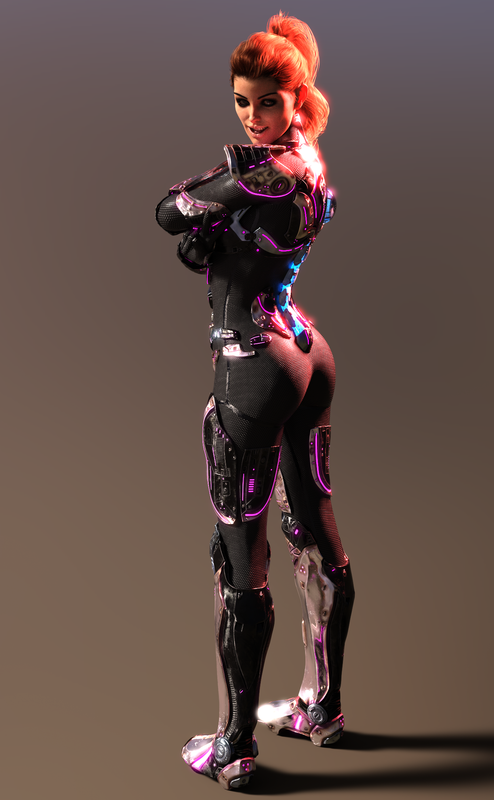
TIC.
Vicky's Birthday!!!A birthday render thread is a good diea, but I've moved it to Art Studio as that is more appropriate - and there's already a discussion thread in the Commons. https://www.daz3d.com/forums/discussion/330471/victoria-is-free-for-her-birthday#latest
Victoria is Free for her BirthdayIs there a difference between Victoria 4 and Victoria 4.2? Do we only need one Victoria (the latest)? The non base female characters are quite impressive too.
Vicky's Birthday!!!I thought I'd start off the celebration with something I did "way back when". And is still one of my favorites.
"Paparazzi caught CGI model Victoria Forth dismounting from the official DAZ Limo yesterday as she stepped out on the Red Carpet. Her place in making DAZ3d one of the greats in budget CGI productions is assured. Even though it has yet to land her in blockbuster roles she seems content that she has become the go-to gal for the “little peoples art”. Assured of her place in history as one of the genuinely great role playing models, her legendary chameleon-esque abilities make her hot property indeed. Few, if any of her predecessors, and none of her contemporaries are capable of projecting themselves with such depth, and in such a broad variety roles. There is a lot of truth in the title of “One Woman Show”.
I Forgot What My Complaint Was - Complaint ThreadHappy Birthday to Victoria.
 Why do I have a feeling, when I look at her, that this isn't her first 20th birthday?
You have to remember that she came to us fully growed up and she has actually aged quite well.
Will Michael 8's birthday be forgotten again?So, last year, Victoria 8 had a huge birthday sale. And, she's honored with another birthday sale this year!
Poor Michael 8, on the other hand, didn't even get a mention last year. Let alone a sale.
Michael 8 was released on 8/22/2017 btw, according to his Product Information page.
http://docs.daz3d.com/doku.php/public/read_me/index/45773/start
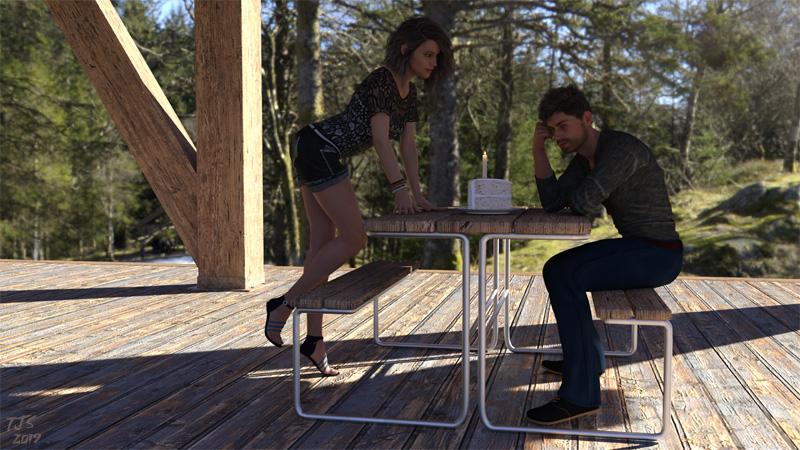
Belated BDay wishes to Mike from Vic
Anyways, even though Michael 8 sometimes is seemingly treated as the unwanted stepchild that some people may forget about at times, I still remember when his birthday is!
Looking forward to your second birthday Michael 8! And if you get overlooked again, well I won't forget you!
Well, we the fans of Michael 8 can certainly make a big hullaballoo about his birthday. He may not get the big flashy birthday Victoria gets from those in the Daz Ivory Tower, but there is no reason why we can't celebrate it ourselves.....with punch and pie? (OK, this is not going as well as I expected)
Victoria is Free for her BirthdayI didn't have Victoria 6, who oddly is actually my favorite one. I have all the others. I'm not sure which Michaels I don't have.
Victoria is Free for her BirthdayThe original Victoria, the Millennium Woman, developed by DAZ's predecessor Zygote, and no longer available, is from February 1999, making the Victoria line of characters 20 years old this year.
https://en.wikipedia.org/wiki/Victoria_(3D_figure)
Question about Leony HD for G8F. [Solved]I know this has been asked before but I couldnt find the post. Im thinking about purchasing https://www.daz3d.com/leony-hd-for-victoria-8 but there is a strange detail on her that im wondering about. In the 5th, 6th and 7th promo shots, you can see an indentation just below her rib cage that seems to circle her entire body. Is this just a clothing morph that hasnt been dialed out? I noticed she has an outfit specifically made for her so I was thinking an hd detail that is added with the clothing perhaps?
Victoria is Free for her BirthdayWhen is Michael's birthday? And will we get him for free, too?
Unlikely
I don't want to jump the gun, but I find it surprising that Michael's birthday isn't given the same sort of bravado as Victoria's. You create two very iconic characters which are loved and adored by many, yet totallly ignore 50% of that base....now now,I better watch what I say just in case they DO decide to celebrate Michael's birthday and I look like a schlep...but I can't recall them celebrating it in the past.
Victoria is Free for her Birthdaythis is cool ... I didn't know she had only 1 birthday ...
FREE base models ... I alreaqdy have them all, but a good catch for newcomers.
I Forgot What My Complaint Was - Complaint ThreadHappy Birthday to Victoria.
Why do I have a feeling, when I look at her, that this isn't her first 20th birthday?Will Michael 8's birthday be forgotten again?At the same time, neither Stephanie nor Aiko got a birthday party.
Victoria is the first figure of DAZ, she's their ambassador when Michael is only her assistant.
Well, if the sale was for Victoria 1's birthday, aka 'Millie', then according to Wikipedia it would be in February..
https://en.wikipedia.org/wiki/Victoria_(3D_figure)
That was 20 years ago, or 1999, so we should have had a 20th anniversary sale for her at that...Of course, that may be back when Zygote owned the figures...
As for Michael 1, the Wiki says he was released concurrently.
According to the Daz database, Millenium Man Michael 1 was released on 1/1/2000, while Millenium Woman Victoria 1, aka 'Millie', was released on 5/30/2001.
http://docs.daz3d.com/doku.php/public/read_me/index/3/start
http://docs.daz3d.com/doku.php/public/read_me/index/85/start
So if the Daz product database is to be believed, Michael came first. Michael 1 is Product ID 3, whereas Victoria 1 is Product ID 85...
In any case, I'm only focusing on the 'Genesis 8' figures, and when they were released. Last year's sale was for Victoria 8, and while this year's sale just says 'Victoria', Vic 8 was released on 6/15, so this sale is only a couple of weeks off. If we were being exact, going by Daz's listed date for Victoria 1, the Vic sale is 2 days late.
Anyways, I'm sure some of the longtime veterans can fill in the dates and backstories involved here more accurately. But my understanding is that Victoria and Michaal were released more or less concurrently, which would make since since their base figures were originally created for medical anatomy purposes. Zygote is still doing medical anatomy figures BTW, although Daz Studio isn't listed in the programs that can use their figures list.
On a related note, I did see a mention about the 'boys' essentially being morphs of the girls back then, particularly for the Millenium Youths.
Here's a fascinating interview with Chris Creek, one of the original founders of Daz3D, who has since moved on to other things:
https://community.hivewire3d.com/threads/chris-creek-behind-the-curtain.806/
I wasn't aware that the Salt Lake Comicon guy, Dan Farr, was one of the founders of Daz3D. You learn something new everyday!
But I digress. If Victoria gets birthday sales, so should Micheal! Both came first. As for Aiko, Steph, etc. well if they have an UNBROKEN chain from the Millenium days, by all means they should get birthday sales too!
Disclaimer. I love Aiko. Don't be mad at me Aiko!
Report sales errors here. Missed it? No worries. "There's Always Another Sale™"I don't know if there was supposed to be some banner deal for previous owners, but it's underwhelming to not get any alternate offer for already having all of the base figures, and 4 of the 5 Pro Bundles.
Particularly as bits and pieces of the one bundle I haven't got (V5) trickle through the freebies so often that the only thing of any real significance that I'm missing is the anatomical elements, and even on discount I' m not forking out just for those.
Based on the wording on the sale page I'd say they consider the discounts on related items a good enough offer for people who already own the bundles.
The "thanks frequent buyer" offer I got refered to "Victoria birthday month", so there are probably more sales coming.
Report sales errors here. Missed it? No worries. "There's Always Another Sale™"Are the Kala discounts supposed to stack with the Victoria coupon? For the Morroco sale, I mean...I bought Kala last night (big bundle plus addons) so I should get an extra 20% off the featured artists on the Morroco page PLUS when I add the coupon it should stack right?
It stacks with the offers for buying Kala herself, so I'd say it should.
Report sales errors here. Missed it? No worries. "There's Always Another Sale™"All the Vicky bases free for her birthday sale (picked up 6 and 8 as they were the 2 I didn't have) - discounts on all the pro and starter bundles too.
Not all, actually. Victoria 3 isn't free nor discounted. (i just got some cool texture for her, so i was thinking to get her on sale, guess not this time yet)
Will Michael 8's birthday be forgotten again?At the same time, neither Stephanie nor Aiko got a birthday party.
Victoria is the first figure of DAZ, she's their ambassador when Michael is only her assistant.
Carrara Sale Email Message Alert threadAll Victoria base characters are free for her birthday: https://www.daz3d.com/victoria-is-free-for-her-birthday-13061Will Michael 8's birthday be forgotten again?So, last year, Victoria 8 had a huge birthday sale. And, she's honored with another birthday sale this year!
Poor Michael 8, on the other hand, didn't even get a mention last year. Let alone a sale.
Michael 8 was released on 8/22/2017 btw, according to his Product Information page.
http://docs.daz3d.com/doku.php/public/read_me/index/45773/start
Belated BDay wishes to Mike from Vic
Anyways, even though Michael 8 sometimes is seemingly treated as the unwanted stepchild that some people may forget about at times, I still remember when his birthday is!
Looking forward to your second birthday Michael 8! And if you get overlooked again, well I won't forget you!
Daz 3D is part of

Connect
DAZ Productions, Inc.
7533 S Center View Ct #4664
West Jordan, UT 84084Licensing Agreement | Terms of Service | Privacy Policy | EULA
© 2026 Daz Productions Inc. All Rights Reserved.