-
pwToon
I fixed reset the opacity settings to 100 and that fixed the problem. Here are 2 images I've done with @Crescent's free pwToon shader presets. Not real satisfied. Pwtoon is not as intuitive as I hoped but I just started playing with it. I did some post work in Photoshop,


3rd Attempt
 Mollytabby's Art Workshop
Having had some fun with pwToon, I picked up Visual Style Shaders when they in Fast Grab. Today I've been experimenting with them and I'm finding I really like them. I picked up the Manga Style Shaders too but I haven't had much time to look at those yet.
Fascination
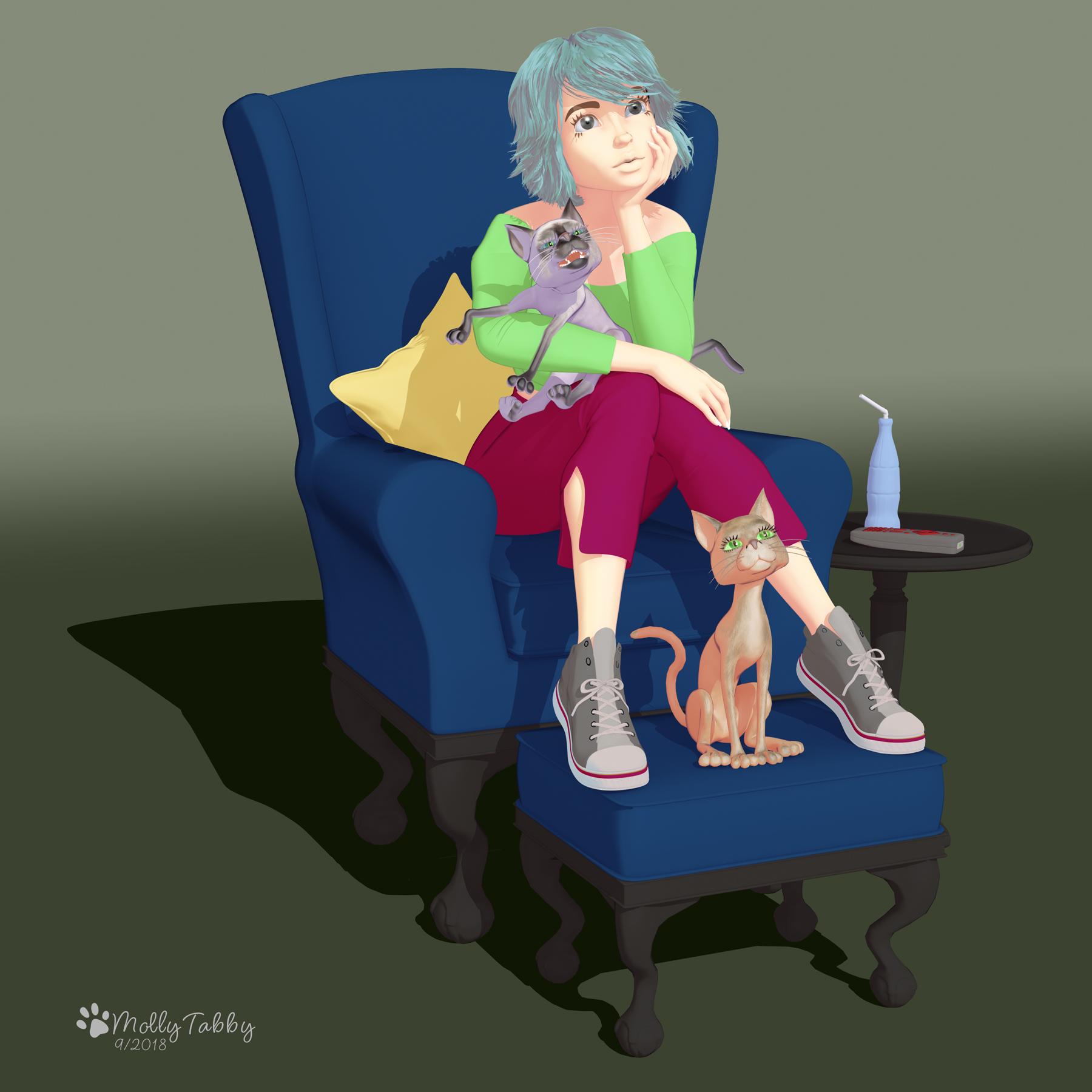
Love this one!
 More Non-photorealisitic Renders (NPR II)
I think I have the opacity problem fixed, Here is my 1st try with @Crescent's free pwToon shader presets. Not happy with it. I need to expirement some more I guess, Ignore the jacked up pose. I know it's messed up.
 New pwToon Cel Shader Presets
this is a render i just last night. I'm trying to get toon shaders to work well on enviroments, mainly FLOORS. What i notice is that they end up black at certain angles. I do like pwToon and i think it combined with visual style shaders and maybe even DStoon shaders would work well.
pwToonYes, there is a nice HTML instructions with sliders and such for pwToon, if you cant find it, you can PM me
ReadMe's\Poseworks\pwToon\index.html
More Non-photorealisitic Renders (NPR II)@tdkrobert Dolly is all done with pwToon except for the little cloud in the sky at the top right. If you look at the shader section after you have applied the base shader, there's an Internal line and Outline option which you can play with
Awesome. I'm excited to play with this.
More Non-photorealisitic Renders (NPR II)@tdkrobert Dolly is all done with pwToon except for the little cloud in the sky at the top right. If you look at the shader section after you have applied the base shader, there's an Internal line and Outline option which you can play with
More Non-photorealisitic Renders (NPR II)@tkdrobert, I learnt how to use pwToon by following these tutorials
https://www.deviantart.com/cyonixgfx/art/Cel-Shading-in-DAZ-Studio-156161543
https://www.deviantart.com/cyonixgfx/art/pwToon-Tutorial-1-The-Basics-257226861
https://www.deviantart.com/cyonixgfx/art/pwToon-Tutorial-2-DAZ-Gen-3-257227270
They are old, but to be honest they worked perfectly well to get me started. I then used trial and error to find out the best shaders to use. I also added @Crescent's free pwToon shader presets which you can find in this thread here:
https://www.daz3d.com/forums/discussion/195231/new-pwtoon-cel-shader-presets#latest
Basically, select your object in Scene and select it in Surfaces. Apply pwToon Shader and you'll see that the surfaces panel updates with new sections so that it works with the new shaders. You can then, with everything still selected, click on one of the styles under the pwToon resources. Or you can indivually select surface areas and apply Crescents shaders to them.
With pwCatch I created a primative to place under the chair and then clicked on the presets to create a shadow. I then played around with the opacity and changed the primative colour to white. I haven't got very far with pwCatch I'm afraid. I was delighted to even get the shadow, lol.
This is an image I created with pwToon.
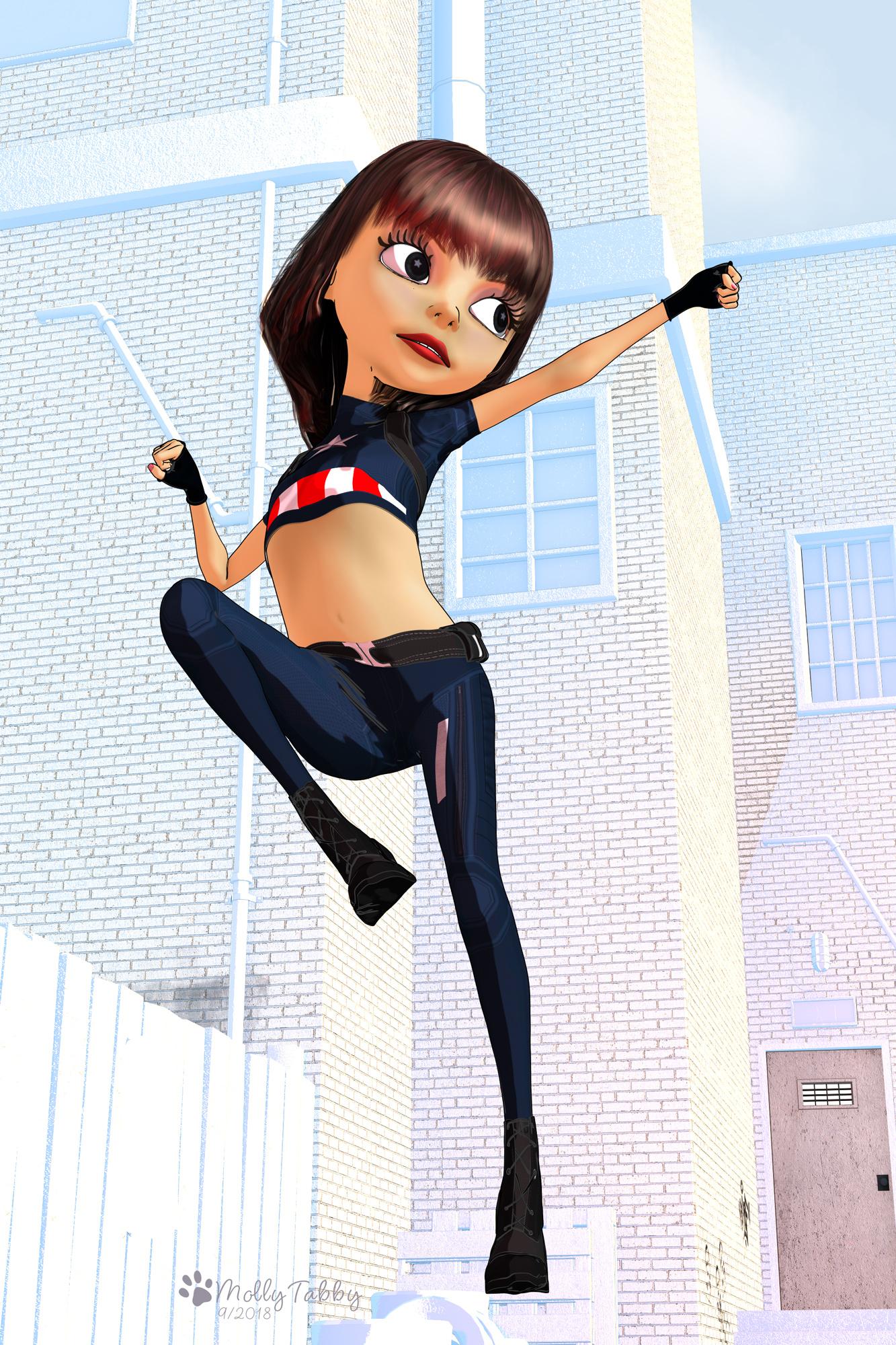
I like that image too. Did pwtoon create the outline on her? Did you use VSS on this one? I'm currently working on a realistic IRAY image for my Alien Invasion series, but as soon as I'm done with that, I'll play around with pwToon. Maybe I'll try to do a groupshot of my graphic novel characters. pwCatch will be very useful for my comic book renders if I can figure it out. Thanks for the links.
More Non-photorealisitic Renders (NPR II)@tkdrobert, I learnt how to use pwToon by following these tutorials
https://www.deviantart.com/cyonixgfx/art/Cel-Shading-in-DAZ-Studio-156161543
https://www.deviantart.com/cyonixgfx/art/pwToon-Tutorial-1-The-Basics-257226861
https://www.deviantart.com/cyonixgfx/art/pwToon-Tutorial-2-DAZ-Gen-3-257227270
They are old, but to be honest they worked perfectly well to get me started. I then used trial and error to find out the best shaders to use. I also added @Crescent's free pwToon shader presets which you can find in this thread here:
https://www.daz3d.com/forums/discussion/195231/new-pwtoon-cel-shader-presets#latest
Basically, select your object in Scene and select it in Surfaces. Apply pwToon Shader and you'll see that the surfaces panel updates with new sections so that it works with the new shaders. You can then, with everything still selected, click on one of the styles under the pwToon resources. Or you can indivually select surface areas and apply Crescents shaders to them.
With pwCatch I created a primative to place under the chair and then clicked on the presets to create a shadow. I then played around with the opacity and changed the primative colour to white. I haven't got very far with pwCatch I'm afraid. I was delighted to even get the shadow, lol.
This is an image I created with pwToon.
pwToonI just picked up pwToon and pw catch on sale. Do they come with instruction documents? I'm not home, so I can't check right now.
More Non-photorealisitic Renders (NPR II)FYI: I just picked up pwToon and pwCatch on sale
More Non-photorealisitic Renders (NPR II)I've been following along for a while and love what everyone is doing. I picked up pwToon a little while ago and picked up Visual Style Shaders and Manga Style Shaders when they were in fast grab. I picked up pwCatch yesterday in the sale. Today I've been playing with the Visual Style Shaders and pwCatch. The only post work is to drop the green tint behind the png ((which to be honest I now realise I could have done with pwCatch) and add my signature.
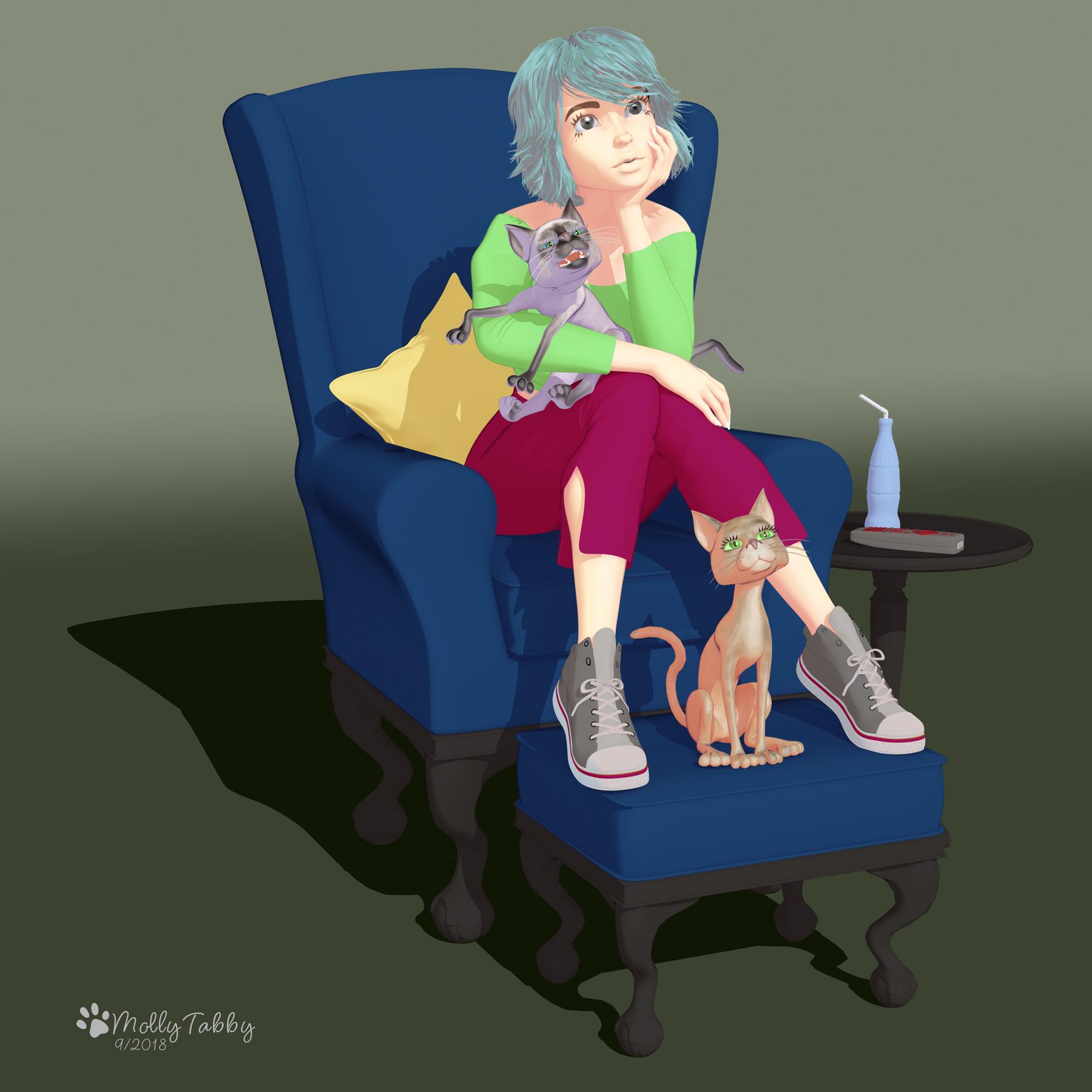
That looks great. I
have VSS but I haven;t got pwToon yet.Edit: I just picked them both up on sale. Is there an instruction manual? Also, did you use the default setting with Visual Style Shaders?
More Non-photorealisitic Renders (NPR II)Looking great, Mollytabby.
I have purchased pwToon, pwCatch, Visual Style Shaders and Manga Style Shaders a long time ago,
but never achieved with them something nice. Probably, it is just my fault.
More Non-photorealisitic Renders (NPR II)I've been following along for a while and love what everyone is doing. I picked up pwToon a little while ago and picked up Visual Style Shaders and Manga Style Shaders when they were in fast grab. I picked up pwCatch yesterday in the sale. Today I've been playing with the Visual Style Shaders and pwCatch. The only post work is to drop the green tint behind the png ((which to be honest I now realise I could have done with pwCatch) and add my signature.
Mollytabby's Art WorkshopHaving had some fun with pwToon, I picked up Visual Style Shaders when they in Fast Grab. Today I've been experimenting with them and I'm finding I really like them. I picked up the Manga Style Shaders too but I haven't had much time to look at those yet.
Fascination
Sakura 8@3doutlaw your pwtoon render came out perfectly toonie. If it does the line art on a separate layer, I wonder if you could, in photoshop, copy it a few times, and blur the top layer or layers and set to multiply. That might smooth out some of the the jagginess, though it looks really good as is.
Your other render of Sakura in a suit is super-awesome.
More Non-photorealisitic Renders (NPR II)and here we go, with our old friend pwtoon
 Sakura 8
Where did you find the outfit 3D? Sorry for short response. I am in that bulls eye called Florence right now. Nevermind 3D I found it along with something else I want to give a try. Also going to give pwtoon shaders a go now that I have that 3d model I just finished sent over to my good friend for fine tuning. Still haven't decided whether it will be a freebie or stick my feet in the vendor market.
Sakura 8In the continued essence of Toon, I spent some time with pwToon, Crescents shaders, some custom adjustments via the documentation, and am happy with the results!
 Probably the most time I've ever worked with pwToon. Its a good product! Love those lines to be a little less speckly, but I didn't have the patience to dig into LR9k just yet.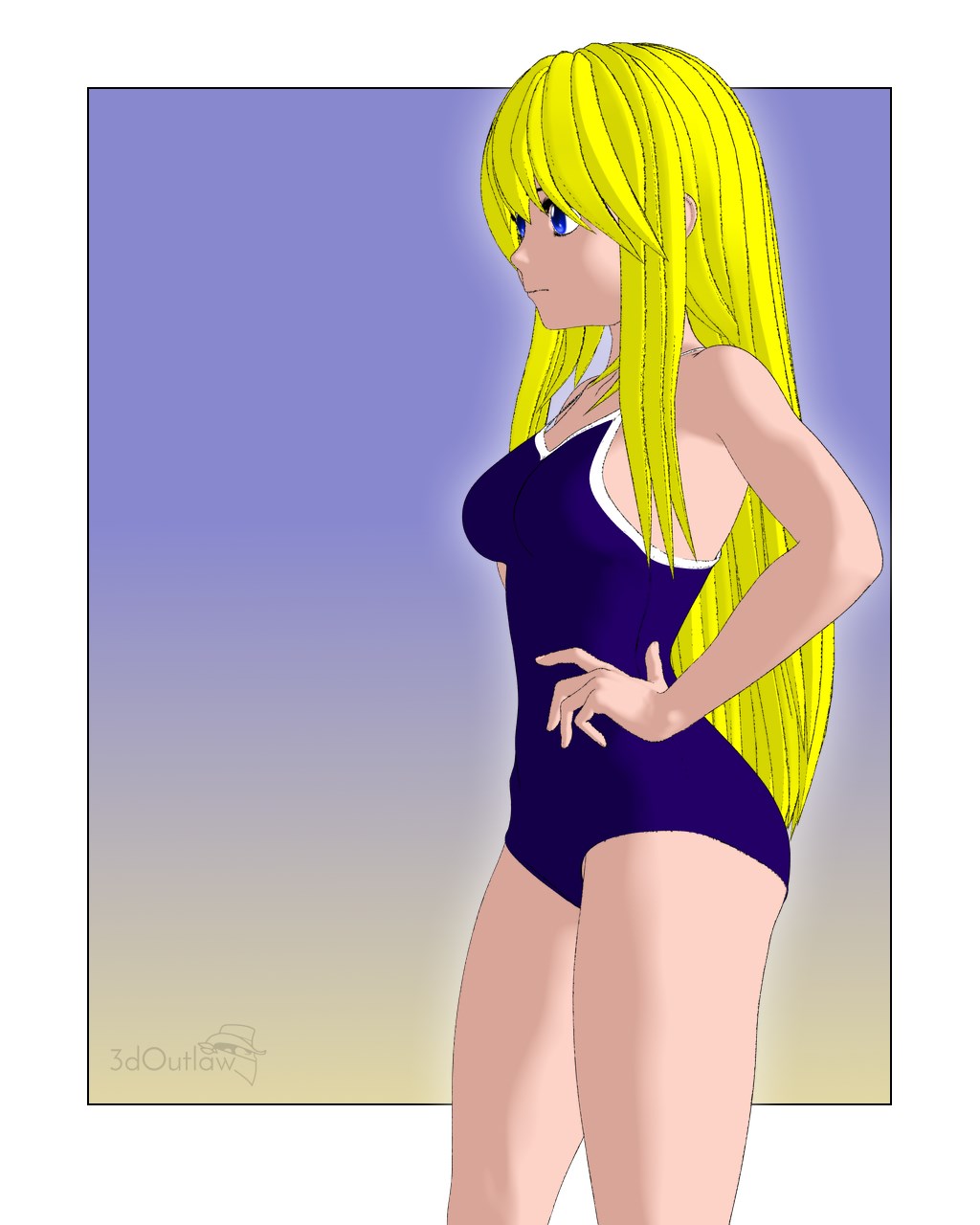
This looks good!
Sakura 8In the continued essence of Toon, I spent some time with pwToon, Crescents shaders, some custom adjustments via the documentation, and am happy with the results!
Probably the most time I've ever worked with pwToon. Its a good product! Love those lines to be a little less speckly, but I didn't have the patience to dig into LR9k just yet.Daz 3D is part of

Connect
DAZ Productions, Inc.
7533 S Center View Ct #4664
West Jordan, UT 84084Licensing Agreement | Terms of Service | Privacy Policy | EULA
© 2026 Daz Productions Inc. All Rights Reserved.