-
[Released] RSSY Character And Material Conversion Bundle Genesis 8 to Genesis 9 [Commercial]
Quixotry said:
So... I'm going to shuffle in and ask a dumb question. I did read through the whole thread, but am obviously being dense and not seeing where user error is kicking in in my situation.
Bought the character converter bundle and it looks awesome. This is the first chance in the months since the purchase that I've had time to sit and play with it. Since my results are so poor, I'm convinced that it's down to my own misunderstanding of something.
I begin with an empty scene.
1. Double-click on Character Converter - G8F to G9 script and the window opens.
2. Set output directory. In my case, because I want to keep the converted characters separate from the others, I've got it set as: E/:My Daz 3D Library/People/Genesis 9/Converted Characters.
3. Add Directory. In my case, I've got my Daz Originals installed to its own library: E/:My Daz 3D Daz Originals Library/People/Genesis 8 Female/Characters.
4. Select a single character, Babina 8.
5. Click Execute. The script begins to do its thing. Babina is loaded, then Genesis 9. As things work, a pop-up comes up asking if I want to zero the figure shape or restore it. I pick Restore.
6. A few seconds later, the script says it's finished. Everything seems to have worked smoothly.
However, nothing seems to have been saved. The character dials do appear on the G9 figure in the scene, though the values are not set as expected. If I delete the G9, those dials disappear so they haven been saved as part of the process. If I put in a value of 100% on the head and body and then dial up the G9 Feminine morph, the shape is fairly close to Babina 8's. Do they need to be saved manually? Also, no presets are appearing in the Converted Characters folder, and the materials don't seem to be getting converted either. The log is showing errors relating to the conversion, and it says it can't find the Genesis 8 Female Head property. Is it only looking for that in E/: ? So I'm definitely missing something along the way. Any idea where I've gone wrong?
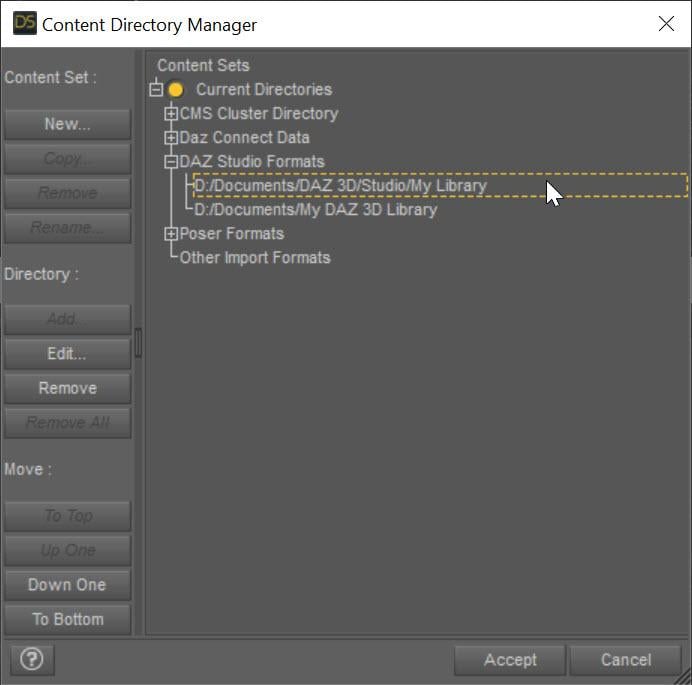
If it cannot even find the Genesis 8 Female Head, there is a serious configuration error keeping the script from working. What have you set the directories to in Daz Studio Formats?
 Face Transfer 2
I returned the RSSY hair converter because I was seeing those issues on stock G9 too. When I went back to look at the commercial thread more closely, I noticed it in almost all the renders people were putting up, usually masked by the angle of the render. A sort of "I'm wearing a wig" effect. IIRC, someone hinted at it and the response was "don't like it, return it". So I did. The examples here may be more extreme than you get with a base G9 figure, but the same problem definitely already exists.
What I do now for older gen hairs on G9 is this:
- Have an older gen character in the same scene, hidden
- Have a G9 clone of the older generation in the same scene that follows my G9's morphs, also hidden
- When I make a posing change, export the clone out then load it as a morph on the older generation figure
- The older gen hair is loaded on the morphed and hidden older gen character
A bit more convoluted, but very good results. I keep template files with the hidden shapes/figures set up to allow me to use older gen hairs, clothing and hierarchical props when starting a new G9 character.
Face Transfer 2d characterHi I am new here, just downloaded daz3d. (not sure if this is the right place to post). I am trying to make a 3d character, but it is a drawn one. Therefore face transfer ain't working well on it. Is there anyway to make my OG character without sculpting it from scratch??
Face Transfer 2And another new one ...
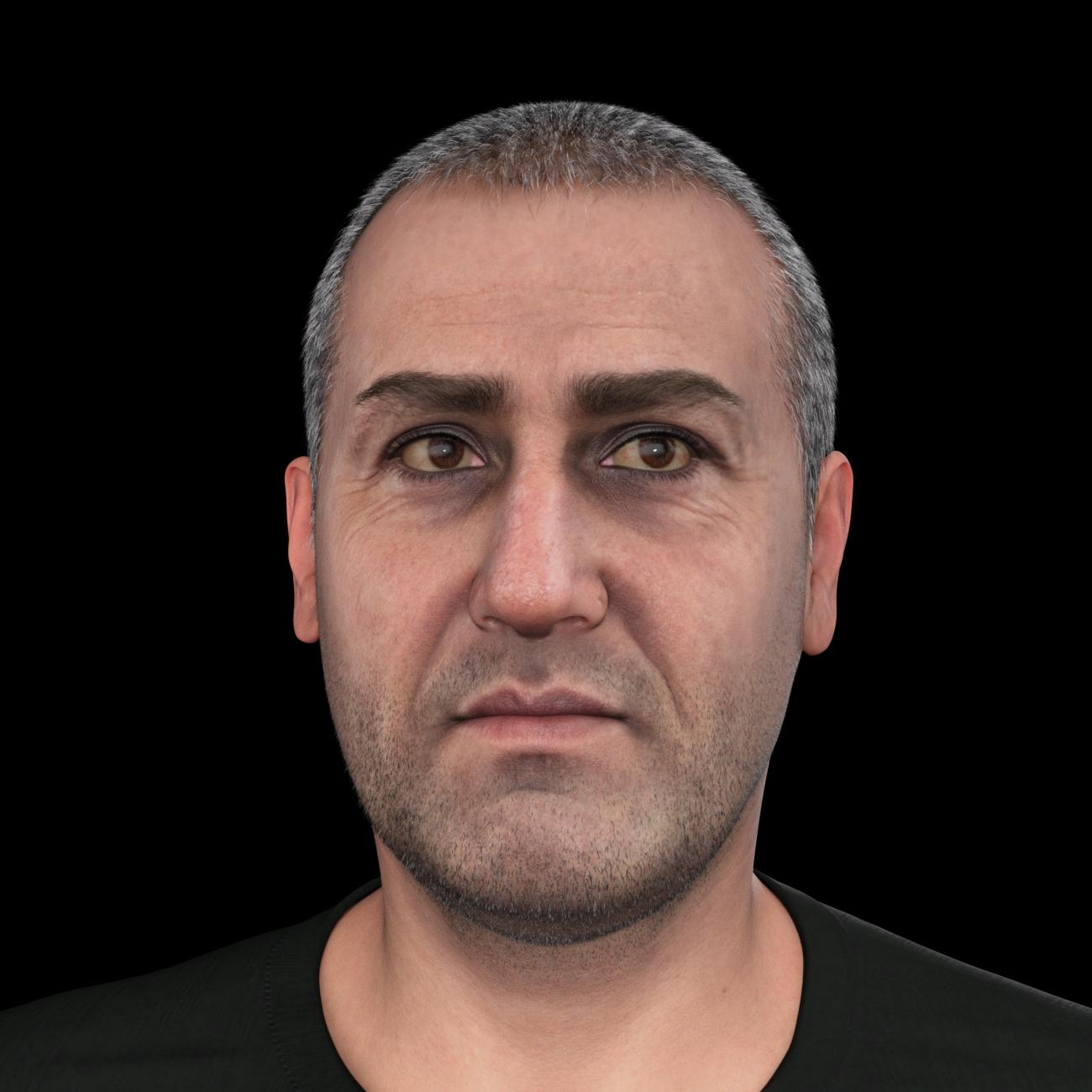
Not that you can tell from this head-on shot, but I was experimenting with using a saved ManFriday morph of a stock G8.1 male with 100% Face Transfer Shapes male applied. Yes, if you apply a lot of that, you'll get G9 eye weirdness, but unless you look really closely, it actually overdoes the chin and lips before the eyes get really wonky. I think I have something like 8% of that applied here. And no, it's actually not the cause of the overly pink portion on the lacrimal area; that's there even with none of that morph applied. I don't know if it's going to be the same cause, but I ran into that with FT in G8 and I just have to find my notes on what I did to get rid of it.
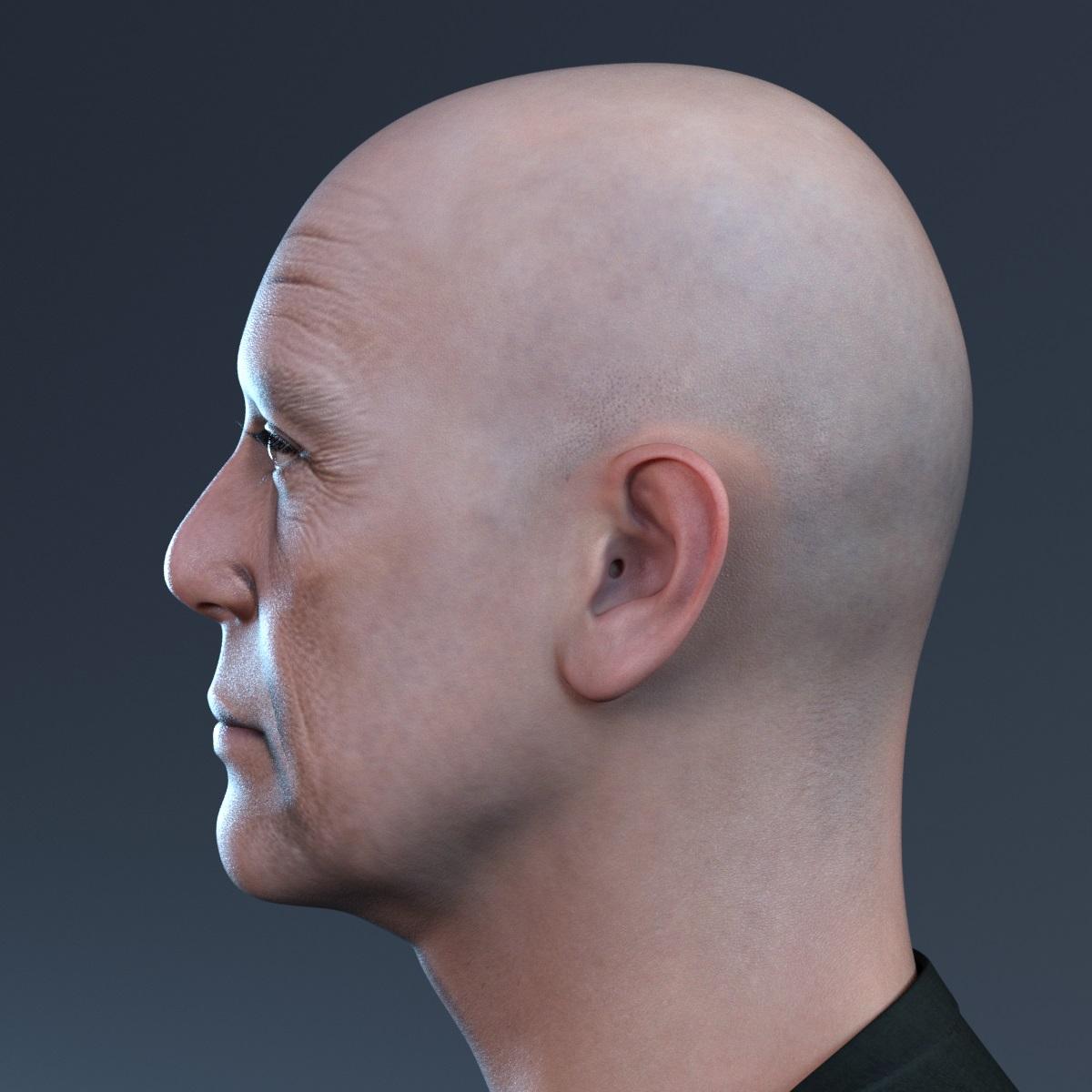
Face Transfer 2Below is a better character material obtained from Face Transfer 2,
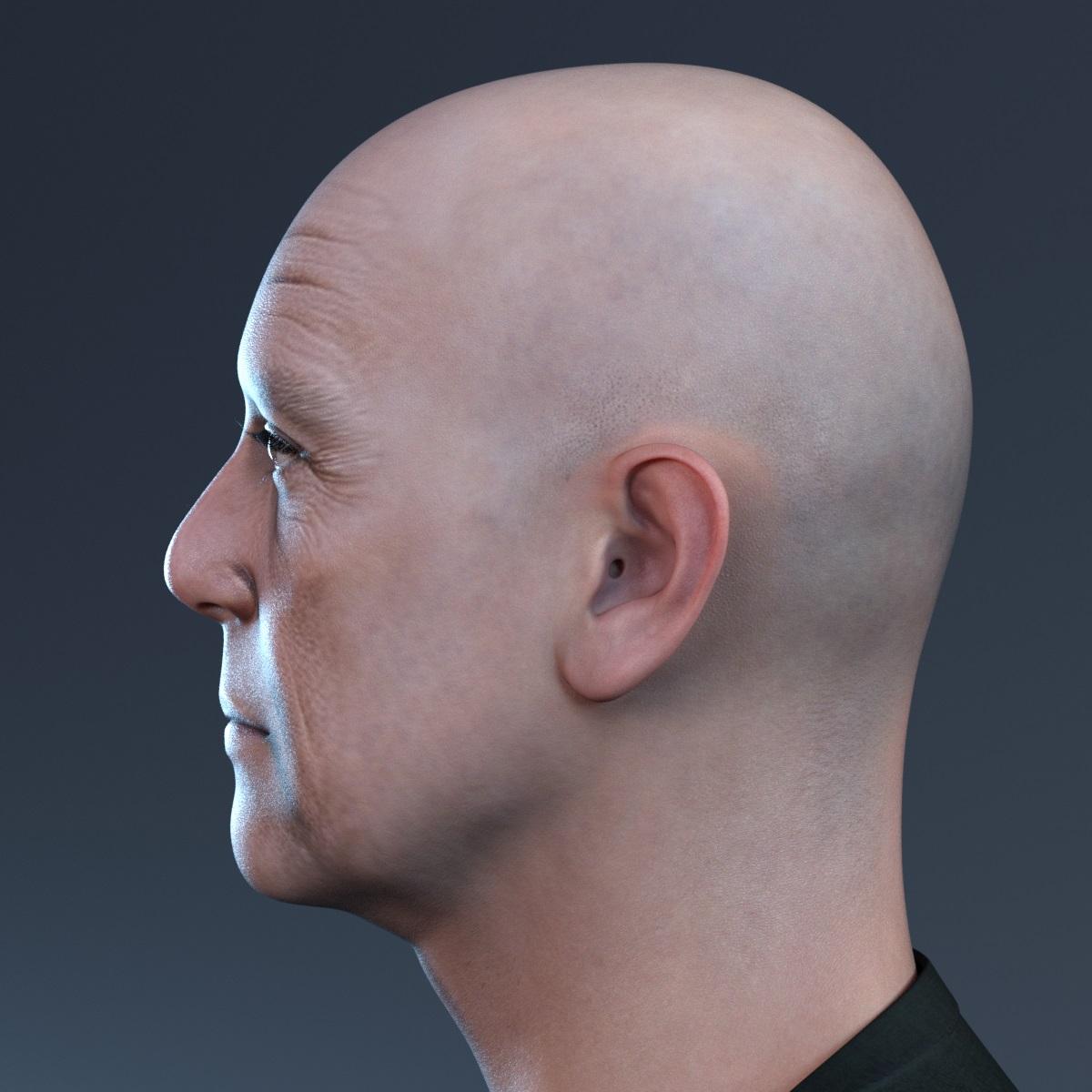
so I applied some morphs to improve the shape of the generated face.
 My Character's Eyes Are Messed Up--Help?
Well, as an update, I finally found the issue! There was a morph that edited the eye mesh that was DEFINITELY not supposed to do that, and I had to hide the head and play with each and every eye dial on G3M until I found the (two) offending morphs. ^^
Help with BruisesSo just to add to the issue, I have tried map transfer with the character I want, and the torso maps appear black, and I tried to follow FENIXPHOENIX instructions on other GEN8.1 characters and the default GEN8.1 BASIC MALE, and all the characters have a specific map for the HEAD area, and as with the ETHAN character this map does not fit correctly under GEN 8.0 UV's, and if replaced by BODY surface nothing appears. either I am not doing this correctly, or what I am trying to do is not possible, which is crazy, as I have had great results using G8 UV's on G8.1 female characters before using geoshells and the same process, so don't know :(
Face Transfer 2Here's one of mine. Tweaked it with some morphs to bring out the details. Still need to go back to the texture and iron out the issue on the sides of the nose. That was from the image not the transfer. Image was lighted from both sides of the model so it basically killed the shadows on either side of the nose.
Help with BruisesFenixphoenix, thanks for the reply, the transitions assets looks great, as far as the geoshells go, I have tried to follow your instructions, however I can not use the skin I want and set up the geoshell with G8 UV's, usually it just as simple as copying the BODY surface to the HEAD surface and then switch to G8 UV's, however this character has a NECK type surface maps, which goes in the HEAD surface, and if its the UV's are switched to G8.0 this map does not fit correctly, and if the BODY surface is copied to HEAD, in G8.0 UV's nothing appears at all, so I am stuck :( I might try to MAP TRANSFER, the surfaces, but I tried it before and it did not work :(
The character skin I am using is "DEX Ethan for Genesis 8.1 Male" by Dexon3d, over on Renderhub.
Thanks for all your help.
The older generation: Victoria 2/3, Michael 2/3 and their children rendersIn the latest sales/ freebies I managed to pick up V3 Rianne for $2.99. I wanted to see if I could add another V3 character morph to my TriAx GV3 model, and chose the one I thought looked interesting. Well, it came as a revelation as to how nice she was, and then I loaded the textures manually into my Iray/Uber material set (must find how to do it by script - there are a lot of material zones in V3). Then I added the morph to TriAx GV3, saved the base character and started to set up a scene.
Clothing from G3F (Ironman13 'Modern Cow Girl Outfit for G3F') and the A Frame Cabin an Advent Calendar $2.99 item. Scenery UltraScenery Britain and a volumetric cloud decorating the sky.
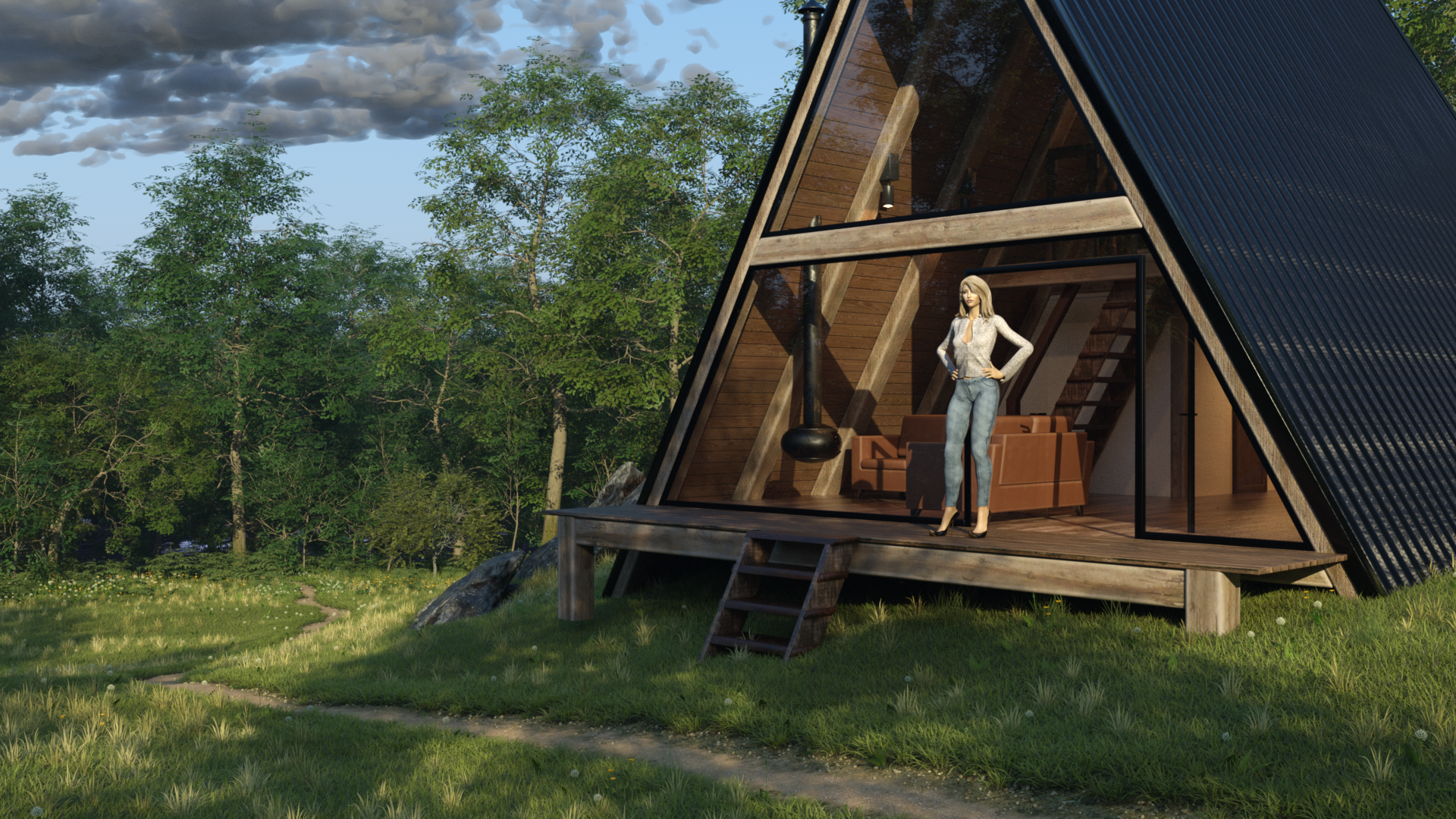
I absolutely adore the flexibility now available in clothing these old figures after going to the effort of adding the TriAx weight mapping.
I also manage to add the required pixies to the dragon image in my previous post. I added 5 pixies, then used two 2x2 linear arrays at different spacings to copy the group of five, ending up with 35 attacking the dragon & rider.
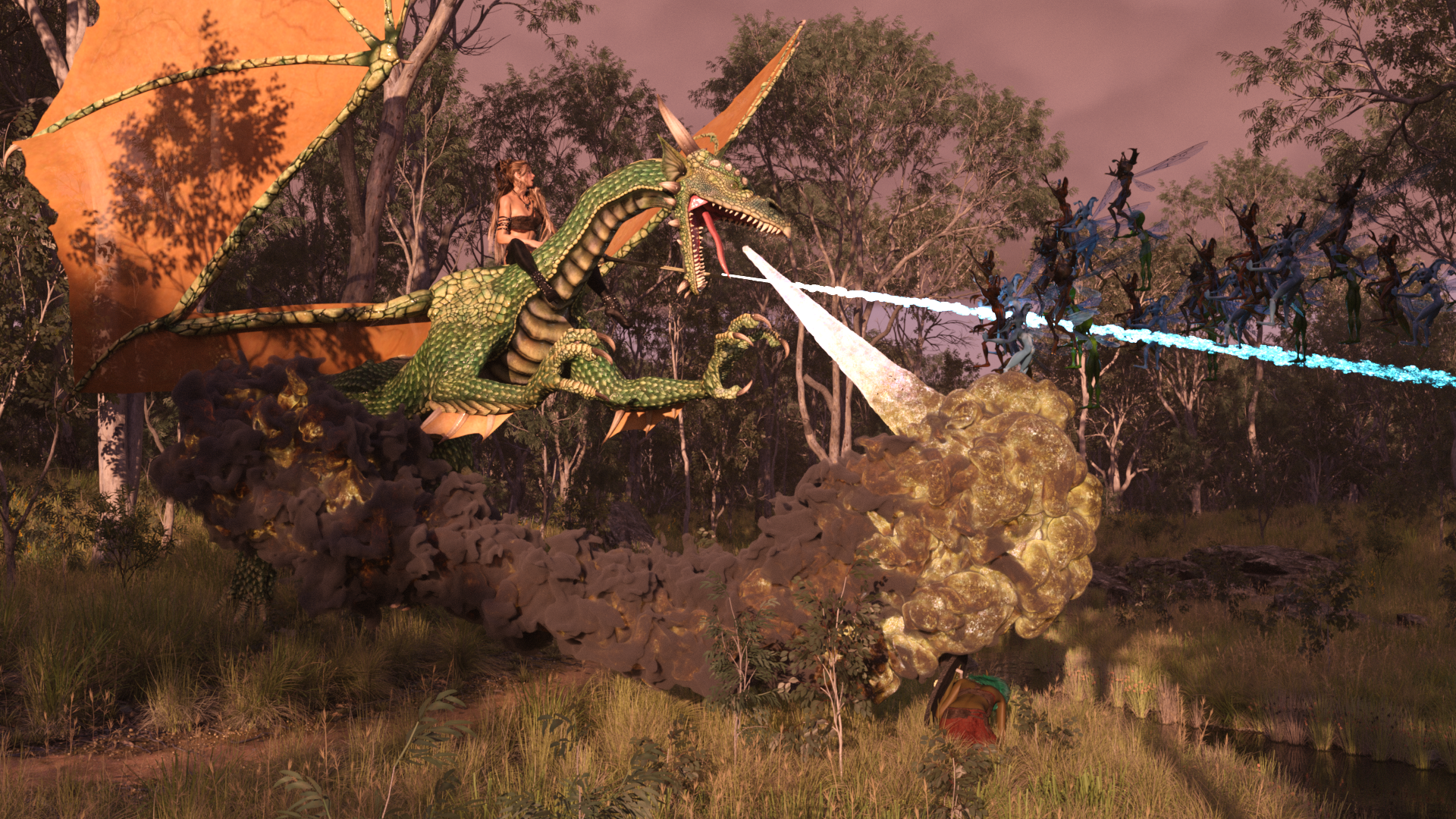
Regards,
Richard
Face Transfer 2Artini said:
Now it is time for male FT2 creation on Genesis 9.
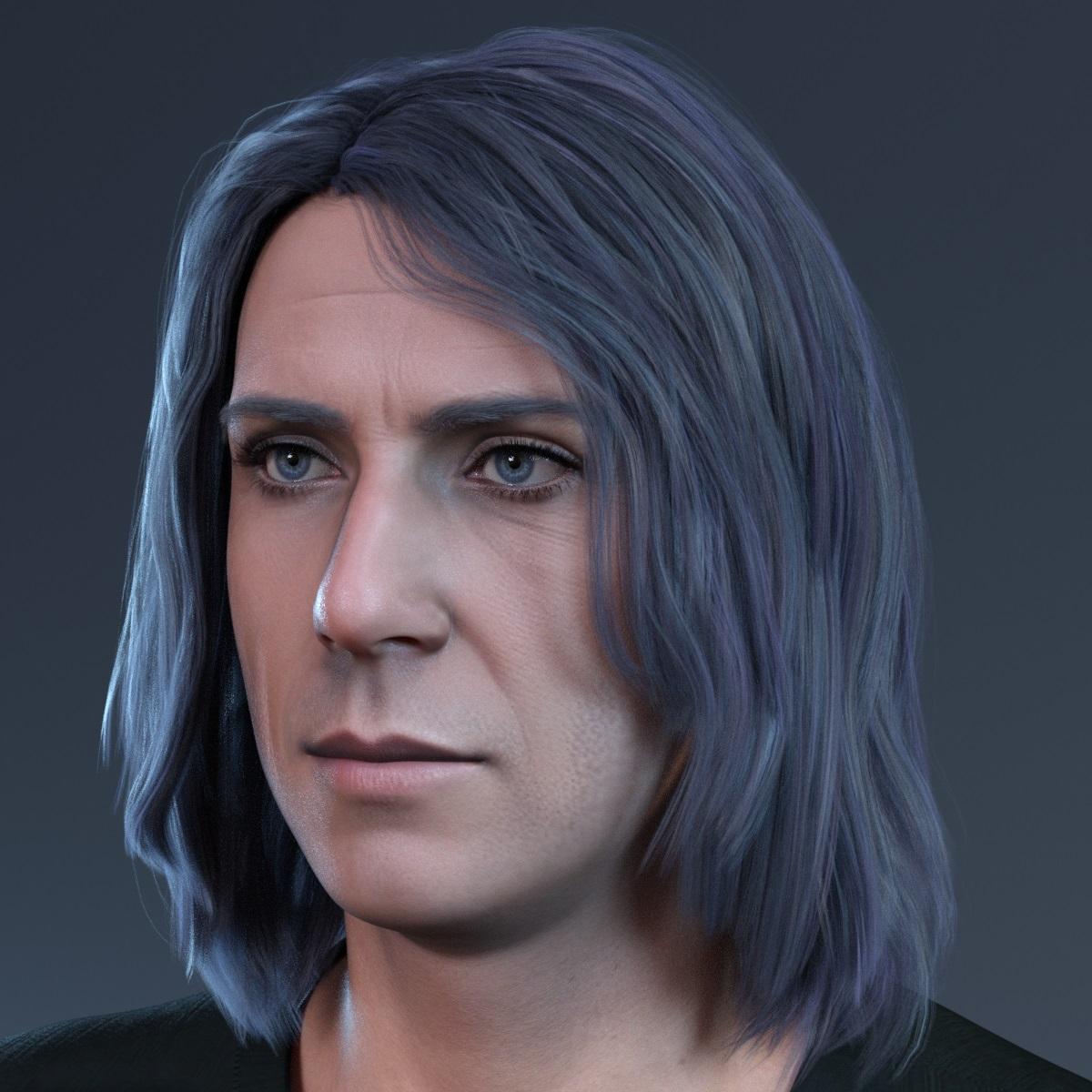
If the others were Gensesi 8 then they were still using the current version of Face Transfer 1.
Face Transfer 2GRFK DSGN Unlimited said:
Where do you get your source images?
Source images for my story's major characters came from Artbreeder, which still can be used to create 2D photorealistic faces but that feature is probably buried a bit under a milion other toys Artbreeder offers now.
I was pleased to discover yesterday that thispersondoesnotexist ( thispersondoesnotexist.com (1024×1024) ) is back online. It's a good source for quick one-off characters but it usually takes numerous refreshes to get anything suitable for Face Transfer. I picked up several dozen new ones to play with.
Please - Face Transfer 2Runtu said:
Well I did not receive any of the $30.00 stuff, I don't even have Face Transfer 2 installed.....what is going on? I put a ticket in but at the time of purchase and have not heard a word.
You should have selected the $30 stuff at the time you made the purchase, there was no 'receiving' afterwards
Edit: At the moment, FT2 Only comes with the beta version of Daz Studio, there is no installing needed.
Please - Face Transfer 2Well I did not receive any of the $30.00 stuff, I don't even have Face Transfer 2 installed.....what is going on? I put a ticket in but at the time of purchase and have not heard a word.
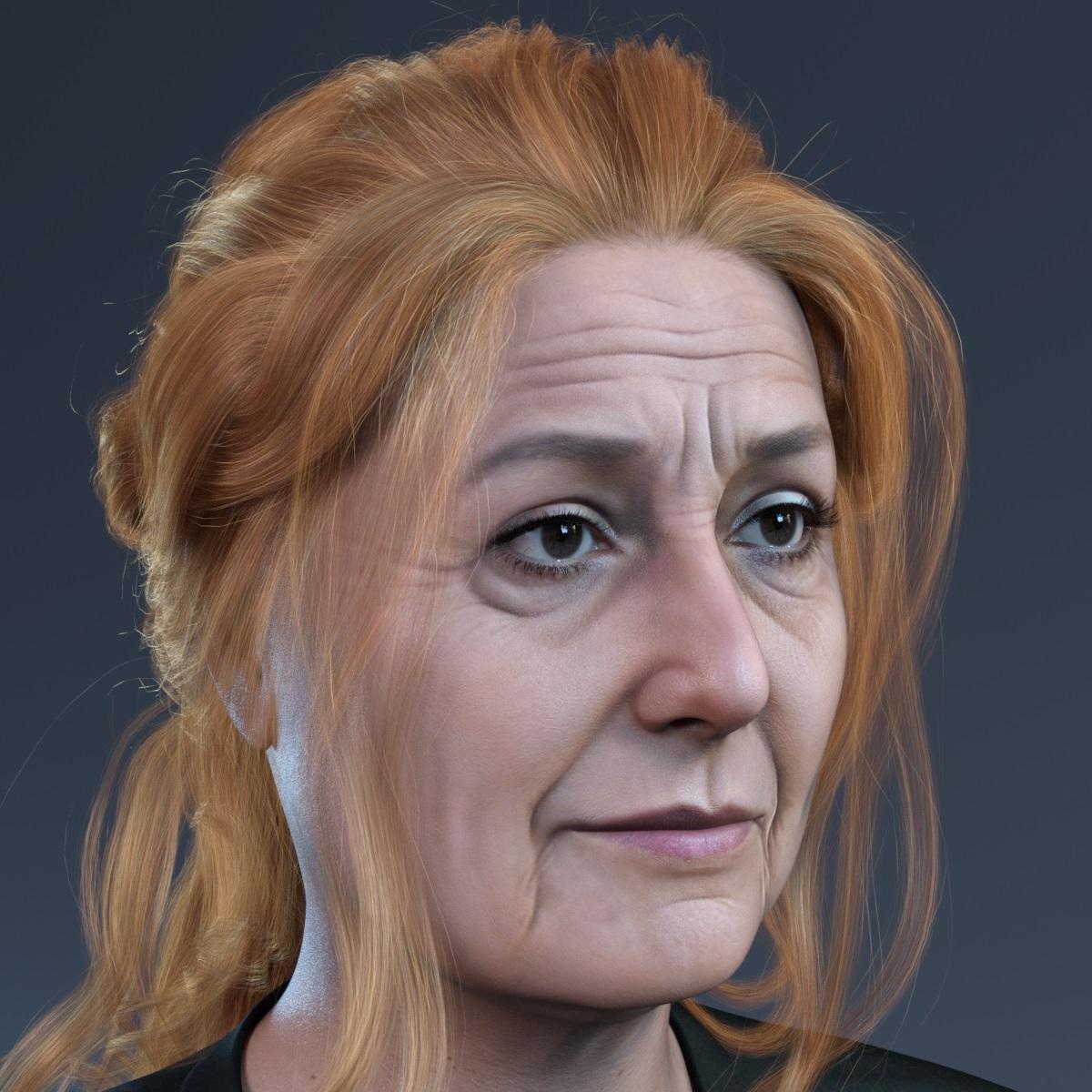
Face Transfer 2Below is my latest Face Transfer 2 creation on Genesis 9.
 Render your buys! Use buys from the current month and the previous month of sales
paulawp (marahzen) said:
I've spent the last few days creating random new characters with Face Transfer 2 for the thread on that. But I figured it was time to come back and visit this thread and post something new. Here's a new FT2 character from today's twiddlings, along with the new Madame Bleu Outfit and a couple of other things I've picked up recently.
...
https://www.daz3d.com/dforce-madame-bleu-outfit-for-genesis-9-feminine
https://www.daz3d.com/old-village-wishing-well-iray
https://www.daz3d.com/an-english-village-for-daz-studioI like the character you created... she's 'normal' girl next door. :)
Render your buys! Use buys from the current month and the previous month of salespaulawp (marahzen) said:
I've spent the last few days creating random new characters with Face Transfer 2 for the thread on that. But I figured it was time to come back and visit this thread and post something new. Here's a new FT2 character from today's twiddlings, along with the new Madame Bleu Outfit and a couple of other things I've picked up recently.
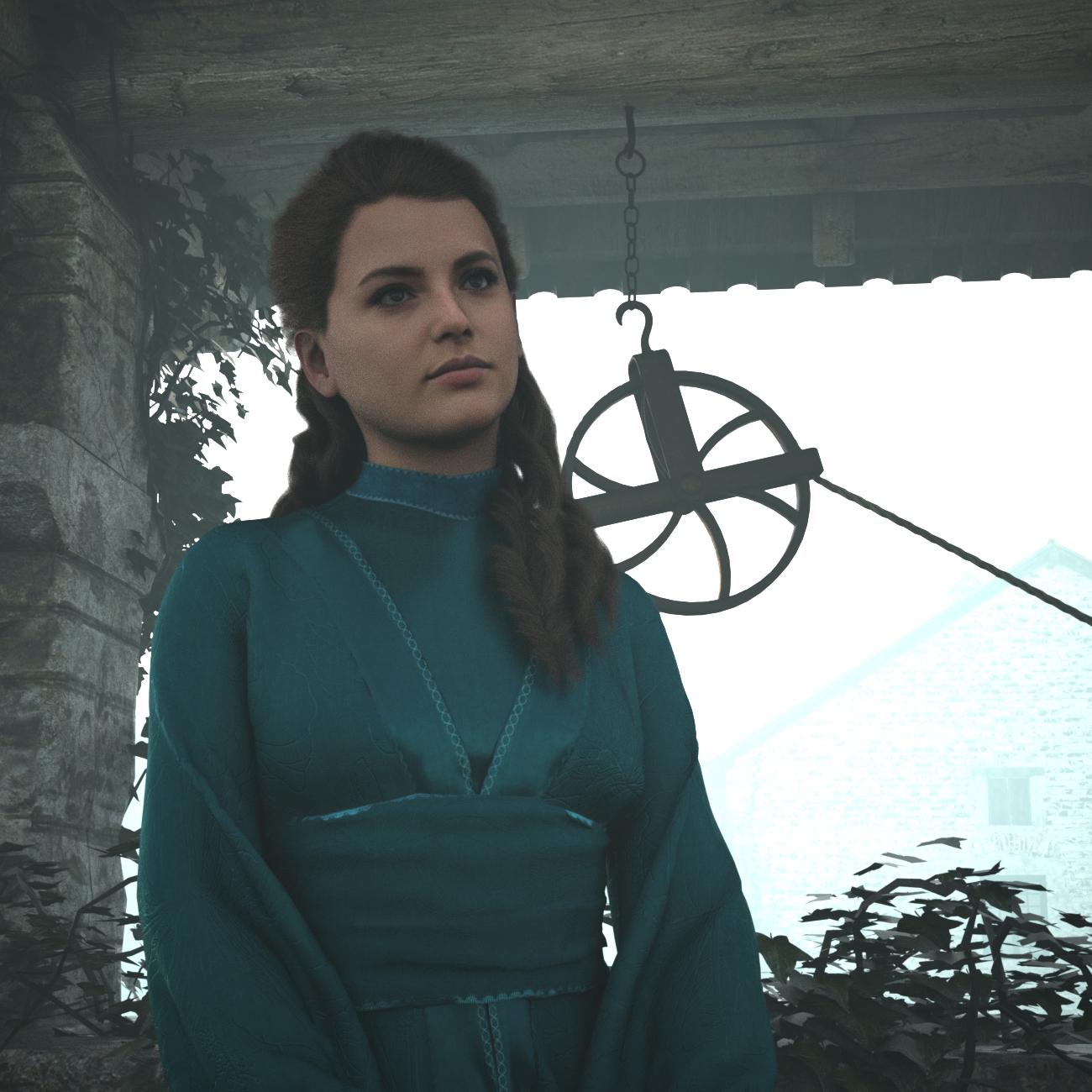
https://www.daz3d.com/dforce-madame-bleu-outfit-for-genesis-9-feminine
https://www.daz3d.com/old-village-wishing-well-iray
https://www.daz3d.com/an-english-village-for-daz-studio
What a stunning character! Love the mood of this render!
Daz Studio Pro 4.22(.0.x) - Highlights4.22.0.14 (December 16, 2023)
- Face Transfer 2
- Generated texture names now include generation/gender indicators
- Face Transfer pane (Face Transfer & Face Transfer 2)
- Extended progress reporting to be more informative about the work being performed
- Saving now sets consistent property group paths for generated morphs on followers (e.g., eyes) and property aliases on the figure (e.g., head)
- Fixed an issue where the shape name chosen during save was not being checked for uniqueness
- Shape name conflicts during save are now prevented/alerted
- Fixed a memory leak of transfer data during save
- Fixed a potential crash when processing/updating modifiers on followers
- Application Shutdown
- Improved the performance of closing the application
- Time to close reduced by ~66% (2/3) in some tests
- Improved the performance of closing the application
- Logging
- Fixed an issue that caused a false-positive "nested directory" warning; see the Change Log for more detail
- Scripting API
- Made additions in various areas; see the Change Log for more detail
- Fixed bugs and/or made improvements in various areas; see the Change Log for details
Daz Studio 4.22[.0.x] Pro, General Release!Thor said:
Richard Haseltine said:
In what way is it failing to work as intended?
Perhaps I should have said "as expected".
In the past, after an install/upgrade, I've always just re-mapped to my previous library without creating a separate Content Set and never seemed to have any problems.
For this upgrade, I wanted to do a clean install, and retain one Content Set for the default clean installation, and one for my previous library*. Sounds simple.Clean install of Daz Studio
"Daz Studio Formats" using mapped defaults:
/Users/Shared/My DAZ 3D Library/
Previous Daz Studio Content Library (on 2nd drive):
/HD/DAZ 3D/Studio/My Library/
Using Content Directory Manager: Create New Content Set*, Add Directory to "Daz Studio Formats" mapping to previous Library
*IMPORTANT: This actually requires creating TWO new content sets in Content Directory Manager - This was/is not obvious and a little confusing until I figured out that the built-in "Current Directories" > "Content Set" is NOT actually a Content Set at all. It would be nice if a clean DS install actually had the default Content Set created and mapped, so the user could just add additional sets, or edit the existing one. Adding to the confusion, when accessing Content Directory Manager after selecting a created Content Set, the currently active set is NOT selected in the UI - instead, "Current Directories" is selected showing the chosen Set's mapping. The "Current Directories" item should not be selectable in the UI at all and should not be listed or editable as a "Content Set". The currently active set should be selected, and "Current Directories" should simply be informational reflecting the chosen, active set.Switching between libraries (Content Sets) in content directory manager results in broken icons/paths for content not explicitly saved into the "current" active library/Content Set. I understand why this is the case (broken filepaths).. but I assumed that the content libraries/sets would be self-contained, and simply NOT display items outside of their mapped directories. After all, if I can't load content from an inactive Content Set or unmapped directory, why am I seeing them in the active set at all?
The content sets are like pose presets, they change the current settings of the target (content directories) but they don't remain active ("The figuer is currently in pose /blah/blah/suchandsuch.duf" or "DS is currently using the "Ooh, thats tuff!" directory set") - I would think partly because both poses and content directory settings can be adjusted on the fly (it would not be generally desirable for an additional content directory added for a quick test, e.g. for the Face Transfer 2 content, to be added to the "current" content directory set for example).
How would DS know that a broken filepath was down to the content being in a disconnected cotnent directory, rather than mis-referenced in or deleted from the current? The database stores only relative paths, which is why it is safe to move content to another location as long as the relative path remains the same. In order to have a self-contained set you would need to use separate databases 9which is supported). Installing through DIM, which does record abssolute locations and won't install mutliple times, can be limiting here (without also using a separte manifests folder) but DS itself is flexible.
When switched to my old library, I assumed my old Render Settings Presets would appear in Render Settings Pane because the .duf files are in the proper folders on disk.
Reality: They don't.NOTE: They ARE loadable from old render library > Render Presets.. but they are untagged, and not recognized by Daz Studio in the Render Presets Pane.
Workaround: In order for them to display in the RS pane, they need to be loaded from the content library (where they do NOT have an icon tag), then re-saved.Once re-saved, they DO appear in RS Settings > Presets > Saved Files, and are tagged correctly... but you cannot add (sub)folders or organize your presets in this pane as you can elsewhere in the Content Library, and unlike the Content Library this pane ignores any all filesystem folders unless/until a preset is saved. Only then, will it appear under "Saved Files".
Apparently ALL previously saved content will need to be re-saved like this (to update the metadata/CMS?).
In the past, IIRC, it seems as though the metadata was correctly read from the saved .duf files on disk... or perhaps originally when the CMS was implemented, I did a DB migration? I can't remember... that would've been 4.5 -> 4.9 I think?
For the past several versions, I have NOT used any of the content management tools - Migrate Old DB.., Search Drive(s) for files..., Scan Known Directories..., etc. Everything seemed to just work properly without having to do so.
Admittedly, doing this may actually fix the metadata issues I'm having, but I really don't want to do this for fear of polluting either the Default Clean library or my old library or corrupting the DB. I'd feel more comfortable experimenting with this if I had access to old Studio version installers.I understand that I can add additional "Daz Studio Formats" folders to Content Sets... but when working in Studio, it's much easier for me to not have to deal with multiple libraries/folders in the Content Library interface and click between them - I prefer to have all my content in one place in the filesystem and within Studio.
It may take a while, but it looks like simply re-saving content will fix everything - basically rebuilding the DB manually.So you don't have the old database at all? You should be able to right-click on the files and select Edit Metadata, then add categories and content yps as needed. For installed content (and user content if you had previously exported userdata when the files alreadye xisted) using Content Library option menu>Content DB Maintenance>Reimport Metadata should do the job. Only the ... Formats cotnainers in the Content Library pane (excluding the Daz Connect cotnainer at the top of ach list) reference fiels on disc, everytbing else is populated from the datyabse and organised by categories or, in one case, products.
Unexpected Clothing Change After Transfer UtilityFor best results, the imported .obj file to D/S must land "perfectly" where it should be on the figure. If it does not, don't change the figure, correct the clothing so that it does [might need Blender for that], [also might want to fix the poke through on the hips], until the clothing .obj does import in to the perfect place. Then run the transfer utility and etc.
Daz 3D is part of

Connect
DAZ Productions, Inc.
7533 S Center View Ct #4664
West Jordan, UT 84084Licensing Agreement | Terms of Service | Privacy Policy | EULA
© 2026 Daz Productions Inc. All Rights Reserved.