-
(Help) How to transfer custom genesis 8 female to genesis 9?
I have a genesis 8 female, with mixed face morphs, body part morphs, multiple character morphs and i would like to transfer the figure as is to genesis 9, and fit the cloth from genesis 9. I dont know how to do that, i need help
Tara 9, breaking your heart, stealing your soul.
I'm thrilled the skin looks fantastic on men too!Storypilot said:Here's an example of the Succubus Add-On skin and HD morph on a male figure (I used M3D Uther as the main shape), male chest option. It works really well, I think. As Shimrian said, the only things it asks for from Tara 9 are eyelash textures and a face normal map, which can easily be supplied from another figure. This ear shape is from another set also.
 DAZ, A Bundle is NOT "ALL-NEW" if 98% of it has been sold at another storeHello everyone. Just my 2 cents on this topic, hence I myself have updated several products to newer figures, after customer's request or just my wishes. Although it could look as easy, believe me that sometimes the update/fit/adaptation is harder than crafting a new product. It's extenuating, sometimes boring, and you never know if it will pay off the efforts. Revisit every file, texture, morph... Re-make them, re-test, it's a lot of work. Without any sure rewards. Best of luck to Pamawo and all the vendors that create, update, refit and try all the available ways to keep on with the 3D art.[Released] RSSY Hair Converter from Genesis 3 to Genesis 9 [Commercial]
necroscension said:
RiverSoftArt said:
necroscension said:
I'm not having any luck with this converter. I had no problem with the G8->G9 hair converters. I've tried three hairs so far: Matt hair, Agent hair, and Adam hair. The converted Matt hair loads mid face on G9, Agent hair loads at around the belly button of the figure, and Adam hair loads away from the figure at around lower leg level. In watching the converter, the hairs appear to load in the correct place when processing, but when the script switches to save the hair moves to the location where it is loading. I don't have enough time atm to give further specifics, but will try a few things when I've got more time and then post if I've got it working or supply screen shots. I'm using Daz Studio 4.22.0.15, so I should be good in that regard.
Please get back to me when you have more time. Someone else had problems with Agent hair, so it might just be one that the converter struggles with. I will say that Daz is slow at updating the display so what you are seeing is not necessarily what is happening. I have had a hair look awful in the conversion because the display could not catch up to what is happening, and then look great when converted.
We are working on an update to fix the dForce hair conversion issues. For other hair, I would appreciate a log (and if you tried to convert it twice. Errors can accumulate and converting twice, without deleting the data files, can cause issues).
Will do. It will be another day or two where I can devote more time. I played around with it for a little today and am noticing a possible trend. I've only converted a handful so far and having better results with short hair being changed to regular hair, but that is also producing hair that needs the conversion morph dialed in at -100% in order to fit.
I can say that Bastien and Akira hairs converted with no issue.
FYI In the converter for G8 hair to G9 hair, the Regular Hair conformer works far better than any of the others. The others cause me problems like bald spots on the top of the head. If I understand correctly, SY created some improved conformers that did not make it into the update package for that product. So I assume those will be included in the next update. We are also waiting for a fix to the problem that no dForce hair will simulate after conversion.
RSA and SY work hard to make their products satisfy customers, so I'm looking forward to the next update. It always amazes me how RSA can keep all these product details in his head to answer forum questions. I sure do appreciate PAs who provide this level of support after the purchase. That is pretty rare around here.[Released] RSSY Hair Converter from Genesis 3 to Genesis 9 [Commercial]RiverSoftArt said:
necroscension said:
I'm not having any luck with this converter. I had no problem with the G8->G9 hair converters. I've tried three hairs so far: Matt hair, Agent hair, and Adam hair. The converted Matt hair loads mid face on G9, Agent hair loads at around the belly button of the figure, and Adam hair loads away from the figure at around lower leg level. In watching the converter, the hairs appear to load in the correct place when processing, but when the script switches to save the hair moves to the location where it is loading. I don't have enough time atm to give further specifics, but will try a few things when I've got more time and then post if I've got it working or supply screen shots. I'm using Daz Studio 4.22.0.15, so I should be good in that regard.
Please get back to me when you have more time. Someone else had problems with Agent hair, so it might just be one that the converter struggles with. I will say that Daz is slow at updating the display so what you are seeing is not necessarily what is happening. I have had a hair look awful in the conversion because the display could not catch up to what is happening, and then look great when converted.
We are working on an update to fix the dForce hair conversion issues. For other hair, I would appreciate a log (and if you tried to convert it twice. Errors can accumulate and converting twice, without deleting the data files, can cause issues).
Will do. It will be another day or two where I can devote more time. I played around with it for a little today and am noticing a possible trend. I've only converted a handful so far and having better results with short hair being changed to regular hair, but that is also producing hair that needs the conversion morph dialed in at -100% in order to fit.
I can say that Bastien and Akira hairs converted with no issue.
Tara 9, breaking your heart, stealing your soul.Here's an example of the Succubus Add-On skin and HD morph on a male figure (I used M3D Uther as the main shape), male chest option. It works really well, I think. As Shimrian said, the only things it asks for from Tara 9 are eyelash textures and a face normal map, which can easily be supplied from another figure. This ear shape is from another set also.
Does default resources for daz 4.21+ backwards compatible?Richard Haseltine said:
The application is Daz Studio, not Daz. The Default Resources for daz Studio were updated with new files to support Face Transfer 2, I don't hink anything else was changed.
Daz Studio 4.22 does not have Out Of Touch hair bugs - some Out of Touch hair had a bug, since fixed in most cases, which Iray did not handle gracefully - if you are, due to instalaltion method or left over files, still experiencing the issue in 4.22 it is easily fixed 9as discussed in the release theads so i won't repost here).
Many products using emissive, semi-transparent surfaces (which includes ghost lights) have been updated, there are isntructions for using the new method here Creating a "Ghost Light" - Daz Studio 4.21.1.26+ - Daz 3D Forums
The only other major issue is the .exrs used in many of Flipmode's sets - but they have, at least almost, all been updated.
There may have been other complaints, but generally they were not issues with 4.22 per se. Beware of attaching too much weight to isolated reports.
No-one but Daz may suply you with a copy of Default resources or the application - if you want to keep older versions make sure you back up the isntallers (including the plug-ins in the case of Daz Studio).
Thank you very much for the quick reply Richard and I did downloaded and tested Daz studio default resources 4.21+ on my current version a moment ago. Seems to be working fine. But This product 'Modern rustic house has couch pillows and they looks tiny bit different. Other than that everything works same as before. Models, HDRIs etc.
So it appears Daz studio default resources are backwards compatible.
V4.2 - What is this?N-RArts said:
Thank you for all of the replies.
I had a feeling that it was a brow of some sort. But when I was looking over the figure in Blender, I couldn't find it listed in Vertex Groups, or Material Properties.
I'm trying to create morphs for V4.2, but everything I do always results in the "no deltas" error. I know some people/vendors still make V4 characters, but I'm finding it impossible... :(
Thanks, again.
It's been a while, but try the vertex count only option in Morph Loader.
What happened to my navel?Is this for your character (you probably forgot to zero the morph before exporting, so you ended up with a double-dose) or for all characters (something was saved with a non-zero default, by you or in a character or morph set you have installed).
Does default resources for daz 4.21+ backwards compatible?The application is Daz Studio, not Daz. The Default Resources for daz Studio were updated with new files to support Face Transfer 2, I don't hink anything else was changed.
Daz Studio 4.22 does not have Out Of Touch hair bugs - some Out of Touch hair had a bug, since fixed in most cases, which Iray did not handle gracefully - if you are, due to instalaltion method or left over files, still experiencing the issue in 4.22 it is easily fixed 9as discussed in the release theads so i won't repost here).
Many products using emissive, semi-transparent surfaces (which includes ghost lights) have been updated, there are isntructions for using the new method here Creating a "Ghost Light" - Daz Studio 4.21.1.26+ - Daz 3D Forums
The only other major issue is the .exrs used in many of Flipmode's sets - but they have, at least almost, all been updated.
There may have been other complaints, but generally they were not issues with 4.22 per se. Beware of attaching too much weight to isolated reports.
No-one but Daz may suply you with a copy of Default resources or the application - if you want to keep older versions make sure you back up the isntallers (including the plug-ins in the case of Daz Studio).
Victoria 4 Morphs++ questionloader98 said:
I have copied !Daz folder into the file area where V4 is and run the DZ file as suggested. Unfortunately , there is nothing appearing in the "scene" Box under "Chest". In the menu in the Bottom Right under "Posing" there are no Dials for Breast.The !Daz folder must remain directly under /Runtime/libraries and you have to run the utility there, so that it creates the technical files corresponding to the morph dials at the right place. Otherwise the files won't be read when you load the figure.
Also, if you have multiple libraries where you install content make sure there's only one !Daz folder (ie consolidate them in one of the runtimes) and then run the utility.
Also, as PerttiA said, figures in Poser format don't use the "Posing" and "Shaping" tabs, all dials will be in "Parameters" tab.
Character Converters, Legacy UVs …cheard said:
Hey folks, help a guy out here. If I already own a variety of character converters, assuming for purposes of this question that the converters work to my satisfaction, is there additional value for me in legacy UVs? Am I correct in thinking the value would be something like applying a legacy skin to a new generation (say G8/G9) without affecting the shape, and then I could customize the shape using various morph dials applicable to the more recent generations? If that’s incorrect, what (if anything) would the legacy UVs do for me that the various converter products don’t?
Gratefully,
Chris
As far as I know, anything that's being sold as a Character Convertor at any of the major commercial stores ONLY converts the MORPHS for characters to the new figure base, not to be confused with Clothing Convertors that let you convert the clothes from an earlier generation with generally better results than Auo-Fit. Legacy UVs allow you to use older skin textures on newer figures (or in some cases use newer textures on older figures like Genesis 8 to Genesis), so unless you have the time, inclination, and skill to re-map the old textures, you need both to completely re-create a character... unless the new figure you're transfering your morphs to happens to come with the proper UVs... as Genesis can also use the V4 Generation UV skins, G2 can use the skins for characters that used the Victoria 5 and Michael 5 UVs (but not Genesis), and G8 can also use the skins for the base Genesis 3 UV. Where it gets to be a pain is that DAZ used to try and use a new UV for every new Base figure starting with Genesis, so to cover the entire Genesis/V5 generation you also need UV convertors for Aiko 5, Gia 5, Stephanie 5, The Girl 5, Michael 5, etc., but by the time Genesis 3 came out very few PAs would even bother making anything for anything except the base UV, so a lot of thsoe Legacy UVs are unecessay unless you REALLY want to convert the skins for just one or two figures.
As to whether they're worth the cost, that depends upon how much old product you intend to convert. I find that I'm still using a lot of skins from the V4 era simply because there are so many of them and many work just fine when modified for Iray.
Dryanna for Genesis 9 [commercial]kyoto kid said:
I did find and downloaded a free pose converter by n_alexandru that coverts poses from all Genesis generations to G9, are are you familiar with that one?
Yes, that is an excellent one. I use it frequently. Here is another good one that works differently. I think it was the first one that was available for G8 to G9. It was posted in the forum before being available elsewhere. I've used it successfully for hierarchical pose presets.
Carrara Community Art Gallery - Show us your Renders!!!thanks everyone
I have been trying less than successfully to recreate many AI generated works
this at least used flowers that existed as 3D content, many others are beautiful but rather impossible, the awesome mushroom tree hybrids with gnarly roots featured in many psychedelic techno videos that morph into fantasy villages etc that I would love to see in 3D
Character Converters, Legacy UVs …If you are talking about Cayman Studios Legacy UV's ,then yes you are applying the older skins to the newer generations ,and yes you can morph the figure all you want .I personally love the Legacy UV's ,I think I have all of them even the ones they have at Renderosity ,because I have alot of the older generation skins and I primarily use 3DL not iRay ......but you can up grade the legacy stuff to iRay if you want to .....
Character Converters, Legacy UVs …Hey folks, help a guy out here. If I already own a variety of character converters, assuming for purposes of this question that the converters work to my satisfaction, is there additional value for me in legacy UVs? Am I correct in thinking the value would be something like applying a legacy skin to a new generation (say G8/G9) without affecting the shape, and then I could customize the shape using various morph dials applicable to the more recent generations? If that’s incorrect, what (if anything) would the legacy UVs do for me that the various converter products don’t?
Gratefully,
Chris
How to expose joint controls on main figure?crosswind said:
Oh yeah ! Property Cloner doesn't work but dragging with Property Hierarchy works ! Thanks !

I noticed you also have to be careful the property isn't actually an alias already. For example, if you select the shoulder joint, it has Bend/Twist/Front-Back, but while Bend and Front-Back are real morphs, the Twist there is actually an alias, the original Twist morph is actually on the shoulder twist joint. So you need to copy 2 of them from the shoulder bend joint, and one of them from the shoulder twist joint. If you mess it up, it'll look like it worked, but when you reload the figure, the alias of the alias will disappear, which is very confusing until you figure it out.
What happened daz?!Updating software is a huge expense keeping up with the "Jones". IMO, DAZ/Tafi have their hands full with DS.
Am very grateful they maintain a bridge to DS for those who still use for ultra quick morph-making.
Have figured out better how to sculpt and delaying memory issue for quite a while.So wouldn't describe as dead, just as quite functional.
Higher end Tuts for attenuate - mirroring are out there still and relevant today as then.
But updating regularily like Blender or Zbrush with their huge base and funding would require probably a whole new team/approach & funding.If they would not have made the 64bit beta, then I might agree more that it's dead.
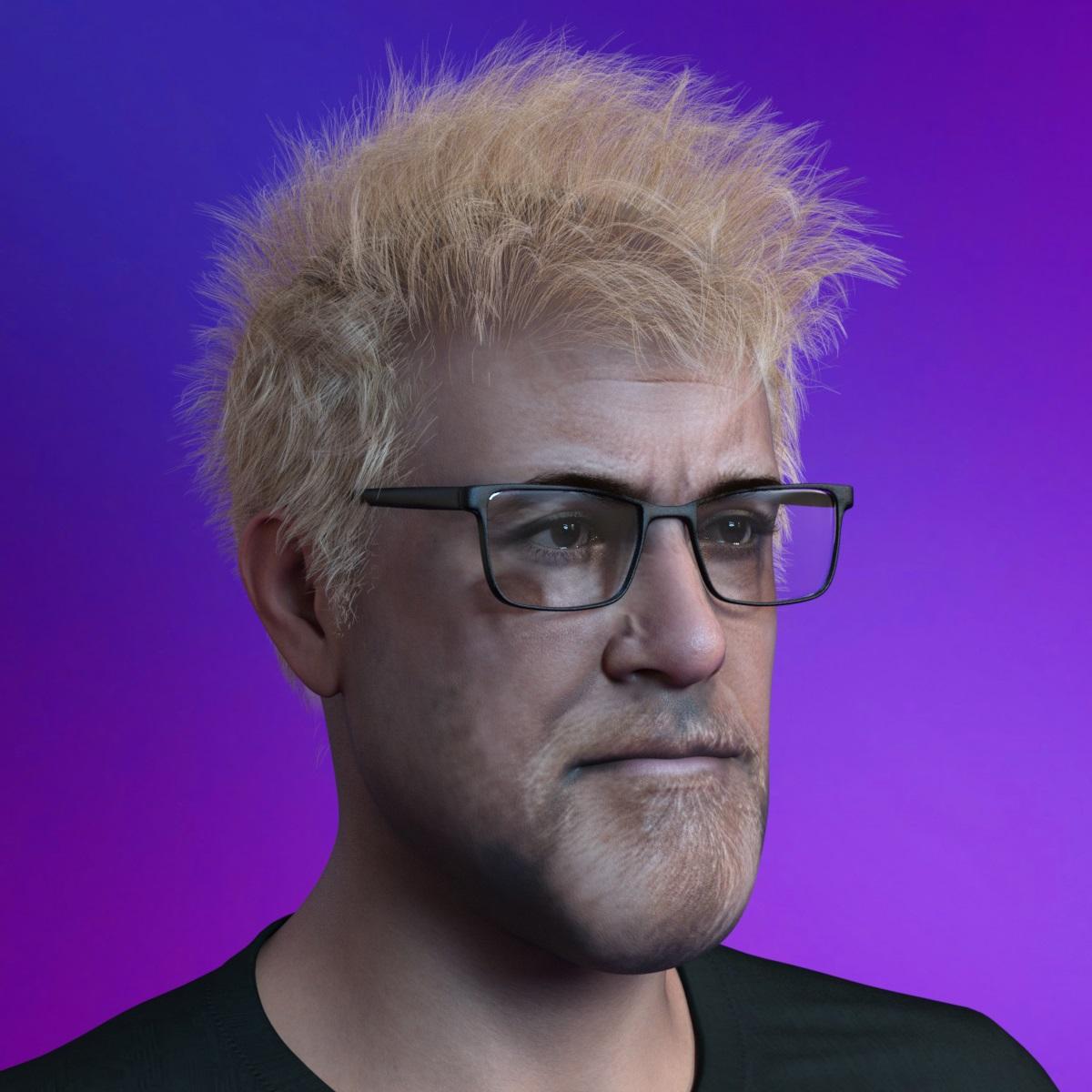
As for future, we'll see.Is there an Adam Savage celebrity morph?Has tried Genesis 9 with Face Transfer 2
 Genesis 8 female Hip deformation error
That morph is the "Hip panyhose" in your parameter's tab. Type in "hip" as a search and you will find it. Click on the gear and select "reset value". That should correct the problem. The bigger question (and I don't know the answer) is why that morph is acting as a default when you load the Genesis base character...
Does this happen when you are adding a new G8 character to a scene, or when opening the same scene up? Do you have the "hip pantyhose" morph saved as locked?
Daz 3D is part of

Connect
DAZ Productions, Inc.
7533 S Center View Ct #4664
West Jordan, UT 84084Licensing Agreement | Terms of Service | Privacy Policy | EULA
© 2026 Daz Productions Inc. All Rights Reserved.