-
Character Splitter
Hi Mike3D, thanks for the reply. I haven't been creating a controller cause I don't need complete characters on one slider. What you're suggesting sounds interesting, maybe that would fix things, but don't know if I could edit the file correctly. And I'm not sure I'm being clear about the issue. In the process of dial spinning a new character, I also manually scale individual parts of the base figure ( legs, pelvis, lower and upper stomach, lower and upper chest, pectorals, collars, shoulders, arms, lower and upper neck, everything except the extremities and the head ( which distort when manually scaled ). What I have observed is, if the character is not as tall as the base figure, at least some of this manual scaling is lost, i.e., after exporting it as an obj. and loading it in morph loader pro on a fresh base figure at 100% ( when the exported obj. is actually identical, containng all the manual scaling.) When using WYSIWYG, ( by unchecking "normalize" ) the same issue is happening (what I get isn't what I see). I'm not saying there's an error in the script, rather I don't understand why D/S does this and I assume your script must be affected by this behaviour. And, the stumbled upon solution, has been to, scale up the whole spun figure ( not any individual parts ) to match the base BODY height, either as an initial export or to scale up the figure right in the scene before running the script, and then all the previous manual scaling seems to be there! Does that make any sense?
 As mentioned before, saving and loading the character as a shaping preset loses the manual scaling also. / Wishing you all the best!
 / peaceNeed help with Small Breasts Morphs (vol 1-4) for G8F by Anagord
...the bulge I am seeing doesn't cause the distortion above but actually pokes out abnormally from between the breasts at the lower centre of the chest. Again I've found no active hidden morph causing this, nor such am adjustment morph within the clothing's "Actor" settings tree.SOme cloghign actually has a centre smoother that can be adjusted but mosd dfoes not.
The perplexing and frustrating part is I've never had this happen before with this particular character until; the other night.
Example attached using Kawaii Overalls (this dress does not have a separate control for the centre smoother)
Zipper Help G9 - X-Fashion Slim Fit Jacketcrosswind said:
The weight on G9's Spine 4 is different from G8's Chest Lower, so auto-fit or whatever converter will bring your "distortion" as long as G9's Clone is used. Even if you go for tweaking weight, it won't work. There's no better way other than fixing it with external application...
If you know a sculpting software like Blender / ZB, it'll be pretty easy to fix it. Export Jacket to OBJ file with Base Resolution and fix the distorted area in Blender with Smooth Brush, then import OBJ back to Jacket as a fix morph...
Thanks for the info about the G9 Spine, that explains why other jackets with the zipper in the closed position were also distorting.
I have not used Blender / ZB. Can you give pointers on how to fix the distorted area in Blender with Smooth Brush?
Or do you know of a video or tutorial on how to do that?
not enough genesis 8/9 (female) tactical/military outfits.the obj's can be imported into DAZ studio and fitted with the transfer utility
you may need to do weight paint editing
as for props export them separately at 0,0,0 and parent them or if it's a thirdperson player in Unreal create a socket and add them in the Blueprint
Zipper Help G9 - X-Fashion Slim Fit JacketThe weight on G9's Spine 4 is different from G8's Chest Lower, so auto-fit or whatever converter will bring your "distortion" as long as G9's Clone is used. Even if you go for tweaking weight, it won't work. There's no better way other than fixing it with external application...
If you know a sculpting software like Blender / ZB, it'll be pretty easy to fix it. Export Jacket to OBJ file with Base Resolution and fix the distorted area in Blender with Smooth Brush, then import OBJ back to Jacket as a fix morph...
dForce simulations in animationsDForce is OK for certain things but can be very temperamental, with so many dials it's very hard to know what needs fixing. Most important thing is to ensure there's no self-intersections or intersections with the character mesh (from the pose) before you start it. It works in animations fine otherwise. If you want to loop it you really need to get into scripting, exporting each frame as .obj and importing back as a morph on the clothing, fading it out towards the end back to the first frame. So, non-trivial.
Character SplitterHi Mike3D, Sorry I haven't tried version 3 yet. But I thought I should mention some things now. It's a lot but I'll try to compress it. My previous success with splitting was because I was exporting the morphed figure ( smaller than the base ) which I had scaled up so that the shoulders were the same height as the base figure and then loading it to a base figure with MLP - then splitting with "normalise". The reason I scaled it up was that it became evident that the manual scaling used to create the character was being lost. I guess it's a D/S thing. If I export a dial spun character as an obj. and load it just as a regular obj. it looks identical. But when loaded in MLP on a base figure at 100%, that manual scaling is gone ( typically I manually scale the limbs and parts of the torso ). Strangely, to me, scaling it up KEEPS the manual scaling from the original ( limbs etc. ). I had this realization in the process of baking the smoothing. Exporting as an obj.( scaled up ) loading in MLP, turning on the smoothing, then in the bake smoothing dialog unchecking the main node and then somehow finding and checking the MLP node. (why is there no "bake currently used" ?)
 Anyway, when I asked you the way to add a complex character to your script I was expecting to proceed that way but actually I've been just using the 1 smoothing baked, full body morph in MLP. And, when I saved the comlpex morphs as a shaping preset, double clicking it and proceeding as instructed, with "normalise" or unchecked, again, somehow my manual scaling is gone. I'm pretty sure this was the same issue I had with Shape-Splitter. I'm exporting then loading MLP with the default Daz settings. If I don't scale it up it loses the manual scaling, so I scale it up put it in MLP at 100%, use normalise, and your script splits it perfectly! Thanks for reading all this!
 Have a good 1!!!!!/ peaceUltraScenery - new(er) territory [Commercial]
barbult said:
daveso said:
An interesting thing that has shortened my render times, A LOT. I received an email from Digitial Art Live Studio talking about fine tuning DAZ etc .. I browsed to the post and it linked to a video on Youtube that explained how to set up Nvidia Control Panel, and DAZ Studio to optimize render times. Wow ... Remember those really slow USC scenes renders I was having. I've now done 2 desert ecologies, one took 7min 8 sec. The next 14min 2 seconds, and a third 3 minutes 7 seconds.
this is the video url https://youtu.be/uVAr-cYZ6eg I'm not sure if these settings have any affect on the card, heat generation, etc, but they do work. There was quite a bit of changes in the Nvidia panel...it only affects the DAZ exe file too, as you select what program to set up.
I also rendered a figure , clothed, hair, with lights and it rendered in 7 seconds. I've done 5 single character renders and none were over 10 seconds. This is screaming.Thanks for the link. I'll take a look when I am back at that computer.
Edit: I finally got to try the settings. I can't confirm magic improvements, but I don't have good reference timing to compare too. I wasn't having the terrible slowness that you were experiencing, so maybe I already had some better settings. Anyway, I haven't noticed any bad results, so maybe it is helping. It does seem the Iray Preview is better, but I am using the Public Build (beta), which keeps getting updates, so so what I run today doesn't match what I ran a few weeks ago. It makes it hard to know where improvements actually come from.
I'll give it a try next time I have the art computer turned on. I'm still running 4.21 as a production instance; only using 4.22 when I want to use Face Transfer 2. (Side job season=no spare time to troubleshoot trouble, if upgrading the working production instance breaks it.)
Let's appreciate/discuss today's new releases - ongoing threadI'm a sucker for characters with their own thing going on, so I like the look of Herlinda's head shape: https://www.daz3d.com/mb-herlinda-hd-for-genesis-9
Going on my wishlist and will probably buy her sooner rather than later. For my own workflow, I've been creating a weight-mapped morph system similar to Meta Mixer, but using existing morphs rather than needing special variants of them. Characters like Herlinda work very well with weight-mapped morphing because you can mix in more of them before reaching a "won't change anything" state. At least, I suspect she'll work well - haven't bought her yet!
Is Magic Brush a new artist? I don't see many products under that name. I picked up Anda recently. I haven't tried her yet, but Herlinda and her appear encouraging.
Genesis 9 to Genesis 8 hair converter?DreamGames said:
crosswind said:
Using auto-fit with Clones really depends on the hair, for instance: 1) if there're custom bones on the hair to which the rigged shapes link, auto-fit will remove them all. 2) strand-based hair, in quite a lot fo cases, you have to re-rig the sub-node / tails / buns, etc. 3) For some hairs, auto fit will transfer wrong weight, as well as destroy corrective morphs on the hair...
So case by case, wisely choose the proper way. If you're not good at tinkering and fixing... better go for direct parenting.
I've never encountered the issue you're talking about, and I say that as someone who creates hundreds of scenes a day, with over 10 characters in total. I'm not saying you're mistaken or that the problem doesn't exist, but it just hasn't been my experience. From what I've seen, everything seems to work fine
Creating "hundreds of scenes a day" (literally I even imagined it could be that you create nearly a thousand of scenes a day, let's say.... ) doesn't mean that you've ever handled all types / cases of hairs as I mentioned above....
As for the well-known issue of keeping custom bones with auto-fitted hairs... if you really have interest, I'll name a couple of hairs, you can convert and show me the results.
Or tell me if you own some hairs from Outoftouch, have one or two hairs with custom bones converted by using clones and show me the results with custom bones kept, no matter G8 > G9 or G9 > G8, or whatever cases or cross Genesis XX...
Genesis 9 to Genesis 8 hair converter?crosswind said:
Using auto-fit with Clones really depends on the hair, for instance: 1) if there're custom bones on the hair to which the rigged shapes link, auto-fit will remove them all. 2) strand-based hair, in quite a lot fo cases, you have to re-rig the sub-node / tails / buns, etc. 3) For some hairs, auto fit will transfer wrong weight, as well as destroy corrective morphs on the hair...
So case by case, wisely choose the proper way. If you're not good at tinkering and fixing... better go for direct parenting.
I've never encountered the issue you're talking about, and I say that as someone who creates hundreds of scenes a day, with over 10 characters in total. I'm not saying you're mistaken or that the problem doesn't exist, but it just hasn't been my experience. From what I've seen, everything seems to work fine
Request: Integrating CC4 celebrity Headshot into Genesis 8/9 CharacterNot possible to literally connect that CC4 exported head to a Genesis character except as a static,parented prop.
Your next best option is to sculpt a morph of the CC4 character head for G8 (if you have the skills)
or perhaps create some hi-res renders of the CC4 characters face in iclone/CC4 and try to use them as the source images for the Daz face transfer2 tool in Daz studio.Let's appreciate/discuss today's new releases - ongoing threadI bought the Sue Yee outfit https://www.daz3d.com/dforce-su-fashion-set-for-genesis-9-81-and-8-female that lou_harper pointed out yesterday. The belt is a separate accessory and it has a shorten morph, which I used to 100% here. I tried going beyond 100% by disabling limits, but the belt kinked.
 Face Transfer 2
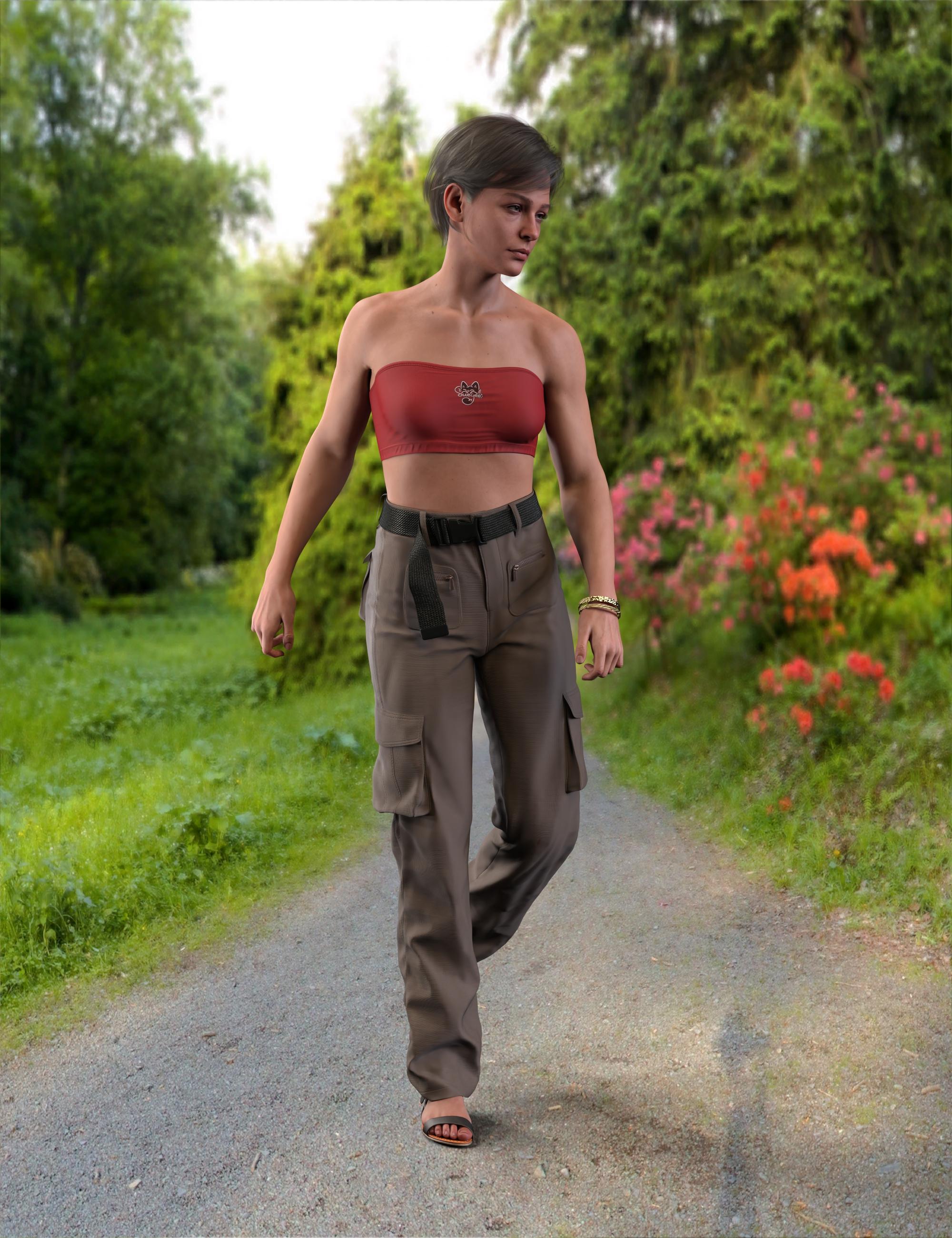
Moving on to step 2, I created a second set of dials. These are not directly Face Transfer characters - they are stock G9s, to which I applied shape dials created from two different FT2 characters.They don't appear to affect each other. I seem to recall running into trouble doing this with the original Face Transfer, but maybe I was just such a noob at the time that I did it wrong.
 Can you sell figures created with the Face Transfer 2 feature in Daz Studio?
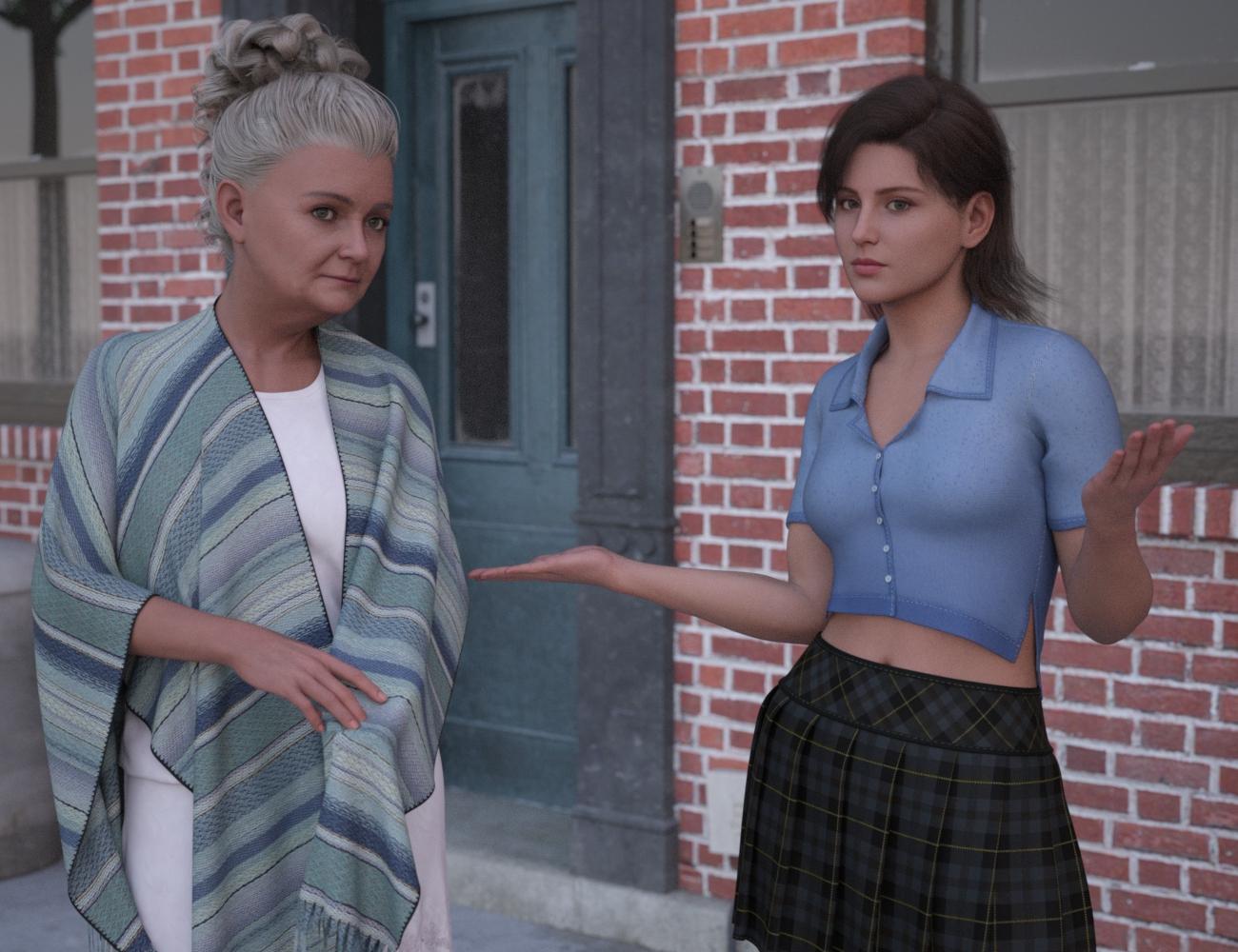
The skin textures, no. Those are derivatives from Daz3D's figures. You can swap into their place your own or merchant resources IF the set-up is similar to that of the original Face Transfer program. {I have a tutorial for that over at Renderosity, PetuniaPetals}.
The morphs, if all of them are completely your own work {i.e. not with any fix-it morphs or other morphs created by anybody else unless they are merchant resources {each have their own set of useage guidelines}, should be {as far as I know} okay to redistribute as you please. [n.b. if the character is actually of somebody recognizable, rules change of course. Fanart is fanart and generally speaking, not to be sold.]
Disclaimer: I am a customer like everybody else in here, not a lawyer and not affiliated with Daz3D, etc. {just read a lot of forum threads}. Information is presented "as is" - hopefully still accurate, etc. When in doubt, ask the creator of the original works and/or consult with a lawyer ;-)
Selling and/or sharing charactersI have a question....I created a character using the face Transfer 2 plugin. The full body morph for the figure was created in Blender for the model. It works completely off the Genesis 8 male base textures. The only texture that it\s using is the face texture created in Transfer 2. If the user doesn;t have the Genesis base male installed with the base textures, the model won't load with textures except for the created face texture. Naturally, if the user HAS the Genesis male, they will also have the base textures for it as well....so, it should load correctly. My question is, could I sell that figure?
Request much improved G9 nasolabial curve controlSome people, in all age groups, races, and genders, have a more vertical nasolabial curve. And at the mouth corners, sometimes called smile lines, they have a continuation of that mostly vertical line - an extension of the nasolabial curve. It's been difficult to equate that with previous generations, but G9 seems to be the hardest case (possibly cause of a lack of purchased morphs, or trying to deal with the new face rig. But I do have the Daz head morphs and the 200 plus and that really isn't sufficient). So, lacking in modeling skills, I look for PA characters that have narrower mouths, then I look closely hoping they included a more vertical nasolabial curve to the face. But you can't really tell from a promo the underlying shape. Although, when the PA shows the face smiling, it's usually obvious that the nasolabial is still default (noticably more horizontal). Anyway, actual face morphs would be most appreciated, and also characters. If anyone has purchased a morph package that does this, I'd much appreciate your heads up.
 / peace //disclaimer: I'm using the term nasolabial curve only because that's what the original Daz morph was called that seems to be related to the issue.(I'm not a doctor ) I've typically used many different mouth width morphs also, that help in this endeavor. / Have a great 3D day!Can you sell figures created with the Face Transfer 2 feature in Daz Studio?
When I create a figure using the tranfer 2 plugin, the body textures are auto generated. Of course I take them to photshop and do some work on them using the face detailer. My question is this....if you create a figure using this pugin, is it possible to sell the figure? I'm not new at using the Saz Studio program, but I am a bit new and somewhat confused as to making what I create available to the public. I need some help here and any assistance would be greatly appreciated.
Head and Body morph being applied to all my G8F's and I have no idea how or why. - Solvedcrosswind said:
1st, it's odd... In the screenshot you posted, why was Sue's morph saved under your Vendor Name folder rather than Goanna, the original vendor ? You ever intentionally saved it with your Vendor Name? (...in ss 1)
Anyway, firstly delete Sue's morph in the folder with your Vendor Name (strip6499). Reload G8F, see if you can retrieve Gonna's original morphs. (Sue Product works with no issue on my side). If the morphs are still wrong, you either re-install the product or try fixing as per ss2.
Ok... will try that
Head and Body morph being applied to all my G8F's and I have no idea how or why. - Solved1st, it's odd... In the screenshot you posted, why was Sue's morph saved under your Vendor Name folder rather than Goanna, the original vendor ? You ever intentionally saved it with your Vendor Name? (...in ss 1)
Anyway, firstly delete Sue's morph in the folder with your Vendor Name (strip6499). Reload G8F, see if you can retrieve Gonna's original morphs. (Sue Product works with no issue on my side). If the morphs are still wrong, you either re-install the product or try fixing as per ss2.
Daz 3D is part of

Connect
DAZ Productions, Inc.
7533 S Center View Ct #4664
West Jordan, UT 84084Licensing Agreement | Terms of Service | Privacy Policy | EULA
© 2026 Daz Productions Inc. All Rights Reserved.