-
How would I remove specific points from a morph file via script?
That's actually just a reference to the "object" stored with the node you are working on, not an .obj file, the name is just a coincidence
 .
.You would paste this into the SciptIDE pane, select the figure (select the "root node", not a bone), and run the script (F5). To see the changes you may need to remove and reapply your morph. When it looks good (and assuming the script works, no promises :-)), just save a new morph preset and you should have your new .duf ready to go.
How to add geometry to G2M & keep/transfer the riggingHi !
I'd like to add some geometry to the genesis 2 male figure (nothing huge, just a couple details on arms) and keep the rigging to be able to use poses in DAZ.
Here is what I do but it fails :
1) export G2M as OBJ to third party 3D modeler, add details (a few poly extrusion), save & export as OBJ
2) import the obj in the scene where I still have the original G2M figure loaded
3) use the object > transfert utility with G2M as source and the modified G2M as target
4) fails. the target fails to pose correctly after transfer.
The most important thing to me is to keep the rigging so that I can pose the modified G2M in DAZ. Keeping the possibility to use shapes & surfaces isnt a priority.
Your help would be very much appreciated.
Thx !
How would I remove specific points from a morph file via script?No problem :-). You could try the below to add ranges, its a little cumbersome but without getting really complicated, may be your best bet:
var node = Scene.getPrimarySelection();
var obj = node.getObject();
var morph = obj.findModifier("YourMorphName");
var deltas = morph.getDeltas();

//your list of verts to remove from the morph
var remove = new Array();

//Range 57 through 125
for (var i = 57; i <= 125; i++)
{
    remove.push(i);
}

//Range 245 through 290
for (var i = 245; i <= 290; i++)
{
    remove.push(i);
}

for (var i = 0; i < remove.length; i++)
{
	deltas.removeDelta(remove[i]);
}
You would copy/paste the "range" section for each range and change its number accordingly. Haven't tested this though, so you may need to experiment with it.
How would I remove specific points from a morph file via script?Cool. Thanks, I appreciate the work. Forgive my ignorance here, but can you plug in like a range of numbers instead of the individual? Say like list 4-9 instead of writing out each instance? Reason I ask is because in the morph file there are long stretches of numbers and then there'll be some skips.
How would I remove specific points from a morph file via script?This is definitelyt doable. I just tested this andx it seems to do what you are looking for:
var node = Scene.getPrimarySelection(); var obj = node.getObject(); var morph = obj.findModifier("YourMorphName"); var deltas = morph.getDeltas(); //your list of verts to remove from the morph var remove = new Array(4, 5, 6, 7, 8, 9); for (var i = 0; i < remove.length; i++) { deltas.removeDelta(remove[i]); }Couple of Head MorphsPlaying around with the ZBrush trial and the GoZ import process left me with these head morphs so I thought I'd share them. You can find the DSON morph files at the ShareCG links below.

 Introduce Yourself, Hello, my name is.....
Betsy,
Could you do it using a displacement map? If you could find (or create) a monochrome image of an appropriate footprint and use it as a displacement map on, effectively, a transfer, you could place that on the ground and the displacement map would render the ground down, with the amount depending on the displacement map. They're very powerful tools, but because they're only visible at render time, it means that there's a bit of trial and error required to get them where you want them. They're also quite resource heavy, so a lot of them will really slow a render down.
Might be worth investigating, though?
Bones constantly jumping out of figures... When loadingThese are Gen-3 (Victoria 7), with about 3-dozen applied morphs, about 12 "pose adjustments" and the rest are "Shape morphs".
They are not my morphs... They are ones from Daz, and some not from Daz. However, using just the default ones, stacked with a lot of "corrections" and cross-linked adjustments... I get this too. Seems to be worse in this version, and before, I would just trash the models and start all over. Now I know that they load fine, randomly... And I am NOT going to spend another 8 hours "tweaking" a default model, to get here again, and have this issue still have the same results. (Well I will, just not re-doing the same model again. I will be doing all my other models this way. Because I have no choice.)
I have the best luck with loading, if I save each individual model "broken"... If I save them "fixed" (on the screen), they alwasy load broken. If I save them broken, it is about a 50% chance that they load "fixed"... But there is also a 50% chance that the next MERGED subset or scene will break all previously loaded models in other odd ways. (Seems to like to shrink the breasts inwards, when a failed load breaks something already loaded in the scene.)
So, No, I have not adjusted the rigging in any way, or done an erc freeze, because I am not saving morphs, I am saving "Scenes", and "Scene Subsets".
If I could save the "Final results", of these "stacked morphs", as one new morph to apply.. That might offer a short-term resolution to my issue. (Then I just have to apply that one final morph to Gen-3, and be on my way. No actual "models" to save.)
Bones constantly jumping out of figures... When loadingWhat models are these? These are morphs you have done? For the DAZ figures? Do you adjust the rigging and erc freeze before saving the morph assets?
Where are the "Bump Maps" or "Normal Maps" in IRay?I am having an issue with the "Bump-maps" or "Normal-Maps", where models created as adults, with excessive details painted in to the normal-maps are interfering with any youth adjustments.
To be specific, Victoria 7 with IRay skin, has cut-lines under the breasts. (That actually interferes with every single breast-morph.)
In the "Materials" for the Torso, there is no Bump-Maps or Normal-Maps settings. (Well, there is one related to Bumps, but removing the bump-image or setting the values to 0.00 does absolutely nothing.
The only way I can get around this, is to use the script in the IRay skins which completely removes the "Normal-Map", but then I lose ALL detail. There is no indication of where the image is, no option to edit it, and no settings in the materials page to adjust the strength, when the materials are setup for IRay. (May be there in 3DeLight, but it seems hidden, as if it is still rendering with 3DeLight and Iray materials, even though it only shows the IRay materials in the materials page. Might explain the odd rendering times and larger memory sizes too.)
So... How do I locate the "Normal-Map", to edit it and remove the horrible breast-cuts under the breasts and other general deforming bumps that are disrupting all morphs and just resulting in lumpy models, for anything other than Victoria 7.
NOTE: Also does this for eyes, feet and hands. (The tendons and wrinkles, which younger people do not have.)
D-formers does not work on Daz Studio 4.9Genesis is the mesh. When adding a deform you must select the figure not the body part as this is not part of the Geometry. It's always been the case when using the dformer on genesis. When you do get on then you have to move the field to the body part you want to morph and resize to the area you want affected. It still works for me, even in 4.9. Also after you are finished and satisfied make sure you select the figure before you spawn and not the deform as it won't do anything unless the object is selected and not the former. It will ask if you want to include other morphs before it creates the morph and the dial. That's when you know its working my friend.D-formers does not work on Daz Studio 4.9D-formers work O.K. on a primitive, such as DigiDotz shows, but it doesn't work on any models I have tested so far. With a legacy figure such as Aiko 3 you successfully get as far as the "Spawn Morph" stage, but when you hit "Spawn Morph" absolutely nothing happens. When you load a Genesis figure, select a body part and then try to create a D-former, you get the message "This action requires an item in the scene, with geometry, to be selected".
I hope there are plans to fix this, as D-formers can be such a powerful tool.
DAZ Studio 4.9 Pro, General Release, Now Available!My DAZ Connect downloaded content is not showing in the normal Content Library. I am trying to figure out how to tell DAZ Studio where to find it, but have come up with nothing thus far. There are files that cannot be accessed using the Smart Content. Morph INJ/REM files do not show in the Smart Content pane. For Millennium figures I need those files in order to inject the character morphs I wish to use.
So I am asking how do I get the Content from DAZ Connect to show in the normal Content Library?
DAZ Studio 4.9 Pro, General Release, Now Available!My DAZ Connect downloaded content is not showing in the normal Content Library. I am trying to figure out how to tell DAZ Studio where to find it, but have come up with nothing thus far. There are files that cannot be accessed using the Smart Content. Morph INJ/REM files do not show in the Smart Content pane. For Millennium figures I need those files in order to inject the character morphs I wish to use.
So I am asking how do I get the Content from DAZ Connect to show in the normal Content Library?
Not a definitive answer, but there are three places you need to be aware of now when installing content. Using the DIM you have download settings where you can define a path, then in DS you have directory listings for DAZ, Poser and Other content, finally with the DAZ Connect it creates it's own library called MY DAZ CONNECT LIBRARY or something like that. Not to mention that the default location for the new version of Studio to install items in is a seperate folder of your documents library. Whre as it used to be under DAZ 3D, now it too is called something like MY DAZ LIBRARY. The first thing I do is check to make sure all of my folders are in order and that all the paths are pointing to them. For example my particular set up is more akin to the old way, the way I got used to it with previos versions..
... [user]/Documents/Daz 3D/InstallManager/Downloads
... [user]/Documents/Daz 3D/Studio/Content Library/[Runtime]
... [user]/Documents/Daz 3D/Studio/My Daz Connect LibraryThe only way I was able to get this to work is by installing the DIM and DS 4.9 > changing all of my file paths and settings > then uninstalling both DS and DIM > Reboot > Reinstall both DIM and DS. Now because my settings were already in the registry, it used my settings as if they were the default ones upon installation.
Any way to permanently "adjust rigging to shape"?Do the Adjust Rigging to Shape and make sure it works, manually adjusting with the Joint Editor if need be. Zero the figure's pose and shape, then set you morph to 100%. Right-click in the Parameters pane and set Edit mode to on (if it isn't already). Right-click on your morph's slider and choose ERC Freeze... - your morph should be listed as the controller, and only the adjsuted joint centres should be listed as sub-components; if that is the case, click Accept. Now when you set the morph the joint adjustments should be tirggered too - assuming it is working save the morph.
DAZ Studio 4.9 Pro, General Release, Now Available!My DAZ Connect downloaded content is not showing in the normal Content Library. I am trying to figure out how to tell DAZ Studio where to find it, but have come up with nothing thus far. There are files that cannot be accessed using the Smart Content. Morph INJ/REM files do not show in the Smart Content pane. For Millennium figures I need those files in order to inject the character morphs I wish to use.
So I am asking how do I get the Content from DAZ Connect to show in the normal Content Library?
Removing Vicky 7:s navel?It's not a navel gone morph you need, it's the navel morph that is on on loading - if you look in the Currently Used group you should see it and be able to zero it.
PCI-E 2.0 Standard and Geforce GCsThe version of PCI-E is really a question of how much bandwidth it supports (via more available lines on the data bus, as well as how it handles the data transfer along those), and all the new versions are fully backwards compatible.
The simple explanation is that putting a PCI-E v2.0 card in a PCI-E v3.0 slot is the same as if you'd plugged that card into a PCI-E v2.0 slot. It won't use the extra bandwidth. Putting a PCI-E v3.0 card into a PCI-E v2.0 slot will limit the card to the PCI-E v2.0 bandwidth limits.
Unless your machine is pretty high-end, you probably won't ever hit those limits. Bandwidth is largely a question of what it CAN do, not what the machine is capable of delivering to it.
For something like DS Iray rendering, where everything is loaded at the beginning to the card, then runs on the card, most of the data transfer bandwidth is needed during the initial loading period. Higher bandwidth means it loads quicker (assuming the southbridge and memory can keep up with it.) But beyond that, the actual rendering speed won't be affected hardly at all.
For gaming however, bandwidth becomes more of an issue, as new textures/meshes may be streamed to the card as they are needed, and that requires bandwidth. The faster you can do that, the less 'stutter' you may get when a bunch of new monsters/players/effects/whatever pop into the scene.
Show Us Your Runtime DNA Content Renders!Green Star
Credits:
Star - LittleFox
Nether Morphs for STAR - Netherworks Studios
Star Fantasy - Eblank
TC49 for Star - Sanbie
49Stripes - Wayii
Oriental Outfit (Shoes) - Pusey Designs (Wilmap)
Athanasia Hair - 3Dream, Mairy
Build Your Own Backgrounds Vol. 1 - Amaranth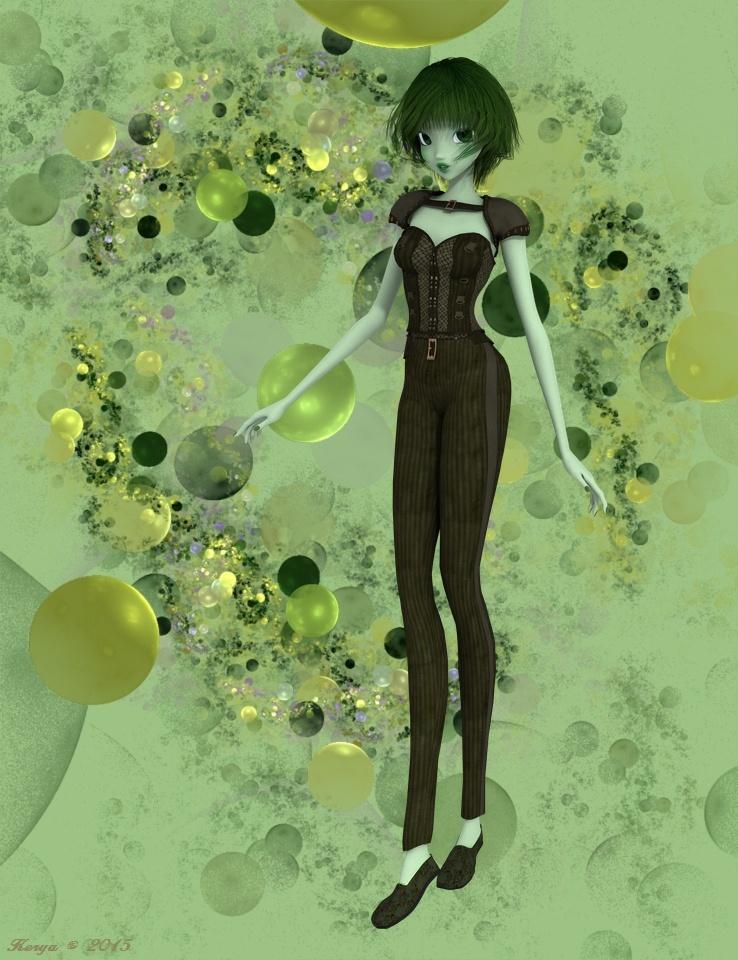
Fairytale Hour
Credits:
V4WMAS - Aeon Soul
KynleeFae V4 - The Laughing Lion Studios
Elfin (Jewelry) - Mada, Sarsa, Thorne
Florabelle - Mada
Anemone Hair - 3Dream, MairyDaz Dragon 3, Morphs and Textures - Daz
Mythic Beasts - Sickleyield, Fuseling
Dragon Trainers Toolbox - Design AnvilFlinks Summer Ground - Flink
Pine Forest - vikike176
DRTreeSet201203 - Dinoraul
Wildflower Mega-Pack - Judith, Chrisjol
Modualz Old Wood Pines - Mega Pack - Traveler, Judith
Ground Covers Vol1 - Traveler
Mushroom Singles Vol. 1 - Traveler
Songbird Remix, European Edition 1, European Edition 2, Woodland Jewels - Ken Gilliland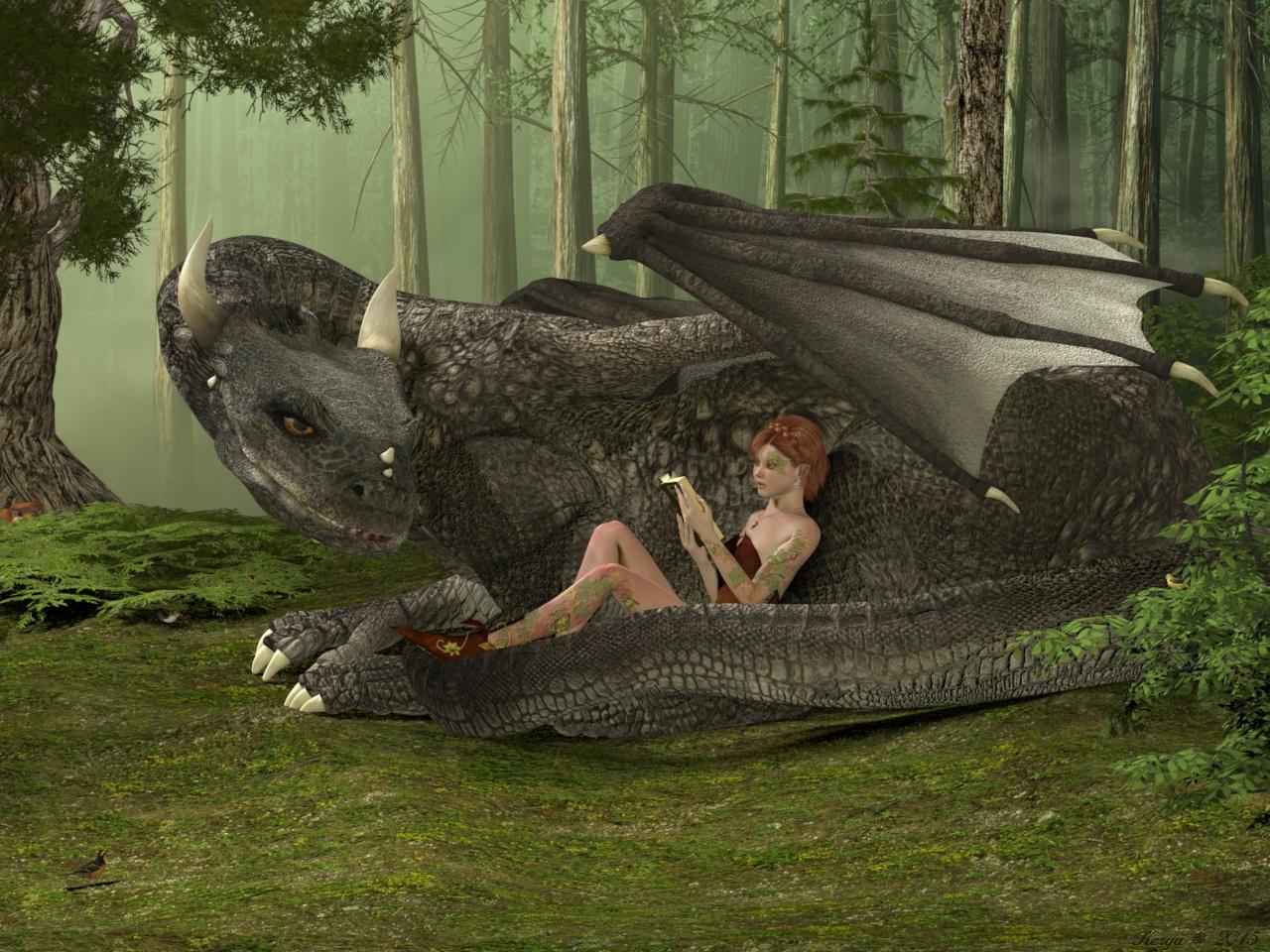
Retro SciFi
Credits:
Patchouli for Aiko3 - Illusionsdesigns
Dragon Princess For Aiko 3 - MAB, WillDupre
Songbird ReMix Vultures - Ken Gilliland
Rocket Ship Retro Style - Kurokuma
Joshua Trees - Traveler
Stage~Another World - vikike176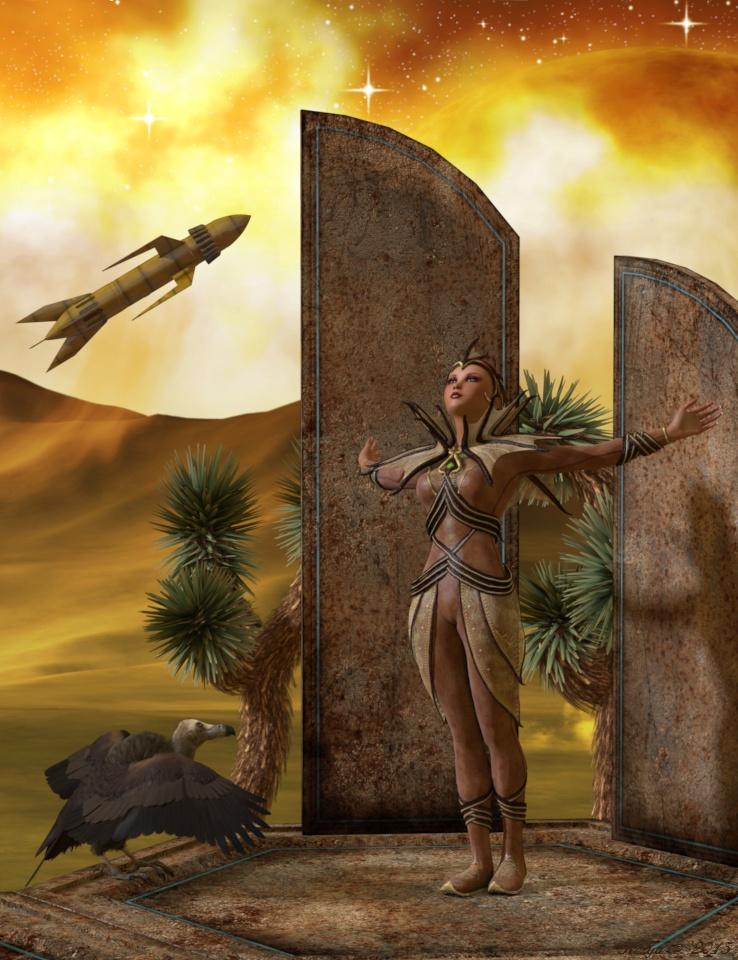
On the way
Credits
Dawn, Head Shapes and Body Shapes for Dawn - Hiwewire3d
Sinead - AetherDream
Amphitrite Hair - 3Dream, Mairy
Fantasy Rogue - Xurge3dHivewire Horse - Christopher Creek
Mustang - CG Cubed, Christopher Creek, CWRW
Draft Horse - CG Cubed, Christopher Creek, CWRW
FlintHawk Pose Pack 1 - FlintHawk
Native Costume for the MilHorse - Daio
Native Costume for the MilHorse Textures - Chohole
Lead Line from MilHorse Barnhalter - Daio (Daz PA Xmas08)
Rope Texture for Lead line - Bo Hammarberg
DNA Adventure Gear - RDNASongbird ReMix - Ken Gilliland (Free swallows)
Songbird ReMix Flock Formations - Ken GillilandRDNA Fields - Traveler
RDNA Grasslands Volume 5 - Traveler
Grasslands Foliage Vol 7 - Traveler
Autumn Shrubs - Traveler (Leave material treated with Baggingsbill's help: http://www.renderosity.com/mod/forumpro/showthread.php?thread_id=2882065&page=1 )
Terradome and Expansions - Colm, Traveler, Syyd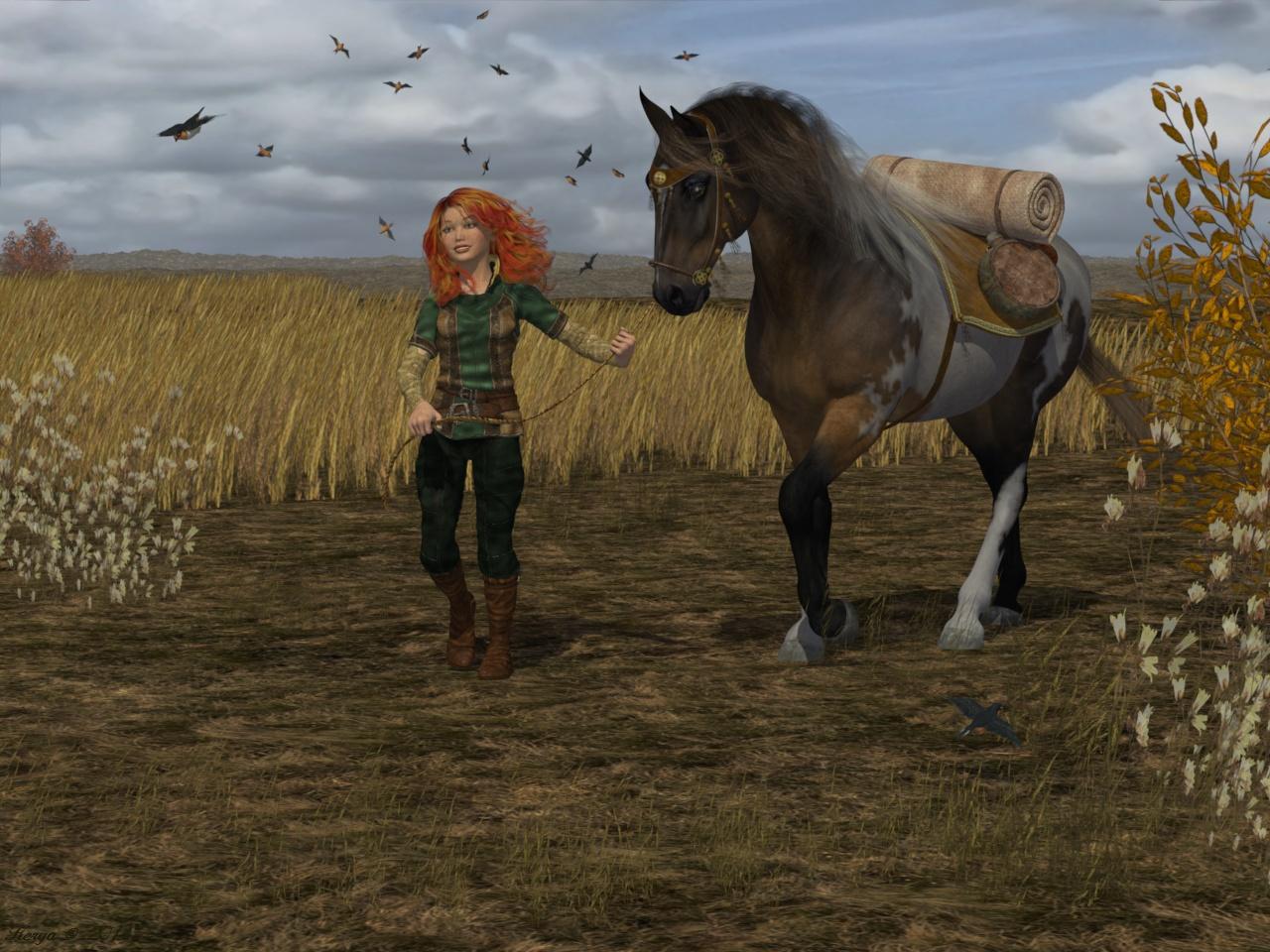
Frost Fairy
Credits:
BJD, BJD Type2 - MayaX
Ball Joint Boy (texture) - Thorne, Sarsa (with Bagginsbill's post 240 shader)
Dali - Capsces
Lily Fairy dress - Bobbie25 (Crossdresser 4 and Morphing Clothes)
Lily Fairy dress textures - Chohole
Kai (Boots) - Xena (Crossdresser 4 and Morphing Clothes)
Kai boots material: FabricBazaar - Cyllan
Bandua Hair - 3Dream, Mairy
Black Leopard - Sannzi
Wallthingie - by me (a Hexagon and graphics tablet glitch ... but I quite liked it)
Wallthingie material: Seachange - Cyllan
Gothic Christmas Tree - Traveler
Infinity Cove 3.0 - RDNA
IC3_Winter11 - HoboBo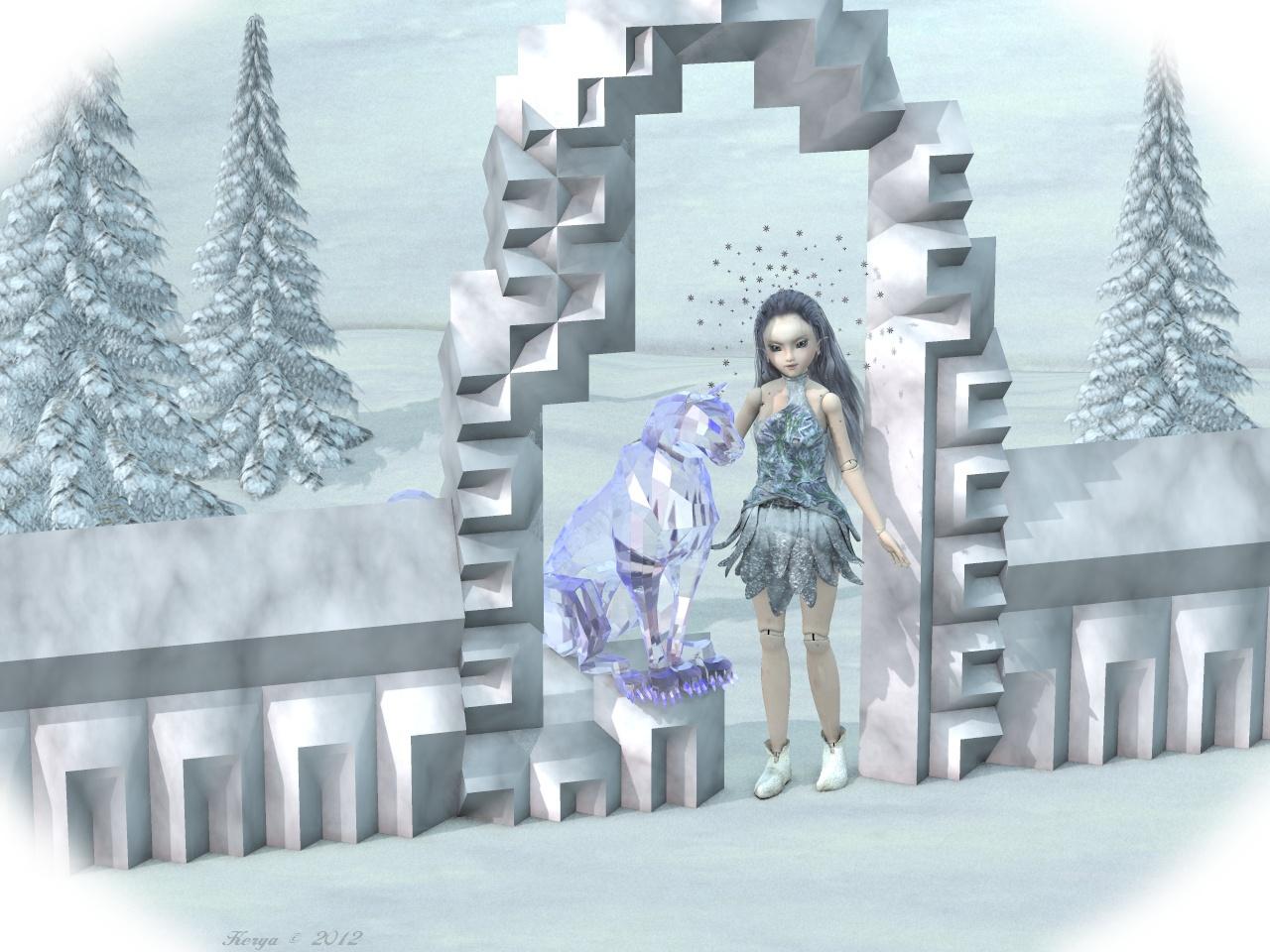
Encounter in the Woods
Credits:
Eepo - Nursoda
VSS - Bagginsbill
Helios Hair - Mairy, Plus3d
Stoertebecker - CorporateArts
Forest 18 Background scene - Bo Hammarberg
ModualzRocks 3 - Traveler, Judith
Modualz Old Wood Pines - Mega Pack - Traveler, Judith
TransPond's Fern Pack - Judith
Shiny 3 - vikike176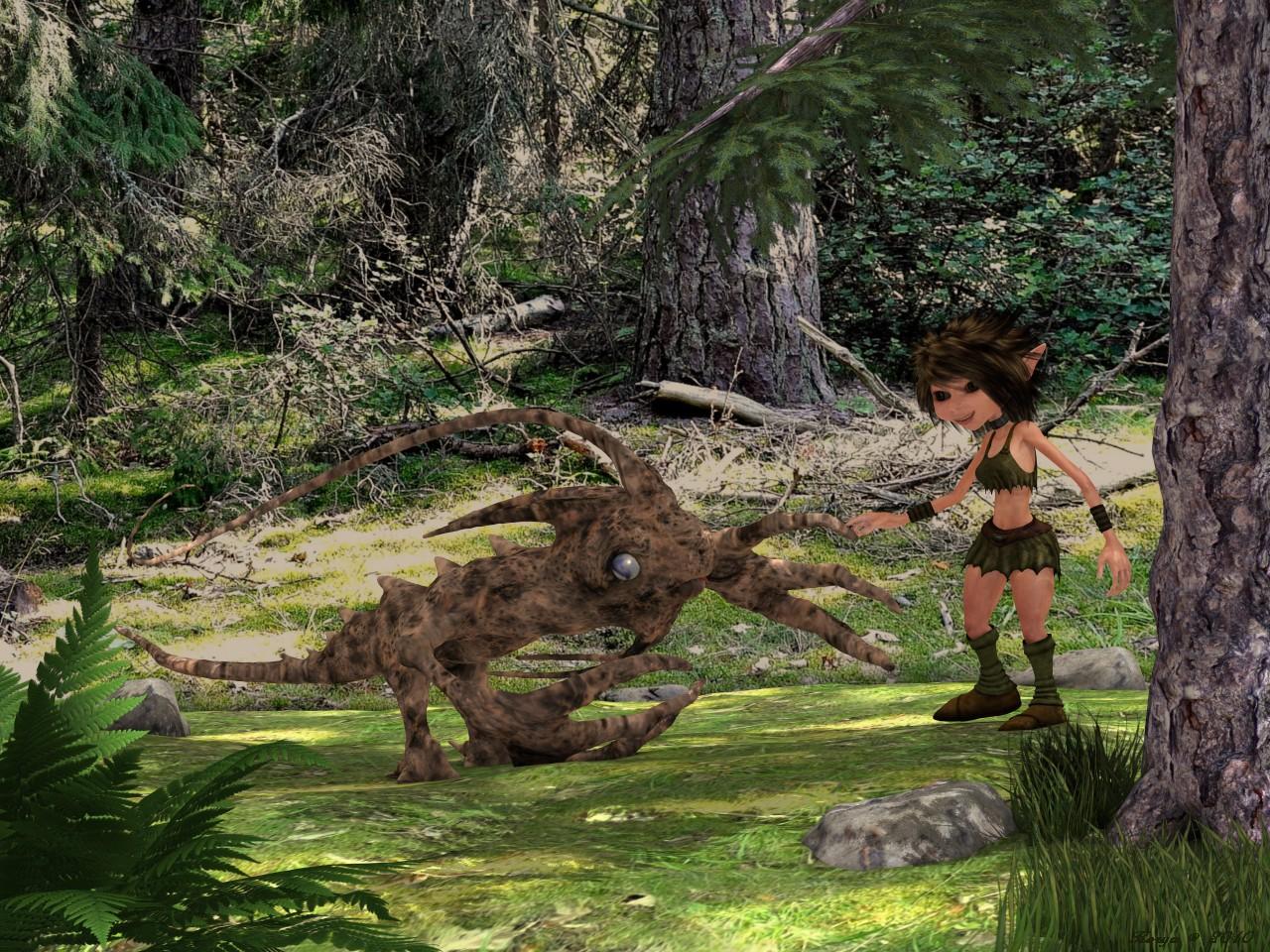
Happy Gardening
Credits:
BJD - MayaX
Dali - Capsces
Cookie (texture) - Winter200 (my morph)
Sarah Hair - Littlefox & Capsces
Sarah Hair Shades - Outoftouch
OnePiece Dress - Aoaio
Sensible Shoes - Headkase
Hoe - DanHorland
Watering Can - Traveler
LB Tall Grass, Hosta, Daylily - Lisa Buckalew
Hosta Garden - Laurie S
Broken Path - Joe Kurz (texture by me)
Modualz Rocks - Traveler
Pond03 for IC3 - HoboBo (ground texture by me)
ahEnvironmentLight Version 3 - Arthur Heinz Vampellia [commercial]
Vampellia
http://www.daz3d.com/vampellia-for-genesis-3-female-hd
An ancient and immortal queen calls to you from beyond the grave. Her hunger is as great as her beauty, and she welcomes you with open arms. Stay and have a drink, we know she will.
The set comes complete with custom crafted High Definition Morphs, and a highly detailed texture set, suitable for Iray and 3DL
Product Includes:
• One Vampellia Character Preset
• One Vampellia Morph Preset
• One Vampellia Full Material Preset
• Six Vampellia Face Material Presets
• Two Nail Colour Material presets
• Four Eye Material Presets
• One Genital Material Preset
• Also includes IRAY and 3DL MAT files

Daz 3D is part of

Connect
DAZ Productions, Inc.
7533 S Center View Ct #4664
West Jordan, UT 84084Licensing Agreement | Terms of Service | Privacy Policy | EULA
© 2026 Daz Productions Inc. All Rights Reserved.