-
What is Miki 1020 ?
I've been looking through the Runtime DNA store before it closes, picking up some good stuff for the older characters. I've got Miki 1, 2 and 3 but there are some things there that are for Miki 1020. What is Miki 1020? Is she another name for Miki 1 or 2? Is she a different version, and if so is she compatible morph wise and clothes wise with the other versions?
Another Miki question to add to this. Does anyone know if the Miki Ultimate head and body morphs at Runtime DNA are the same as the Ultimate morphs that were sold at Content Paradise?
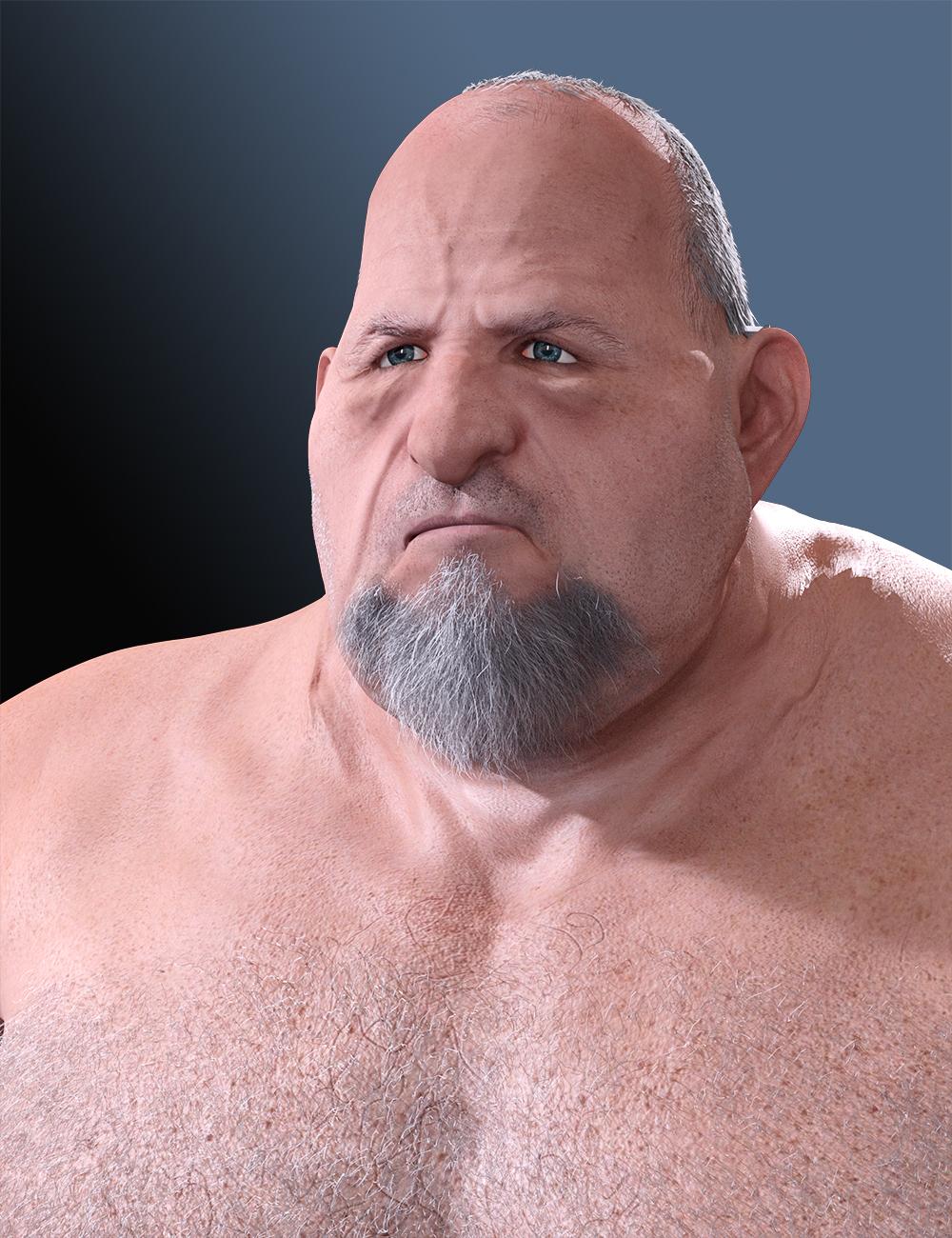
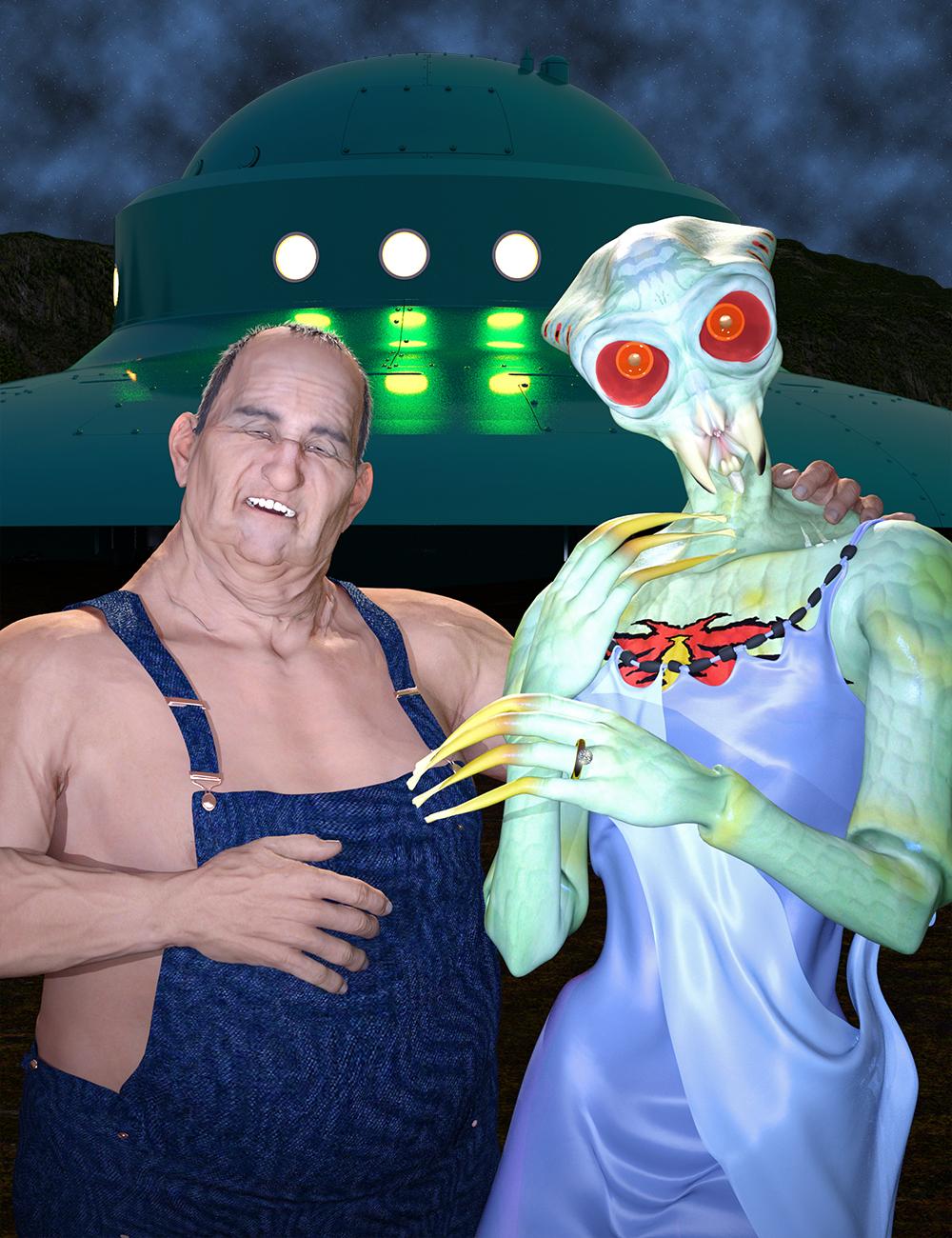
George HD SuccessNow that Zev0's Aging Morph contest is over, here are two characters I created for it that are based on George.
 Displacement Map Woes
Hi all. Thanks for your responses.
Nicstt, GoZ exports the G3f figure in Base Resolution unless you explicitly tell it to do otherwise. If the figure is not sent to Zbrush in Base Resolution then any morph you make cannot be applied back on to G3f. So export resolution from DS is not the issue, I always accept the default which is Base.
Jimbow and mjc1016, I don't recognise any option to create padding in the Displacement Map export options. I have attached an image of the Displacement Map menu. Am I missing something?
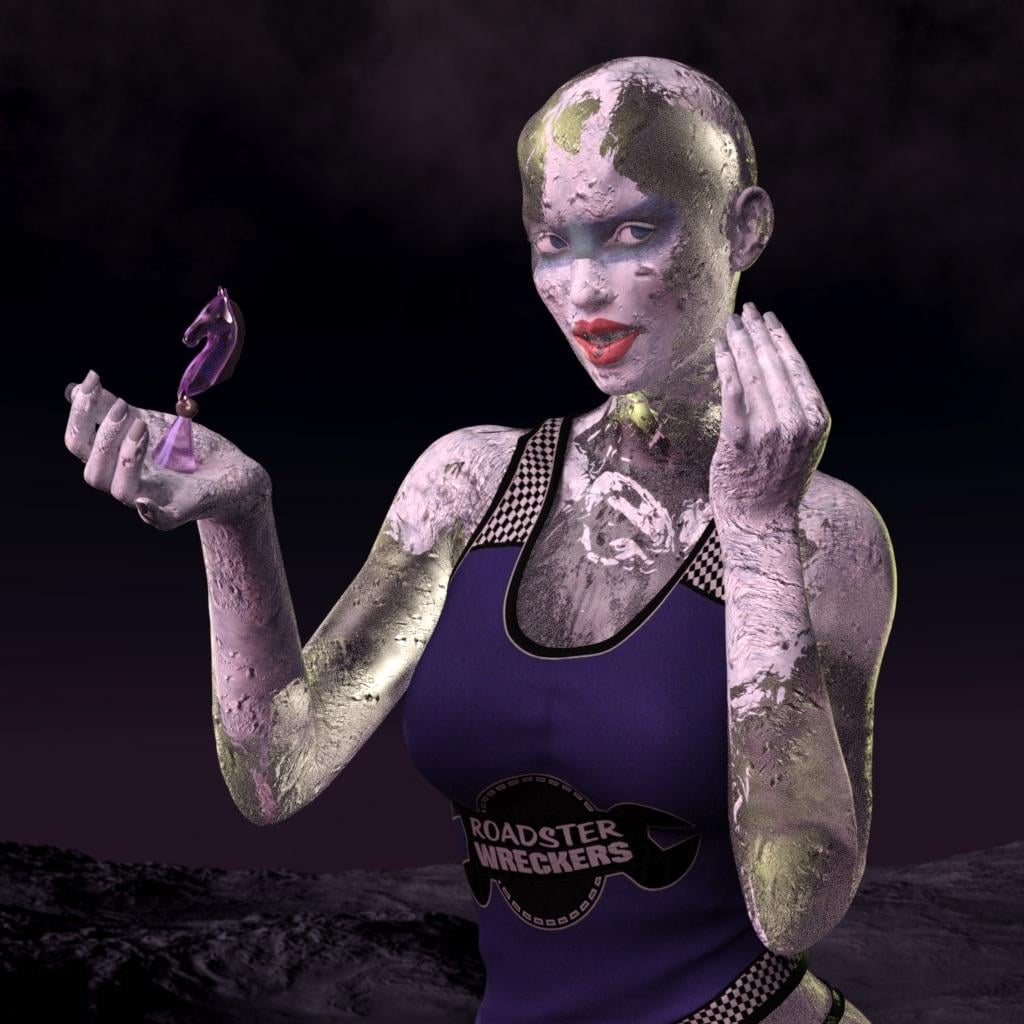
Iray Frozen Sisters (UPDATED 10/27) [Commercial]One more render. http://www.daz3d.com/fwsa-taia-hd-for-victoria-7 with http://www.daz3d.com/undead-creature-creator-hd-morph-pack-for-genesis-3-female
 Required Products?
It can sometimes be difficult to tell whether you need all of the required items, or just one of them. Here are some guidelines:
1 - if the required items are different figures, you only need one. For example, if a hair lists both Victoria 4 and Michael 4, you don't need both
2 - if a clothing item lists a figure and various morph packs, that usually means the morphs are supported, but the clothing will work with just the base figure
3 - if a character lists a figure and various morphs, then you do need the morphs to get the character to look exactly as shown; however, the figure shape may be pretty close even if you're missing some of the morphs
Tiny Petite G3Fs?Daz body morphs has a figure height adjustment morph. And if you want to adjust that further Shapeshift has individual body section height options. So these will just compress/shorten the amount of curve you already have on the figure.
StrangeFate's stuff: Wild Kelpie Battle Outfit!Thanks everybody!
Moving this weekend so that's a bit distracting atm (on top of everything else that is)... but finished the shoulder pads and some other things... still missing the fluffy fur and some displacement effects are not applied.
There's only the chest piece left to do (I think I'll have to do a morph for the G3F torso breasts) and a cape.
QUESTION: I was thinking of doing the hair too which would be a simple ponytail. On the other hand, given all the new things to learn this figure introduces for me (and thinking of all the back and forth I had with the weapons to get them released) I was thinking that it was maybe better to not add even more things to this project. So the question would be... What's more common, to have to find a suitable hairstyle for gear just purchased, or can one expect a hairstyle to be included when you have something like a facemask or helmet that doesn't work with all hairstyles ?

I think that the norm is to buy hair separate, but I have bought sets that I really enjoy that did include hair. Luthbel's Long Time Dead and Mec4D's The Great Wizards come to mind immediately. In the case of the wizard, having the hair come with the set really helps because it works with the hat straight out of the box. Your set may fall into the same category with the helmet, though from what I can see so far, it doesn't look like it'll be much of an issue.
Really looking forward to this set Mario.
- Greg
Tiny Petite G3Fs?Remember with the youth morph you can neutralize any face changes if you just want a shorter more petite woman, not one that looks younger.
How to script modifying a body shape?Thanks for the reply. Its finaly working. The only problem is that I have to write manually shapes names I want to use. I can share the script if someone's interrested.
// array of shapes names to use. In this example, actors face shapes
var shapes = ["FHMAshleyHead","FHMGretaHead","FHMBambi","FHMGiselle","FHMIridessa"...]

// number of shapes to use. n is randomly chozen between n_min and n_max
n_min = 4; n_max = 10;

// shape strength. default is 1
impact = 1;

// choosing number of shapes tu use
n_morphs = Math.round(Math.random()*(n_max-n_min)+n_min);

// getting selected object in the scene
oNode = Scene.getPrimarySelection().getSkeleton();
oObject = oNode.getObject();

// resetting all usable shapes
for ( n = 0 ; n < shapes.length ; n++ ) {
	oModifier = oObject.findModifier(shapes[n]);
	if (oModifier!=null) {oModifier.getValueChannel().setValue(0);}
	else {print(shapes[n]);}}

// choosing shapes to use, and their value.
morph = [];total = 0;
for (i=0; i<n_morphs; i++){
	m = Math.random()*(shapes.length-1);
	v = Math.random(); total+=v;
	morph.push([shapes[Math.round(m)],v]);}

// applying chosen morphs.
for (i=0; i<morph.length; i++){
    oModifier = oObject.findModifier(morph[i][0]);
	if (oModifier!=null) {oModifier.getValueChannel().setValue(morph[i][1]/total*impact);}}
If Someone knows a way to get shapes names by scripting, I would be interested. Thanks aagain.
StrangeFate's stuff: Wild Kelpie Battle Outfit!Thanks everybody!
Moving this weekend so that's a bit distracting atm (on top of everything else that is)... but finished the shoulder pads and some other things... still missing the fluffy fur and some displacement effects are not applied.
There's only the chest piece left to do (I think I'll have to do a morph for the G3F torso breasts) and a cape.
QUESTION: I was thinking of doing the hair too which would be a simple ponytail. On the other hand, given all the new things to learn this figure introduces for me (and thinking of all the back and forth I had with the weapons to get them released) I was thinking that it was maybe better to not add even more things to this project. So the question would be... What's more common, to have to find a suitable hairstyle for gear just purchased, or can one expect a hairstyle to be included when you have something like a facemask or helmet that doesn't work with all hairstyles ?
Tiny Petite G3Fs?Also try and dial in a bit of the thin morph from daz or if you have shapeshift, try the figure width morph as well.
Tiny Petite G3Fs?Growing Up, by zev0 can be mixed with just about anything. A touch of the youth morph will shorten/make more petite just about any G3F character.
yup, up to about 10% is good
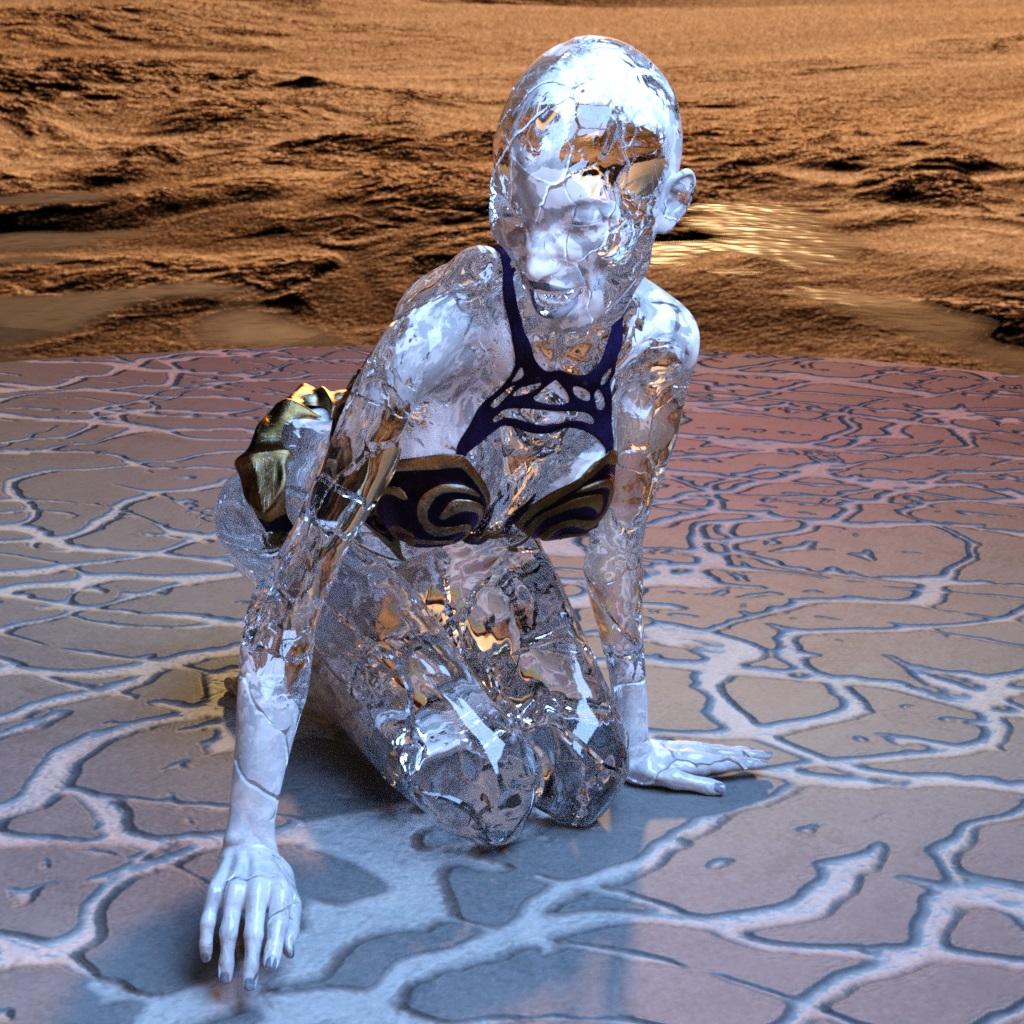
Iray Frozen Sisters (UPDATED 10/27) [Commercial]Bethany with http://www.daz3d.com/undead-creature-creator-hd-morph-pack-for-genesis-3-female
Wow! That's awesome!
Selbsthilfegruppe DAZ Studio - Beispiele, Fragen, Diskussion und sonstiges GequatscheAndy, bezüglich der "Geschlechtsteile" im anderen Thread... Versuch es mal auf Renderotica.com dort wird sowas separat verkauft, ohne das du ein Pro Bundel kaufen musst... Und Funktionalität haben die dort verkauften Teile auch noch, anders als die Pro Bundle Teile.
Ich wanke zwischen "abgrundtief schockiert" und "positiv überrascht", dass Du über "sowas" Bescheid weisst.
 Naja, auf der anderen Seite sind wohl auch etliche der... äh... "ausgefallenen" Produkte in dieser Sparte aus Frauenhand.
Weiß jemand, wie gut die von Poison für G1 sind? Ich bin da einmal irgendwie an das Produkt von Ghastly (oder so) gekommen. Nennt sich bei ihm "Happiness". Da verschieben sich aber die einzelnen Zonen beim Posen ziemlich unpassend zueinander (sogenannte "Poke-throughs"). I'm not amused.
In der Sparte ist Poison auf Renderotica.com ziemlich gut. Sowohl bei den separaten Props als auch bei den Morphs für die DAZ-Original Gens (für letztere sind auch die Morphs von TigerFish oder SledgeHammer empfehlenswert. SledgeHammer's Produkte enthalten dabei auch immer eine Reihe von Pose Presets als Bonus, man bekommt also ein wenig mehr für sein Geld).
Für Genesis 3 sind auch 3feetwolf's Produkte ziemlich gut; ein kleiner Nachteil bei denen ist aber, dass man für jede Figur mit unterschiedlichem UV Set eines der zusätzlichen Update Packs erwerben muss.
Ein Nachteil bei den Drittanbieter Gen-Props ist generell, dass man für neue Figuren mit unterschiedlichem UV Set immer erst darauf warten muss, wann (oder ob überhaupt) ein Update erscheint. Bei den DAZ-Original Gens hat man dieses Problem nicht: da das Prop aus einem Pro Bundle mit der gesamten Figurenserie kompatibel ist, lohnt es sich da eher, einmal etwas tiefer in die Tasche zu greifen und sich dann zusätzlich ein Morph Pack zuzulegen.
Tiny Petite G3Fs?Growing Up, by zev0 can be mixed with just about anything. A touch of the youth morph will shorten/make more petite just about any G3F character.
Tiny Petite G3Fs?Hi all, can anyone suggest any G3Fs shorter than Mei Lin 7 that I think is 5'7"? Somewhere like 5'4" and shorter.
I've been using the Height morph on V7, ML7 and G3f to shorten them but I am wondering if there are any 'Stephanie' sized characters out there just yet...
I have been waiting for a Stephy 7 for a while and hope that the shawties don't get, well, overlooked...
Animators Club for Carrara wip thread . First animation, Week 1 . The Final Gesture.I'm trying to figure out how to attach a zip file. This is a test. It should include a file called TextFinalGesture2 which has 3 morph zones and a half dozen morphs. I've never tried to upload a zip fle before so let me know if this doesn't work.
.
Loading G2F, Genesis, V4, etc. in Carrara -- questions of speedIt really, really matters how many morphs you have installed for your Genesis character. First time I loaded up Genesis in Carrara I was blown away by how fast it was, but then after I bought a bunch of morph add-ons and installed them I was blown away by how slow it was to load up
Can you give some specific examples?
Why are there no Creature Creator Morphs for G3M and G3F?Sexy Vamp?

I mean to each their own, but IDK.
Why HELLLOOOO there GORGEOUS! Why arent you friendlAAAAHHHHHHHH, AAAAAIIIIIIIIIIIIGGGGGGGGHHHHHHHHHHHHHHH!!!!!!!!!!!!!!!!!!!!!!!!!!!!!!
...and scene.
Loading G2F, Genesis, V4, etc. in Carrara -- questions of speedIt really, really matters how many morphs you have installed for your Genesis character. First time I loaded up Genesis in Carrara I was blown away by how fast it was, but then after I bought a bunch of morph add-ons and installed them I was blown away by how slow it was to load up
(and this was all loading in Carrara, as I really dislike working in Studio and find it much faster to do everything in Carrara; I only keep Studio around as a plugin if I need to rig clothing to a Genesis figure and things of that nature).However, I do also see a dramatic decrease in load times when I save my character as a Carrara object and load it as a Carrara object rather than a duf file, as 3dage points out above. It's also less likely to 'behave badly' or have unexpected problems down the road.
The type of modeling involved in making clothing fit better or changing a face shape to match an existing face shape is fairly simple and easy to do in Carrara, in my opinion (I'm no expert modeler, but it's pretty easy to go into the modeling room, check 'soft selection' and tug a few vertices into place). I've been thinking about doing a how-to video for this for a little while, I may be able to put some time together this weekend to do a quick vid to show that even a modeling-idiot like me can do it
Daz 3D is part of

Connect
DAZ Productions, Inc.
7533 S Center View Ct #4664
West Jordan, UT 84084Licensing Agreement | Terms of Service | Privacy Policy | EULA
© 2026 Daz Productions Inc. All Rights Reserved.