-
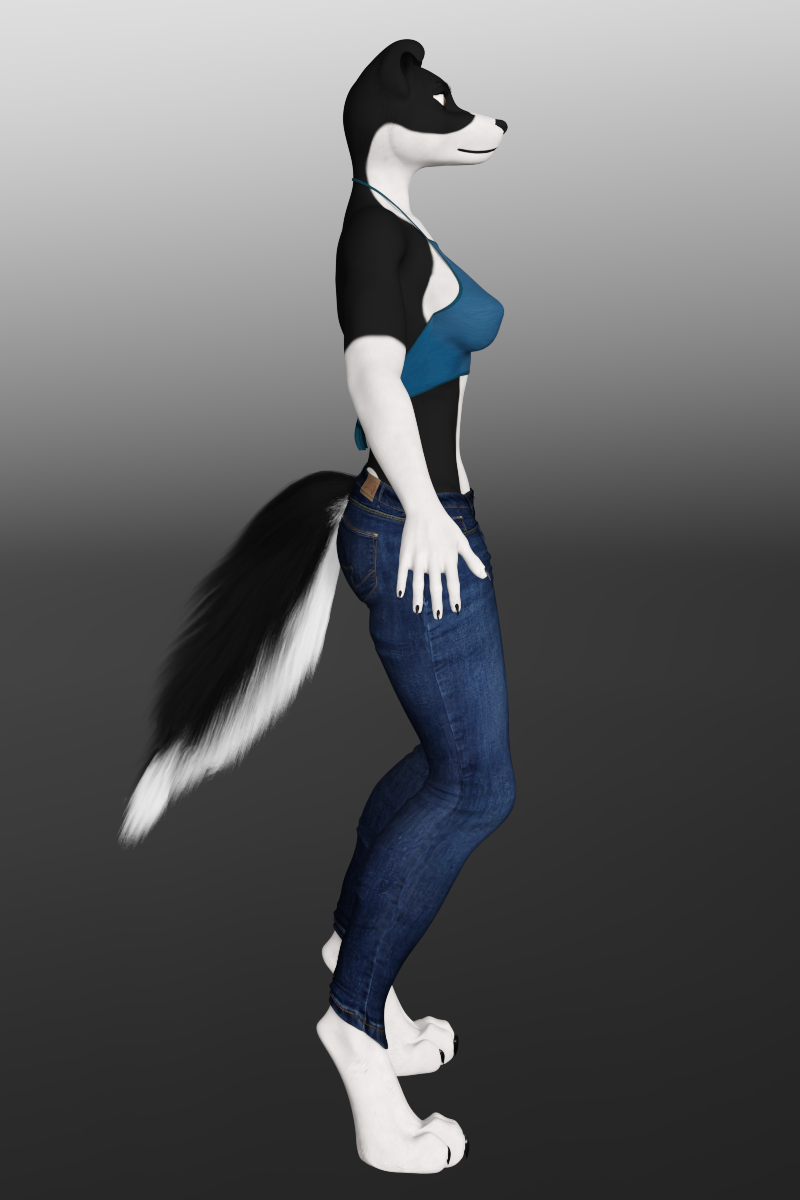
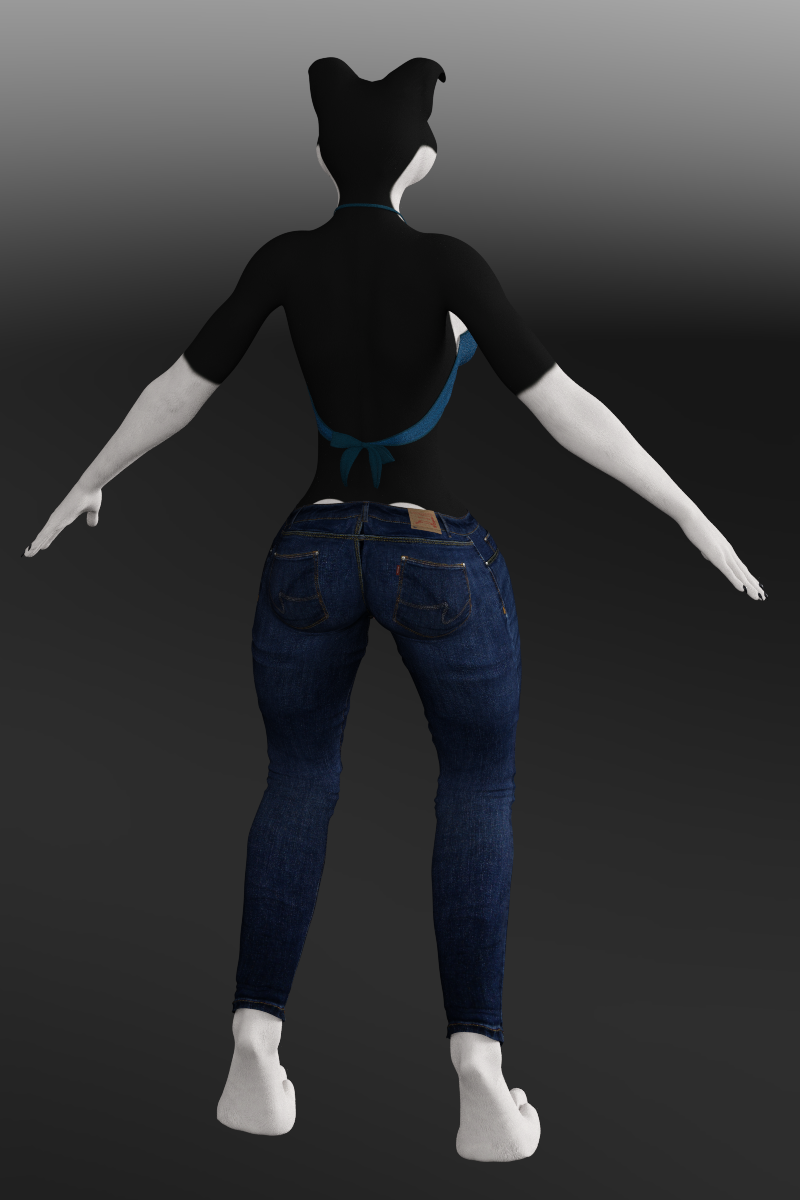
Does anyone know what the promotional character for this product is?
You may try mixing these characters if you own them. MSO Tony's head morph should dominantly own majority of the percentage.
https://www.daz3d.com/victoria-9-hd
https://www.daz3d.com/mso-tony-hd-for-genesis-9-feminine
https://www.daz3d.com/mso-faye-hd-for-genesis-9-feminine even plus Kayla HD...I checked MSO Tony in my Lib, my gut feeling... the textures are more likely from her.
Strange issue with posing eyesThank you! by the way this is the model in question:
https://www.renderhub.com/humanxystudio/natali-morph-with-30-poses-for-genesis-9
Yeah so I think I figured it out, honestly this character is a mess. It looks like they had scaled the X for the eyes and the over all scale as well to try to get the eye balls to fit correctly in the sockets. I reset that and just played with morphs to get the socets more even and now it seems to work. I didn't however solve the problem with the eyes going wonky when using the powerpose window, but after restting the scale on the eye's and also have to turning eye resting focal point to 0% it looks pretty close. Not sure why 0% seems to lock the eyes together though..
I had also tried what you suggested with "Adjust Rigging To Shape" but it didnt solve anything.
Strange issue with posing eyesThat is indicative of a rigging issue. Make sure you dial in your morph then rig figure to shape and ERC freeze before posing.
[Released] RSSY Clothing Converter from Genesis 9 to Genesis 8 [Commercial]RobertDy said:
RiverSoft Art said:
RobertDy said:
Sorry, this product isn't working correctly. The converted dress doesn't follow the pose of the figure. You can see that in the attachment. The foreground is G8 with the converted dress, while the background character is G9 whose dress follows perfectly. I don't wish to simulate starting from memorized pose because it's so time consuming so please tell me how to fix this.
I see the G9 having lots of sheer because it is trying to stretch the dress to follow. If you want the converted clothing to do that, use the bodysuit conformer for the conversion. It looks like the script assigned the Dress conformer. The Dress conformer adds a bone handle rig to the lower body of garments for manual posing of the skirt areas. If you're converting a very short skirt that you want glued to the thighs, you may want to use the Bodysuit instead, but usually you want to use the Dress. The script assigns anything with dress or skirt in the name or metadata to the Dress. The extra pose bones must be posed manually after being selected in the Scene Tab. They are found under the Pelvis node.
thanks, that worked! what about bodysuit loose, might this be a better option?
Bodysuit Loose is useful for clothing that have doodads, shoulder pads, and other things that are slightly away from the body that might not be caught by the conversion and left hanging outside the morph zone. If you convert an item and when a figure is posed, there is a point hanging out causing sheer, the Bodysuit Loose can help.
Smooth Out BumpIf you hide the clothing, is it then visible on her body?
If not then it must be the clothing. It could be caused by a slightly incorrect weigth map.
The easiest solution would be to take it to a modeller, and sculpt it away and import as a morph (with reverse defomations). Or you could use mesh grabber to push it in a bit. If you wait for an updated/new mesh grabber it includes a smooth function, but it is unknown when it comes.
For a single image I would probably fix it with the existing mesh grabber.
Collision and Poke Through Question...It doesn't prevent on object passing through another, but you can use a smoothing modifier to set a collision - It's normally used for clothes to prevent pokethrough from the wearer, but can also be used to morph the legs while sitting on a hard chair, or the cushion of a chair to interact with the legs. You can only set one collision item per object though, so you can't have a shirt collide with a figure AND with the pants they're wearing.
Edit - Figure - Add smoothing modifier (I forget the exact words). Then in the properties pane, you can set the collision item and level.
This may or may not be what you need for your purpose. Basically, it makes small movements of a mesh to prevent pokethrough, but doesn't stop one character's arm from being embedded in another's chest, as a random, non-specific, example.
rib alert (Jiuyin Zhu HD)Hi everyone, thanks for responding
 Re: the readme, I wasn't expecting a separate rib morph, (that seems like it's asking too much even with body morph packs) but just wanted to determin when you dial in the basic body morph that the ribs were included rather than it being just an HD morph. But thanks for the link, I didn't know you could look up items that way, thanks for that! / Re: the serratus anterior, I was considering that too. But in IMO, if that's what was attempted, plus ribs, it's all a bit off, looking at it again confirms that. "Wrongly sculpted?" seems like a fair question, though even the anatomy drawings online seem to vary quite a bit. Guess I'll continue to use a normal map for G8F that I edited to have just the ribs and positioned higher to work with G9. / But come on people, can't somebody do realistic rib morphs for G9?
 / how about a rib sculpting contest? //peacePossibly Distributing My Anthro Work If Interested Via The Daz Shop (Applying To Be A PA... Maybe)
Hello All,
This has been a topic of discussion for me before however I never really pursued the idea further. I make a lot of custom sculpts of anthro characters in more of a toon-esk simplistic form versus something like what Oso3D would make (his stuff is great btw, very detailed, just different). I try and scupt Gen 8 (could do G9 too if there is interest) into something more akin to what you would see browsing furry art websites. I think it could bring a bit of variety to the shop however I never really thought others would find them interesting or want to use them.
I guess that's my real question there. Is anyone interested in a style like this? If so what else could I offer the shop for you?
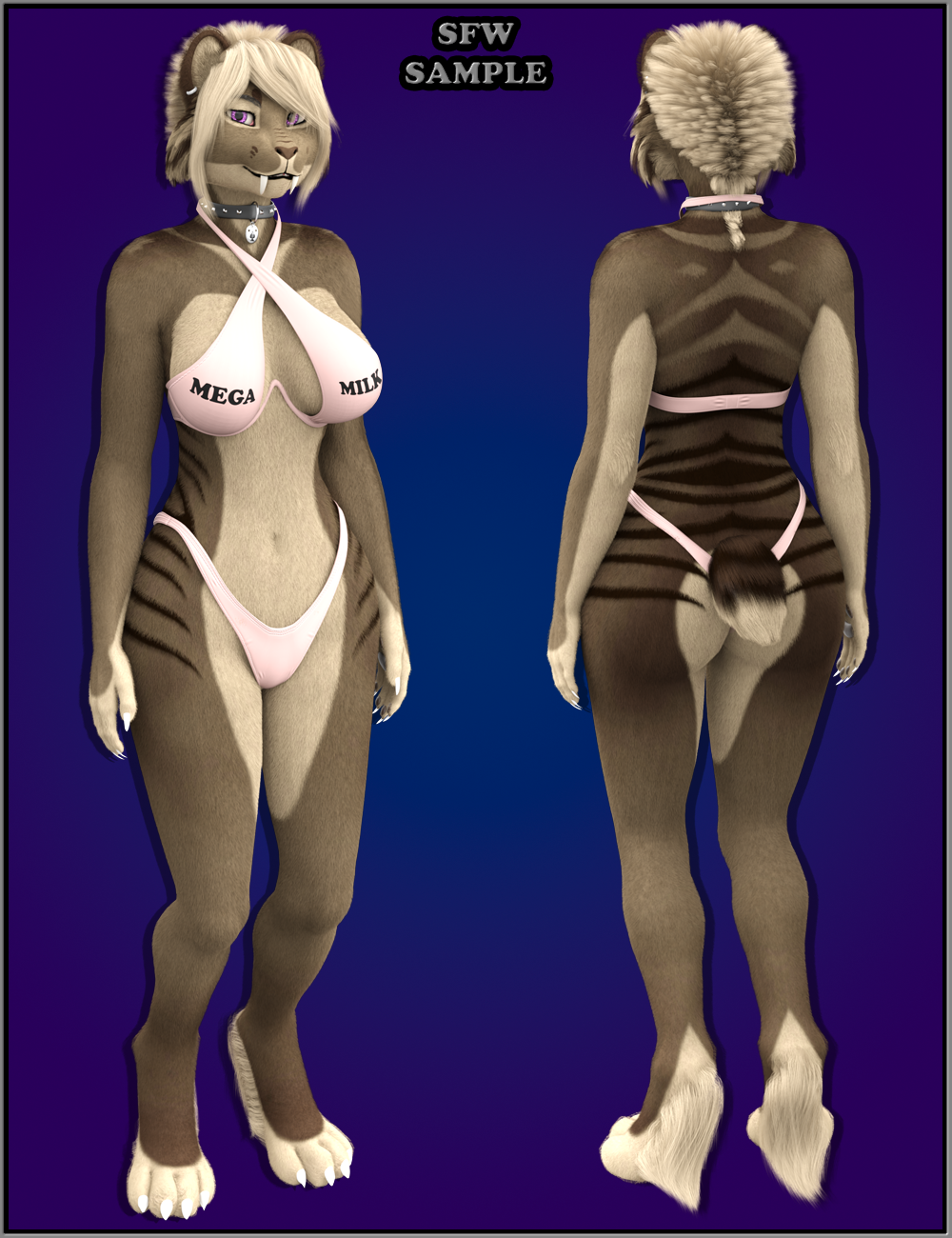
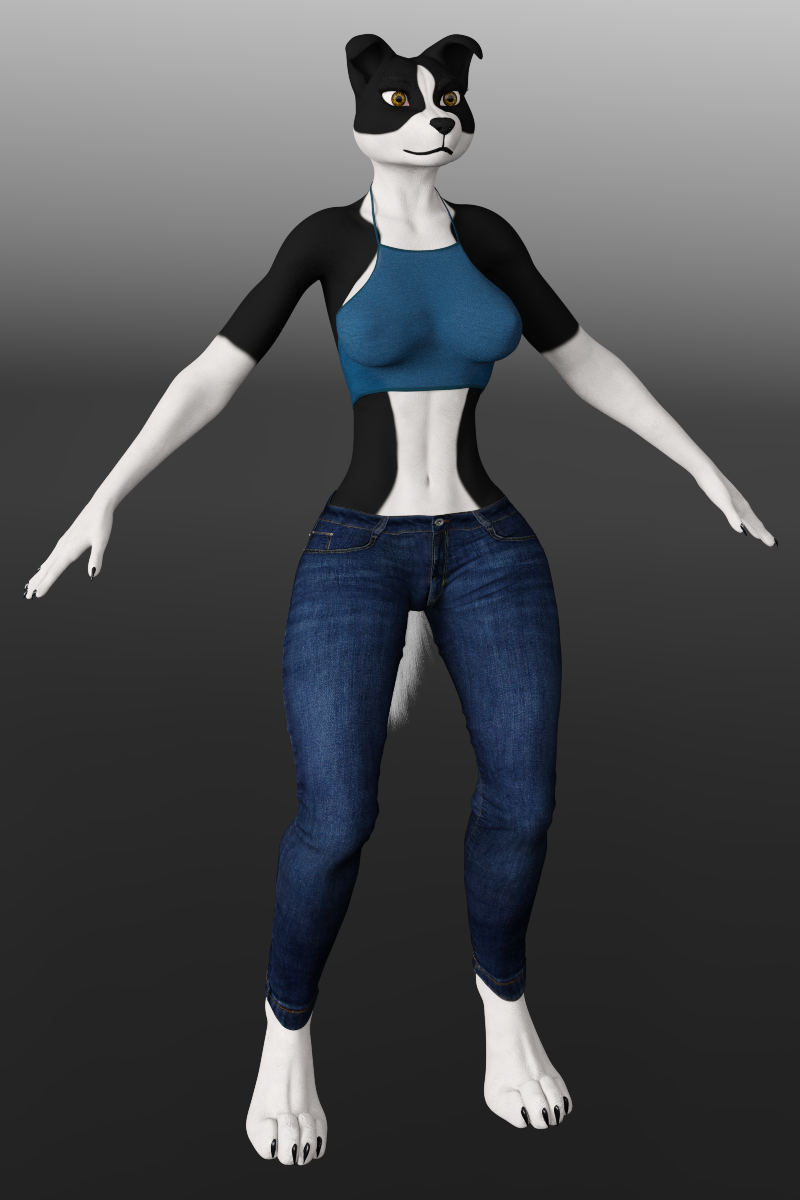
If there is interest I will be submitting 4 products for the shop. Canine Female, Canine Male, Feline Female, Feline Male. These will be for Gen 8 at first and then I will possibly do Gen 9 if I end of doing it. I will be including things like the proper JCM's for anthro based movement, fur, paw pad accessory, eyebrow hair, lashes, Skins, hair if applicable, eye colors, and some other morphs like for example on the felines, you could add a saber fangs morph to your character or for a canine if you want floppy or pointed ears.
Below are some examples.
NOTE: In these images I am using MMX Beautiful Eyes, Lashes Utility, and Ultimate Eyebrows which will not be part of the packages obviously.Also for Tail Fur and Long Hair assets, I will be making the hair based on my Strand Based Hair, hair card approach to make the assets easy to simulate with Virtual World Dynamics or even Dforce depending on certain things. My hair assets are usually under 210k vertices to make them compatible with VWD for simulation.
EDIT : Added images as attachments since adding them to the post body seemed to not work for some reason.
Also Links
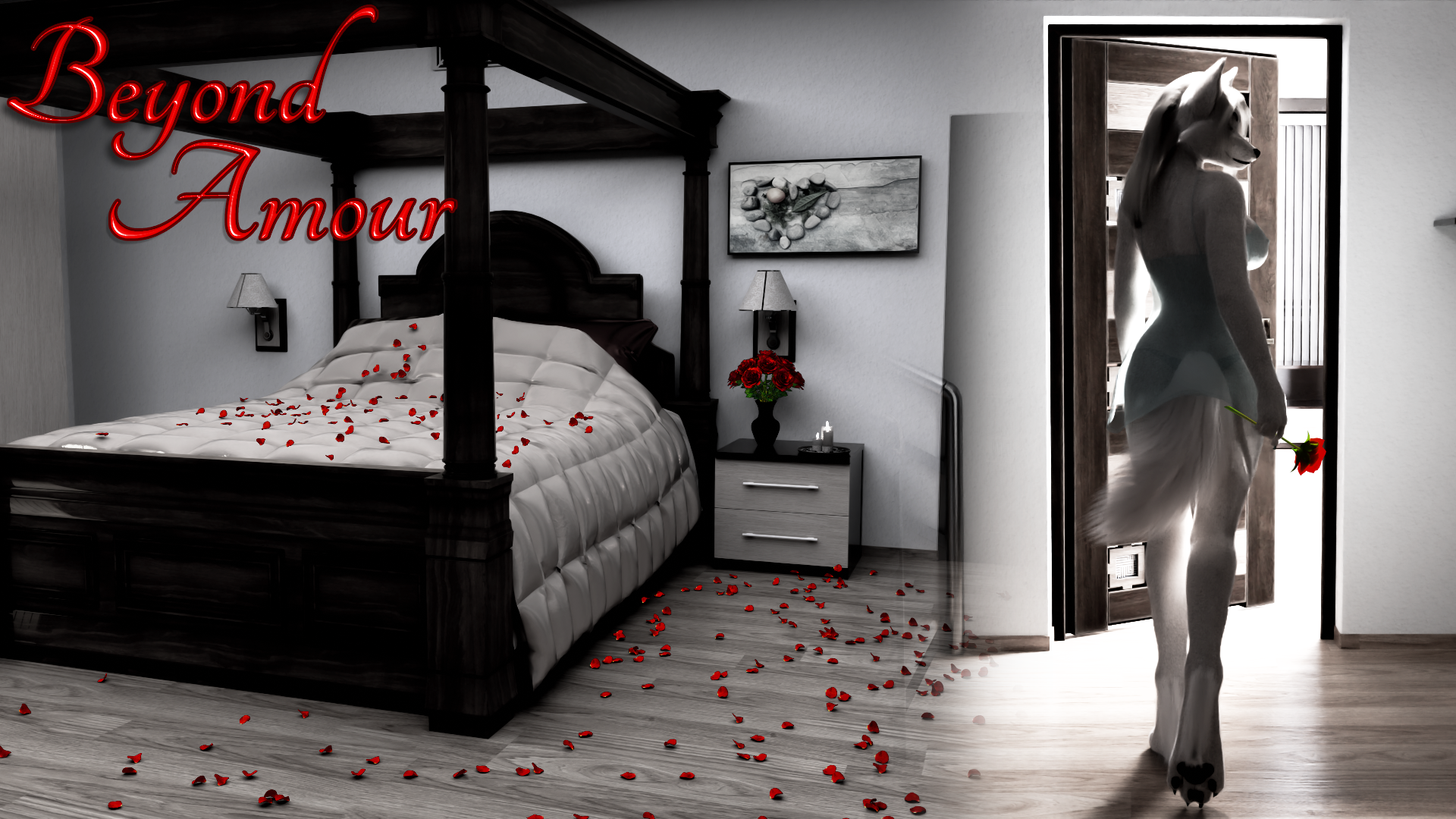
Game Cover Concept
https://www.daz3d.com/forums/uploads/FileUpload/76/6aec9d3f5a63b62e64e1d65ba979d0.png
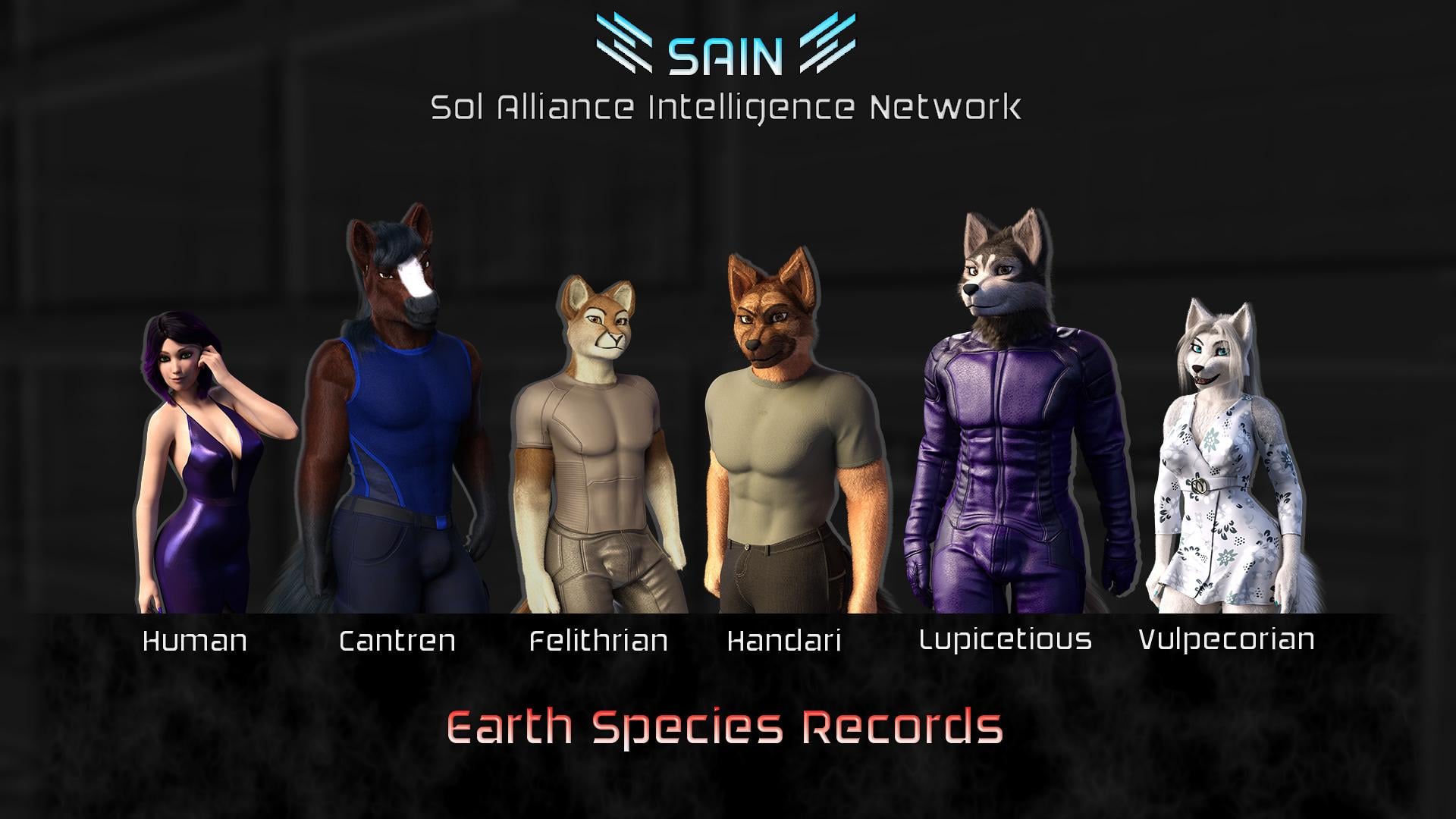
Another Game Example (Used Push Modifier For Fur Under Cloths. I could include a mini tutorial for things like that.)
https://www.daz3d.com/forums/uploads/FileUpload/e4/a712b20823acf7f691fa9cdf560cf2.jpgOlder Work (No Push Modifier For Fur Under Cloths)
https://www.daz3d.com/forums/uploads/FileUpload/f7/4a92f4eb97445c128114bad8b21365.pngCollie Very Early WIP
https://www.daz3d.com/forums/uploads/FileUpload/44/0f6e119d819d800c94e616544f4e15.pnghttps://www.daz3d.com/forums/uploads/FileUpload/36/92689eb0a76bcad0a590184fb19093.png
https://www.daz3d.com/forums/uploads/FileUpload/f8/8d4a1f2f169d8b6f51f3f098ed43e2.png
DAZ+ summer sale--started. Same as everydaykyoto kid said:
...the only G9 characters I've bought or are interested in so far are those by RawArt and Oso3D.
I finally deliberately bought a G9 outfit with a body morph and accessories that I will happily put to use:
https://www.daz3d.com/dragonhide-pcs-for-genesis-9-bundle
It's pretty awesome.
 I do intend to scale it up some and put some sort of sensors or a cockpit in the head. Sensors might be easier to kitbash. Any of it may require some fabrication. In the meantime, I'll opaque the glass.
  Use G9 skin on G8
yuyu.atem said:
Thank you very much!
This product doesn't convert G9 textures into G8F ones, it modifies your G8F figure so it accepts G9 textures. To do that, it needs to replace parts of the figure's geometry with geografts, because it needs to redefine G8F surface boundaries in those areas and there aren't polygons in the right place for that.
Couldn't it make some issue when I use clothes, hair or wings for G8 with it?
In my experience, nope, it won't bring issues to wearable ~~ not relevant.
It's worth noting that there might be a few problems if you're using morphs (especially HD morphs) which would alter the areas with the geografts a lot, as the geografts may not be able to react in the same way as the original figure's geometry.
Would it ocurs when the morph was used before using the G9 UVs for G8, or only if I want to use a morph after using it?
It's a well-known issue that geo-graft cannot perfectly support HD morph especially with high SubD Level, no matter you dial HD before or after... Like the screenshot attached, it's a V8.1 HD using V9's textures with this product. If you view or render SubD Level 4, the issue can be apparently seen.
But I know there're some alternatives:
a) convert G9F's texture to G8M in FaceForm Wrap; b) convert them in Blender with UV projection than bake the maps. However, I myself haven't done them before 'cause the process requires even more domain knowledge, while the steps turn out to be cumbersome...
Do you know some tutorials that explain how to do?
Rarely ~~ You may search on youtube / internet.
c) you may convert your G8M figure to G9. (by using SkinSuit method or FaceForm Wrap which you've already known how-to...) That'll be much easier. Then you may freely use any G9's texture maps on it.
I would like to use the Avija Wings (https://www.daz3d.com/avija-wings-and-tail-for-genesis-8-and-81-males) on my character; do you think I could use it on a G9 character, even if it created for G8? Wouldn't it create some isses?
Nope, you cannot, this Wings product is a geo-graft for G8.X which cannot be used on G9. Besides, this Wings cannot adopt G9's Body texture either, you have to convert G9's body textures as well so as to apply on the head / body surfaces on the Wings.
Thank you in advance for your answers!
Use G9 skin on G8Thank you very much!
This product doesn't convert G9 textures into G8F ones, it modifies your G8F figure so it accepts G9 textures. To do that, it needs to replace parts of the figure's geometry with geografts, because it needs to redefine G8F surface boundaries in those areas and there aren't polygons in the right place for that.
Couldn't it make some issue when I use clothes, hair or wings for G8 with it?
It's worth noting that there might be a few problems if you're using morphs (especially HD morphs) which would alter the areas with the geografts a lot, as the geografts may not be able to react in the same way as the original figure's geometry.
Would it ocurs when the morph was used before using the G9 UVs for G8, or only if I want to use a morph after using it?
But I know there're some alternatives:
a) convert G9F's texture to G8M in FaceForm Wrap; b) convert them in Blender with UV projection than bake the maps. However, I myself haven't done them before 'cause the process requires even more domain knowledge, while the steps turn out to be cumbersome...
Do you know some tutorials that explain how to do?
c) you may convert your G8M figure to G9. (by using SkinSuit method or FaceForm Wrap which you've already known how-to...) That'll be much easier. Then you may freely use any G9's texture maps on it.
I would like to use the Avija Wings (https://www.daz3d.com/avija-wings-and-tail-for-genesis-8-and-81-males) on my character; do you think I could use it on a G9 character, even if it created for G8? Wouldn't it create some isses?
Thank you in advance for your answers!
rib alert (Jiuyin Zhu HD)According to the readme, there are morphs for head, body and full morph, nothing specifically for the ribs.
rib alert (Jiuyin Zhu HD)Hi rib fans and anyone else who's bought that char by Noki Saki. Question, there are some visable ribs on that item, are they all part of a separate HD full body morph? They look a little odd IMO, but maybe useful anyway. But if it's a full body HD morph it's probably not that versatile since we can't split them. Thanks for reporting on this for us rib lovers.
 / peaceLet's appreciate/discuss today's new releases - ongoing thread
I will say in its praise, though, that the HD morph that comes with it adds a bit of that slight Hollywood classic sunken cheek to other characters. Like you could make a morph that's almost Audrey Hepburn, add those and it would BE Audrey Hepburn.
JCM Triggers Across Genesis Character Globally (Solved)crosswind said:
In Property Hierarchy, place eqch character's body morph into each pJCM morph's Controllers - 2nd Stage accordingly so as to use ERC type Multiply, while Toes Bend is on their Controllers - 1st Stage.
Ah, thank you kindly. Obvious now that you've mentioned it.
JCM Triggers Across Genesis Character Globally (Solved)In Property Hierarchy, place eqch character's body morph into each pJCM morph's Controllers - 2nd Stage accordingly so as to use ERC type Multiply, while Toes Bend is on their Controllers - 1st Stage.
Bluejaunte appreciationRod Wise Driggo said:
Ups. Being no native may I ask whether "being super anal about sth." is really used these days or if damn autocorrect has made the day?
And regarding the morph for the hair: Yes, please make it available :-)
Raising the dead here, I don't know how common it is among younger generations anymore. It was popular when I was a teen (in the 80s and early 90s) to be "anal retentive".
I had no idea the origin and just looked it up and OMG...Freud was a weirdo.
Dimples?Yep, dFormer as well as a tool which used to be one of my favorites - Mesh Grabber. If you own it, just a couple of pushes will do then directly create a morph in DS wiht Mesh Grabber addon.
Dimples?- if you own some morph products, try to search Dimple morph and dial the propertie(s) (e.g. https://www.daz3d.com/rarestone-s-face-morphs-collection-for-genesis-8-female)
- or you may sculpt dimples in exteral applications like Blender, then send OBJ back to DS for creating Dimple morph(s).
Need a script to convert PZ2 to DUF BATCH!Leana said:
What kind of pz2: pose, materials, morph settings?
That is true of that in my reply to the OP, what sort of pz2's are they wanting to convert.
Daz 3D is part of

Connect
DAZ Productions, Inc.
7533 S Center View Ct #4664
West Jordan, UT 84084Licensing Agreement | Terms of Service | Privacy Policy | EULA
© 2026 Daz Productions Inc. All Rights Reserved.