-
Oops! That page can’t be found.
You can see an orange banner?... Ever since the forum's advertising fiasco, orange banners in iOS and iPadOS are hidden behind the black and blue headers at the top of the page... almost impossible to drag down to read, if you even have an inkling one is there... otherwise I see nothing.
Is the iOS orange banner problem ever getting fixed?When the forums recently experimented with advertisements, something got screwed up for both iOS and iPadOS... Safari is completely screwed up and the banner is only visible as an orange blur as a sub forum page loads (like the Commons or Art Studio)... it's like a nanosecond if you are paying attention... otherwise it's hidden behind the blue and black header bars... It's almost impossible to get it to drag down as it immediately shoots back up (I'm not exaggerating) before you can read it. It's a little easier in Chrome and Firefox, as you can drag it down and hold it in place long enough to read it, but it's totally hidden in all browsers on all Apple mobile devices... I've checked on a friend's phone and all my family members' Apple devices... I can't imagine I'm the only not seeing the orange banners on iOS.
This is what Safari on iPhone looks like... (I can't even drag the banner down momentarily)

See... no banner... This is Safari on iPad (you can swipe it down for a nanosecond if you try really hard... I was only able to screen capture a glimpse of it... otherwise it's completely hidden)

This is it dragged down in Firefox on iPad... (you can drag it down and hold it in place, but if you let go it goes right back up into obscurity)

In all cases and all the popular iOS browsers, it looks like the first image when the page loads, with the orange banner hidden behind the top blue and black headers... so like if someone gets a cool orange banner notification, they aren't going to see it, which defeats the purpose and probably is costing PAs some sales...
Using Other Content with DAZ Studio (Resolved)Hello,
I've combed through the various forums and am at a loss. I have some content that I obtained from a non-DAZ store and would like to use it with DAZ Studio. Is there a reference that I could use to import the files into DAZ Studio?
Thanks in advance and Apologies in advance if this was posted to the wrong forum.
Artsy
Stair Climbing?DDCreate said:
Oh wow!! Thank you so much!! Honestly, I really do appreciate it. Kinda felt bad about asking someone else to find what I was looking for but obviously you're better at searching in Daz than I am!
Not to worry, it's perfectly fine to ask here since I don't think they would be so easy to find via the site search. I cheated and searched for "Stairs" in Smart Content / Poses in Daz Studio. So there are probably others out there buried in other products that I didn't find because I don't own them :)
Daz Studio BETA - version 4.23.0.4! (*UPDATED*)Great to hear that you are improving the search feature!
There's Always Another Sale Thread -- Discussions Only Pt 3Selling less digital products for the same revenue has never made strategic sense to me *shrug* Selling more, in my view, gives you a more robust customer base, and if you want to grow it, chasing lower prices is where you can get wriggle room to increase your profits. That aside, I can imagine support costs may be quite high, but that's a quality issue not a pricing one.
memcneil70 said:
I am in the process of uninstalling my content from an 8Tb drive to install it on my new 18Tb drive and an Orange Banner popped up in the middle to 'All New DAZ Studio Update! Preview 4.23'. Of course I have 14,673 items still to uninstall and then reinstall on the new drive. I didn't see anything in the DAZ Studio forums. Anyone know what's up?
Editorial license tags and some better searching facilities, although I swear the click on a tag in the info pane to automatically populate a search and filter products feature has been in Studio for a while. I've certainly been using it.
New Year, New Sales Thread: Report Issues Here "Reporting Only"It's not related to sale directly (no coupon, no promotion), but I have an orange banner about Daz 4.23, leading to a blog post that is not yet available:
All New Daz Studio Update! Preview 4.23 Here
Preview Features of Daz Studio 4.23 in the 4.22.1.161 Public Build.
Including; enhanced licensing tags, advanced search capabilities, and more!Skin seams on all female characters and modelsWhile setting up a scene I noticed a line on the top of the arm of my character, where the texture looked weird. When I zoomed in I noticed that the transition from arm to torso texture or bump map is visible, and checked previous work I had done. I found the same issue on previous renders, so I decided to check my default character, and it had the same problem. Decided to check 3 other default character and they had the same issue, Victoria 7 for G8 had even worse seams in the same spot, with a visable seam seperating the front and back of the shoulder. I decided to check the legs and face transition too and Victoria had both these seams too, while the other character didn't, or it was barely visible.
I've checked the character surfaces and all the settings are the same between the body parts. I tried increasing my texture compression to 8k in render settings, but the seams are still there. I've been in contact with support and after 3 weeks of trying they gave up and sent me here. From their findings they suggested Octane was the issue and that it had converted the textures to Octane. I have since uninstalled and removed Octane, but the seems are still there, even on new characters. They quoted a forum post to me with the following: "So what I did was simply merge the parts where seems are visible. Shift+click on the torso, arms, and legs for example and choose "combine and delete" or something like this (He's using the German version, so the labels might be different...). Then the separate objects will unite, but polygon selection tags will be created so you can still select the parts separately and the UV assignment also stays the same.". They did not provide the link for this forum post, and I have yet to figure out where this option is.
The first picture is of a character with texture, maps, hair, clothes and all that. 2nd picture is from base V7 for G8. I tried uploading two more pictures but they won't work for some reason, showing a seam on the arm/shoulder seperating 3 parts, front and back of the shoulder, and the arm.
Anyone have any experience or tips on how to solve this? This is all in Iray viewport and renders btw.
Render your buys! Use buys from the current month and the previous month of salesCrossposted from Daz+ forum.
Willow Maiden
New items used: CJ Luna, KuJ Medieval Dress for G9, and Weeping Willow Trees. The rest of the items in the gallery.
I have to add here that KuJ Medieval Dress for G9 was an absolute nightmare to pose and simulate. Judging by this thread, there are issues with the product and nothing has been done about it since the beginning of 2023, and I wish I had seen it before buying the dress. As of rule, I try not to return products, but seeing as Daz did nothing in over a year to address the issue, I've made a choice to remove the vendor's items from my wishlist and not buy from them again.
On a more positive note, even though it's not a new-to-me item, I absolutely love working with Colm Jackson's Render Studio 2.0: it's perfect for when you want to do just a quick scene without spending hours on setting everything up. Other example of usage here.
 Daz pages not loading
I use a VPN and I can access the store and the forum but I have the same issue wi!th the store pages and with my wishlist because it looks empty although it is not.
Daz pages not loadingForum is fine, sales banners are showing.
Store, wishlist are all swirls for the last two hours (from just before DAZ midnight, which is when I first looked at the store today).
Individual product pages are accessible if I go there via my Product Library.
This is in both Edge and Opera. Win 11. Located in Europe.
Looks like the sales phrase for Wagner 9 has come true: Roll your dice and take a chance in the dark
Daz pages not loadingSame here: Forum OK - Store does not work.
If it helps: tried on Windows 11 PC with Edge. Also on iPad with Safari.
Daz pages not loadingfrank0314 said:
It's a catch-up sale today so no new products
You do not understand the problem, I assume.
The shop itself does not show anything the moment it is created from database. So when you go to the actual shop, you get no list of articles. It is not just the "new" or "sale" list.
Get the server support online is my advice. It is NOT the forum or shop, but whatever you use for active pages - the PHP-equivalent of your site, probably the DB is down.
Show us your Daz AI Studio ImagesBunyip02 said:
WendyLuvsCatz said:
FirstBastion said:
WendyLuvsCatz said:
sometimes I cannot help myself, damn, it is using DAZ AI
Welcome back.
not really back, just couldn't help making a statement I cannot put into words here

Hello Wendy !!! The Clayton's membership, being a member when not being a member ?
dismembered

I was finally cut off from that DAZ+ forum a few days later which also means I no longer know what's free with a purchase each week as it's not mentioned anywhere for the nonmembered, one has to play cart Jenga with the newer DO's untill one finds it
Daz pages not loadingnemesis10 said:
frank0314 said:
Everything working fine for me. The forum goes up and down all the time for a few seconds. Usually, if you refresh the page a few sec later it comes back. The store rarely has any issues. The forum has caching issues and a couple other misc things that they keep having to battle and put fixes in.
The store is nothing but blackness and swirlies.... so what are the new products for today?
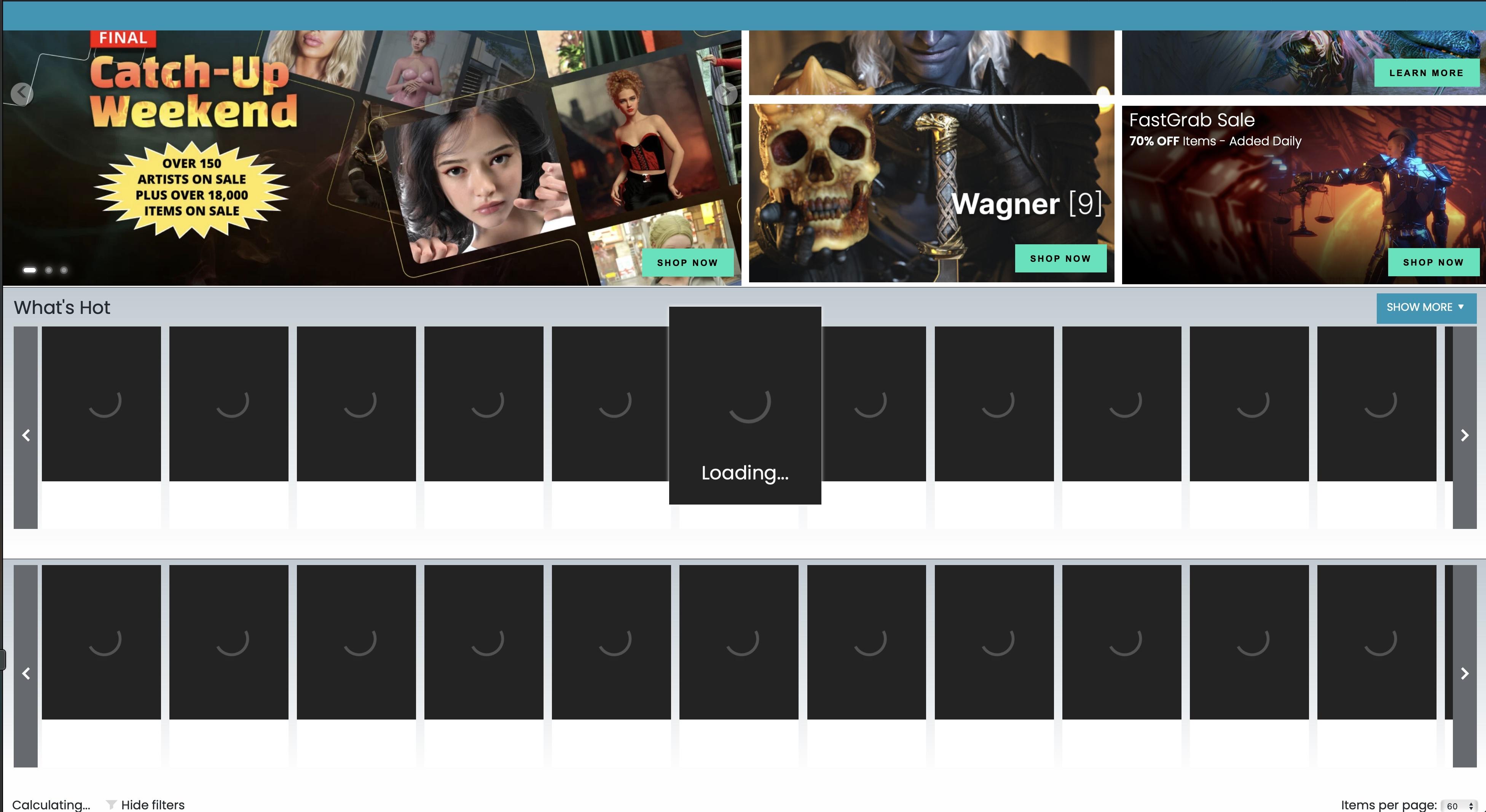
It's a catch-up sale today so no new products
Daz pages not loadingnemesis10 said:
frank0314 said:
Everything working fine for me. The forum goes up and down all the time for a few seconds. Usually, if you refresh the page a few sec later it comes back. The store rarely has any issues. The forum has caching issues and a couple other misc things that they keep having to battle and put fixes in.
The store is nothing but blackness and swirlies.... so what are the new products for today?
Nothing but swirlies since 4pm (when I turned the computer back on), on both Firefox and Microsoft Edge as well .....
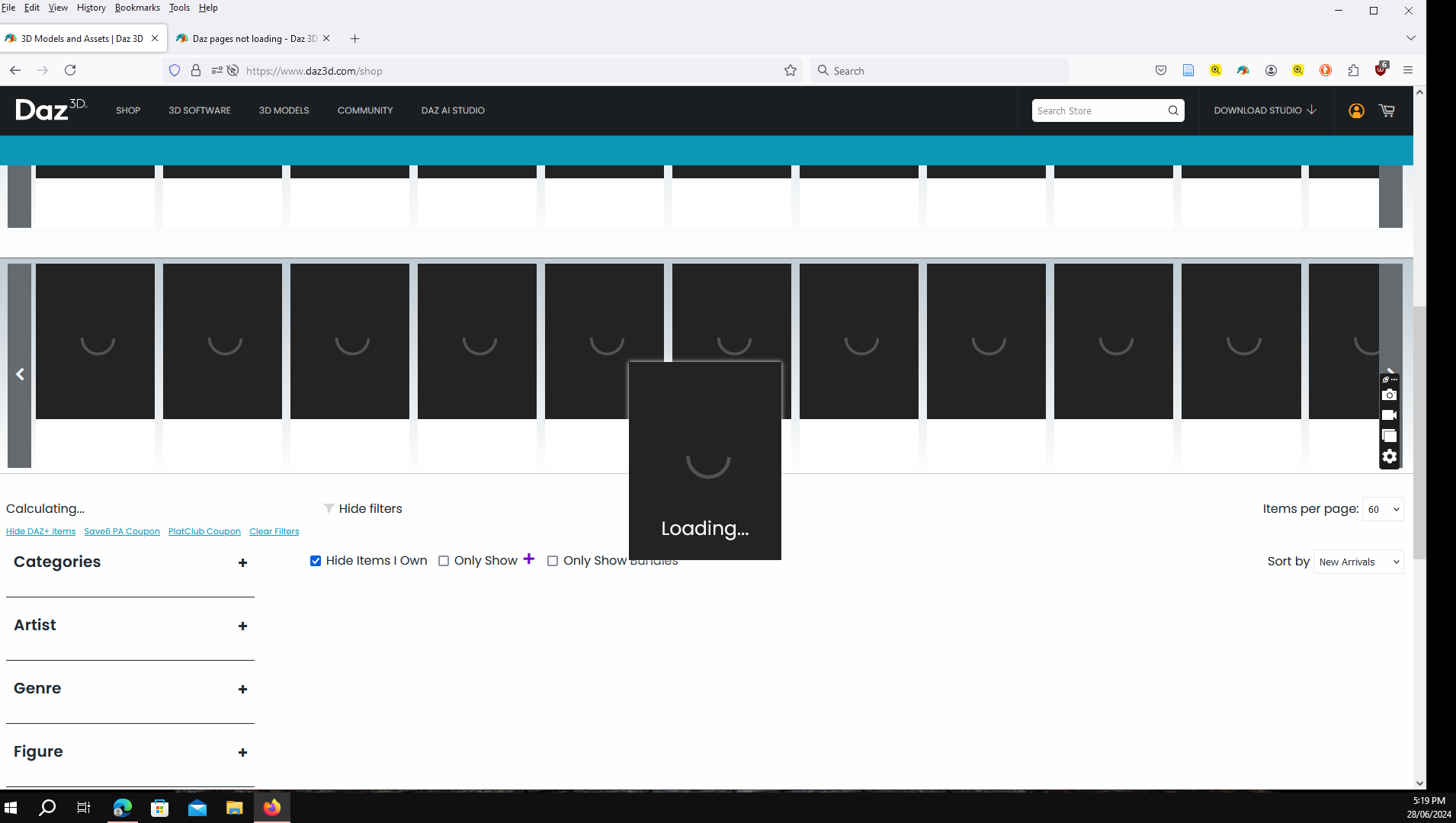 Daz pages not loading
Not working for me, tried Firefox, Chrome, and then in my phone on Safari.. nothing. If you try and search an item in a search engine, you can pull an item up but that is as good as it gets for me
Daz pages not loadingfrank0314 said:
Everything working fine for me. The forum goes up and down all the time for a few seconds. Usually, if you refresh the page a few sec later it comes back. The store rarely has any issues. The forum has caching issues and a couple other misc things that they keep having to battle and put fixes in.
The store is nothing but blackness and swirlies.... so what are the new products for today?
Daz pages not loadingEverything working fine for me. The forum goes up and down all the time for a few seconds. Usually, if you refresh the page a few sec later it comes back. The store rarely has any issues. The forum has caching issues and a couple other misc things that they keep having to battle and put fixes in.
Adjusting or removing an Iray material on an outfit.I hope this is in the right area, as I've been trying to figure this out and I'm having trouble trying to search out what I'm trying to do since including the product in the search result just brings up the product. So let me just explain what I'm trying to do.
So, I recently bought this product from the shop: dForce Time For School for Genesis 8 Females | Daz 3D
My goal was to use this for a project that I'm working on however, I've come to a bit of a snag. The 'crest' or 'badge' as the material is called in DazStudio is where the issue comes from. See, the item comes with a few options for the crest as separate materials (from the jacket color itself) and they only show up when I have "Nvidia Iray" view on. The issue is that none of the options for crests it comes with fits the school that they're for. I'd more prefer to just remove the crest/badge entirely, but I'm also fine with making a custom crest for it instead. Sadly, I can't seem to find an option to remove it (and I'm also new in general to Daz Studios) as the options only really show up when I select the blazer itself and go to the materials tab in the smart content.
So I'm asking if anyone is able to help me with this. Rather to remove the crest entirely (assuming there's still some kind of material under it) or a way to make my own for it.Daz 3D is part of

Connect
DAZ Productions, Inc.
7533 S Center View Ct #4664
West Jordan, UT 84084Licensing Agreement | Terms of Service | Privacy Policy | EULA
© 2026 Daz Productions Inc. All Rights Reserved.