-
Filament tutorials/shaders/lights?
Mh..no complaints here
 (rarely on me because I'm have a Doctorate on Master Complaining)
... for now.

it does like it does, a viewport preview, with some time I hope DS implement all the full characteristics, at this moment is better preview than XPS preview (XNA Lara).
if only... setting after doing a filament preview darkens my original file but I prefer doing a second scene in a folder called Filament Scenes, and voila.
 Daz Studio 4.14 Pro, General Release!
..OK so I gather that FIlament is primarly best for animations. As I don't bother with animating are there any other advantages to updating?
Still working with the 4.12.0.47 beta as it was more stable than the 4.12 general release.
New DS Filament Render Engine3Diva said:
Filament looks like crap. I honestly don't understand why DAZ put time / resources into implementing this "solution" for real-time rendering. Unreal Engine is real-time and looks far, far better.
I don't know, I think this one turned out pretty cool. It's not Iray, of course but I really don't think it's "crap". And it took less than five seconds to render. That's amazing. :)
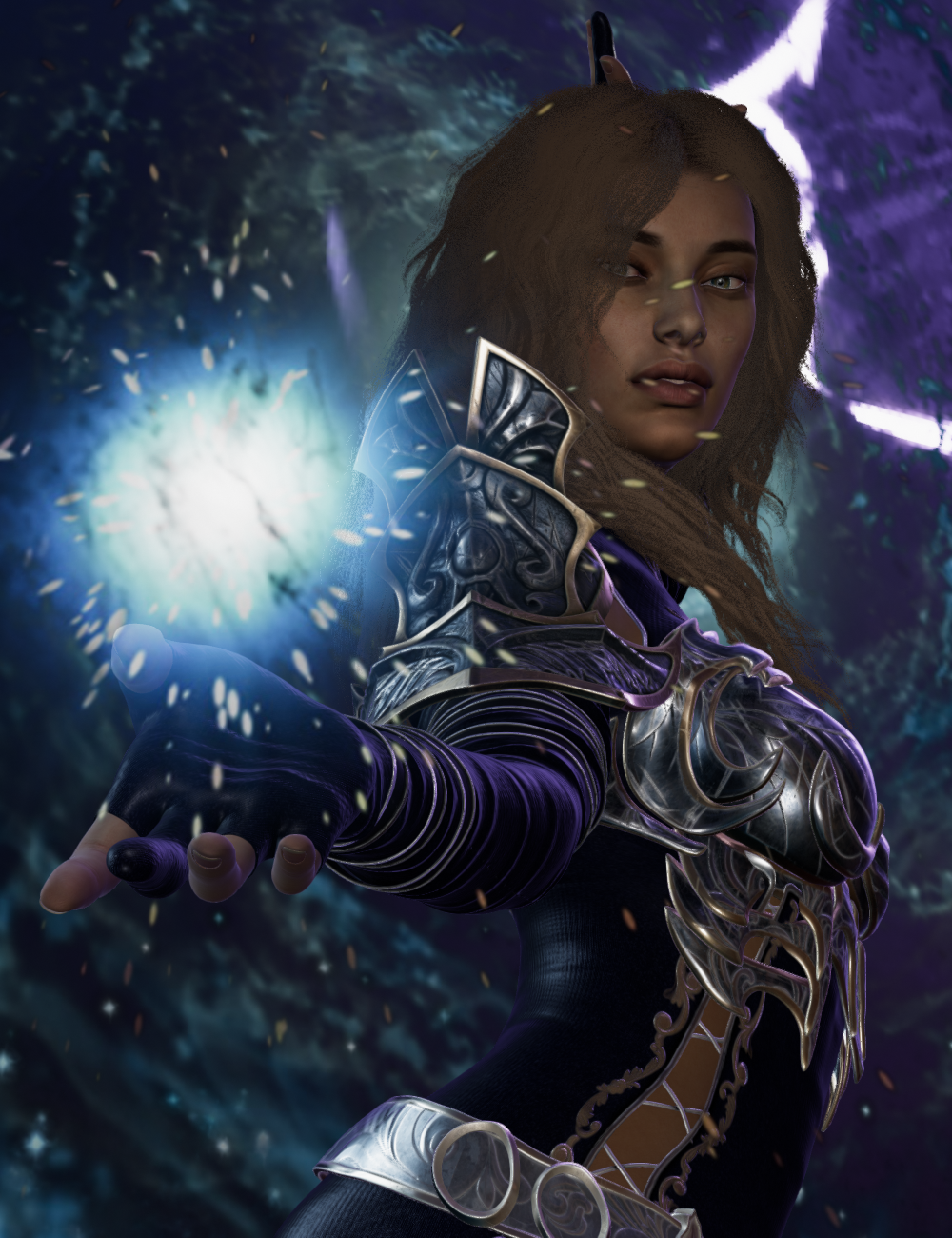
Maybe we have different expectations. That looks like a Playstation game from 1995. I just don't understand why you'd want to put so much time and effort into setting up a great scene, only to have the render look so antiquated.
Different people have different expectations, and sometimes the same people at different times. I like that render. It's not photo-realism, more artistic. Sometimes I want realism, sometimes I don't. And I don't think an antiquated look is a bad thing. It depends on what you are trying to achieve for each image.
P.S. there should be another level of quoting in this ending above the paragraph above. It was there when I was typing this but the forum seems to have lost it when I posted.
New DS Filament Render EngineWow! Really loving this Filament PBR Viewport preview. It's lighting fast!
Nice job DAZ!
What is Filament Draw Style?"Something I might actually use" is a huge understatement!
Filament is GREAT!
Before I was constantly switching between Iray and texture shaded. Iray took forever to load... Now I can do most of my work here in Filament.
If I want to render in Iray it is just a matter of tweaking things.
Also, I was wondering how the add-ons worked, I guess they just seamlessly work in the background.
it is nice being able to move lights and actually see the effects of the lights on the subject.
Also moving around the HDRI is visible now, WOW!
I have a lot to figure out.
Thanks DAZ for this feature!!
I will update on my findings here.
Interior Light Pro for Filament and Iray -- CullingHow can you tell where Cullling range is in the product "Interior Light Pro for Filament and Iray"?
Or is it important? When you go too close, a black box appears in the render, but not in the filament.
Daz Studio 4.14 Pro, General Release!Oh, I've got all that. But my video card is a GTX 970 with 4gb so I was concerned about whether I needed to bite the bullet and get a new video card for this.
A newer video card will be better in a lot of ways, but you can always experiment with Filament in your current setup.
New DS Filament Render EngineNot sure if I did this right. BUT messing with the Tonemapper options gave me this result! Not bad. I have it set to iRAY render engine but perhaps with the three added nodes it switches over somehow to the Filament engine? Not sure, still confused about all this!
What is Filament Draw Style?Thanks Wendy, I just also noticed the video. :)
Where are the threads?
https://www.daz3d.com/forums/discussion/442982/new-ds-filament-render-engine
https://www.daz3d.com/forums/discussion/445567/filament-tutorials-shaders-lights
are main two
and don't worry you are one of a pile of users starting new threads

I cannot be bothered even answering the others
 New DS Filament Render Engine
3Diva said:
Filament looks like crap. I honestly don't understand why DAZ put time / resources into implementing this "solution" for real-time rendering. Unreal Engine is real-time and looks far, far better.
I don't know, I think this one turned out pretty cool. It's not Iray, of course but I really don't think it's "crap". And it took less than five seconds to render. That's amazing. :)
Maybe we have different expectations. That looks like a Playstation game from 1995. I just don't understand why you'd want to put so much time and effort into setting up a great scene, only to have the render look so antiquated.
Does Filament render V4 stuff better than 3Delight ?I'm not good with textures which I why I've stuck with Iray so far so I'm wondering if Filament is better than 3Delight with V4 textures and is much configuration needed to render with Filamant.
Steve.Link to Filament download is bad...I tried to download the update with both buttons and they both go to my product list page. Any ideas what's going on?
Iray Preview PC Reboot?Drivers - checked
Overheating?
Nah, I run temperature monitors and have MSI Afterburner for fan control. I can leave an IRay render running for an hour and the temperature is nowhere near the cut-off point. This reboot doesn't happen with renders, it only seems to happen while using the Iray Preview and it can happen a few seconds in or after several minutes. It seems to be the changing of the scene (movement or changing shaders, etc.) that triggers the reboot.
I wish that the Filament preview was more representative of what the IRay render will look like but, unfortunately, it is far from it so I use the old OpenGL mainly and hop into IRay preview when I need to play with surfaces and lighting.
What is Filament Draw Style?Okay I just bought all of the Filament stuff... It is reasonably priced and it seems like something I might actually use.
I am of two minds here...
On one hand with my regular single frame scene renders I would not mind if they took hours longer to render if I could squeeze more detail out of the skin and such.
But for animations I wish frames would render in seconds, I suspect that Filament will work with improving the latter.
Daz Studio Pro BETA - version 4.15.0.30! (*UPDATED*)Seems the problem with Daz not closing properly is now also in the official release, It is still in the task manager even after quitting, This also means that it will not save settings made,,, this needs to be fixed!
?? That issue has been around for a long time.
That said, first thing after installing this Beta, clicked exit program and it instantly cleared out of task manager. No delay. If have bunch of stuff in scenes it will take time to clear out. More stuff - the longer. Force-closing it (though not officially recommended) still holds changes like filament vs iray preview vs texture shaded and several other settings. Or it does on my PC setup.
There are two exit problems, the first is that Daz takes a long time to close down after loading moderately complex scenes. It does still close and the W10 task manager will show a single process running full speed (maybe a busy wait loop?) Daz does, eventually, close down. I don't have any idea what is causing the delay.
The second, the new problem, is that Daz never exits, or at least not for "many hours"; I let it sit there for 12 on one occasion. Supposedly a timeout was adjusted to cause an exit after 3 minutes in one specific instance of this bug but that doesn't work for me. Now we have 4.14.0.8 in both general release and public beta I can confirm that this isn't a bug inside the .exe because I can still repro the problem in beta release and I can still see that the general release exits pretty much instantly. The characteristic of this bug is that it happens if I just open Daz, wait for the Daz Connect stuff to complete (it happens every time for me because there are three broken .json files on the server for the products I own), then exit (via the close button). The W10 task manager shows the beta executable still present but with pretty much 0% CPU activity; the .exe checks something every few seconds but that is all. The Qt main loop appears not to have exited.
Since I now have the same .exe exiting in one case and not the other I should be able to track the problem down; it pretty much has to be a plug-ini (but not Octane in my case) which is failing to exit after the relevant (app close down, AppExit) signal.
Where is 4.14 installed?No worries. I always update. I like to keep up. I know Filament will take more work to make it easier to use. I'm in no hurry since most of my time is spent in Poser these days! I just wanted to get the update done!
are yoo a thread killer?why are people so fond of starting their own thread on the same topic covered by existing threads?
I saw it in droves with the store glitches
now Filament
DAZ 4.14 questions regarding filament / new filament products
a comparison by me
those iray stills took an hour each the filament animation was seconds a frame
thx for the great comparison
DAZ 4.14 questions regarding filament / new filament productsa comparison by me
those iray stills took an hour each the filament animation was seconds a frame
New DS Filament Render EngineI think it looks good, and I definitely love the render speed! The only thing is the hair and transparency. You can see through the hair.
Try also what hair looks like if you use its 3DL mat on it in Filament - it seems to look less thin/transparent
Daz 3D is part of

Connect
DAZ Productions, Inc.
7533 S Center View Ct #4664
West Jordan, UT 84084Licensing Agreement | Terms of Service | Privacy Policy | EULA
© 2026 Daz Productions Inc. All Rights Reserved.
















