-
One small step for man...
If you do a search on the internet for 3D models space capsule spacesuit one of the found links will be a NASA web site with various space capsules, satellites, and at least one lunar landing style space suit. You'd need to import as obj into DS and transfer rigging to the spacesuit & fix the surfaces & so on but that is an authentic model of the authentic space suit.
Victoria 4 morphs in Daz studioV4 morphs shouldn't have been distributed that way - that's what the ExP morph system was for - but you should be able to load them through Edit>Figure>Morph Loader Advanced. Select the OBJ file, make sure the preset is set to Poser, and I think you will want the matches in selected (vertex order) option.
Growing Up for Genesis 8 (Commercial)I don't know what Iam doing wrong, but I've purceased the growing up female set as well as the girls for growing up morphs. No matter what I do, the morphs don't apply to the character. I feel like I've tried everything. When i adjust the sliders, nothing happens as well. The user manual also doesnt load for the morph addon. All help is appreciated.
Novica & Forum Members Tips & Product Reviews Pt 11Just successfully completed an upgrade to my computer. For some time my boot and data hard drives have been near capacity, mostly from 3D content. I've had to shuttle things off to other storage disks plus it was affecting the overall performance of the PC during rendering. So I replaced the boot 128gb SSD (which was the affordable option when I built the computer) with a new 500gb SSD and replaced a 2TB data disk with a 4TB. Based on the recommendation of Microcenter, I got an EZ-Dock 3 to transfer the data. You insert the new disk in the dock, hook it up to a USB port, format the new disk, then run Samsung transfer software which cloned the hard drive. This means there was no need to reinstall the operating system or data. After inserting and verifying the computer booted with the new drive, I moved onto the data drive. Since the new data drive was over 2TB, you need to use a different type of partition table (GPT) which makes it a bit more complicated. After formatting the new drive using the USB-connected dock (which took 12 hours), I then removed the original drive from the computer, put both the new and old drives in the EZ-dock, and pushed a clone button on the dock. Four hours later, all the data had been transferred. Unfortunately because it was a clone, the computer was only seeing a 2TB partition so I had take additional steps to expand the partition, and then after swapping the two disks, rename it to the original drive letter. While I was at it, I upgraded from 16 to 32GB RAM. Whew! Glad that's over. Now I can download recent purchases and Daz Studio is much more responsive.
Fixing the kids 4Loaded K4 via Content Tab/ Morph Loader, added the MB4 Clothes .cr2 via Content Tab with K4 selected.
Duke Hair is parented to the head when loaded with K4 selected, it has morphs for Fit K4 male/ female.
As far as I remember there's an auto-magnetize option in Daz for Generation 4 clothing used with Generation 4 which is set by default.
Which Gen 8 male is the most 'attrative'?I've seen the Stephanie 8 morph converted for G8M (agent unawares posted the render on dA). Made for an absolutely smashing dude IMO.
But then I'm not a good representative of the majority of females.
PS Edward is a "good-looking" man to me, but since he's supposed to be in his 50s aka twenty years older than I am, it's a purely artistic/aesthetic sort of appraisal.
Victoria 4 morphs in Daz studioI wasn't sure if this is a poser forum question or a Daz studio forum question. I'm fairly new to DS being a Poser users since the late 90's. I've never really used V4 in DS but decided to see how she works within DS. I have a bunch of third party morph files (.obj) like hands, heads, feet, etc and I'm not sure how to apply these morphs to V4 inside DS. In poser it was a matter of selecting a body part and adding the morph .obj. How is this done inside DS or for any morphs V4 uses?
Thanks!
Genesis 9 delayed until at least 2020. Will you be buying it?I hope Genesis 9 is a long way away...
For those who are interested, here are 2 tutorials I've used to get morphs & clones up to Genesis 8. Following these tutorials takes a lot of time but the pay-off for me has been worth it. I, too, like the better expressions with Genesis 8.
The first tutorial works really well on everything but the large-eyed Aiko characters. I also used Generation X2 with add-ons to get everything (even back to A3, V3, Luke/Laura3, M3, D3, V4, M4, etc.) up to Genesis 3...then up to Genesis 8.
And this has been glorious for poses: https://www.renderosity.com/mod/freestuff/g3-g8-pose-adjust-scripts/77430
Which Gen 8 male is the most 'attrative'?George for the win!
https://www.daz3d.com/george-for-genesis-8-male
Special mention for Ronen https://www.daz3d.com/ronen-character-hair-and-briefs-for-genesis-8-male since I find his skin very well done and when dialed down a bit the muscular morph is also great. You can use Xmorph for seperate the body and head morph and then use whatever head you want. It's what I used for this character creation.
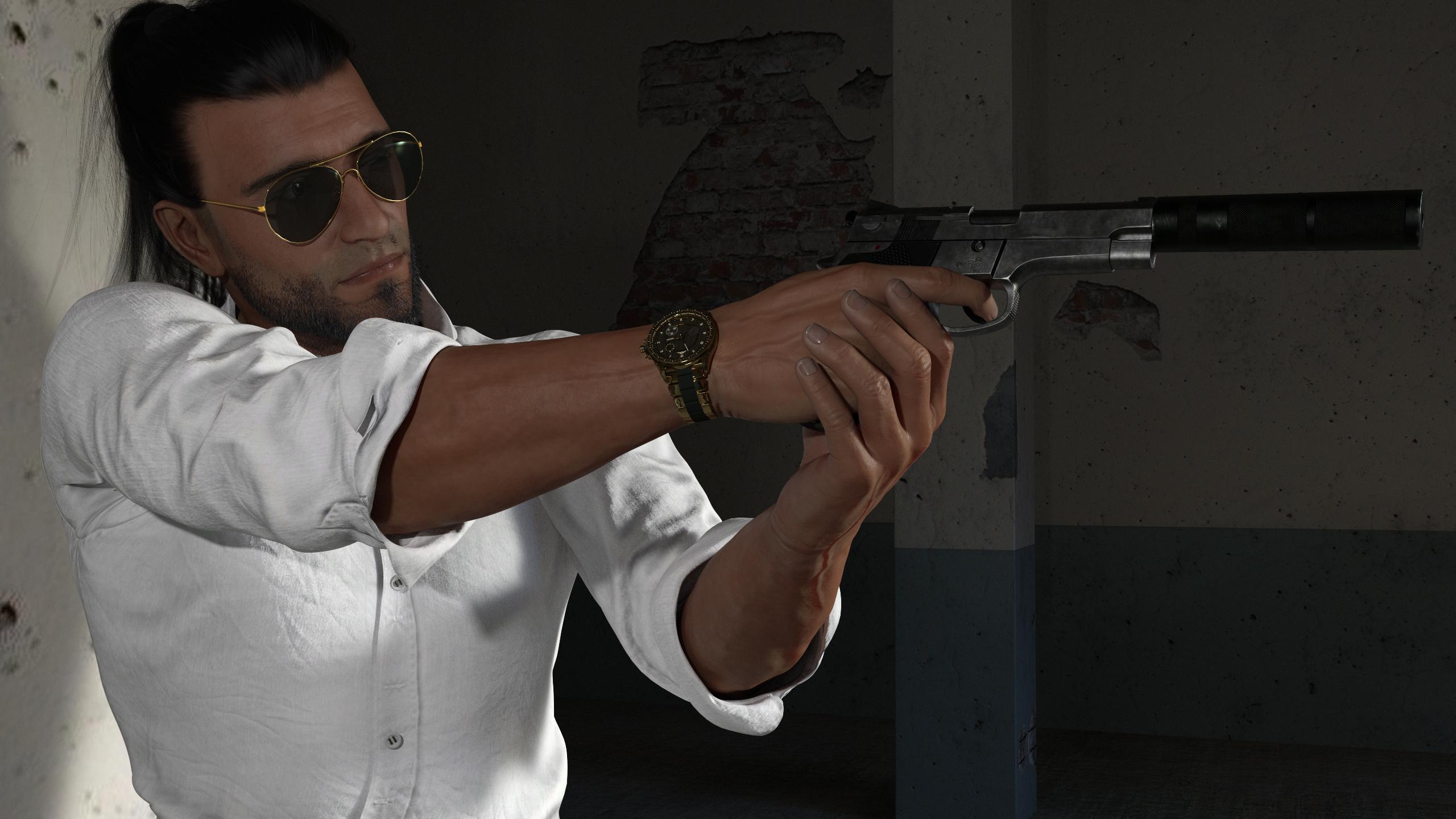 How do i insert a Facegen Modeller Face in a Daz Character
If you export as obj, can't you use morph loader to load it as an morph for the figure?
Character search - help neededIt says "Character Skin by P3Design & Morph by Freja'
The skin could be from most P3D packs. I looked but there's nothing really distinctive. The morph looks very close to Farrah by Freja.
Celebrity Look-a-Likes for 3D figures Part 2Does anybody know where I can find a Kristen Bell V4 morph?
Thanks!
50 - 60 NVIDIA P104-100 any good for rendering farm?Not without a massive investment. You could install a bunch of these, if you were to really go crazy perhaps all of them in a threadripper rig but that would a ridiculous build, and get them all to simultaneously work on the same render but what good could that do? Beyond a certain point you'd get diminishing returns. There's no way to pool the VRAM on these so you're still dealing with 8 Gb per card so that's the biggest render you could ever render and 3 or 4 1080's can render that pretty quick.
Your other option would be to build a whole bunch of rigs with 2 or 3 of these per PC, with some other GPU for a display output as these have no display output, and then put them on a network and figure out a way to transfer scenes to them and have them remote render scenes, but you'd need them all to mirror the assets on the machine where you build the scenes. It would be a whole lot of work for scenes that you could render on 2 or 3 of these cards in les than a couple of minutes.
Unless you have a whole floor of 3d artists churning out content day and night to feed a render farm I really couldn't see a way to make acquiring these things and the hardware to support them make sense.
How do i insert a Facegen Modeller Face in a Daz CharacterIt would be cool if you could take a head .obj and "project" it onto a Genesis head. Then the Genesis head could be brought back into Daz Studio via GoZ. Can this be done in ZBrush?
I don't have zbrush but if you make sure when you project the DAZ Genesis figure such that it's shape changes to fit your FaceGen Modeller Head so that the number of polygons in the Genesis shape stays the same then it should work. If you are really good at it then you will get as good or better results as the FaceGen developers have done programmatically with FaceGenArtist Pro. You should know that that those developers likely use sophisticated mathematics to get nearest neighbor vertices & such which might get better results than you 'eyeballing it.'
So the zBrush sculpting Genesis model to fit the the FG Modeler obj should work very similar to the Poser 'paint a morph' onto a Poser model from another Poser model or obj file, if you've done that before.
How do i insert a Facegen Modeller Face in a Daz CharacterIf you are taking an obj and just applying it to a Daz figure, this will create a whole new mesh obj and not be recognized by Daz as a Genesis model. You would have to rig it. This can be done by using the Transfer Utility for a simple rigging. The figure will now pose, but the head will likely have issues trying to do any expression. To get better rigging you would have to manually rig the face, and that is not an easy task by any measure. There are tutorials for this.
Novica & Forum Members Tips & Product Reviews Pt 11Thanks for reviewing Erika and her Brickhouse Beauty morphs.
I know that some of the morphs are SUBTLE.... that is one thing that I will change when I do another Brickhouse Beauty Morph set. Make the addon morphs BIGGER and more obvious. I'm sorry to hear that noses 2 and 3 are the same.... somehow that slipped through. I tested tested tested to try and make sure everythign was unique and a pleb slipped through. sorrry!!!!!
I hope you enjoy her regardless!!
Personally, I like the subtle morphs, so no need to apologize (at least to me lol) And well, stuff happens. I've never once been disappointed with your stuff!
Novica & Forum Members Tips & Product Reviews Pt 11Thanks for reviewing Erika and her Brickhouse Beauty morphs.
I know that some of the morphs are SUBTLE.... that is one thing that I will change when I do another Brickhouse Beauty Morph set. Make the addon morphs BIGGER and more obvious. I'm sorry to hear that noses 2 and 3 are the same.... somehow that slipped through. I tested tested tested to try and make sure everythign was unique and a pleb slipped through. sorrry!!!!!
I hope you enjoy her regardless!!
Can an expert give a final word on Catmark Subdiv and How To in Maya?If you're intending to use a rigged character in Maya, take my advice: Abandon ship. It's not going to happen, and whatever does happen is going to look completely atrocious. Don't believe people who claim to have managed. They have not. Unless they completely redid the rig and weights, in which case they've essentially rebuilt the character, not transfered it. I don't call applying a normal map and making a close-up of a characters default, un-changed face "managing to transfer a character"
Hi
as a person with a multi application character animation pipeline
Iclone Pro/Daz studio /Maxon C4D/Lightwave3D 2015,
I Must agree with your general sentiment although I would not call it a"problem"it is a simple REALITY...
IMHO.....
When you leave Daz studio.. You leave Genesis
When you leave Daz studio.. You leave Genesis
When you leave Daz studio.. You...... leave...... Genesis.
I export MDD animated genesis meshes to Maxon C4D where I use the maxonsubdivisional surface modifier along
With a normal map for "HD detail" and I get an animated figure that looks verymuch like the original genesis model did in Daz studio
(see attached pic of Darius 6 still shot from my animated film project)
No teeth distortion or bloating.
However I harbor no Illusions
These are Empty C4D copies of Daz meshes driven by external MDD files ..NOT "Genesis in C4D"In My Opinion The Genesis to Maya plugins are the big lie people keep fobbing off to themselves and each other.
They use the Daz industry standard FBX exporter to bake out a rigged copy of the Genesis base mesh.
and engage in all manner of scripted trickery and nerdy McNerd technobabble to distract people from realizing that they are simply using the native rigging and weighting tools of the importing app to try to emulate the general behavior of a Daz genesis model with regard to joint deformations.And in the end you still have to perform all manner of manual labor trying to recreate a fully functional genesis model outside of its native environment of Daz studio.
A truly pointless endeavor IMHO.
Can an expert give a final word on Catmark Subdiv and How To in Maya?>I'm at the final stage, which has me totally stumped: subdivision.
Place two Genesis 8 Females in your scene. "Subdivide" only one of them. Color one white and one red. Subdivision isn't in the habit of swelling your character, yet your "subdivided" character is bigger than its base resolution counterpart (like the teeth you noticed). No software package will mimic that high res daz character. Houdini and Maya both give identical results across the board for subdivision methods, I'll bet most packages will. Daz is the odd one out, because it's not just subdiving. Subdivision is EXTREMELY predictable. You don't have a subdivision problem. You have a daz problem.
If you just wanted a static character, you would have converted to prop and transfered that, so I'm assuming you want to move the character, in which case you are so, so far from the final stage. If you're intending to use a rigged character in Maya, take my advice: Abandon ship. It's not going to happen, and whatever does happen is going to look completely atrocious. Don't believe people who claim to have managed. They have not. Unless they completely redid the rig and weights, in which case they've essentially rebuilt the character, not transfered it. I don't call applying a normal map and making a close-up of a characters default, un-changed face "managing to transfer a character", and if you're trying to solve the problem you are, neither do you.
Help with pJCM Controllers - ERCs. Knowledgable peoples?Add just adds the value of the controller property to the sub-component, Mulitply mulitplies them together. So if you have a JCM that should kick in only when both a morph and a bend are in effect you add one property and multply by the other (with a scalar to adjust the range) - that way if one is zero the result of the multiplication will be 0, if one is .5 (or half way to its max value) then the JCM will have half effect, and so on. The names are human generated, following a system - ctrl is controller but I'm not sure what the MD_N_ is - I belive you are right about the number, it's the roation at which the JCM should have its full effect.
Daz 3D is part of

Connect
DAZ Productions, Inc.
7533 S Center View Ct #4664
West Jordan, UT 84084Licensing Agreement | Terms of Service | Privacy Policy | EULA
© 2026 Daz Productions Inc. All Rights Reserved.