• Daz 3D
  • Shop
  • 3D Software
    • Daz Studio Premier
    • Daz Studio
    • Install Manager
    • Exporters
    • Daz to Roblox
    • Daz to Maya
    • Daz to Blender
    • Daz to Unreal
    • Daz to Unity
    • Daz to 3ds Max
    • Daz to Cinema 4D
  • 3D Models
    • Genesis 9
    • Genesis 8.1
    • Free 3D Models
  • Community
    • Gallery
    • Forums
    • Blog
    • Press
    • Help
  • Memberships
    • Daz Premier
    • Daz Plus
    • Daz Base
    • Compare
  • AI Solutions
  • Download Studio
  • Menu
  • Daz 3D
  • Shop
  • 3d Software
    • Daz Studio Premier
    • Daz Studio
    • Install Manager
    • Exporters
    • Daz to Roblox
    • Daz to Maya
    • Daz to Blender
    • Daz to Unreal
    • Daz to Unity
    • Daz to 3ds Max
    • Daz to Cinema 4D
  • 3D Models
    • Genesis 9
    • Genesis 8.1
    • Free 3D Models
  • Community
    • Our Community
    • Gallery
    • Forums
    • Blog
    • Press
    • Help
  • Memberships
    • Daz Premier
    • Daz Plus
    • Daz Base
    • Compare
  • AI Solutions

Notifications

You currently have no notifications.

Loading...
Daz 3D Forums > Search
  • Kala 8 is here!

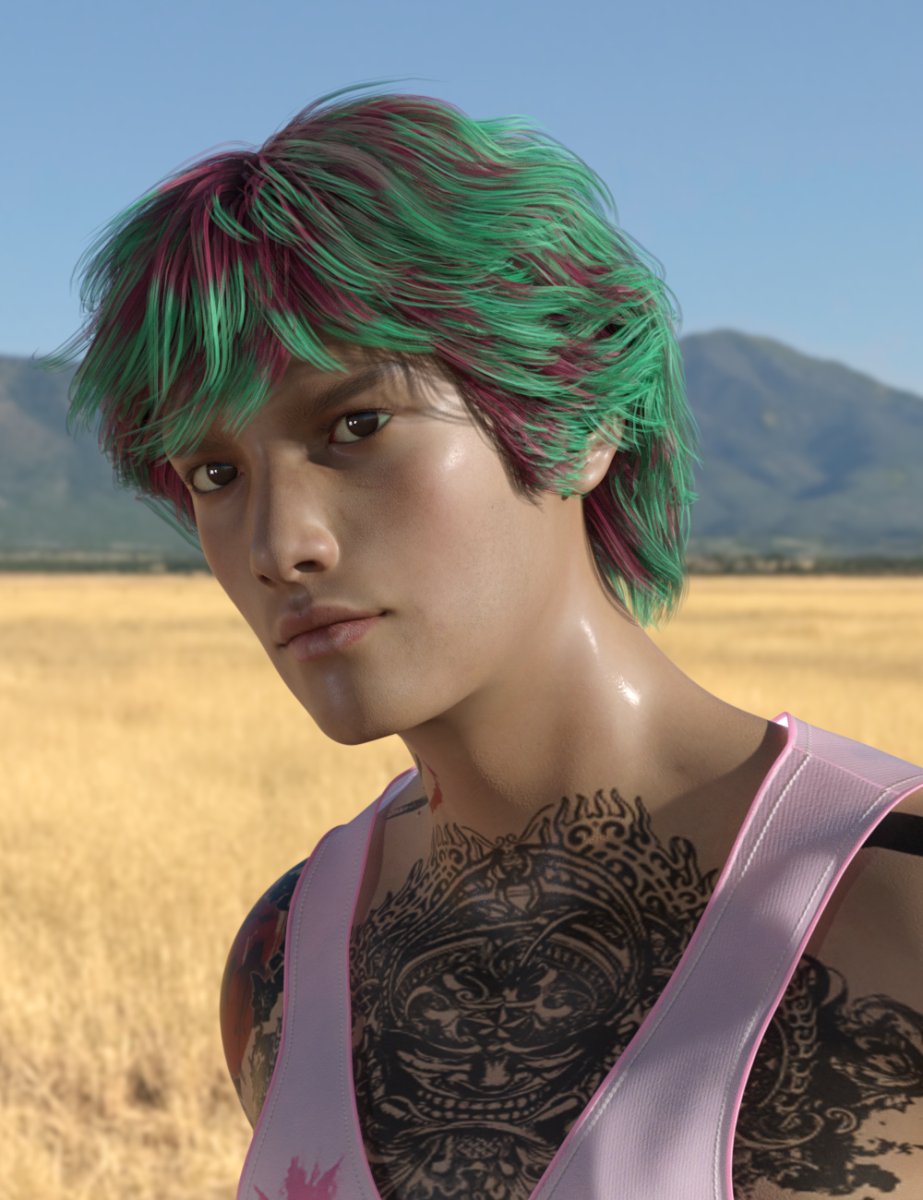
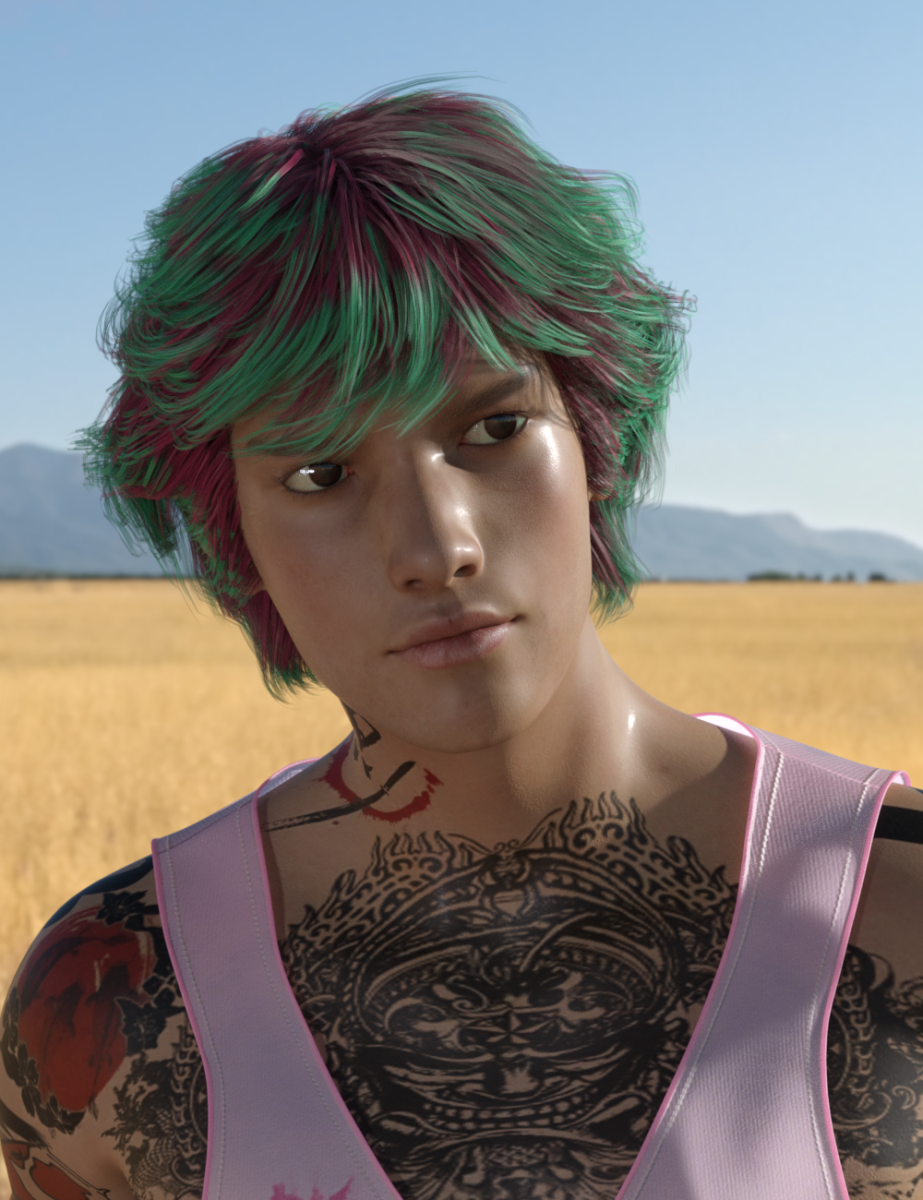
    EWTweaked the shape slightly, but shader is default; I'm really liking her. Just might be my favourite official character.

    No idea on the hair, found it; didn't know I had it, never mind knew but just never got around to using. :) The hair seemed appropriate.

    Wow, that morph is gorgeous! Her eyes look like my mother’s when she was younger (but she is Caucasian.) Beautiful render!

    By

    Wonderland Wonderland May 2019 in The Commons
  • dForce Hair (as well as strand based hair and the strand based hair editor) in public beta

    I'll assume not everyone following this thread is also following the beta thread in the Software forums, so I just wanted to share what I found. There is an intentional variation of the editor which isn't of much use to us mere mortals, er, users, that only shows the Style tab with limited functionality. For PAs, apparently, it helps them to create morphs for their dForce Hair products. I stumbled across this "easter egg," (As Cris Palomino called it,) because I set a keyboard shortcut for the editor. To access this limited editor, one holds down the Ctrl key, (Cmd on a Mac, I presume,) when clicking on the Edit Strand-Based Hair… menu item. I was getting this result with my shortcut because I used the Ctrl key.

    If you're like me, and want a keyboard shortcut for the editor, just make sure the Ctrl key isn't part of the sequence, and it should work just fine. (You can assign keyboard shortcuts by hitting F3. In the resulting dialog window, locate the item in the left column, right-click on the item, select Change Keyboard Shortcut in the popup menu, and then enter the key sequence. You'll see the Shortcut show up next to your item. Be sure to click on Accept to save and exit the dialog window.)

    If you check the chnage log this has now been split more obviously, with separate commands for the full and morph-friendly versions.

    By

    Richard Haseltine Richard Haseltine May 2019 in The Commons
  • Experimenting with V4 clothing in dForce... question on collision

    The collision layer adjustment seems to have helped with the exploding, but I still can't understand why both clothing items are moving during simulation, and not just the one that's selected in the scene pane.

    The dForce simulation will apply to any item visible in the scene with the dForce modifier applied. To drape the dress over the pants, with the pants already simulated:

    1. Select the pants in the Scene.
    2. Open the Parameters tab.
    3. In the left column, find Simulation and select.
    4. In the right column, enable Freeze Simulation.

    Now the pants will stay simulated and you can drape the dress without the pants changing.

    Do be aware: If you need to restart the simulation on the dress, Do Not use the Clear button in Simulation Settings. That will clear the drape from both the dress and pants. Instead,

    1. Select the dress in the Scene.
    2. In the main menu, find Edit->Object->Geometry->Clear dForce Simulation from Selected Item(s) and select

    Also be aware: If you do hit the Clear button in Simulation Settings, your pants will have the drape cleared, but Freeze Simulation will still be enabled, preventing you from redraping the pants. You'll need to disable that to simulate the pants again.

    Hope this helps.

    That's very helpful! Thank you. Would you happen to know, by the way, if it's possible to pause and restart a single-frame sim? Something tells me no, but I thought I'd ask.

    I'm afraid not, when you stop a sim it loses the data about how things were moving and how much enrgy was accumulated. That said, you can export as OBJ/load as a morph and start a new simulation from there but the result won't be the same, for good or ill, as resuming the original sim.

    By

    Richard Haseltine Richard Haseltine May 2019 in The Commons
  • How Fix the Dachshund for Dog 8?

    When I tried to load the Dachshund all I got was white boxes.

    edit: I figured out Dog 8 was not installed.  When I read the topic title I wanted to say, there is a morph to fix the dog and it is located in the real world section of body for the actor.  The morph is called Neutered.  Wish there were puppy morphs and a way to make dog 8 look like a pregnant female dog.  oh that is not fixing the dog but something else.

    By

    Xyetzt Xyetzt May 2019 in Technical Help (nuts n bolts)
  • Morphs from G3 to G8

    I installed GenNext like I said on another drive in its own library. And added it to DS using Content directory manager.

    First loading G8F and Genesis.

    Then followed the steps Diva already recommended. See captures and files transferred.

    Also, and I don't know it is important but, I had transferred also Genesis Basic Female previously.

    Hope it helps. Ask any questions you wish but I don't know if I'll have the answer wink


    It's possible that having the basic female shape helped, but I don't know. Depends on how Mavka was built. What you did is largely correct. Mavka is one of those cases, though, that can lead to problems when transfering from Genesis.
    Best practice, here, would be to mark the Mavka shape as "Body" and then use the third Bake Mode Option, FBM (special). Modern "FBMs" are not FBMs the way they were in days of yore. The morph the full body, but don't touch the head. Old FBMs reshaped everything, including the head. Then, the head morph (if present) was allowed to 100& negative, so you could cancel out the head, if you wanted. Because the way the Head Body splitting works by default, I'm not sure what would happen is you tried to run the Head/Body transfer like you would for a G3 to G8 (in general, mark head, mark body, set Bake mode to Bake). The FBM special modifier tell the script to handle the Head and body in a different form that preserves the shapes and methods as they were on the original figure.
    Other than that detail, that description is a good way to do a transfer. 

    By

    Singular Blues Singular Blues May 2019 in The Commons
  • Morphs from G3 to G8

    @Imago, that's the known issue that is #1 on the fix list, when I get the fix list. The script should (and does, usually) know when a property is not a morph and when it is. Usually it works fine, but there are cases where it is not correctly identifying morphless properties and trying to do morph corrections on them. The result is an error state and the script doesn't have an error catch built in because I don't know how to code. Error catch is among the things that will be on the To Do list as well. Since it has no error catch, the script just sits there until canceled.

    Thanks for the answer!
    I see... But I tried with same products which other users managed to transfer correctly and I get stuck... Could it depend on my library? I installed all my stuff in the second hardisk in a custom path.

    I dunno. I haven't seen all the possible impacts of multiple Libraries, since I refactored the script. This is another case where pushing the error to Git, with a log snippet, would be helpful. It means there's a possible problem I'm not aware of.

    By

    Singular Blues Singular Blues May 2019 in The Commons
  • Morphs from G3 to G8

    @Imago, that's the known issue that is #1 on the fix list, when I get the fix list. The script should (and does, usually) know when a property is not a morph and when it is. Usually it works fine, but there are cases where it is not correctly identifying morphless properties and trying to do morph corrections on them. The result is an error state and the script doesn't have an error catch built in because I don't know how to code. Error catch is among the things that will be on the To Do list as well. Since it has no error catch, the script just sits there until canceled.

    Thanks for the answer!
    I see... But I tried with same products which other users managed to transfer correctly and I get stuck... Could it depend on my library? I installed all my stuff in the second hardisk in a custom path.

    By

    Imago Imago May 2019 in The Commons
  • Novica & Forum Members Tips & Product Reviews Pt 12

    The GenNext plugin by Singular Blues is available to play with. https://www.daz3d.com/forums/discussion/comment/4605031/#Comment_4605031

    It is not yet "perfect" but you should give it a try.

    Here is G8F with Mavka a Genesis era morph. She is with the original clothing and hair. The skin is : VYK Midge with Altern8

    By

    xmasrose xmasrose May 2019 in Art Studio
  • Victoria 4.2 & Morphs ++ Show as not Installed in Studio Via DIM Installation

    You cannot install DAZ generation 4 figures through Connect, the ExP morph system wont work with the cloud folder structure.

    By

    jestmart jestmart May 2019 in New Users
  • Morphs from G3 to G8

    @Imago, that's the known issue that is #1 on the fix list, when I get the fix list. The script should (and does, usually) know when a property is not a morph and when it is. Usually it works fine, but there are cases where it is not correctly identifying morphless properties and trying to do morph corrections on them. The result is an error state and the script doesn't have an error catch built in because I don't know how to code. Error catch is among the things that will be on the To Do list as well. Since it has no error catch, the script just sits there until canceled.

    By

    Singular Blues Singular Blues May 2019 in The Commons
  • AIUTO...CHI CONOSCE L’ITALIANO? PARTE DODICI

    Allora, questo prodotto è Merchant

    https://www.daz3d.com/genesis-3-female-body-morph-resource-kit-3

    Questo no

    https://www.daz3d.com/genesis-2-female-morph-resource-kit-ii

    Allora perchè lo metti nella stessa serie?!?

    Perché così chi conosce gli altri è più probabile che compri il nuovo!
    Penso che non interessi a tutti gli acquirenti la possibilità di vendere personaggi

    By

    LenioTG LenioTG May 2019 in The Commons
  • Morphs from G3 to G8

    Yeah. Accuracy (Following the SY tut will result in more distortions in the face, and with transfers between T-Pose and A pose figures, result in morphs that go off at the wrong angle), and speed. This is an automated process that usually generates better results. Be aware, the first option (you can't sell this version, as opposed to the hard way mentioned below that is redistributable), is a way to get dail spun characters to transfer. Using this script. Not the Transfer Utitlity parts (the script does that, but smarter), just the part where she explains how to make a single morph out of your dial spun character.
    Also, since I'm typing a new comment, the reason the script no longer transfers whole products by default is that the JCMs were getting in way more than helping. It's better that moving them over be optional rather than mandatory. Like I said, if you want to do everything at once, untick the tick on the options page, then pick any one morph from that product, and hit transfer. If you want to bake the correct shape (the script doesn't transfer the source figure's shape with every morph. That would cause the target to turn into the shape of the source whenever a JCM from the source was active. So if two JCMs G2 were active at 75%, the G8 that got the transfer would effectively have G2 shape at 150%. This is what the bake stuff in the controls is for. If you ID the Head (or heads) and Body (or bodies, but not both heads and bodies--One head to many bodies, or one body to many heads. Anything else will make the script do the unexpected) and mark them as Bake, then only those morphs will have the source figure shape baked in, and only where it applies. You don't have to bake these shapes. For transfer G3/8 it makes little difference, because they are so a like. G2 is less supermodel/Action-star shaped, but otherwise very like the later figures, so the results while different, won't look particularly weird. Genesis needs baking to get and give shapes properly.
    Transfer the Girl 5 to to G3 or 8 and you'll see what I mean. (G3/8M will look more like Girl 5 that G3/8F, and neither will qite match. Also, the result on the female will be...comical.)

    By

    Singular Blues Singular Blues May 2019 in The Commons
  • AIUTO...CHI CONOSCE L’ITALIANO? PARTE DODICI

    Allora, questo prodotto è Merchant

    https://www.daz3d.com/genesis-3-female-body-morph-resource-kit-3

    Questo no

    https://www.daz3d.com/genesis-2-female-morph-resource-kit-ii

    Allora perchè lo metti nella stessa serie?!?

    By

    Crios Crios May 2019 in The Commons
  • Morphs from G3 to G8

    Some morphs will get stuck on "Correcting ERC Links". I'm not sure if there is a fix for it. As far as I can tell Singular Blues wasn't able to duplicate that error.

    So far, the steps that SEEM to work best for me is:

    1) Load ONLY the "Base" figures for the morphs you want to transfer. So say you want to transfer Victoria 6 to Genesis 8 Female. Load Only Base Genesis 2 Female (no morphs dialled in) and Only Base Genesis 8 Female (no morphs dialled in). Start the script.

    2) From the "Select a Figure" dropdown select the Source (in this case Genesis 2 Female) and select the Target (in this case Genesis 8 Female).

    3) In the "Enter Text to Filter by..." type in Victoria 6. Put a check mark by "Victoria 6", "Victoria 6 Body", and "Victoria 6 Head".

    4) Highlight "Victoria 6 Body" and at the bottom where it says "Type" choose "Body". Where it says "Bake Mode" choose "Bake Source Shape".

    5) Highlight "Victoria 6 Head" and at the bottom change the "Type" to "Head".

    6) Select "Output Library" (where you want the morphs to go, since this is a "beta" I highly recommend setting up a "Test Library" for both this script as well as the transfer morphs -so if something goes wrong you can quarantine the script and the morphs from the rest of your content library).

    6) Hit "Accept". After the transfer is done (if it doesn't get hung up on "Correcting ERC Links") and the "Process Complete" box pops up, click "Exit". 

    7) Now completely close out Daz Studio. And then start Daz Studio back up again. (It needs to reload so that the morphs show up in the Shaping Tab.)

    8) Load up Genesis 8 Female and in the shaping tab type in Victoria 6 in the search. You should be able to find the new morphs that way.

    Some morphs will need an "Edit" >> "Rigging" >> "Adjust Rigging to Shape" - Like I believe the Victoria 6 transferred morph does.


    So far those are the steps that seem to work for me. I'm still experimenting with it though. I could be doing it wrong but after a lot of trial and error those steps seem to give decent results so far. :)


    I followed your instructions but I still get stuck at 27% of the process... It starts buolding the projection map, loads the morphs I chosed and stops there. The timer goes on and when I click on Cancel and I close the windows I get an error message.

    By

    Imago Imago May 2019 in The Commons
  • Morphs from G3 to G8

    Are there any benefits of these tool over using the transfer tool?

    https://www.deviantart.com/sickleyield/journal/Tutorial-Transferring-Character-Morphs-G1G2G3G8-409437916

    By

    Hurdy3D Hurdy3D May 2019 in The Commons
  • Morphs from G3 to G8

    Wow. That's way too much to respond to with quotes. I've created a monster :D
    @Divamakeup, there's nothing to be sad about. I'm not quitting the development (anyone who tries to push a commit to the master on Github will see that, since I have to approve changes). If you look deeper as time goes on, you'll be seeing documentation of what needs to be done, and the problems left open for people to work on. Some problems will be assigned to me, only because I am the only who can do it quickly. (Example, the head splits don't conform to the way head split is done on G8. I want that to be a better match, so it doesn't lead to weirdly different results for transfer between G8s. I wrote a tool to generate that data, and it's not in the code base. I'm not the only person who could do it, in theory, but I am the only person who already knows all the details, and has a custom tool that speeds the process, massively. Also, the What's This data is seriously incomplete. Again, it's not something that only I can do, but I am the only person on Earth who doesn't have to figure out or guess what the buttons are for. And I have a plan for that, as well.)
    When I said the next to do was make a To Do, that's going to be turned into a list of known issues that need solving, and entered into Git so anyone can see what's not done. As there are more issues discovered, they'll be added to the Git. If more people do become involved with the project, one hopes to see issues handled faster. If not, you can expect that I won't be getting to things very fast, but they will be noted, and be listed under "things I'll get 'round to if no one else does."
    @Dragonfly_2004, Diva and @Mats76 pretty much covered it (Although, it's the opposite of "just choose one morph," now. Those who know what that means, you can make it behave the old way by unticking the checkbox on the options tab. It's the only one checked by default). Also, overall, Diva's instructions are pretty much correct. There are details that need to be covered, but they largely apply to transfers from Generation3/4 and Genesis (and 3rd party Rendo stuff, but you can't have everything--also, you can't transfer directly from non-Genesis, but there are tools to transfer from Gen3/4 to G1/2/3 so that's what that means). I'll get 'round to documenting all that, but it's not for this release. I have explained how to do it a time or two, so I am not the only person who knows how. It's a low priority fix. However, documentation is on the list.
    @Leonides02, as Diva said, it's known issue. I've narrowed it down, and I have a fix, or at least an idea how to fix it. Because I have that, I'll be assigning that to me, and it will be issue #1. I just need to get used to working on things in Git. (I did all my work in Notepad++, I haven't developed a Git centric workflow.)
    As a general reinforcement, what Diva has said about bases is true. The script literally uses the state of the figures in the scene to do its work, so if they have been morphed or moved in any way, there will be distortions. Largely, things like bend improvement morphs should not be an issue, because the script needs to break all the ERC links before it runs, anyway (This is why the script now deletes the figures from the scene after it's done. I may add in loading a new scene as an additional step). The state of the figures post-run should be okay, but there's a known issue where too many runs in a row leads to the script doing stuff that makes no sense (Mostly, it's working correctly, but the state of the figures doesn't reflect that. You can't see it worked until you load the figure fresh). The easiest thing to do--to reduce some obvious questions clogging the thread or Git--was make the figures disappear after it's done. That way, if the final state is not good, it won't add to the problems. I know people with a lot of morphs will find this tedious, because figure load times are high. I'm sorry but try to keep in mind, doing this "by hand" would take far longer.
    @KhorneV2, I'm not sure what explosion means. Please document that (Pics or it didn't happen, copy of the relevant section of the Studio log (please not the whole log, that's hard to parse), etc) and enter it as an issue on Git. It makes things a lot easier if these things are opened as problems on Git, because then nobody can forget about them and if others pick up the torch, they don't have to ask me what's not done. This why the next step is a To Do list. I need to go through all of the reports I have and make sure I haven't forgotten any issues.
    I think that's everyone. If I missed you, I didn't mean to. Remind me and I'll try to answer. New Questions about possible problems should be documented as well as you can (pics and relevant logs) and pused to Git. Seriously. It'll make it far more likely that your concern gets dealt with even if no one else ever joins the project. Similarly suggestions, @gerster. I may not take the suggestion, but I'll certainly consider it. There's something to be said for the ability to dialspin and "bake" that result to the transfer. In theory, the parts already exist in the scrip to do that. In practice, there are a lot of thing in the script that would prevent it working (example, the first thing the script does is break all the ERC links except those it needs, meaning that the dials no longer make the character when spun. I'm not sure how to handle that, as this happens while the script is populating the morphs list (It's iterating over all morphs, anyway. It seemed the right time to break the links)). If this is on Git, and I do get collaborators (or just other users with ideas) it makes it more likely that some useful solution could be generated.
    Remember, folks, this now open source. Completely. If I die today, and someone says "I'd like to figure out what he did and expand on it," all they need to do is download the Git. If they want collaborators, they can join Github, and fork the project, making their very own.
    Assuming I live forever, this remains true. If you think you can make it better than I can, you are free to fork the project. The only proviso being that you must keep the CC Attribution 3.0 unported file with any Git forked, and it must be copied into any licence file in any distro. That, and being under the Apache License, should keep this project legally compliant. Should anyone find an issue of compliance or attribuition, please use Git to inform me, preferably in an issue, as it keeps me and everyone else honest and it helps to keep any forks aware of any legal mistakes I may have made.
     

    By

    Singular Blues Singular Blues May 2019 in The Commons
  • Morphs from G3 to G8

    Can someone write a brief tutorial on how this script works? I ran it with Rune 7 to G8 Female, and it supposedly completed -- but then it just deleted everything in the scene. Where am I supposed to find the morph?

    Also, I can't transfer Olympia 7 to G8 Female. It gets stuck as it's "correcting ERC links." Would someone mind testing to see if it's just me?

    (The 34 seconds is just for the screenshot. Previously I let it run for 7 minutes)

    Thank you!


    Some morphs will get stuck on "Correcting ERC Links". I'm not sure if there is a fix for it. As far as I can tell Singular Blues wasn't able to duplicate that error.

    So far, the steps that SEEM to work best for me is:

    1) Load ONLY the "Base" figures for the morphs you want to transfer. So say you want to transfer Victoria 6 to Genesis 8 Female. Load Only Base Genesis 2 Female (no morphs dialled in) and Only Base Genesis 8 Female (no morphs dialled in). Start the script.

    2) From the "Select a Figure" dropdown select the Source (in this case Genesis 2 Female) and select the Target (in this case Genesis 8 Female).

    3) In the "Enter Text to Filter by..." type in Victoria 6. Put a check mark by "Victoria 6", "Victoria 6 Body", and "Victoria 6 Head".

    4) Highlight "Victoria 6 Body" and at the bottom where it says "Type" choose "Body". Where it says "Bake Mode" choose "Bake Source Shape".

    5) Highlight "Victoria 6 Head" and at the bottom change the "Type" to "Head".

    6) Select "Output Library" (where you want the morphs to go, since this is a "beta" I highly recommend setting up a "Test Library" for both this script as well as the transfer morphs -so if something goes wrong you can quarantine the script and the morphs from the rest of your content library).

    6) Hit "Accept". After the transfer is done (if it doesn't get hung up on "Correcting ERC Links") and the "Process Complete" box pops up, click "Exit". 

    7) Now completely close out Daz Studio. And then start Daz Studio back up again. (It needs to reload so that the morphs show up in the Shaping Tab.)

    8) Load up Genesis 8 Female and in the shaping tab type in Victoria 6 in the search. You should be able to find the new morphs that way.

    Some morphs will need an "Edit" >> "Rigging" >> "Adjust Rigging to Shape" - Like I believe the Victoria 6 transferred morph does.


    So far those are the steps that seem to work for me. I'm still experimenting with it though. I could be doing it wrong but after a lot of trial and error those steps seem to give decent results so far. :)


    Thank you. Following your instructions got it to work for me. 

    By

    jimmyzpop jimmyzpop May 2019 in The Commons
  • How to close eyes on G8F

    In the Parameters pane option menu (the linked button in the top corner, or right-click the tab) enable Show hidden properties and you should see the morph in cases like this - presumably soemthing is either saved with a non-zero default, or isn't properly linked to the main shape so it kicks in for all eye closing. Check to see if there's an update, if not (or if that doesn't help) open a Technical Support ticket https://www.daz3d.com/help/help-contact-us as glaseye suggested

    By

    Richard Haseltine Richard Haseltine May 2019 in New Users
  • How to close eyes on G8F

    Ok, I found the issue.

    I looked at the log file and it loaded a morph named "MCMYIYIEyesClosedR" and "MCMYIYIEyesClosedL" by someone named Hamster. It was not visibel under the parameters. I deleted it and now it works again. Thanks!

    By

    Illidanstorm Illidanstorm May 2019 in New Users
  • AIUTO...CHI CONOSCE L’ITALIANO? PARTE DODICI
    Poi questa settimana ho finalmente dato un'occhiata un po' più approfondita a dForce, ed è una figata assoluta!!! surprise

    Allora devi provare il Plugin di Alvin Bemar, FluidOs.
    Posso assicurarti che non smetterai mai di usarlo! wink

    Io ho smesso di "cercare" le cose che mi servono anni fa. Se mi serve qualcosa e non si trova in nessuno store perchè a nessuno è venuto in mente di farlo oppure non c'è abbatsanza mercato... Lo creo da me!
    Un pò di modellazione, un pò di texturing, un pò di morphing e ho quello che voglio! laugh
    Per farti un esempio, ero stufo di dover caricare ogni volta lo script di MCasual per le textures animate (grandioso script, come tutti quelli che crea!) e oltretutto non posso applicarlo quando devo mettere la coda di render... Per cui mi sono detto: Adesso me lo creo io!
    Adesso ho un Plane ed una Sphere con animazioni a 30fps che possono essere salvate insieme alla scena, riutilizzabili dappertutto senza necessità di script o plugin, solo un piccolo Material Preset per creare facilmente nuove sequenze. cool

    Fluidos è nella mia infinita wishlist :)

    Io però ho iniziato 7 mesi fa, e visto che sono all'università e questo non sarà il mio lavoro, non ho molto tempo per imparare tutte queste cose :(

    Non sapevo si potessero animare le texture, ottimo! A me interessano quelle dei singoli personaggi, quando sarà proverò a modificare l'opacità dello shell fatto da skin blender, ora sto lavorando sul trasferimento dei morph fra le figure

    By

    LenioTG LenioTG May 2019 in The Commons
Previous Next
Adding to Cart…

Daz 3D is part of Tafi

Connect

DAZ Productions, Inc.
7533 S Center View Ct #4664
West Jordan, UT 84084

HELP

Contact Us

Tutorials

Help Center

Sell Your 3D Content

Affiliate Program

Documentation Center

Open Source

Consent Preferences

JOIN DAZ

Memberships

Blog

About Us

Press

Careers

Bridges

Community

In the Studio

Gallery

Forum

DAZ STORE

Shop

Freebies

Published Artists

Licensing Agreement | Terms of Service | Privacy Policy | EULA

© 2026 Daz Productions Inc. All Rights Reserved.