-
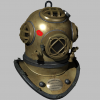
More Non-photorealisitic Renders (NPR II)
First is all PWToon, second is PWToon lines plus PWToon color filtered through FilterForge.

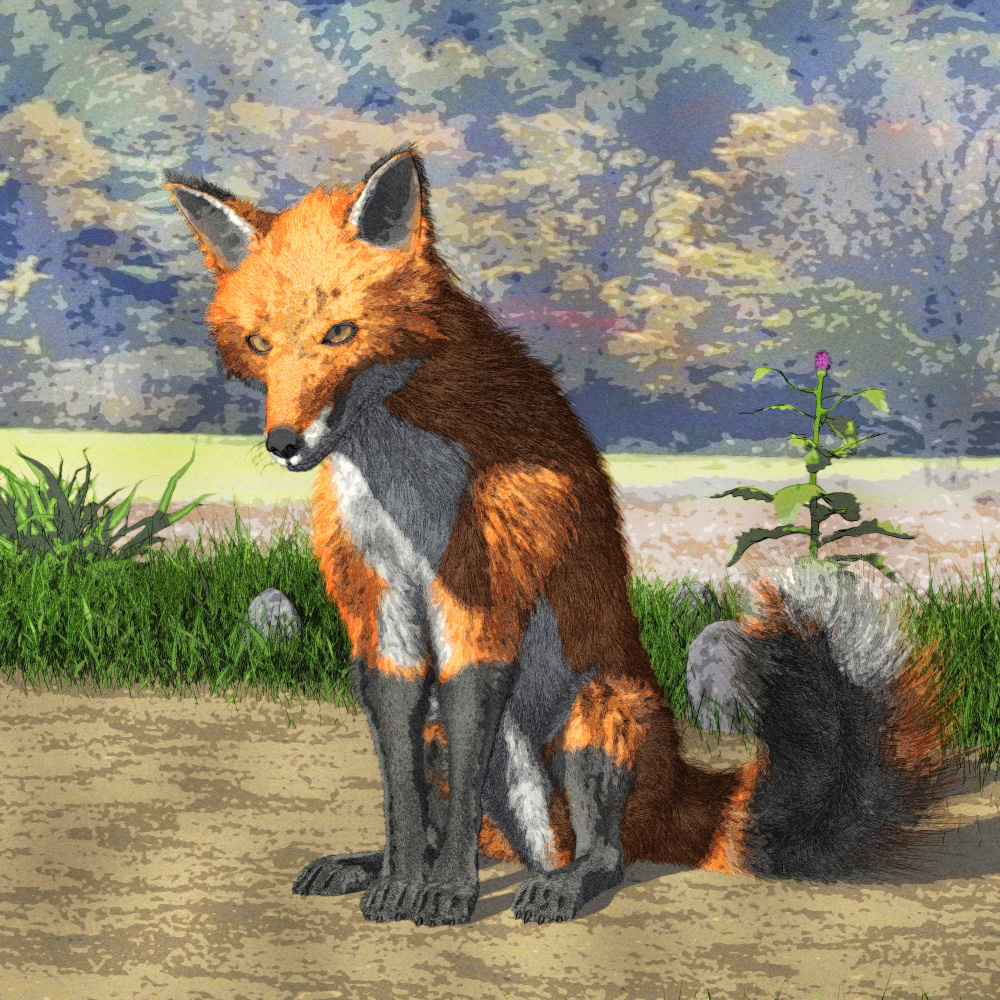 More Non-photorealisitic Renders (NPR II)
UltraScenery and good ol' PWToon.
AIUTO...CHI CONOSCE L’ITALIANO? PARTE TREDICIAnfy said:
Ho notato una cosa, se andate nella WIshlist, e mettete l'ordine dal prezzo più basso al più alto, vedrete che ci sono dei prodotti per primi a prezzo pieno, e di prezzo maggiore al primo prodotto a prezzo basso. Questi prodotti sono quelli che sono stati rimossi dallo store. Mi è capitato con il pwToon shader, il German Shepperd for Wolf 2.0, e altri item che avevo nella wishlist e che la DAZ non vende più.
Succede anche a me con un sol item dei 1218 che ho in whislist (eh sì, son dieci anni esatti che la maggior parte sta lì): VO Athena for Genesis 8.1 Female (!).
Sì, è capitato anche a me. Lo strano è che rimuovono anche oggetti piuttosto recenti, non solo quelli ormai obsoleti
Help: iRay render is missing the lighting from Texture shadingRichard Haseltine said:
That actually looks like Cartoon Shaded, it's an OpenGL drawstyle and so does not use or show many features of Iray - but it does apply some posterisation effects. Rather than use Iray, in the editor tab of render Settings (at the top of the pane on the left in your screen shot) set the Engine to Viewport. You could also use 3Delight and aply the pwToon shader if that is the effect you want but with more options for lighting.
Hi Richard, thank you. But I can't get it to work. The lighting in Iray. So I went to the basics. Created a new scene, removed all the lights. The main pane is texture shaded and the small pane next to it is iray. At the render setting disabled the Environment Map (set to 0.00). Then added a spotlight pointing at the model, and boosted that spotlight the Luminous Flux (Lumen) to 5000.00.
Still, the model stays dark. But I guess I found it... Luminous Flux (Lumen) should be in the 1,000,000.00 to have an effect in iray.AIUTO...CHI CONOSCE L’ITALIANO? PARTE TREDICIHo notato una cosa, se andate nella WIshlist, e mettete l'ordine dal prezzo più basso al più alto, vedrete che ci sono dei prodotti per primi a prezzo pieno, e di prezzo maggiore al primo prodotto a prezzo basso. Questi prodotti sono quelli che sono stati rimossi dallo store. Mi è capitato con il pwToon shader, il German Shepperd for Wolf 2.0, e altri item che avevo nella wishlist e che la DAZ non vende più.
Succede anche a me con un sol item dei 1218 che ho in wishlist (eh sì, son dieci anni esatti che la maggior parte sta lì): VO Athena for Genesis 8.1 Female (!).
AIUTO...CHI CONOSCE L’ITALIANO? PARTE TREDICIHo notato una cosa, se andate nella WIshlist, e mettete l'ordine dal prezzo più basso al più alto, vedrete che ci sono dei prodotti per primi a prezzo pieno, e di prezzo maggiore al primo prodotto a prezzo basso. Questi prodotti sono quelli che sono stati rimossi dallo store. Mi è capitato con il pwToon shader, il German Shepperd for Wolf 2.0, e altri item che avevo nella wishlist e che la DAZ non vende più.
Help: iRay render is missing the lighting from Texture shadingThat actually looks like Cartoon Shaded, it's an OpenGL drawstyle and so does not use or show many features of Iray - but it does apply some posterisation effects. Rather than use Iray, in the editor tab of render Settings (at the top of the pane on the left in your screen shot) set the Engine to Viewport. You could also use 3Delight and aply the pwToon shader if that is the effect you want but with more options for lighting.
3Delight Useful Stuff?-Put It Here:)Oso3D said:
So PWToon seems to have this weird bug where if a figure is wearing an outfit that has a surface named the same as the figure, PWToon gets completely confused and starts mixing up the surfaces.
Like, the pant's Legs surface starts looking fleshy.
Anyone know if there's an easy way around this?
I think this was an issue with the logic in the script - I seem to recall running into it with one of my own. You might try making new, .duf format, shader presets and see if the issue goes away.
3Delight Useful Stuff?-Put It Here:)So PWToon seems to have this weird bug where if a figure is wearing an outfit that has a surface named the same as the figure, PWToon gets completely confused and starts mixing up the surfaces.
Like, the pant's Legs surface starts looking fleshy.
Anyone know if there's an easy way around this?
More Non-photorealisitic Renders (NPR II)PwToon+Ubersoft, Photoshop, PhotoSckethcer
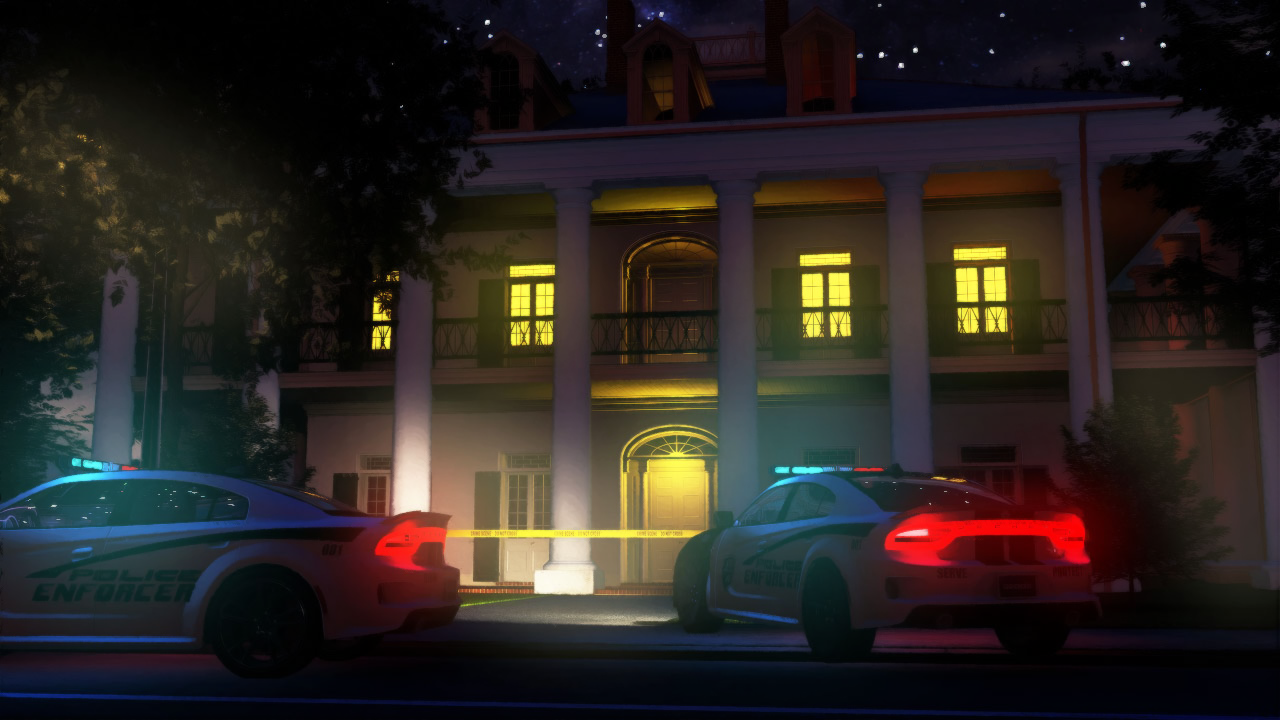 More Non-photorealisitic Renders (NPR II)
It's been an age, but here's another PWToon effort.
One thing I am liking about content lately is that, what with the 3dl transmap bug (multiple overlapping opacity mapped items causing massive slowdowns), the shift to fibermesh and solid modeled leaves and whatnot actually makes recent content EASIER to use in 3dl than some older content.
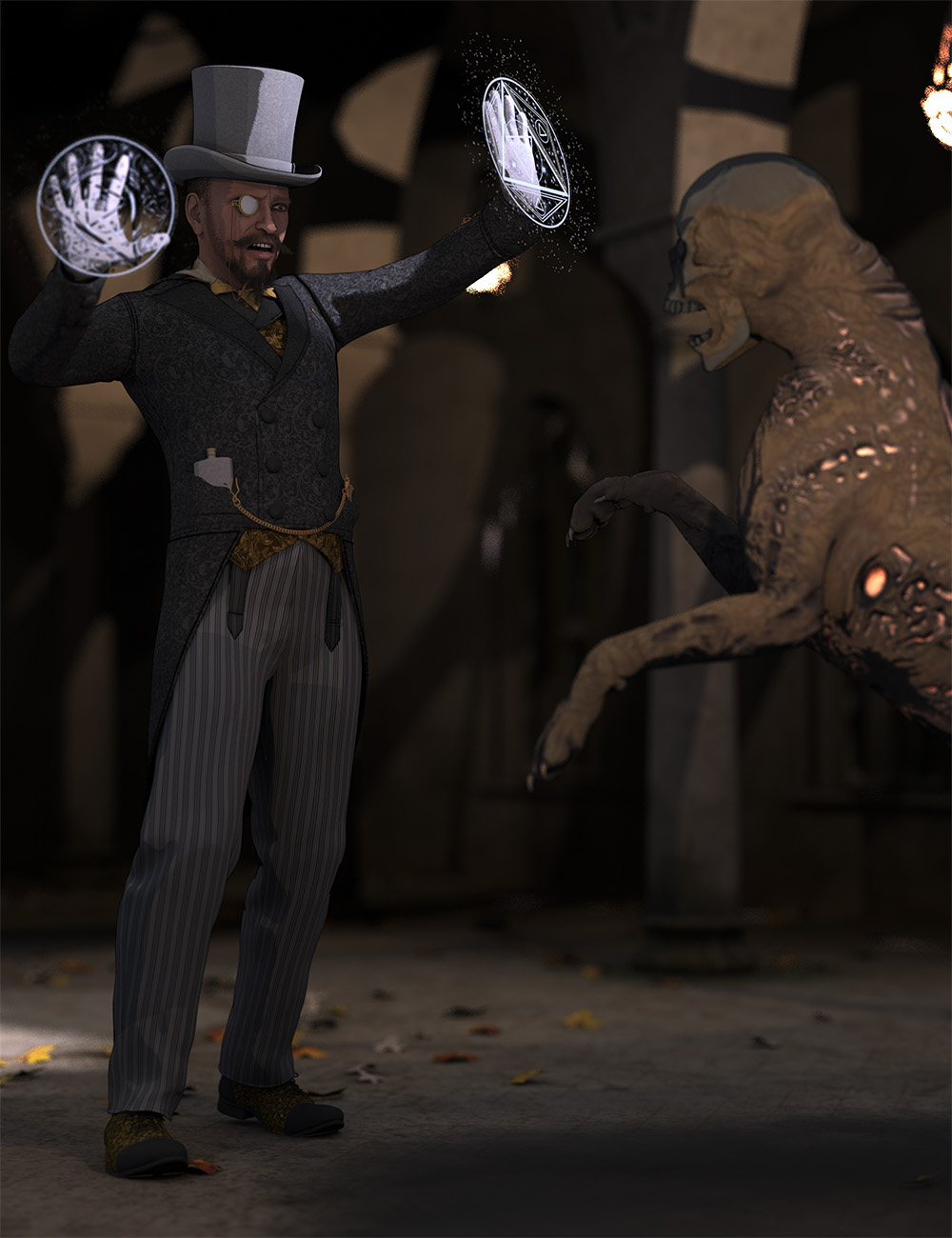 More Non-photorealisitic Renders (NPR II)
Thanks guys for nice words and tips to improve my works . @Kenmo Great and awesome APE render !!
Here another mashup between pwToon mutlipass render and bunch of photoshop color stacks
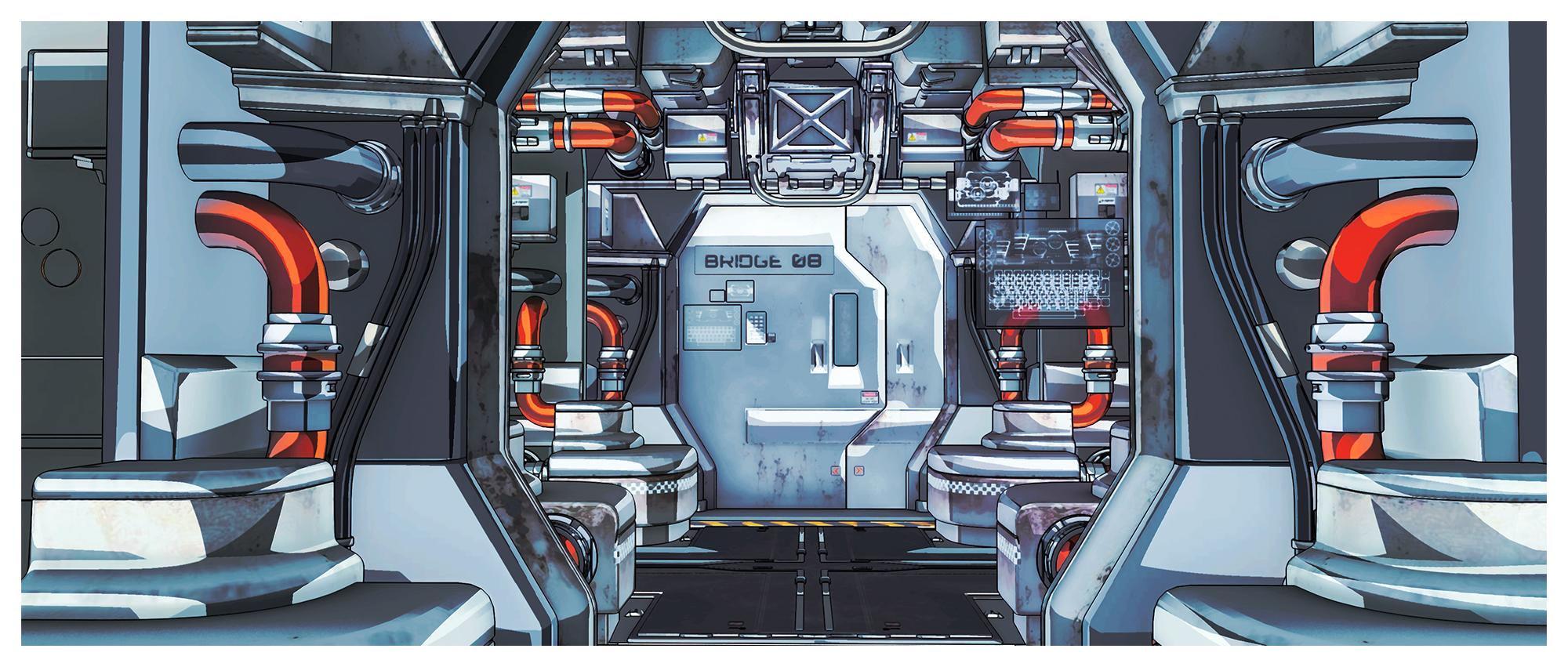 More Non-photorealisitic Renders (NPR II)
pavsikakyj said:
About Glow and bloom , you can cheat it in 3delight with these steps
I just got a crazy idea. What if I render blooming lights in iRay in separate pass? Maybe even in separate layer. What shader is the best for mesh lights in iRay?
@juvesatriani what do you think?
Yeah its possible , In This image I`ve used IRAY to get Emission pass - PwToon for Smooth Shading and DAZ 3delight Outline sctipt for outline pass.
I havent try by myself but @mjCasual create some script about Emmision pass from IRAY ( I cant find the link right now but I`ll updated later )
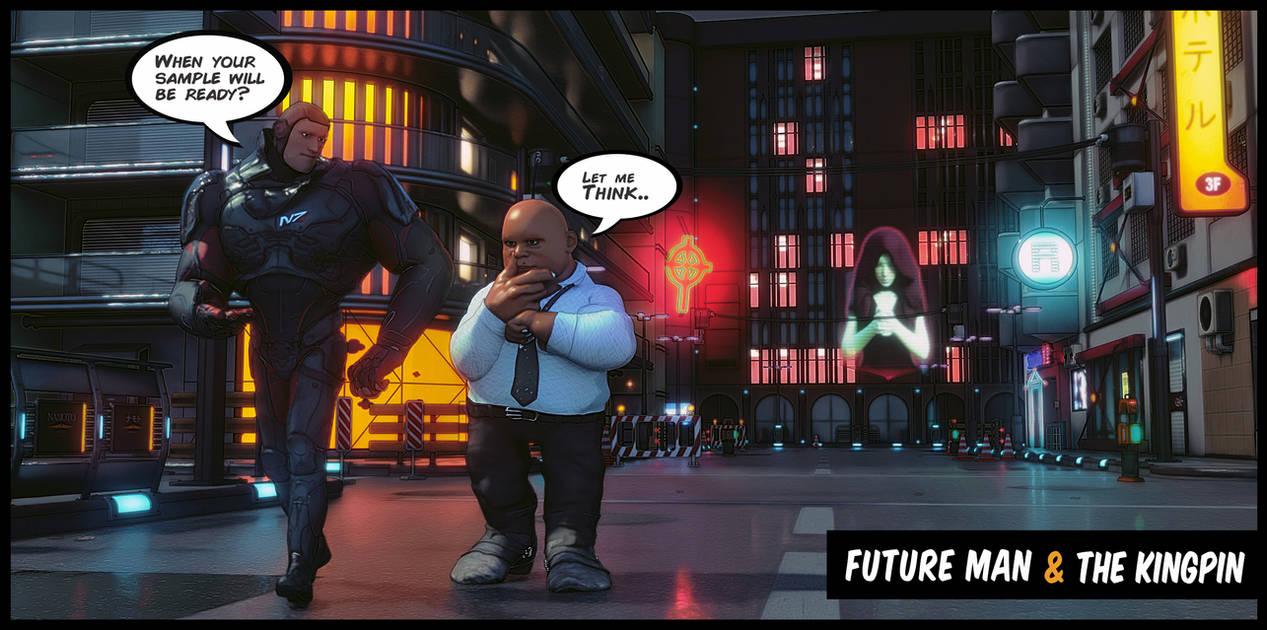 More Non-photorealisitic Renders (NPR II)
A bit more PWToon with tuning
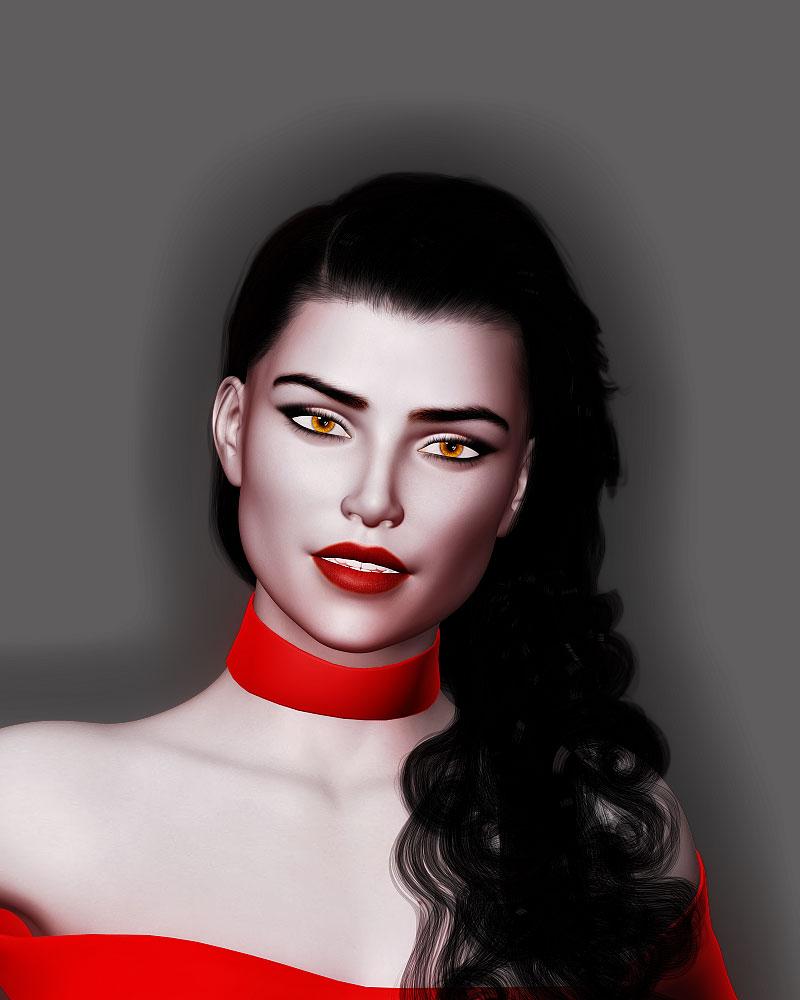 More Non-photorealisitic Renders (NPR II)
yeah I agree with @vrba79 and @pavsikakyj about time consuming when doing this technique for multiple or image sequences . Thats why I`m trying move to Blender so I can get every multipass in one go . And let my custom Photoshop action do automatic job for me .
In theory , Blender Compositor should be possible to replacing my Photoshop editing stacks, because in this style I dont use any filters , just Layer Stacks with Blending mode - Opacity and LUT Profile ( which can easily replace with combination between Curve and Color Balance) , so I can get the same results , but without using Photoshop .
Right now i`m still have litte experience with it so photoshop still my way to doing this style .
As we know , Photoshop actually offers Batch Action processing . WIth it, you can use one customized ACTION applied to hundred or thousand images with just one click . As long you have same or consistent light setup - tone and proper file name between images , the batch processing should be doing fine .
Several years ago I`ve used this technique to convert standard video ads to Toon look , Or processing hundreds of photo when work in Model Agency just in one click
You just need to test your action against one image or frame until you find output you like . Again if your images or render have consistent lighting style and tone , the batch processing should help you to do nothing LOL . I do believe thats the reason machines created at first place right? Doing boring and repetitive task for us !
My next goal will be doing short animation , so I need to learn about Blender Compositor first so I can get output same or at least close with what Ive done with photoshop but in One Click Render /GO.
@firstBAstion
I`ll trying add character in next render . Honestly I`m still not found the right setup for DAZ character in Blender in term NPR purposes . Thats why my Blender render mostly focus on 3D props or environments . I`ve been trying several paid Toon Shader but the setup process and output still bothering me than using PwToon and DAZ Studio . Something which makes me wonder because when use those shader in Low Poly or simple character from Maximo or Ripped Game , the setup is so easy and the output seem nice .@pavsikakyj
The only time consuming when doing this style in Blender is setup the correct lights for scene or find good angle to frame it in Camera view . Changing every surface to Emission is easy . So its depends how much surface you want to convert to Emmision shaders . But its only few seconds to change each one . I dont touch other material or surfaces , since I do believe DIFFEO addon help me with that .These sample of my step so you can have rough estimate about time you need
- Load scene in DAZ Studio 1 minutes or 60 seconds
- Setup Camera in DAZ to make my life easier than doing in Blender 2 - 5 minutes
- Save and Export via Diffeo from DAZ Studio 1-2 Minutes
- Import DAZ Scene 30 seconds - 2 minutes
- Find surfaces which should using emission shaders > Depend on how much surfaces you want to change
- Change it to emission shaders and give some colors > one or three seconds for each
- Check Camera view 1 - 30 seconds
- Setup Lighting 5 -1 0 minutes
- Render as Multipass and Save as Exr > 2.30 minutes with Freestyle pass
- Open photoshop and let my photoshop action do the work > Between 40 seconds to 1 minutes
- Fine tuning
Those step will be double or multiplied if I`m working with image sequences/animation in these stages
- Render Multipass files
- Batch action processing
- FInal Color Grade in VIdeo Editor
Yeah its still need lot times , but having output like that, for guy who cant draw lke me , feels worth the time
More Non-photorealisitic Renders (NPR II)juvesatriani said:
pavsikakyj said:
PWToon+AOA Ligths+LR9K outlines (edge blend cam)
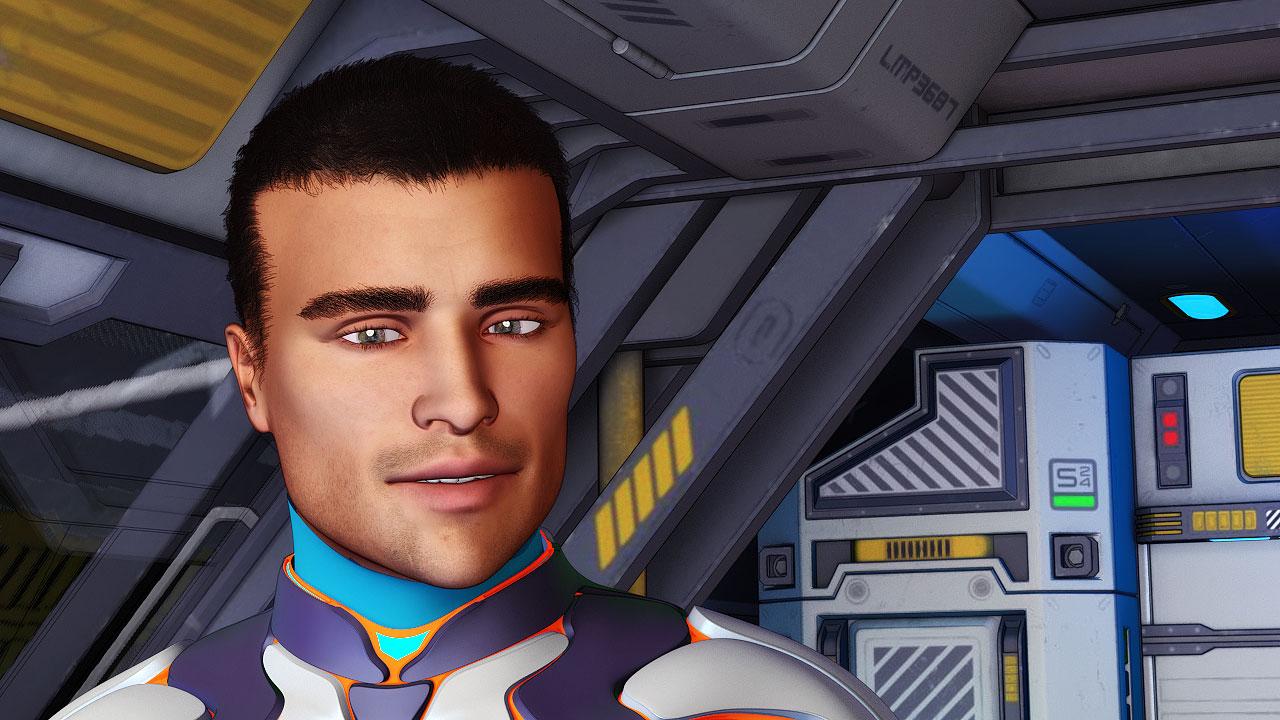
Cool render!! this is for your comic ?
Thanks. Yes. This will be either a comic or VN.
More Non-photorealisitic Renders (NPR II)pavsikakyj said:
PWToon+AOA Ligths+LR9K outlines (edge blend cam)
Cool render!! this is for your comic ?
More Non-photorealisitic Renders (NPR II)PWToon+AOA Ligths+LR9K outlines (edge blend cam)
More Non-photorealisitic Renders (NPR II)mindsong said:
juvesatriani said:
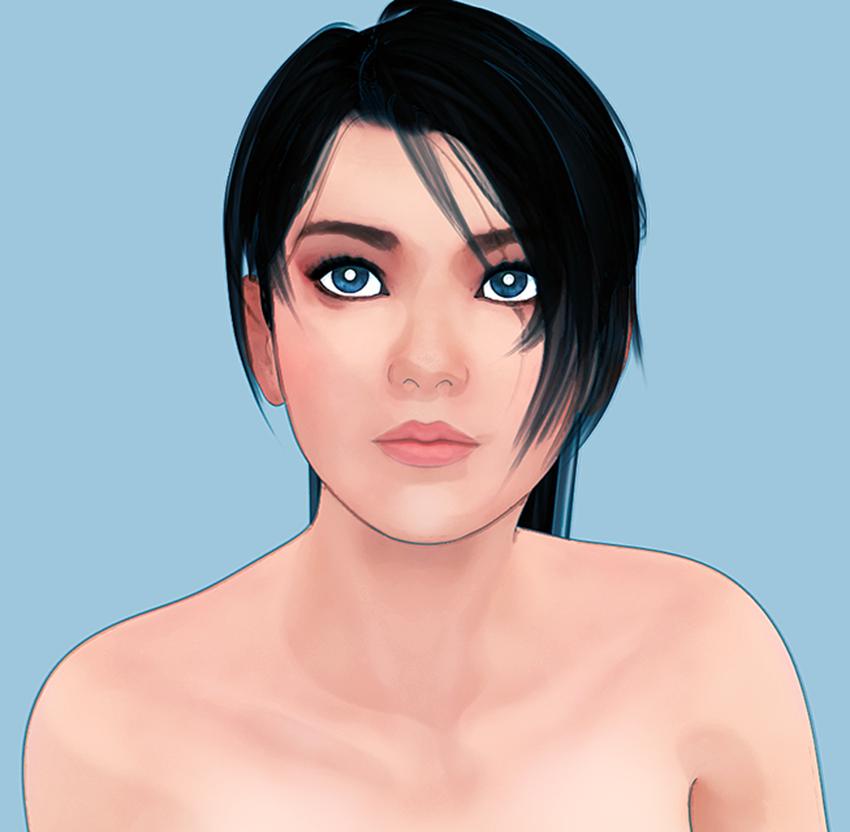
Another combo PwToon and Pshop
I'm really enjoying your inspiring results and appreciating your exploration and generous workflow sharing.
It was mentioned above, but it bears further comment and some additional detail - the line-render-9000 (LR9K) package from the DAZ store has some features that I don't believe are well-understood and therefore seldom used. Your workflow might really benefit from this tool:
- all DS 3DL line generation is based on contrasting/color edges in a given render. LR9K includes a series of presets that will let you 'force' those colors and contrast to get *just the lines* that can be overlayed on your 'normal' render (of any kind: pwtoon, visual-style, DS-toon, etc.). This is powerful in the right hands, and can be tweaked for a variety of very different scene-types, using color-ids, fresnel, lighting and ambient tricks, etc. - all in 3DL).
But more important, and I believe less appreciated/understood:
- LR9K also includes a control-panel that lets you configure, generate, and overlay multiple renders, using multiple render engines (3DL/Iray/filament/?) in a single "shot" context - like multi-pass on steroids.
e.g. you can configure up to four independent renders in a LR9K session/shot, where the first is an IRAY background, maybe using Oso3d's IRAY toon tools, then in layer 2, you can do a 3DL pwtoon pass, and in layer 3, a LR9K line pass - and LR9K will layer them into a single final image. I believe the rendered layers are also available in the DS render caches if you wish to dig them up, or you can simply do traditional renders of a given layer in the traditional way.
You can also use all four layers to consolidate four different line-styles in your scene (e.g. trees/leaves, vs figure edges, vs landscapes of some texture, and then perhaps some cloud edging (not all lines are black, etc.). This 'super-line' render can be layered over any other render of the scene, etc. Or you can mix/match to taste.
Of course you have to keep track of the alpha channels in your layers as with any composite sequence you already do, etc. but once setup, your LR9K 'formula' can be saved as a preset for your continued general use.
Note that the tool *seems* to sell itself as a toon/line engine, which it can be, but you can use the autorender tool with any compositing goal, using any of the render techniques available to you, all with a single click once setup (which is no less complex than your manual compositing planning and workflows).
The tutorials that are for sale aren't that great for this compositing function (they're more line/toon generation oriented), but the author has always been responsive in the commercial product forums, so a review of those threads might be worth your time if you are trying to understand what I'm describing and how users see and use the tool in general.
Kind of a hidden gem. I assume it still works in DS 4.15 (I'm 'stuck' at 4.11 for the most part).
I get no commision :), I simply like the tool and respect the author greatly.
Thanks again for your generous information sharing. Your work is simply stunning, and a great inspiration.
best,
--ms
(eta: line-render detail comment)
Thanks a lot for nice words and give me detail insight about Line render 9000 , Every tools and techniques which have possibility to enhance end result, always worth to check . So yeah I`ll be hanging out iin there and read the manual first ( if public available) before decide to get a copy of it
Last year I`ve finally bought copy of poser 11 . Overall, I like realtime Comic Book Preview features , but still struggle with navigate bigger scenes or when dealling with imported complex prop assets from DAZ which have lots of texture. Blender maybe the obvious altrenative , since its also offer Multipass in the box . But less export- import process will be great for me . For now I`m still have no idea how to optimize Blender Freeestyle render time so maybe LR9K the missing piece in my workflow
Thanks again for information , I hope someday we ( DAZ NPR regular users) will working together to produce several short stories in sequential image medium and sponsored by DAZ itself . LOL
More Non-photorealisitic Renders (NPR II)juvesatriani said:
Another combo PwToon and Pshop
I'm really enjoying your inspiring results and appreciating your exploration and generous workflow sharing.
It was mentioned above, but it bears further comment and some additional detail - the line-render-9000 (LR9K) package from the DAZ store has some features that I don't believe are well-understood and therefore seldom used. Your workflow might really benefit from this tool:
- all DS 3DL line generation is based on contrasting/color edges in a given render. LR9K includes a series of presets that will let you 'force' those colors and contrast to get *just the lines* that can be overlayed on your 'normal' render (of any kind: pwtoon, visual-style, DS-toon, etc.). This is powerful in the right hands, and can be tweaked for a variety of very different scene-types, using color-ids, fresnel, lighting and ambient tricks, etc. - all in 3DL).
But more important, and I believe less appreciated/understood:
- LR9K also includes a control-panel that lets you configure, generate, and overlay multiple renders, using multiple render engines (3DL/Iray/filament/?) in a single "shot" context - like multi-pass on steroids.
e.g. you can configure up to four independent renders in a LR9K session/shot, where the first is an IRAY background, maybe using Oso3d's IRAY toon tools, then in layer 2, you can do a 3DL pwtoon pass, and in layer 3, a LR9K line pass - and LR9K will layer them into a single final image. I believe the rendered layers are also available in the DS render caches if you wish to dig them up, or you can simply do traditional renders of a given layer in the traditional way.
You can also use all four layers to consolidate four different line-styles in your scene (e.g. trees/leaves, vs figure edges, vs landscapes of some texture, and then perhaps some cloud edging (not all lines are black, etc.). This 'super-line' render can be layered over any other render of the scene, etc. Or you can mix/match to taste.
Of course you have to keep track of the alpha channels in your layers as with any composite sequence you already do, etc. but once setup, your LR9K 'formula' can be saved as a preset for your continued general use.
Note that the tool *seems* to sell itself as a toon/line engine, which it can be, but you can use the autorender tool with any compositing goal, using any of the render techniques available to you, all with a single click once setup (which is no less complex than your manual compositing planning and workflows).
The tutorials that are for sale aren't that great for this compositing function (they're more line/toon generation oriented), but the author has always been responsive in the commercial product forums, so a review of those threads might be worth your time if you are trying to understand what I'm describing and how users see and use the tool in general.
Kind of a hidden gem. I assume it still works in DS 4.15 (I'm 'stuck' at 4.11 for the most part).
I get no commision :), I simply like the tool and respect the author greatly.
Thanks again for your generous information sharing. Your work is simply stunning, and a great inspiration.
best,
--ms
(eta: line-render detail comment)
Daz 3D is part of

Connect
DAZ Productions, Inc.
7533 S Center View Ct #4664
West Jordan, UT 84084Licensing Agreement | Terms of Service | Privacy Policy | EULA
© 2026 Daz Productions Inc. All Rights Reserved.