-
off topic thread
I am uploading more now to my WIP channel, regret putting a few recent tests on Madcatlady because of the responses
I just got one "it's been 10 years and you haven't improved" but it was only a Filament test not some finished work
yet the other day I got a comment on an early crappy piece by another that they don't like my new stuff
I am getting very jaded about my main Youtube channel
might create another channel, a 6th one (I do have 5)
Filament update Broke Nvida Iray previewYou appear to have a driver from late 2019 - that is almost certainly too old for the version of Iray included with DS 4.14.0.x. If you open the nVidia Control Panel (right-click on desktop) you need at least 451.06.
ok found website https://www.nvidia.com/Download/index.aspx# and updated to version 457.30 Iray works now! Thank you for the tip!
Sidenote question: When using Iray preview with Filament engine should I swap back to Iray engine first or does it matter? Should I swap to the Iray engine before I click the render button if I want the final product to be an Iray rendered image or will leaving it in Iray preview be enough when I click the button to trigger the desired effect (while in viewport engine)?
Filament isn't the saem as Iray, if you mean Iray renders with Filament previews then yes, I'd switch back to Texture Shaded as people have reported losing enough GPU memory to Filament that Iray drops back to CPU (or stops, depending on settings) where it would have worked without the Filament preview.
New DS Filament Render EngineOne bug i've noticed (at least for me) is not really anything to do with filament's engine, but still...
I have shortcuts for view modes, so I can switch between smooth/textured/iray without going into the view mode menu (which is incidentally kind of usefull for when Iray goes crazy).
But, the usual method adding a button for the fillament draw mode just produces a UI button that doesn't do anything!!
 Daz Studio 4.14 Pro, General Release!
Is anyone else experiencing an issue with 4.14 where after exiting Studio, a background process keeps running and needs to be killed via Task Manager?
It is a known issue, which is currently being investigated. That said, wait a few mins or so for it to closes gracefully.
I am afraid not. Hours after closing with the "X" button, DAZ 4.14 won't restart, the only way to close it is the task manager or restarting the computer. I wanted to try Filament too, but i can't find a single tab that allows me to actually launch a render with it aside for the preview. I tad confusing. Looks interesting, but confusing.
Follow Richard's advice:
Richard Haseltine said:
You can greatly reduce, possibly eliminate, the risk of it sitting there doing nothing by opening the Aux Viewport (from Window>Panes(Tabs)) and disabling the IPR Toolbar in the options menu (the lined button in the top corner, or right-click the tab). One that is done you can leave the Aux Viewport closed.
Daz Studio 4.14 Pro, General Release!Is anyone else experiencing an issue with 4.14 where after exiting Studio, a background process keeps running and needs to be killed via Task Manager?
It is a known issue, which is currently being investigated. That said, wait a few mins or so for it to closes gracefully.
I am afraid not. Hours after closing with the "X" button, DAZ 4.14 won't restart, the only way to close it is the task manager or restarting the computer. I wanted to try Filament too, but i can't find a single tab that allows me to actually launch a render with it aside for the preview. I tad confusing. Looks interesting, but confusing.
Auto Muscle Enhancer HD [Commercial]Terry and Sigurd, you both continue to impress with your images!
They are outstanding. I like your new Filament test, Sigurd. The warmer skin tones look great!
Lee
Thanks to everyone for the comments, they are much appreciated. Here is my latest iteration. I am looking for a light skin but the pale versions often come of as looking to blue and unreal for me. I think this one looks pretty close but let me know what you think.
Anyone have the problem that I am seeming to have with the rendered model looking a bit different than the unrendered one? It seeme to me to be more marked with Filament than it is with Iray.
Filament update Broke Nvida Iray previewYou appear to have a driver from late 2019 - that is almost certainly too old for the version of Iray included with DS 4.14.0.x. If you open the nVidia Control Panel (right-click on desktop) you need at least 451.06.
ok found website https://www.nvidia.com/Download/index.aspx# and updated to version 457.30 Iray works now! Thank you for the tip!
Sidenote question: When using Iray preview with Filament engine should I swap back to Iray engine first or does it matter? Should I swap to the Iray engine before I click the render button if I want the final product to be an Iray rendered image or will leaving it in Iray preview be enough when I click the button to trigger the desired effect (while in viewport engine)?
New DS Filament Render Engineas long as we keep comparing filament against iray this post will remain active until 2038

We are talking about using Filament as a preview mode, not as a substitute for IRay as a Render Engine.
New DS Filament Render Engineas long as we keep comparing filament against iray this post will remain active until 2038
Twinmotion renders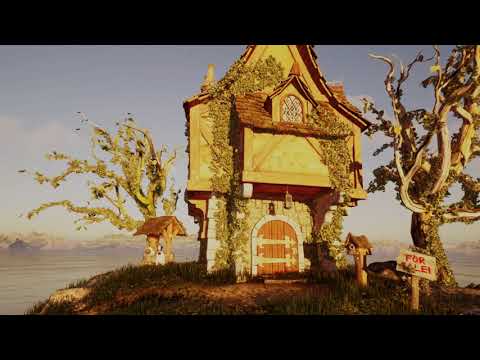
Oh boy is this a high poly heavy little hut!!!
DAZ Filament could not load the textures (not huge) at all
Carrara struggled with it
I was really pushing Twinmotion too
but it eventually started rendering after an hour of deciding if it wanted to crash my graphics driver I think
went quite fast once it committed itself
update
no cannot render it on my GPU using iray even displacement off
 New DS Filament Render Engine
Thanks 3Diva, that's a really useful summary. So Filament, at least for character portraits, is a very good preview mechanism and a very poor renderer. Of course, there is the option for spot rendering hair in one of the other engines and then compositing in a paint program. Fiddly, but doable.
Actually, it's not a great preview mechanism, at least for Iray...
...For Iray renders, we're still better off going between texture-shaded for setup and Iray Photoreal previews, IMO. You can use Filament to position HDRI backgrounds if you don't depend heavily on the HDRI for lighting, but that's about all.
I had to turn on the headlamp to get anything at all to show up with Texture Shaded in this scene:
All you need to do is turn Preview Lights off (Ctrl+L)
Sure, but you don't have to mess with the headlamp or preview lights with Filament preview. I think you're missing the main point though - which is that for most scenes I think you're going to get closer to what you see in Iray with Filament preview mode than with Texture Shaded preview mode.
I don't think that is the point though. I find Filament to be quite indistinct and it is not easy to see detail. While Texture Shaded doesn't look ar all like IRay (I jump in and out of IRay Preview for that), it does show detail better. I did try Filament as a Viewport mode but just didn't like it. I guess YMMV.
4.14 crashingHI Richard,thanks for answering. I read through some of the suggestions and uninstalled it. Reinstalled it offline (I kept a copy of 4.5 ) and have remained that way. I'm now working in filament in the viewport,and it's coping well. It hasn't crashed once since I did this.
my specs are
i9 9900cpu,32 gb memory,NVIDIA RTX2080 Ti
I really appreciate you answering and offering to assist,this has been hell! I will stay off line and not open anything or log in to Daz on my desktop (thankfully I can use my tablet to check news). Is this a server problem? I checked my logs and it seems to be unable to find things that I'm not using or don't have open in the scene!
This means I won't be purchasing or downloading from them until it's all fixed.
thanks again
cate
New DS Filament Render EngineThanks 3Diva, that's a really useful summary. So Filament, at least for character portraits, is a very good preview mechanism and a very poor renderer. Of course, there is the option for spot rendering hair in one of the other engines and then compositing in a paint program. Fiddly, but doable.
Actually, it's not a great preview mechanism, at least for Iray...
...For Iray renders, we're still better off going between texture-shaded for setup and Iray Photoreal previews, IMO. You can use Filament to position HDRI backgrounds if you don't depend heavily on the HDRI for lighting, but that's about all.
I had to turn on the headlamp to get anything at all to show up with Texture Shaded in this scene:
All you need to do is turn Preview Lights off (Ctrl+L)
Sure, but you don't have to mess with the headlamp or preview lights with Filament preview. I think you're missing the main point though - which is that for most scenes I think you're going to get closer to what you see in Iray with Filament preview mode than with Texture Shaded preview mode.
Llynara's Loony Bin (WIP Thread)Good to see you too, KnittingMommy!
One more experiment, then I have to get back to other things. I decided to install the latest DAZ and the Octane plugin on my old computer, since many of my old content and scenes are on that one. Then I dug out a M3/V3 scene I did a while ago in Iray (with postwork.)
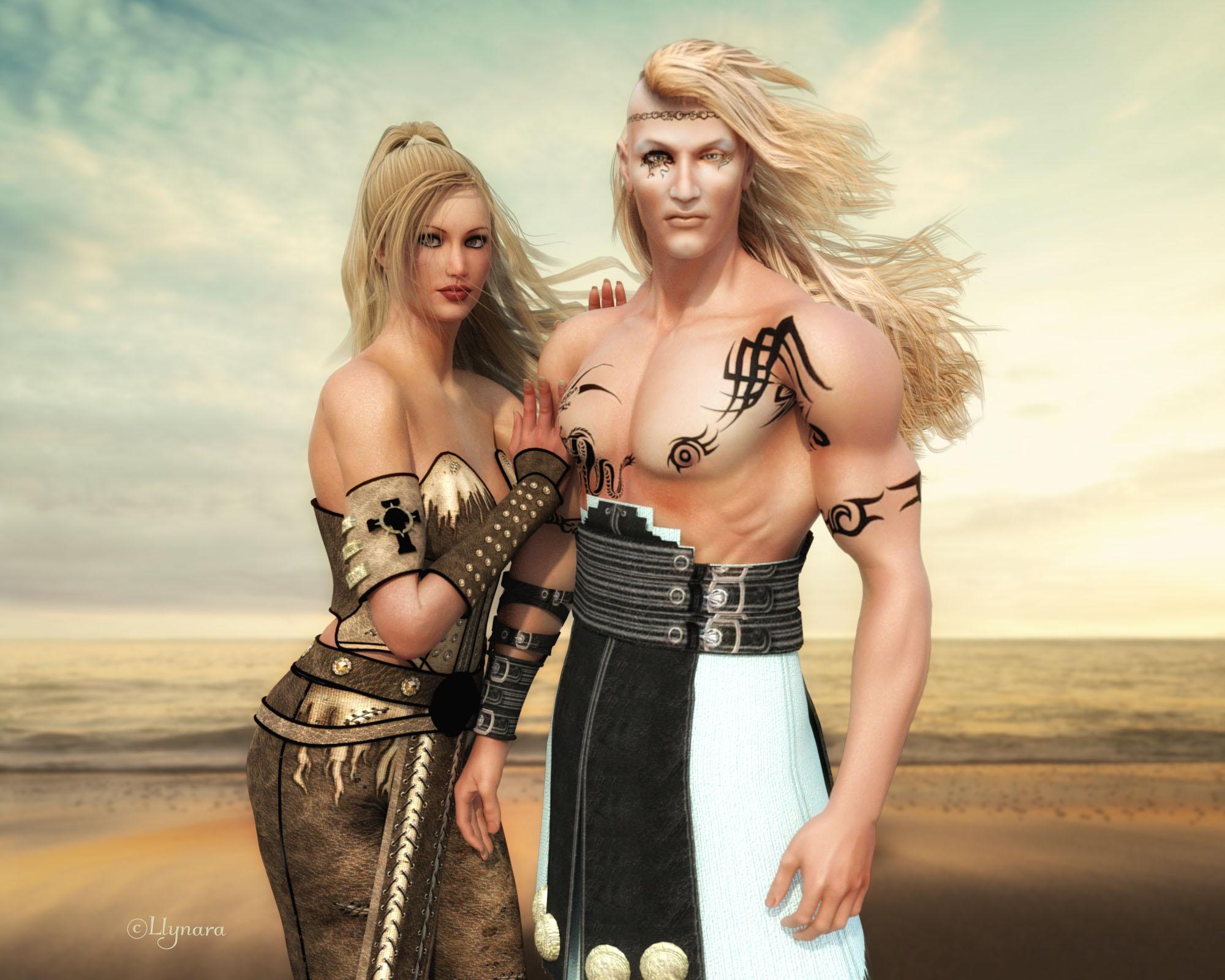
I had shaded their skins manually with Anagenesis 3. Looked great in Iray, but Octane didn't like that so well. I hunted down the old 3Delight textures and put them back on so that Octane would convert them right. The results were pretty good. A four-minute render and no strain on that older computer (it has an Intel Celeron processor and an older GeForce card with 2GB.) I think Octane may be a good way to handle older hardware AND older figures.
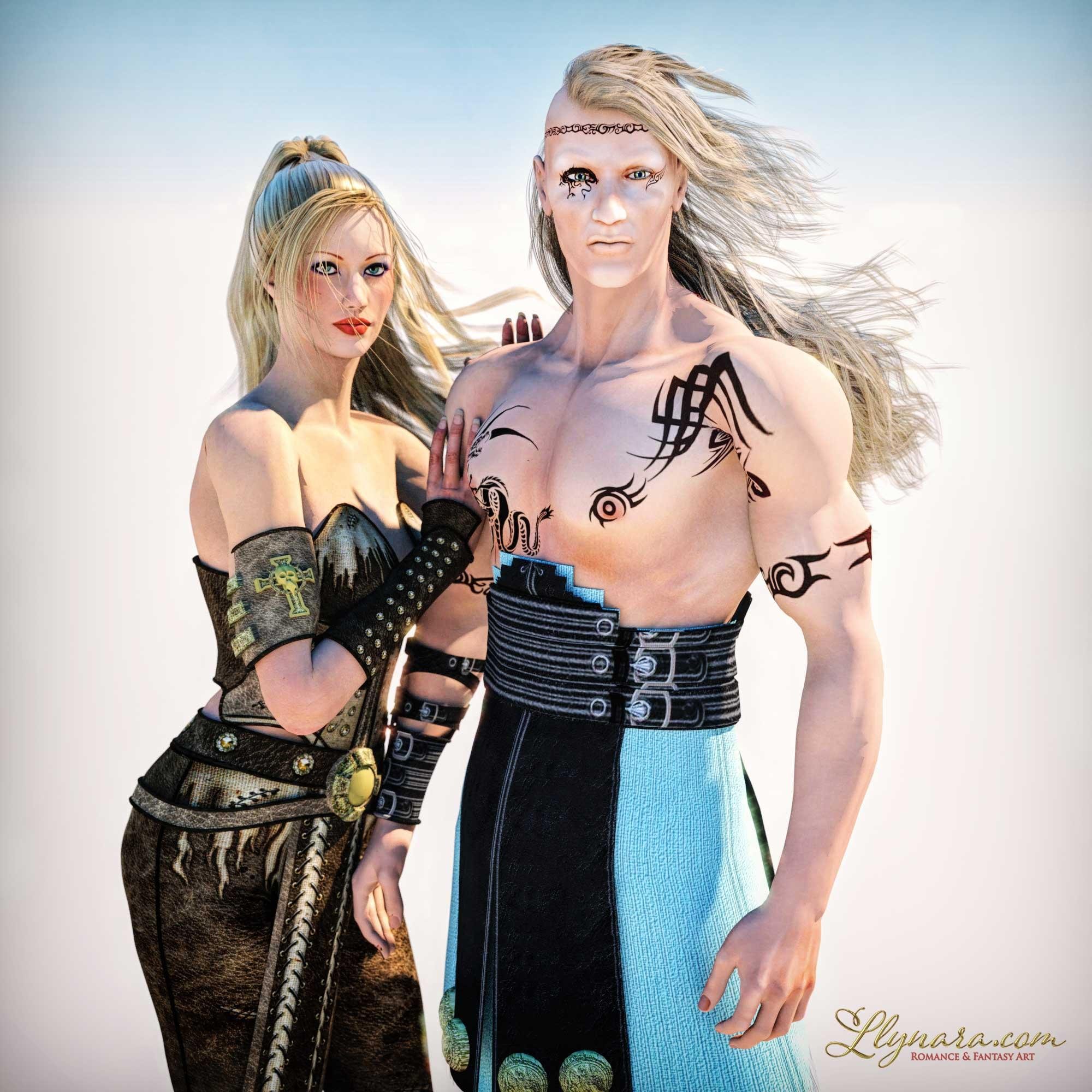
I really like how this turned out, though I'd love to figure out why his eyebrows disappeared. The character is an old freebie I found on ShareCG (Pride Guy 2007.) The hairs also aren't as thick, but look pretty good with default conversion. I changed AS Luna's skin to a V3 HiRes. The original one didn't convert as well. There were strange marks around the eyelash and eyelid area. Wasn't going to do any postwork, but had to resize the image so I went ahead and did a little. These files are HUGE when they come out of Octane! I'm still a n00b with this render engine, and there are tons of settings. Plenty of playing to do!
Interesting note: Just from playing so far, it seems that Filament handles Iray well, where Octane seems to do better converting 3Delight. I did use Filament to preview this render and it worked well on some materials and not so well on others. I love the new toys!
New DS Filament Render EngineThanks 3Diva, that's a really useful summary. So Filament, at least for character portraits, is a very good preview mechanism and a very poor renderer. Of course, there is the option for spot rendering hair in one of the other engines and then compositing in a paint program. Fiddly, but doable.
Actually, it's not a great preview mechanism, at least for Iray...
...For Iray renders, we're still better off going between texture-shaded for setup and Iray Photoreal previews, IMO. You can use Filament to position HDRI backgrounds if you don't depend heavily on the HDRI for lighting, but that's about all.
I had to turn on the headlamp to get anything at all to show up with Texture Shaded in this scene:
All you need to do is turn Preview Lights off (Ctrl+L)
New DS Filament Render EngineThanks 3Diva, that's a really useful summary. So Filament, at least for character portraits, is a very good preview mechanism and a very poor renderer. Of course, there is the option for spot rendering hair in one of the other engines and then compositing in a paint program. Fiddly, but doable.
Actually, it's not a great preview mechanism, at least for Iray...
...For Iray renders, we're still better off going between texture-shaded for setup and Iray Photoreal previews, IMO. You can use Filament to position HDRI backgrounds if you don't depend heavily on the HDRI for lighting, but that's about all.
I disagree. I think Filament as a draw option is a better option than Texture Shaded for most scenes.
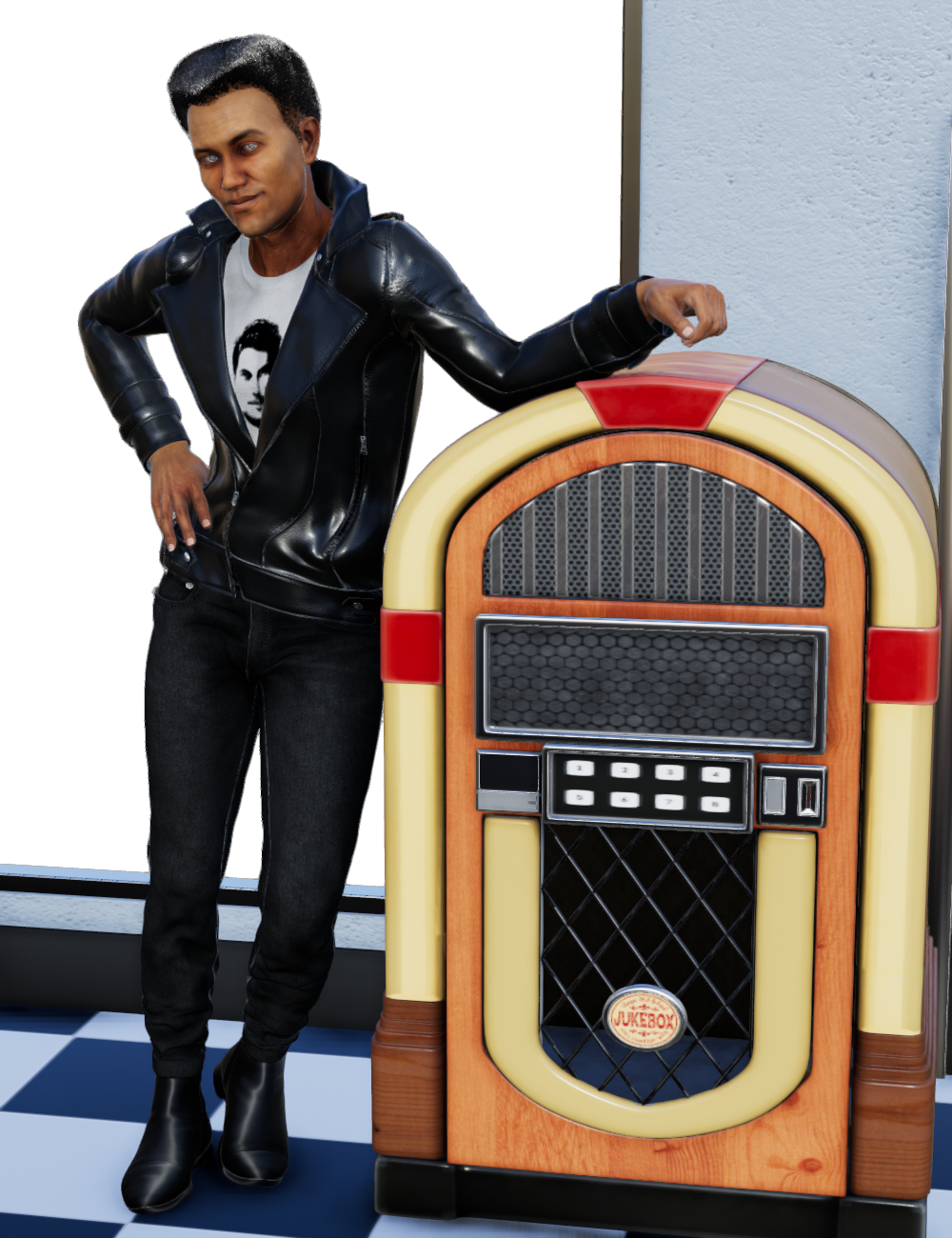
Iray Render:

Filament Render:
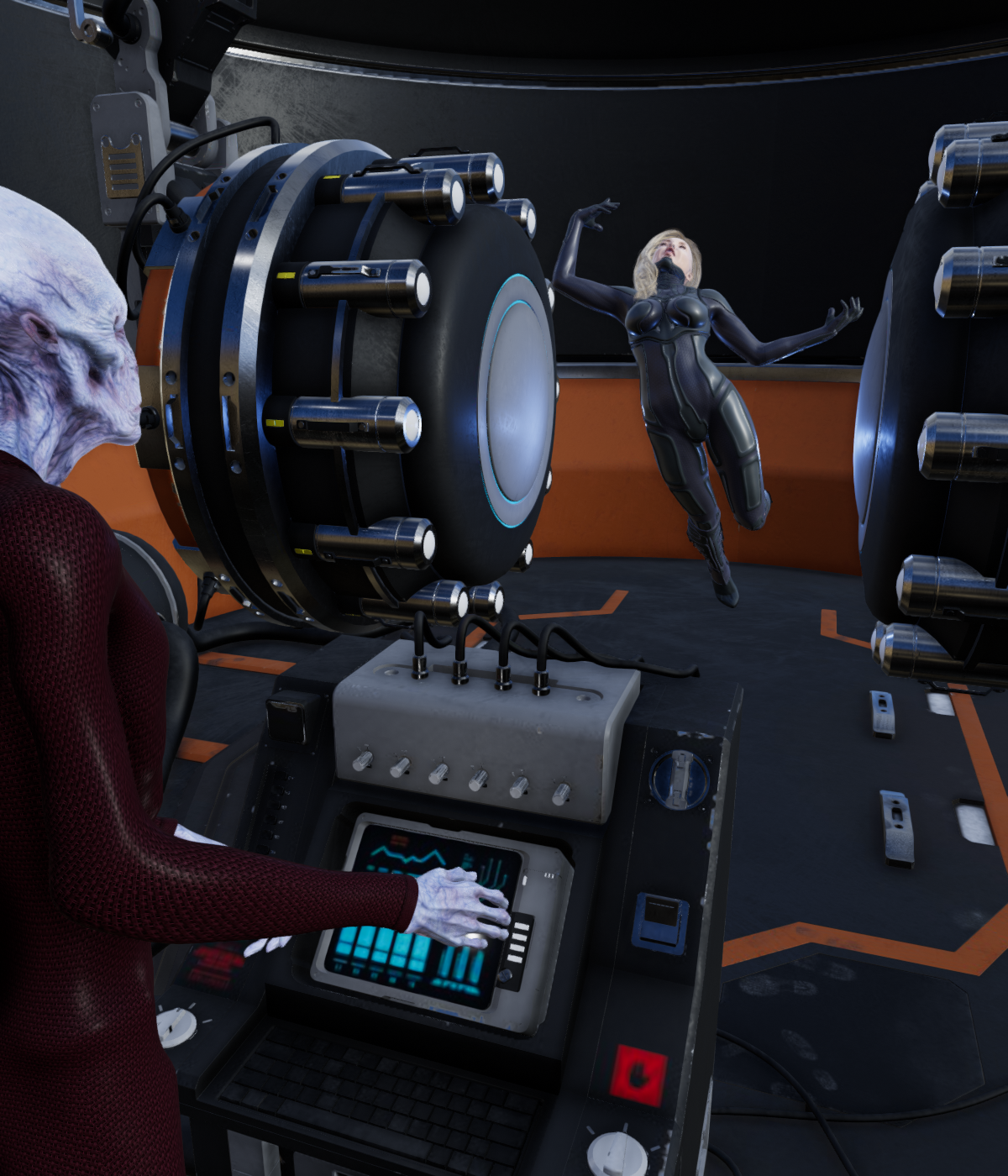
Texture Shaded Render:
Iray Render:

Filament Render:
Texture Shaded Render:

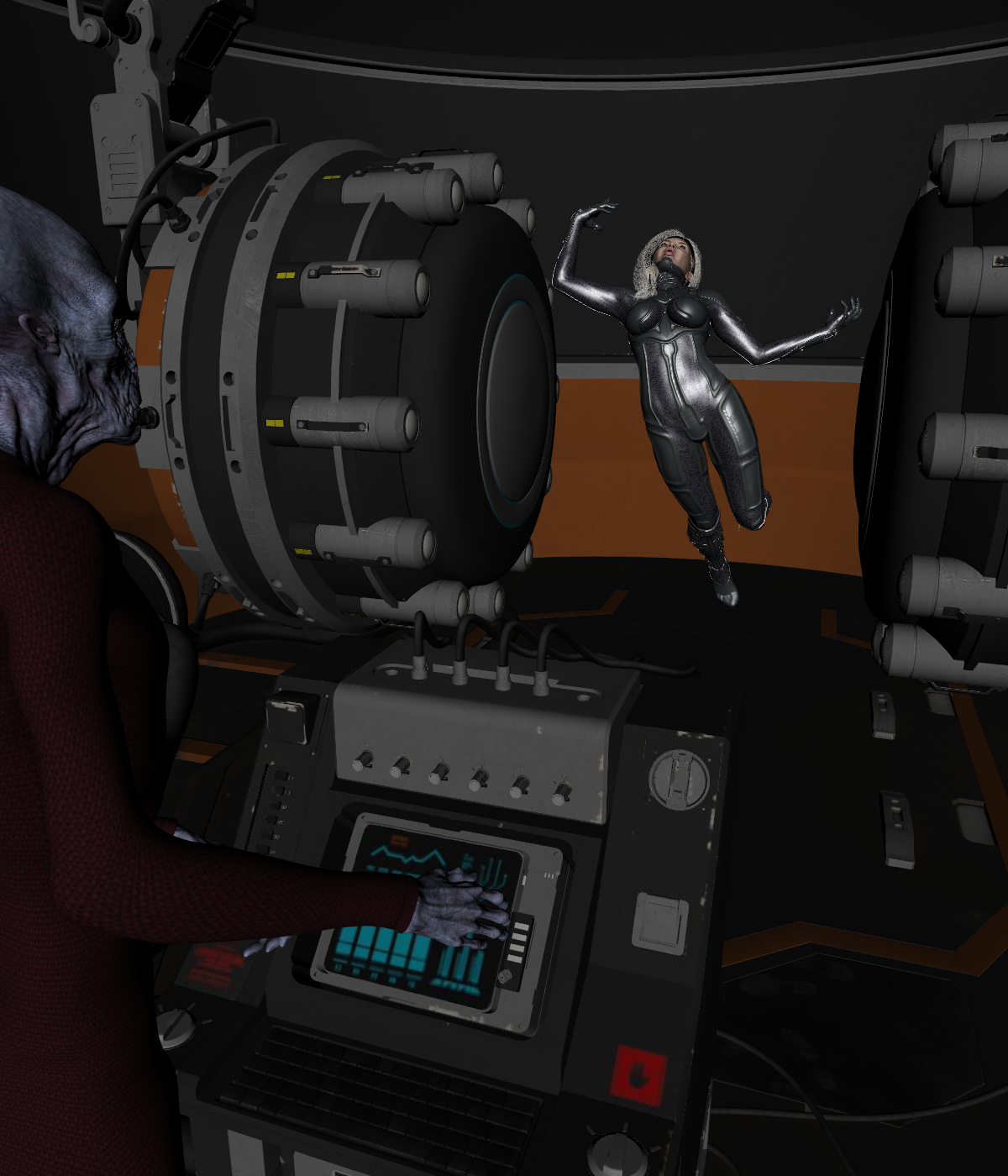
I had to turn on the headlamp to get anything at all to show up with Texture Shaded in this scene:
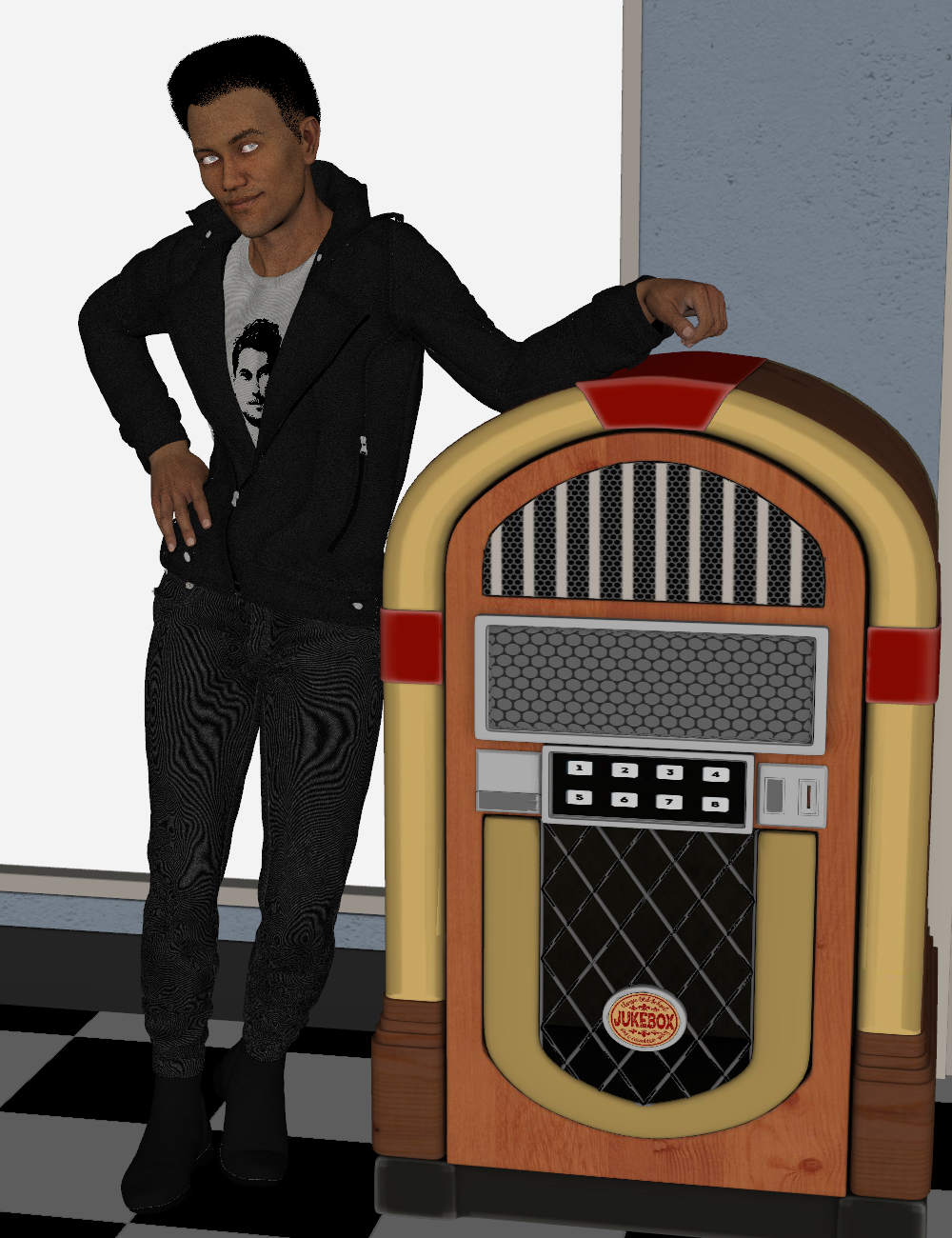
And that brings me to another bonus of Filament as a preview draw style - you no longer have to fiddle with the headlamp. Turning it on for setting up your scene then forgetting you have it on when you go to render isn't an issue when you use Filament for the preview style, since you don't need the headlamp with Filament preview.
Which preview mode with the above renders look closer to Iray, Filament or Texture Shaded? I would hazard a guess that many people (most even?) would see the Filament renders as closer to what you get with Iray than the Texture Shaded renders. The only thing I did for Filament as a preview was adding a Filament Draw Options Node and set it's ISO Scale to .41. That's it. Adding that node and adjusting it doesn't do a thing to affect how the scene looks in Iray. But it makes the preview MUCH closer to what you see in Iray.
I do agree that for some scenes (like scenes with a lot of instances or a lot of trans maps) it's likely better off with Texture Shaded as a preview. Otherwise, though, I think that Filament is usually the better option.
MEC4D's celebration ( with freebies ) [commercial]I was playing with Poser12 , very fast rendering with all my GTX cards , 5 sec for a full Stonemason scene that was faster than in iray and super crisp with SuperFly .
However using true HDRI is still questionable so how PBR suppose to work without it as the surface can't reflect proper light values like in Filament ? any idea Richard , since you beta tested it
or should I use emitters with HDRI maps ?
Happy Thanksgiving to everyone. Quiet day. I watched Steel Magnolias. I laughed hard at the relationship between Ouiser and Clairee and other moments but cried my eyes out about death and birth and weddings. I'm such a sap!

I know very little about HDR's honey. I know that using the still in beta of Snarly's Python EZDome works very well. The thing is allot of the HDR's don't come with IBL files and that really helps load up the default settings best for it. Here is an example of Alex's Apartment using the EZDome. Looks like a photograph to me so it's improved compared to Poser 11!
...sort of reminds me of the apartment I had in New Orleans back in the 70s.
As for XMas, being a Wiccan I don't celebrate that but I do observe Yule but don't really do much. I'm a homebody/nester type of person so being alone is my thing and as for NOT having a computer. Just kill me! LMAO
...being a follower of the Earth Mother myself, same here. Finally having my own place again I don't mind being "alone" either. Grew up in a large household and had too many rough experiences in shared situations, mostly because I just wanted to be left alone with my work and I liked quiet. I prefer being social when I feel like being social.
New DS Filament Render EngineAnd this is DAZ github. Looks like the latest update was July :P
Well the case is closed, apparently we are using 1.8.0 version of Filament.
Auto Muscle Enhancer HD [Commercial]Terry and Sigurd, you both continue to impress with your images!
They are outstanding. I like your new Filament test, Sigurd. The warmer skin tones look great!
Lee
New DS Filament Render EngineFilament got a new release version 1.9.9 almost 2 weeks ago:
https://github.com/google/filament/releases
dunno what version DS has but for sure is not 100% capable yet INSIDE DS.
And this is DAZ github. Looks like the latest update was July :P
Daz 3D is part of

Connect
DAZ Productions, Inc.
7533 S Center View Ct #4664
West Jordan, UT 84084Licensing Agreement | Terms of Service | Privacy Policy | EULA
© 2026 Daz Productions Inc. All Rights Reserved.