-
Tips for Creating Genesis 9 Body Morphs That Work Well with Marketplace Poses in DAZ Studio
That's why PAs provide character-oriented corrective morphs and folks sometimes have to fix corrective morphs as well with the posed figure when using custom body morphs.... but the key is how the geometry from the custom body morph affects the mesh area of the existing corrective morphs.
For instance: (assuming adjust rigging has been done already...), if the delta of the vertex positions coming from a partial area of the custom body morph is proportionally similar to the mesh area of a correctiver morph, in terms of scale, direction, etc.. you won't see ugly distortion or break after giving the figure a relevant pose.
But if it's not, you may see some defective mesh and have to supplement some corrective morphs linked to the custom body morph. An example: one of my custom chars has a sunken mesh around the shoulder area, with Should Up 90°, there's a fold of mesh(ss1), then I fixed it by making an MCM (ss2) ~~
So, although you pay very close attention when blending FBMs / PBMs or sculpting the body morph, you still have to fix the corrective morphs from time to time. It's pretty routine ~~
Help understanding Geometry SwitchingThanks all. So my takeaway from this is that "geometry switching" is either not relevant or no longer the best solution, and the two alternatives are:
- A more complicated mesh which covers all variations wanted and has different surfaces for each variation + bools to switch surface visibilities on or off; or
- morphs tp reshape a mesh to the different variations, perhaps with bools and hiding the underlying morph to make any variation and on or off affair.
I suppopse the key thing to note is that for option #2 all variations have to share an identical mesh structure (# vertices and # surfaces), and that UVs might end up a bit distorted (but that could be rectified with alternative UV sets, whilst with option #1 the modeler has free reign.
Cheers, Lx
New Year, New Sales Thread: Report Issues Here 2 "Reporting Only"I just noticed I have Kalei for Kai 9 HD in my DIM. Is she a random freebie that Daz just put there? I think she was one of the exclusive add-ons for Premier only, so she should only be available through connect by logging into Daz Studio. But here she is in my DIM today. Maybe she was there for a while and I didn't notice. Granted it looks like only the shape morph is included and there is no texture for her in DIM. My question is should I install her or is it a mistake that Daz is likely to correct and remove from my library?
Tips for Creating Genesis 9 Body Morphs That Work Well with Marketplace Poses in DAZ StudioI'm looking for advice on how to create body morphs for Genesis 9 figures in DAZ Studio so that they can work more seamlessly with pose packs sold on the DAZ Marketplace and other sources.
I often create custom body morphs by referencing commercially available 3D scan models and using tools like Wrap3. Through this process, I’ve noticed that some body morphs apply poses correctly, while others cause poses to break or distort significantly.
Over time, I’ve observed that when a Genesis 9 body morph maintains a body structure (leg spread, hand position, joint placement, etc.) similar to the Genesis 9 base figure, pre-made Genesis 9 poses tend to apply more accurately.
However, I’ve also found that in some cases, even without making meticulous adjustments to match the base figure, poses still apply relatively well. This makes me wonder—what are the key factors that have the greatest impact on how well a pose applies?
For example, does something like arm spread significantly affect pose accuracy, while shoulder height is less important? I’d love to hear any specific advice on which aspects of body morphs have the most influence on pose compatibility.
Of course, no matter how much I fine-tune the morphs, manual adjustments with PowerPose are often necessary in the end. But my goal is to minimize errors when applying poses so that the workflow is smoother and more efficient.
I’d appreciate any insights or recommendations on achieving a more pose-friendly body morph setup. Thanks in advance!
Help with shortening and editing some hair.Duck Dumble said:
crosswind said:
Select the custom bones, then reduce Y Scale Values. (ss1) Then simulate.
Hide the custom bones that you don't need... (ss2)
Edit: Dont' try deleting any hair strands as that'll destroy this hair ~~
Y'know, I was wondering where those bones were, lol. Where I went wrong is that when I put it on my G8F figure I autofitted it, which got rid of all the custom bones. Y'know something the product manual specifically warned my idiot head about.
Thanks for the help, this is exactly what I needed!Right ~ the product gives the hair for G8F and G8M... but if you want to used it on other generation, e.g. G9, never use Auto Fit which'll remove custom bones. Instead, re-rig the hair to G9 by using Transfer Utility plus G8 clone, and check Merge Hierarchies option. Then all custom bones can be preserved.

Refer to this thread: https://www.daz3d.com/forums/discussion/comment/9082271/#Comment_9082271
Help me find poses for jcmsI create my own morphs for female genesis 8.
The basic model already has its own built-in jcms and I want to supplement them with my own for my morph.
My morph doesn't play well with default jcms
Does anyone have poses for a model where the bone is turned to the maximum to work 100% jcms no more no less
I know that there are jcm properties and the name of the morph itself gives a hint. but in the model 94 jcms and manually searching for the right angle for each bone takes too long. Please help
Content to new computer- transfer or reinstall?If you can get them both on local network, there is a nifty program called localsend https://localsend.org/
Free, cross platform, fast, for a speed boost disable encryption as well. Before I found that I used to use a external hdd to transfer. Over network goes a lot faster than copying twice. It's how I transfer stuff to my "work" PC which never touches the internet.Celebrity Look-a-Likes for 3D figures Part 4ChangelingChick said:
Looks more like Elle Fanning to me. I don't see Denise Richards at all.
Strangely enough, when I look at her I see it as a morph of both of them.
Help with shortening and editing some hair.Geometry Editor would be the obvious pick within DS, you could of course also use an external 3D modeller and then use the Transfer Utility to transfer the rigging from original to modified version.
Help understanding Geometry Switchingrichardandtracy said:
Ahh. So the bool makes surfaces visible instead of making bones visible with 1), and 2) just switches morph settings on/off. Makes it less complicated if you don't need rigging.
Thanks for that, Crosswind. Hope I'll remember when I want to try it out.
Regards,
Richard
Yea, exactly as you said.
 Help understanding Geometry Switching
Ahh. So the bool makes surfaces visible instead of making bones visible with 1), and 2) just switches morph settings on/off. Makes it less complicated if you don't need rigging.
Thanks for that, Crosswind. Hope I'll remember when I want to try it out.
Regards,
Richard
Turning a Morph Parameter into an On-Off Buttonstitlown said:
Picking up on this as a possible alternative to my "geometry switching" question elsewhere ... I can see Richard's suggestion works, but it requires the underlying morph to be preserved. Is there a similar work flow that effectively transfers the morph deltas in the 100% state only to a new parameter, or a means to take the morph and somehow convert it to a 0% /100% binary only??
Cheers, Lx
The above is a typical way of using a Boolean property as a Control dial plus a Morph. As for your requirement, you have to use Conditional Graft modifier plus Surfaces.
Turning a Morph Parameter into an On-Off ButtonPicking up on this as a possible alternative to my "geometry switching" question elsewhere ... I can see Richard's suggestion works, but it requires the underlying morph to be preserved. Is there a similar work flow that effectively transfers the morph deltas in the 100% state only to a new parameter, or a means to take the morph and somehow convert it to a 0% /100% binary only??
Cheers, Lx
Dial Fusion G9 Edition (Commercial)SpookieLilOne said:
Hi, I used this product and it seemed to work wonderfully, then I looked and none of the morphs I used were "baked" in. I then tried baking them in the only way I know how. Export >Wave Front Object> Edit>Figure>Shape>Morph Loader Pro, but now when I run the script with my morphs saved into one dial I get the error. Am I doing something wrong?
You shouldn't need to do any of that, I don't think. There's a "Save Options" panel in Dial Fusion that controls how and where the sliders that combine the pre-existing morphs are saved. (It doesn't create the morphs or shapes, just combines the sliders into head, body, and control sliders.)
That said, when did you purchase/download Dial Fusion? Both the G8 and G9 versions were updated in June 2024 to deal with an incompatibility with the Studio 4.2X series. Before the update, Dial Fusion acted like it was saving the morph sliders but didn't necessarily do anything, or it saved them in the scene instead of the morphs directory, or saved them in the morphs directory but they didn't work.
Dial Fusion G9 Edition (Commercial)Hi, I used this product and it seemed to work wonderfully, then I looked and none of the morphs I used were "baked" in. I then tried baking them in the only way I know how. Export >Wave Front Object> Edit>Figure>Shape>Morph Loader Pro, but now when I run the script with my morphs saved into one dial I get the error. Am I doing something wrong?
Render your buys! Use buys from the current month and the previous month of salesBringing this thread back ...
I sadly haven't had a lot of time play with Daz lately, but I do have some time today. I'm pretty happy with the new Charlie 9 bundle items which I'm just starting to test.

https://www.daz3d.com/xi-war-damaged-street
https://www.daz3d.com/dforce-army-greens-outfit-for-genesis-9
https://www.daz3d.com/dforce-army-greens-outfit-texture-add-on-2And, even though he's ultimately a Face Transfer 2 character, there's a fair amount Charlie in there - my textures, on the underlying Charlie 9 materials, with a significant amount of Charlie 9 Foxtrot shape (and tiny bits of some other shapes) dialed in.
https://www.daz3d.com/charlie-9
https://www.daz3d.com/charlie-9-foxtrot-hd-shape-add-onYellow Prompts DiscussionMy first test of the Yellow AI Morph Creator thingy-ma-kig.
Prompt: A 36 year old dignified female starship captain of filipino decent, 168 cm tall with a 75D bust size, a 61cm waist and 91cm hips. Her facial features are graceful and regal while her body is lithe and toned but not over muscular.
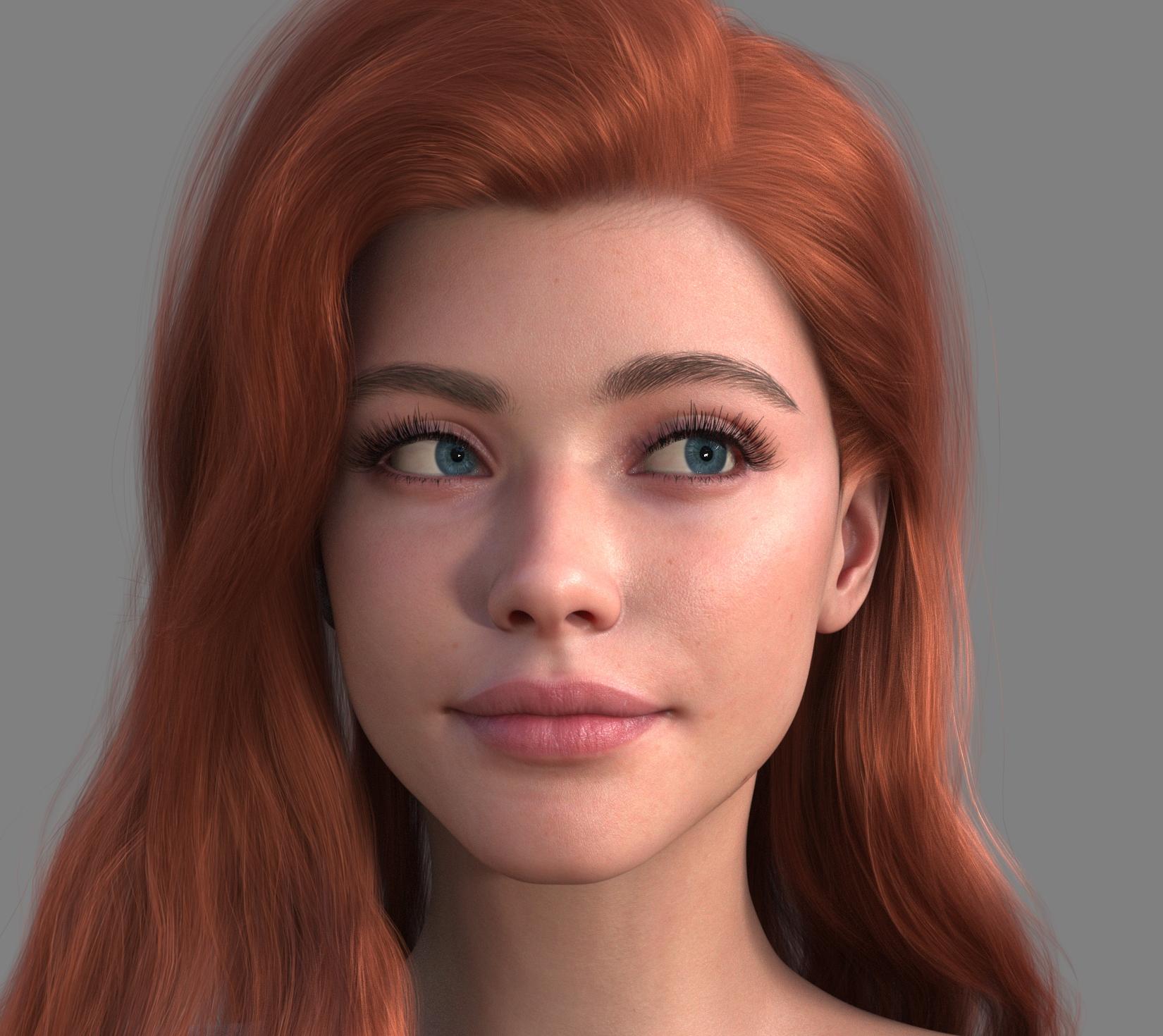
 Anybody recognize this character (Girl from Rita Hair)
Good question. We will use different characters to render our products in the future. I hope you can recognize the correct result. Because that may use many different character deformers.

NetherFalcon said:
I gave a shot to create her and I think it came out okay. Not perfect, but it this version didn't take a lot of time. This one is a combination of Artemis and CJ's Mercia. She has Artemis's skin. In case you're curious, the morph percentages: 62% Base Feminine and Artemis and 38.6% Mercia. I didn't realize until I checked that changing the slider for Artemis also did the Base Feminine, so when I just changed Base Feminine to 100%, the lips became larger, but face a little smaller, so this result was the better of the two.
Sadly I don't have the hair, but this one is FeSoul's Alysa Hair. Funny enough, FeSoul almost always uses the G9 Daz Original models for the promo images. Never a question about who they are! In that one, it's Victoria and then an unmorphed G9 female.
 Geometry did not match, failed to create morph.
I exported an OBJ file using DAZ Studio 4.23, then attempted to reimport it into DAZ Studio 4.23 without changing any options, but the reimport failed. It displayed:
Geometry did not match, failed to create morph.
-----------------I did not make any modifications to the file.
Is there arm pit hair for genesis 9I have a character on various stores that comes with armpit hair, and a corresponding length morph.
With said that, you can quite easily make lip, chin, armpit hair yourself using the free SBH Editor within Daz Studio. So will not need to buy anything if you can invest maybe an hour or so learning to use it.
Daz 3D is part of

Connect
DAZ Productions, Inc.
7533 S Center View Ct #4664
West Jordan, UT 84084Licensing Agreement | Terms of Service | Privacy Policy | EULA
© 2026 Daz Productions Inc. All Rights Reserved.