-
MimicMolly's Renders & WIPs
This is the free Naomi for G8F head morph by Adam Thwaites at his site, Most-Digital-Creations. In this test render, I have used Latonya 8's skin on her.
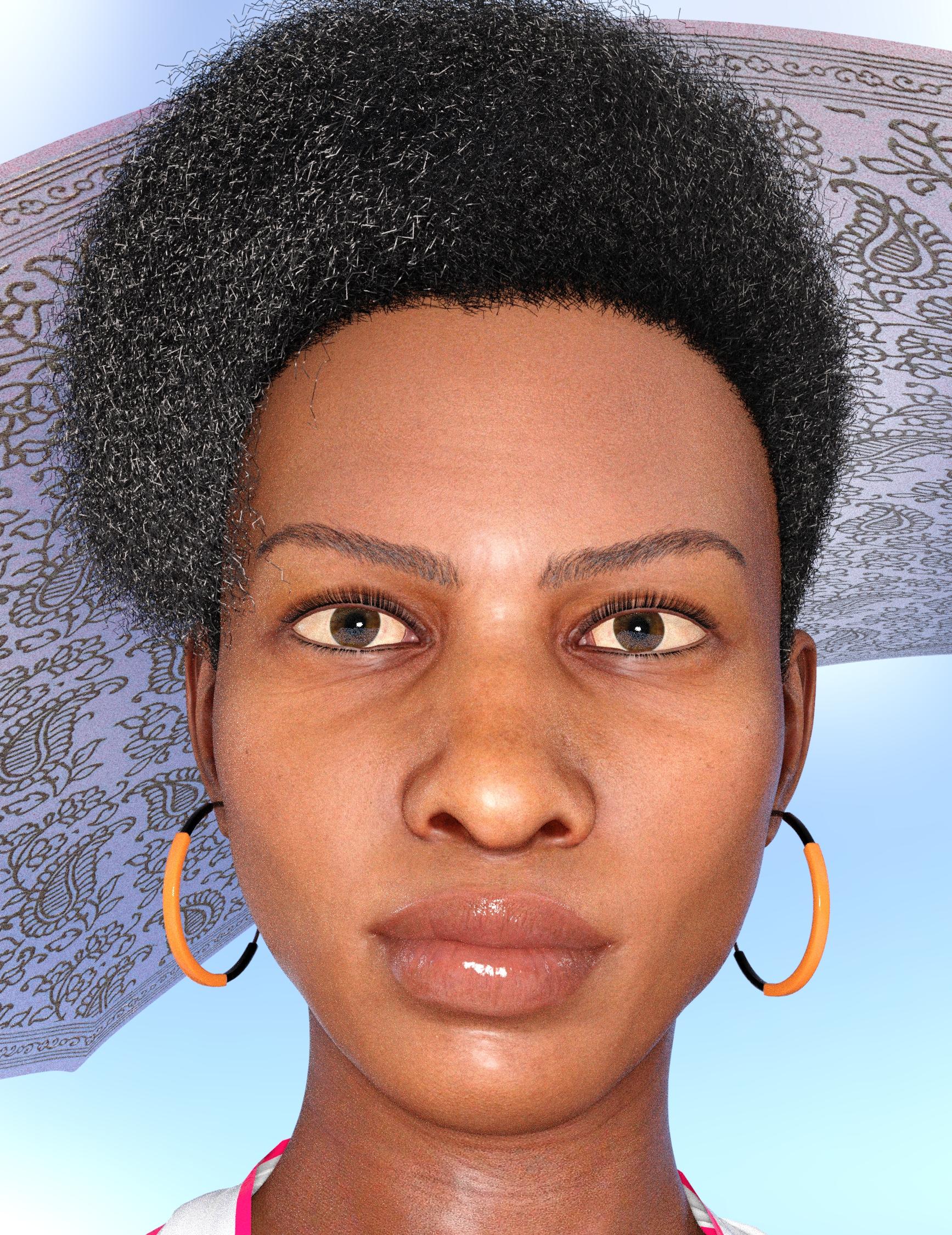
I think her shape benefits a lot from HD morphs. Here I used bluejaunte's Misumi HD details with 30% of Ellithia 8's Older HD head morph. I'm currently unsure about actually rendering this scene. Not too happy with it. Though I might use the character, as is, in another render.
What happened to the zebra?I have to admit, when the Horse 2 came out, I was assuming that a Zebra morph/texture set would be one of the very first add-on products released. I mean, there's a zebra kit for a RAT in the store. But no, we got MyLittleNotQuiteTrademarkInfringingPonies, a hippo, multiple Unicorns, DemonHorses, UndeadHorses, Pegasi (I think that's the correct plural) and yet, no Zebras. As Hawkeye said, it doesn't make a lot of sense...
What is wrong with his arm?It's possible something went screwy with the centaur geoshell. Hide the geoshell and see if it looks normal. How did you create the centaur? Did you load the full G8 centaur, then morph it and texture it? Or did you load the character and then apply the centaur anatomy?
I loaded the G8M character then added the G8M Centaur geograft.
What is wrong with his arm?It's possible something went screwy with the centaur geoshell. Hide the geoshell and see if it looks normal. How did you create the centaur? Did you load the full G8 centaur, then morph it and texture it? Or did you load the character and then apply the centaur anatomy?
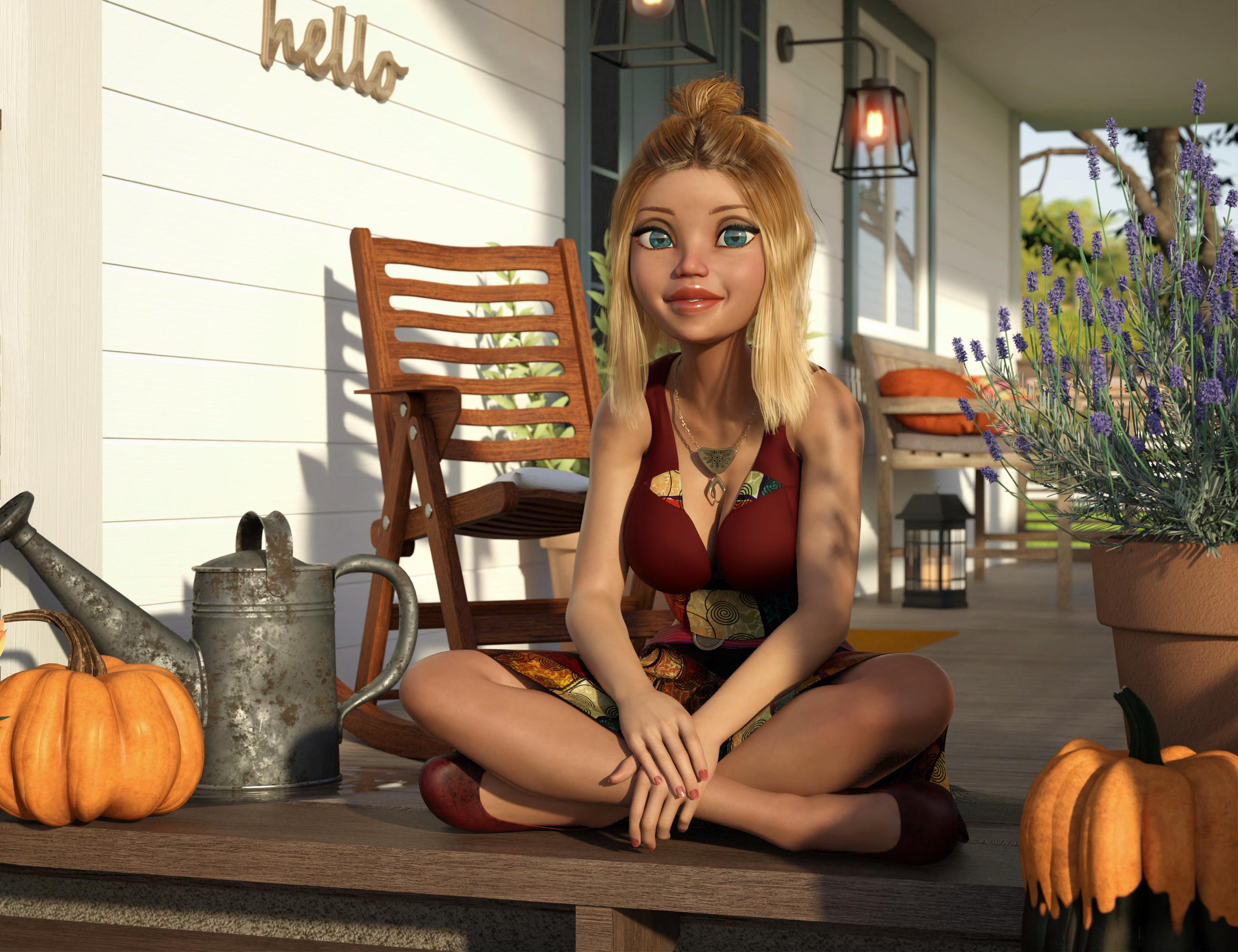
[Released] 50 Advanced Seated Poses [Commercial]I tried using one of the seated poses with an extreme morph. This is 50% Girl 7 (transferred to G8F) and 50% Girl 8. I found the best way to adjust the pose was to do it incrementally from the Base G8F shape, about 20% at a time. That let me see how it was supposed to be posed and make small changes to bring it back into position. I also used various morphs to squeeze in the breasts so they didn't intersect the arms so much. The pose is ASP Pose 041. I adjusted the head and eyes to look at the camera.
The list of products used is here in my Gallery.
 How to downgrade from 4.12 to 4.10
Just in case someone else finds this during a search.
TLDR: Going back to 4.10 from 4.12 works well.
Recent official DS version 4.12.0.86 has some consistent crashes when using the Fit To script going from different generations, especially hair (ie Fitting Catwalk Hair which is G1 to G2F). I did submit a crash bug to DAZ Technical Support and we will see what happens. I just migrated to 4.12 less than a month ago and have not been using many Fit To scenarios until today. I don't really see much of a difference between 4.12 and 4.10 so probably will stick with 4.10 since it has been absolutely flawless stable and with exports and imports. (PC is Ryzen 5 1600, 16GB RAM, GTX 1060 6GB v442.50)
4.12 and 4.10 seem to be compatible with each other. I just uninstalled 4.12 and installed 4.10 (DAZStudio_4.10.0.123_Win64) and it worked perfectly. I ran the same tests that were consistent crashing and zero issues.
If staying with 4.12 official/beta there is a workaround for crashing using the Export OBJ then import and transfer it to the gen character you want to fit to that is crashing. Works but obvously is a bit tedious.
Extremely long figure load times - ways to fix?I might refresh this thread as my G8F load times are now even worse then ever. OK, I have all Pro Bundles, zillions of figures and most morph products available so that might be the reason. Also I transferred already over quite some G3-morphs. Any ideas to optimize the situation? And no, connect is no option. I install everything from DAZ via DIM and from other stores manually.
Regarding my runtime I have one which DIM takes care for and a second one for manual installs. Both are on an external HDD connected via USB 3 directly.
If you haven't already done this, one thing you can do to improve performance is a setting with Animate2/AnimateLite (but you'll probably want to set this back to the default value when you're actively using animate). In studio, right-clikc on the tab that says AnimateLite or Animate2. Then click on preferences in the window that opens. In that window un-check the option "Auto add tracks for skeletal characters." Another thing to try is to temporary disable any third party plugins to see if they are causing any slow down. To do this, click on help->about installed plugins, then uncheck the box by various plugins to turn them of, or click agian to turn them on. Maybe try this and see if it gives youa boost?
[Released] ManFriday's Mesh Grabber [Commercial]I wish this had a semetry tool. I made fins on the head of a robot. I couldn't get it to look the same on both sides. I came real close. I'll have to practice more this weekend.
Follow this tutorial to create a mirror morph from the changes you made on one side.
Thank you.
[Released] ManFriday's Mesh Grabber [Commercial]I wish this had a semetry tool. I made fins on the head of a robot. I couldn't get it to look the same on both sides. I came real close. I'll have to practice more this weekend.
Follow this tutorial to create a mirror morph from the changes you made on one side.
DIM Filtering QuestionI am trying to figure out a way to isolate some of my DS assets. Specifically I want to have all of the G8 characters, morphs and textures in their own Runtime. (The same with G3F, etc.)
Why? Two reasons... having all the morphs installed adds a lot of overhead and irrelevant dials when I am designing characters.
A couple of ideas I had...
Use DIM to install everything and then use a file filter to uninstall anything with morphs and reinstall those to a different directory.
Or install everything and physically move the morph directory through Windows, but worried that this might have unintended consequences.
Anyone have any suggestions?
hi please can someone help me with this in daz studiowilll this also work for g3 and g8 female
Yes, anytime the figure you transfer from is anything other than base figure in base pose, you'll need to use "current" and "reverse source shape from target"
problem with arm morphok...the problem was a problematic morph from swole8 from simon ...... Jesus....dont they look into it when they make these???
[Released] Character Converter from Genesis 3 Female to Genesis 8 Female(Now Conv JCMs) [Commercial]So, tried the product. The conversion went well but the converted character has strange, wavy biceps. Ill post a pic tomorrow.
That is strange. What character? Homegrown?
Its Jenn HD, https://www.daz3d.com/jenn-hd-for-victoria-7 . Heres a pic.
I think other morphs may have been pulled in. When you load Jenn, what currently used morphs are engaged? You may have to fix this by deleting the morphs and reconverting. You could verify this by temporarily renaming the Data/Daz 3D/Genesis 8/Female/Morphs directory and trying to convert Jenn again.
Do ypu mean what morphs are present with a default load or what morphs are present when I load her into the converter?
What morphs are pulled in with the character.
So im trying a new conversion to the file path that you suggested. If I want to delete a converted character what files do I need to find?
All of the morphs from converted characters are in data/DAZ 3D/Genesis 8/Female/Morphs under the FIRST directory for Daz Studio Formats specified in the Content Directory Manager. Characters do not need to be deleted as they can be overwritten without issue.
The only thing im loading into the converter is the character preset. The only morphs that load with the character are all Kayleyss morphs with the exception of two daz morphs. One for v7 head at 15 % and navel 100%.
You are showing all hidden morphs too? When you dial in the body morph, the arms go wavy and no other morphs engage? Then it is the body morph. You will have to try again. (You can turn off conversion of the JCMs and that speeds up stuff quite a bit).
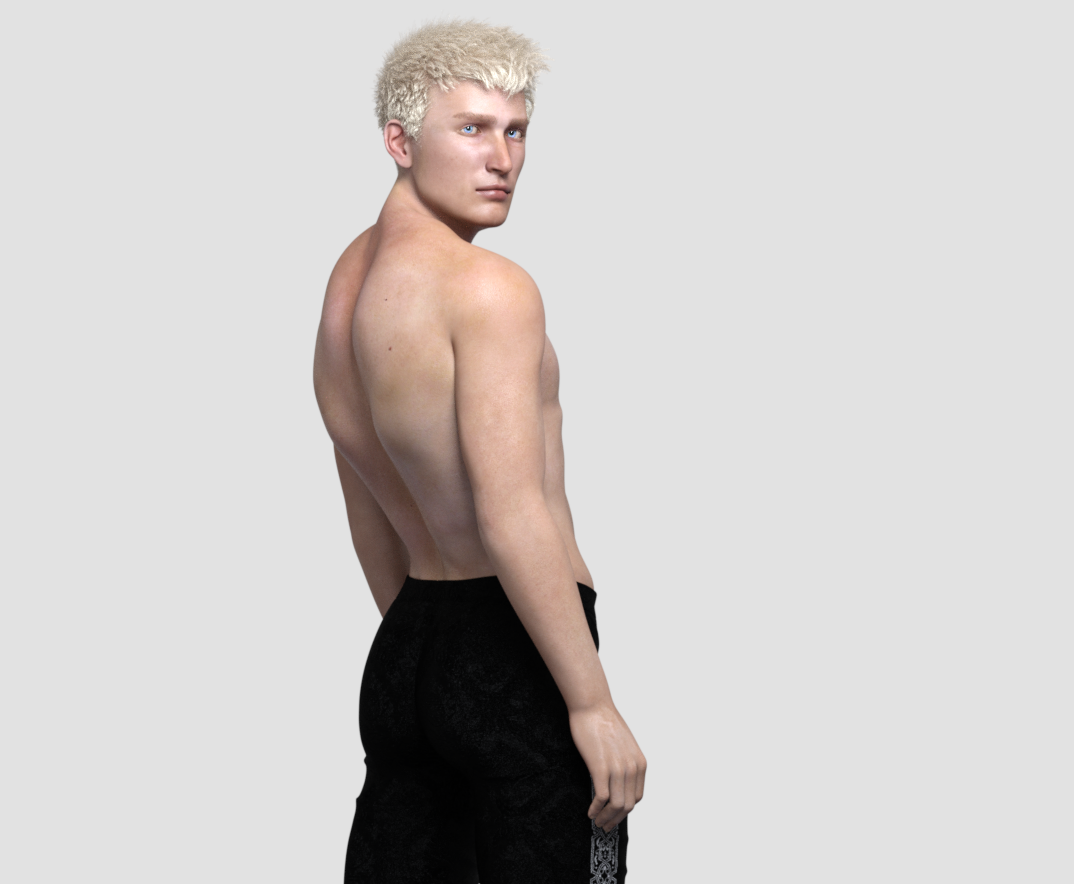
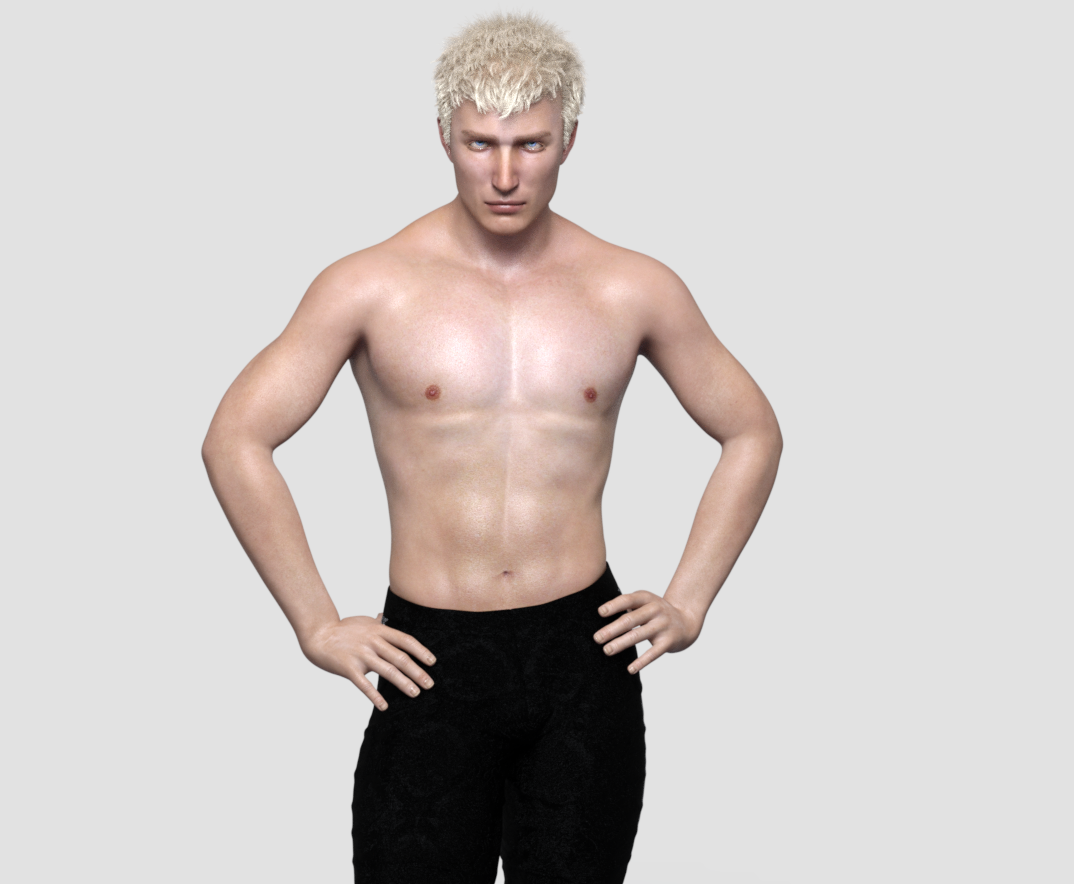
Darwins' Schtuff Pt DeuxBody shots (and attached references): I still have to make the navel morph and he'll be done and I can move on to the last dude. XD
 Auto Face Enhancer [Commercial]
There is a problem.
The AFE Expression for G8F have been defaulted to 'On'. It's easy enough to turn if off & on but customers generally don't expect unrelated products to load with another product turned on as well, in this case AFE for G8F / AFE HD Expressions for G8F is on a 100% for VYK Judy from the Girl 8 Pro Bundle. I'm sure that would be the case for other G8F characters as well.
I haven't tested if that is true also for G8M.
On or Off, no morph is activated till you express your characters.
That's the problem, most customers don't expect a product they haven't activated to be active when they pose / express their default plain characters, they expect a normal DAZ 3D expression until they explicit activate AFE. However, if DAZ 3D doesn't have a problem with that I don't particularly care one way or another either.
dForce Supervillain Costume for Genesis 8 Male(s) by OskarssonDear Oskarsson,
your new Supervillain Costume for G8M is awesome, exact what we (or in this case I) wnat since years ... A Superhero Bodysuit for the Genesis 8 Males. The costume was immediatly in my cart, but then I had a second look on the promo pictures and I see that the whole dress has lot of wrinckles, especially on the part of the legs. The suit looks in that part more like a jogging pant. Why???
Are perfectly fitting body suits off. Can't you maybe. . . make another smooth version of the suit. Or perhaps a morph that completely 'irons' the dress? Sorry for my little critics. But if everyone, in my opinion, always just writes how great they think everything is, that doesn't really help the creator for upcoming projects.
Besides, I'm still gonna buy the dress
 Relative poly count or burden on resources from different generations?
When a character says "for Victoria 7", it means it uses the Victoria 7 shape as a base to create the character. Maybe not at 100%, but you will need the V7 shape for the character to look like in the promos.
Yeah, that was pretty clear. I was seeking to understand why some specifically say for Victoria 7 and for Genesis 3, given that Victoria 7, as pointed out above in this thread by First Bastion, is a morph of G3. The wording is ambiguous at best when both are listed. It seems to indicate—ambiguosly—that the character could be used by someone who had the G3 base, but not Victoria 7. That's why I asked. Obviously, if it says it is "for Victoria 7," then Victoria 7 would be needed. Obviously.
It could mean the character includes a version using the V7 morph and one for the base figure only.
Hat and Hair HelpSilly me. I bought SY Hat and Hair Helper (Genesis 3), and only after I have done the most that it will do---sometimes it's enough---do I resort to geometry editing or push modifying, which can sometimes cause less than natural results if I'm not careful and circumspect.
I like it too, and although it's not infallible I would recommend it to anyone who needs something like it, can afford it, and isn't afraid to fiddle with a couple dozen morph dials to get what they want. But OP was asking for options that didn't involve buying more stuff.
I see. I didn't read the entire OP. Thanks for pointing that out.
3D Art Freebie Challenge-March 2020-"March Winds" -Main Thread Only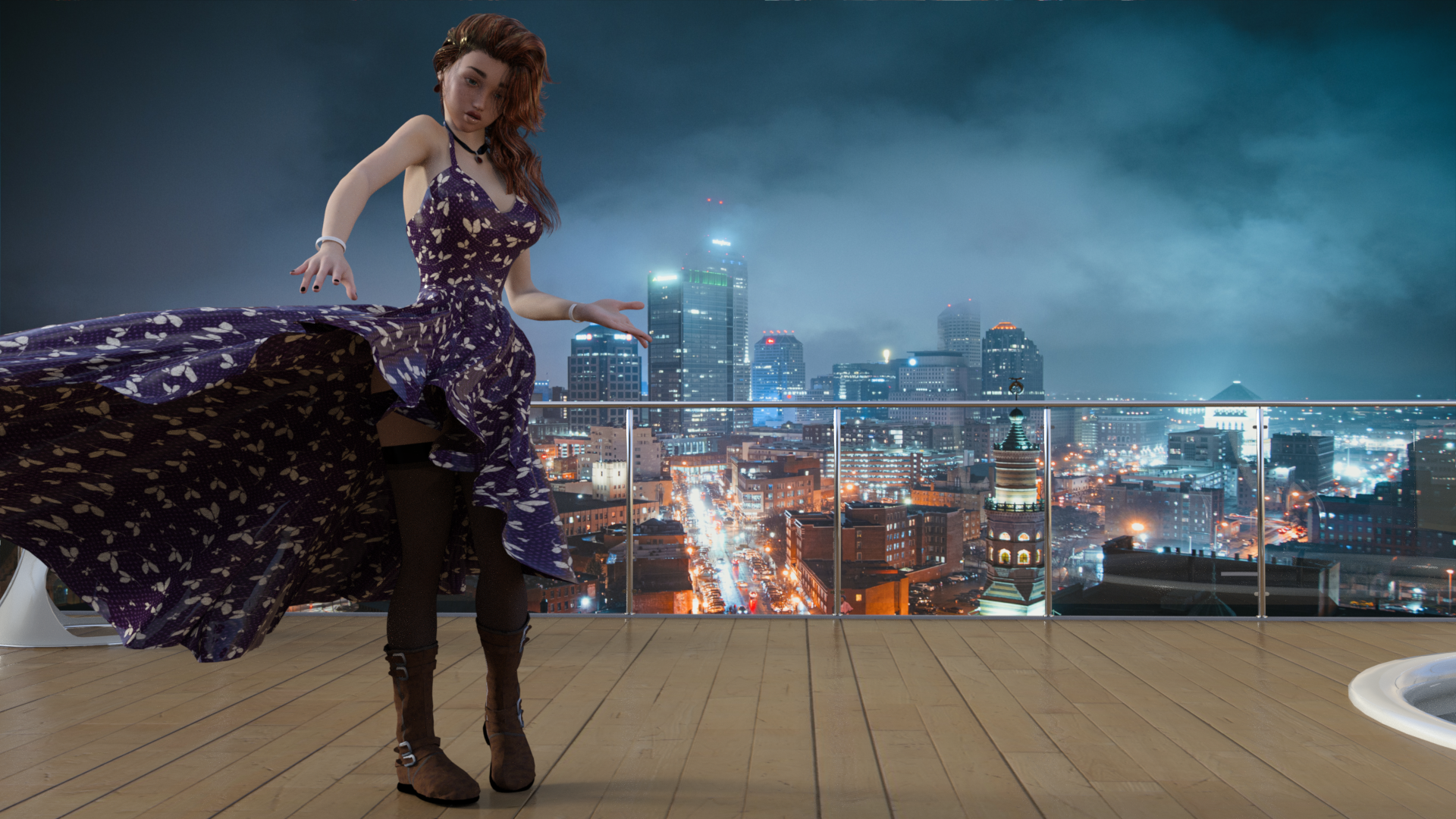
March Winds cause Evelyn's wardrobe to malfunction
Free
The Girl 6 (February Daz Freebie)
Party Girl (February Daz Freebie) - Dress and wind morph
Tamesis Bundle (Lipstick) (February Daz Freebie)
Free Stockings for Genesis 2 Female
CElegance Jewelry (Necklace and Earring)
Bird's Eye View of Lighted CIty (Backdrop)
Paid:
Utopia Living
Molly HD Eyebrows and Freckles
End of Summer Hair
Tarian HD for Genesis 8 and 3 Females (fingernails)
Teen Josie 6 Face Morph (this was actually free when I got it last year).
[Released] Character Converter from Genesis 2 Female to Genesis 8 Female [Commercial]Hi RiverSoft!
Just curious, how did you get Callie 6 to transfer so nicely? I've tried 2 times now (once on default tolerance and once on .09 tolerance (took 2 1/2 hours) and both times her eyes stretched vertically. Any idea what I'm doing wrong?
Thanks :)
Huh. You are using the 2020 method in options? Make sure Hide Eyes is UNCHECKED. Close DS, delete the FHM morph, restart DS and the script and immediately convert Callie. Weirdly, I have gotten different results running twice.
Got a much better result with that and turning down tolerance to .045. Will backup this copy of the head morph and try a few more times with the tolerance tweaked just to see if there's any change, but it looks really good :)
Thanks RS! :D
Great! You are welcome! Please post pics.
Daz 3D is part of

Connect
DAZ Productions, Inc.
7533 S Center View Ct #4664
West Jordan, UT 84084Licensing Agreement | Terms of Service | Privacy Policy | EULA
© 2026 Daz Productions Inc. All Rights Reserved.