-
leartes studios assets working in daz 3d? (Solved)
Leana said:
What format are those provided as? And how does one get them into a format that DS could import?
(I know nothing about Unity or Unreal I'm affraid)
I only just now concluded the labrious process of redeeming all the items, only downloaded one product at first to investigate. All the files are in UASSET format. As I've barely touched Unreal at this point, I have no idea how one would go about getting those assets into DS, or if it's even possible.
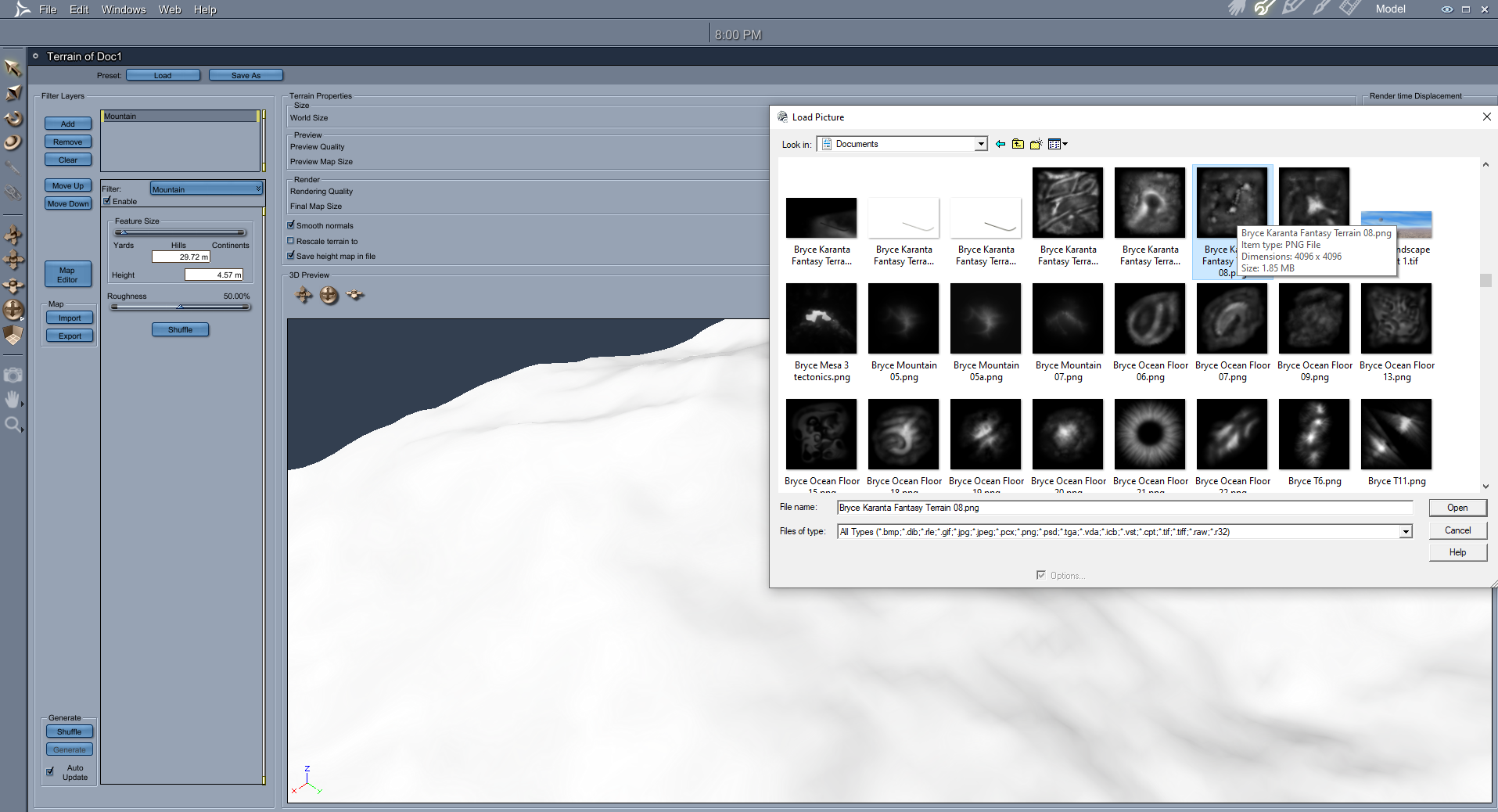
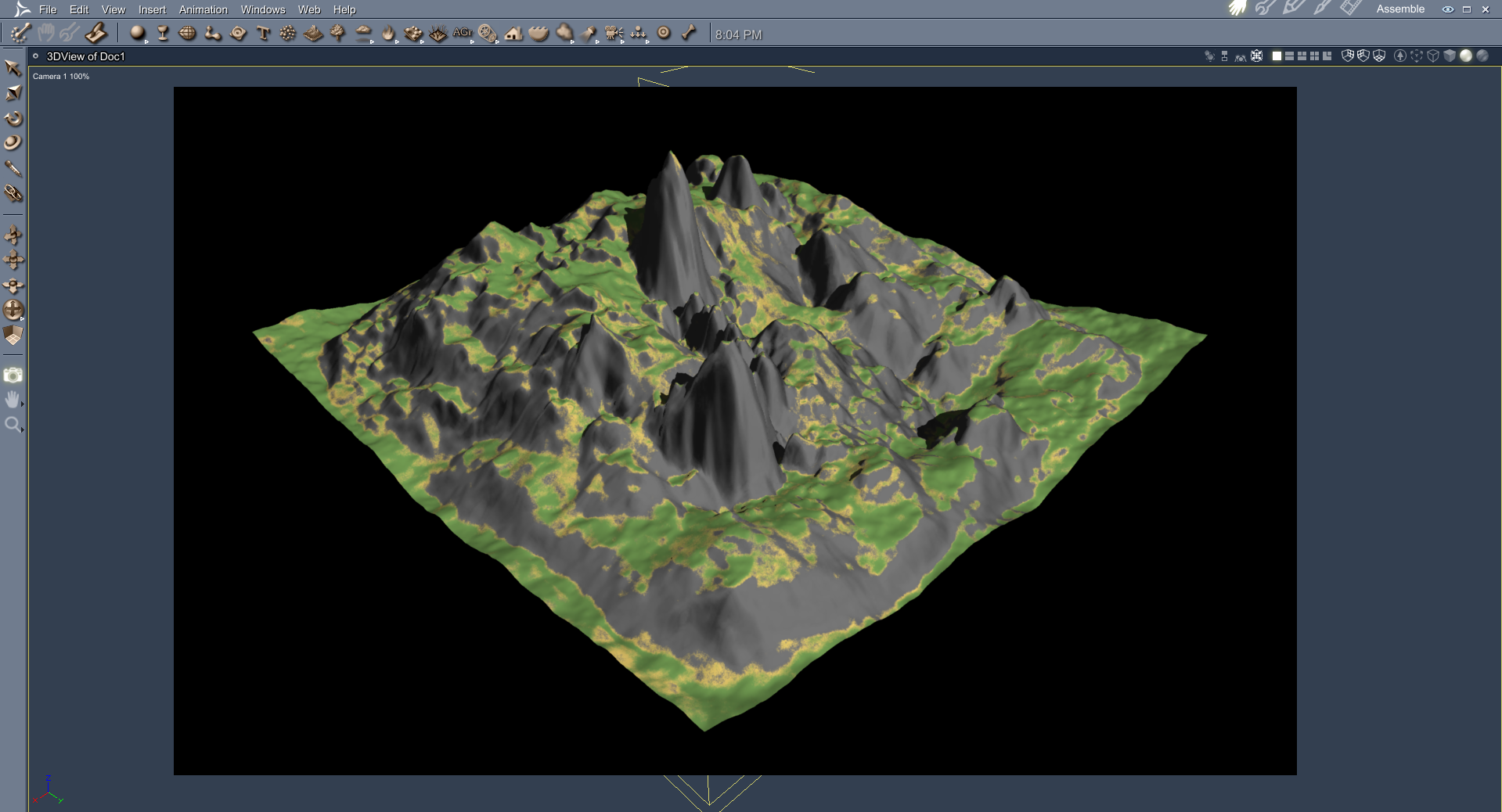
Terra-Tropolis (Bryce, Daz Studio & Poser)Carrara can import the Bryce Terrain maps
 leartes studios assets working in daz 3d? (Solved)
What format are those provided as? And how does one get them into a format that DS could import?
I know nothing about Unity or Unreal I'm affraid, but the models look really good and the offer is cheap.
Service bell?richardandtracy said:
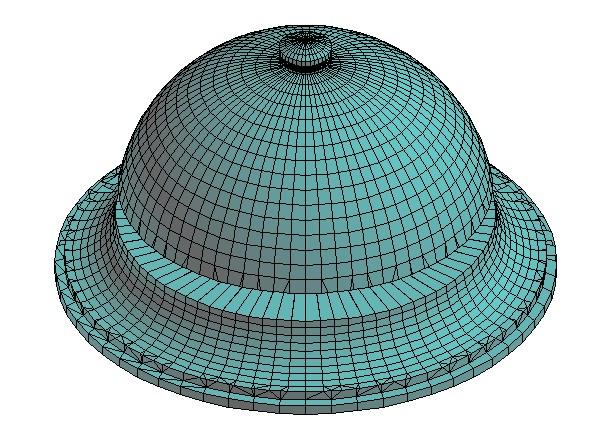
Service Bell obj file attached. You'll have to import into DS at 100% scale and add a brass/gold shader to the 'Brass' and 'Knob' surfaces. Also add a wood grain shader to the 'Wood' surface with a grain from left to right in the texture image.
Details: 5436 Facets, 4783 Vertices, 4818 texture vertices, 3 surfaces, 1 group.
Usage - Whatever. Just don't claim as your own work.
Regards
Richard
Oh my gosh, you are my hero! Thank you so much!!
Service bell?Service Bell obj file attached. You'll have to import into DS at 100% scale and add a brass/gold shader to the 'Brass' and 'Knob' surfaces. Also add a wood grain shader to the 'Wood' surface with a grain from left to right in the texture image.
Details: 5436 Facets, 4783 Vertices, 4818 texture vertices, 3 surfaces, 1 group.
Usage - Whatever. Just don't claim as your own work.
Regards
Richard
Terra-Tropolis (Bryce, Daz Studio & Poser)Horo,
Thanks much for your info. I'll take a look at some of your PDFs to see if I can figure out how to add or import the heightmaps into Bryce. I could not get that from the steps in the PDF that was added to the product file just a few months ago.
That PDF file still had no instructions, though, about how to use the files in Daz Studio and Poser as the store page indicates. If anyone else can help me with that part, I’ll be most appreciative.
Had to reboot machine, is daz central still available to put on it again?Witchaven said:
I honestly don't understand how anyone can use Daz 3D without Daz Central. Literally every time I create a scene, I go into Daz Central, click Daz Studio Assets, switch the view to the big picture view and either scroll down or type roughly what I'm looking for. How anyone can just remember all their products is beyond me. How do people browse through all of their products without Daz Central?
I never used Daz Central so perhaps I just don't know what I missed but presumably it's using the same metadata that exists in the database which also powers Smart Content? If so, then for me, it likely would not have helped me much since there just isn't enough data/tags/keywords etc. My usual go-to is to do a google search for the thing I want - since that incorporates a lot more data (like the product description and forum posts etc). Then I go through the results until I find a match to a product that I own (and sometimes wishlist the ones I don't).
Help fixing outfitHexagon modeller can adjust that quickly and then import a morph..
DAZ, MD, and Traditional Pattern Making - GraduationThank you, UncannyValet for the advice and pointing me to such great resources.
(Your forum name gave me a good laugh!)
With the old trial version I can keep using, I need to start a fresh scene every time and then lose it when I close down. But the great thing this version of MD does allow me to do is to import avatars. When I get enough of these saved from DAZ Studio and animated into final poses, I will be set to go with the subscription I plan to buy. It may be a while, though.
I sent you a very short Private Message
Delete 'Local User' from smart content database?I'm working on adding smart content data to some of the assets I've bougt from other sites. I'm using Content wizard for that.
But often some of the metadata also pops up as a part of the product 'Local User'. The result of this is that the item is shown twice.
Is there an easy way to clear the database for all data related to local user?Environment is set up as a figure?You can also use Geometry Editor in DS to split the Figure into pieces, by selecting the surface(s) you want, hide the rest and export to OBJ file firstly, then import OBJ file back to DS as a single Prop.
It's doable in most cases but it'll take some time...
Environment is set up as a figure?Gordig said:
There are certainly other environments, even ones sold in the Daz store, that are set up like figures. If you wanted to separate out individual components, you'd need to import it into another program like Blender and re-export as OBJ. DS imports OBJ as a single mesh, so if you just load that into Blender and export it as OBJ as-is, you still wouldn't have the kind of control you're looking for, so you could either set it up the way you want it in Blender and then export the whole thing as OBJ, or export individual components (like, for example, the wall you want to add).
Ugh, that is really annoying, but I really appreciate your answer!
Environment is set up as a figure?There are certainly other environments, even ones sold in the Daz store, that are set up like figures. If you wanted to separate out individual components, you'd need to import it into another program like Blender and re-export as OBJ. DS imports OBJ as a single mesh, so if you just load that into Blender and export it as OBJ as-is, you still wouldn't have the kind of control you're looking for, so you could either set it up the way you want it in Blender and then export the whole thing as OBJ, or export individual components (like, for example, the wall you want to add).
Free PenguinThanks Richard Haseltine for the instructions to fix the texture .tiff file!:) I tried with various programs (opened and saved, with Paint and the photo program included in Windows), without results, but finally I succeeded with Gimp which allows you to import the extra channels and convert the sRGB profile that is embedded in the image (following the instructions of the software itself), then saving the correct copy in .tiff. I'm not sure what extra channels and sRGB profiles mean, but it worked well!:)
Penguins corrected
 Need help to apply texture on imported obj file
dream-weaver said:
Thanks, went through the steps and the UV is exactly dead center in the square.
If the UV looks fine in blender, I would suggest to save as an obj with a new name, and then import in Daz Studio.
Maybe there is something with the original obj format, that DS don't like.
Need help to apply texture on imported obj filefelis said:
1) File > Import
2) On top menu select 'Modelling'
3) In modelling, press A (all)
4) On top menu select 'UV editing' and see what the UV looks like. If the UV is outside the square, that is the issue,
If so, try to post an image of what the UV looks like.
Thanks, went through the steps and the UV is exactly dead center in the square.
Many icons in the library are greyed outOh... if you still cannot locate the product metadata as well as the thumbnail image within the runtime\support folder, pls also check the IM package (IM00003420xxx.zip) of that "Alchemy Chasm", see if the needed files are well included in the ZIP or not...
[Released] Legacy Set Converter * Commercial *jjoyner said:
@Totte and All,
Hello. I suspect the answer to my question is No but let me ask anyway. I bought Cyborg Manufacturing Facility for DAZ at Renderosity earlier this week. The entire product loads from one .duf file (6.6 Mb) and once loaded is a single item with only Surfaces for everything. I want to extract individual props but that may not be possible with a product like this. I tried Environment Set Splitter with no luck. I presume Legacy Set Converter is not meant for this type of product as well. If not, is there any utility product that you know of that might be able to do what I want? Thanks.
Hi, you are correct, splitting mesh into separate parts automatically is difficult as the information about what polygon belongs to what thing is missing.
The only way I've done similar things are:
Save a material preset for the whole thing (you'll need that later.
Select every polygon except the ones you wanna keep in the Geomentry Editor (remove them), then export that as an obj, clear scene, import obj at 100%, (if not centred) center it if needed and export as obj again. The apply that material preset you saved, and then save it out as a Figure/Prop somewhere in a library where you want to find it.
Repeat for every part you want to split out...Need help to apply texture on imported obj filedream-weaver said:
Richard Haseltine said:
It might be worth opening the OBJ in another application (e.g. Hexagon or Blender) and looking at the UVs there - just in case it is an import issue due to some quirk in the file.
I guess in case of that knife it's not my fault that the texture doesn't fit.It's probably their fault as should be pretty straight forward. Make sure when importing obj to daz you read UV coordinates.
I notice they did upload it to Sketchfab correctly though. There is a feature on sketchfab, where you can see which part of texture map lines up with which part of model: https://sketchfab.com/3d-models/combat-knife-69fa4e1c13124776bf3a00a244e35b4a
Images from sketchfab
Need help to apply texture on imported obj file1) File > Import
2) On top menu select 'Modelling'
3) In modelling, press A (all)
4) On top menu select 'UV editing' and see what the UV looks like. If the UV is outside the square, that is the issue,
If so, try to post an image of what the UV looks like.
Daz 3D is part of

Connect
DAZ Productions, Inc.
7533 S Center View Ct #4664
West Jordan, UT 84084Licensing Agreement | Terms of Service | Privacy Policy | EULA
© 2026 Daz Productions Inc. All Rights Reserved.

















