-
CAR AND BIKE LOVERS THREAD - MARK V
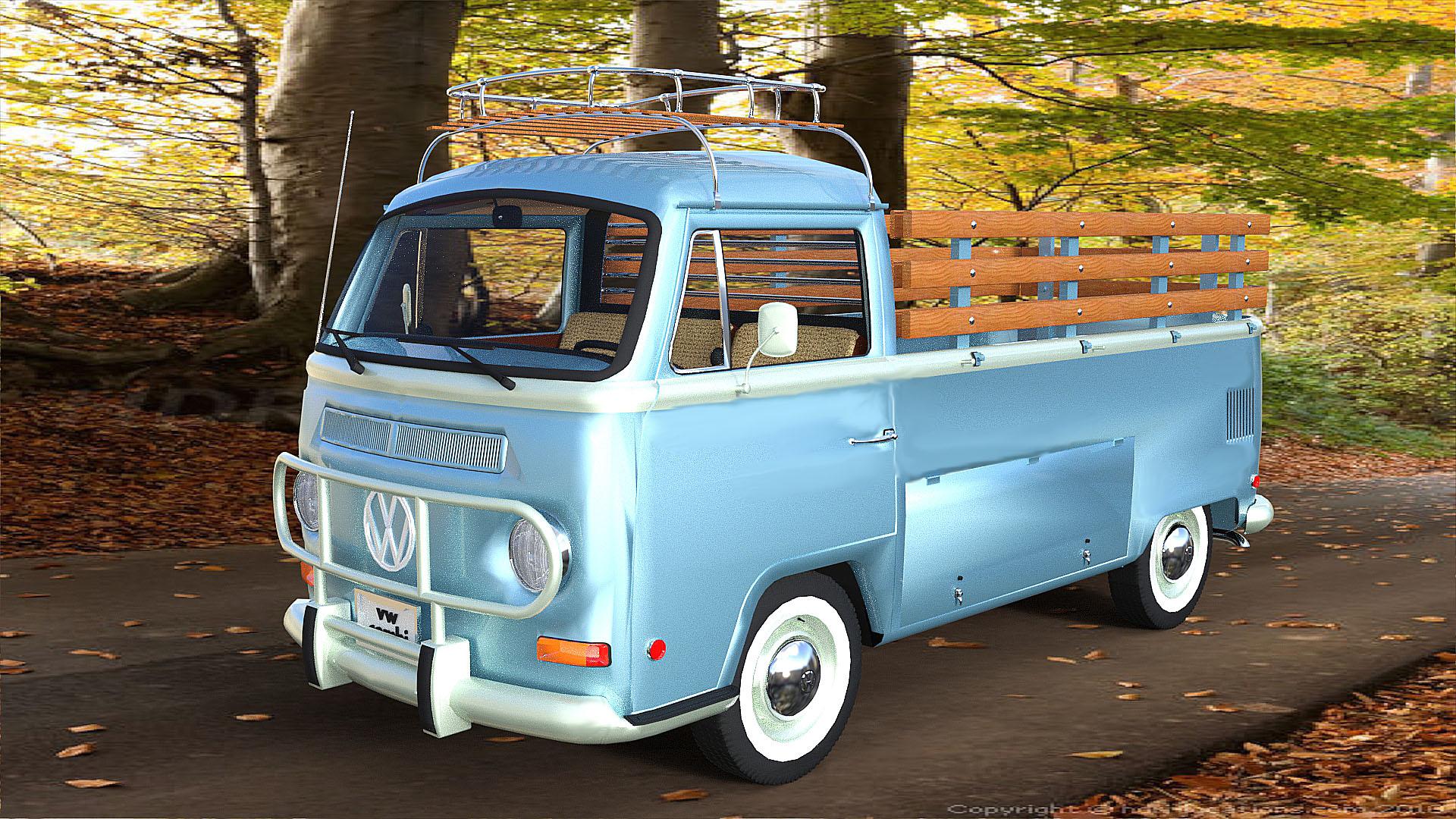
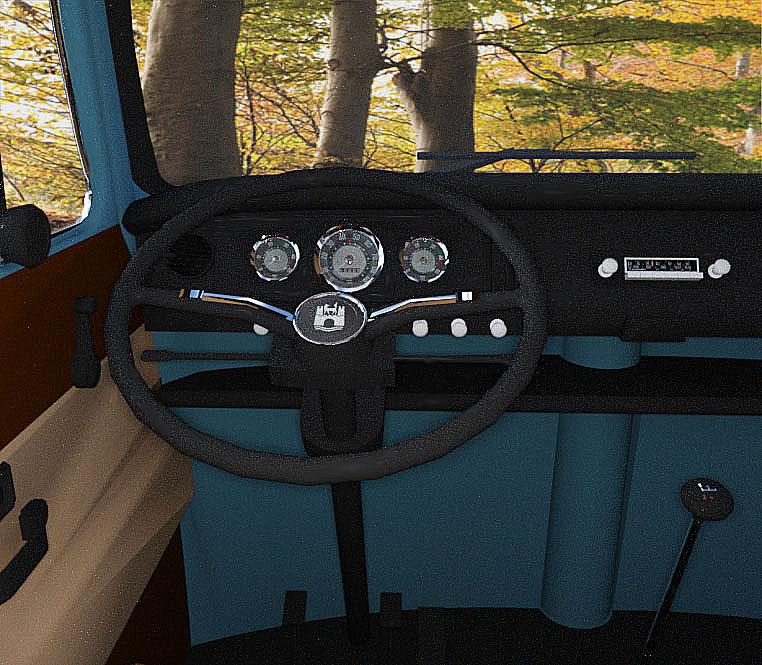
Very nice Bike! I love the orange! Here is another rare bird It is a VW Kombi Pickup. I have been getting a lot of real nice Sketchup models and converting them to object format. Move them into Daz and they come alive...lol. All these are Sketchup models.
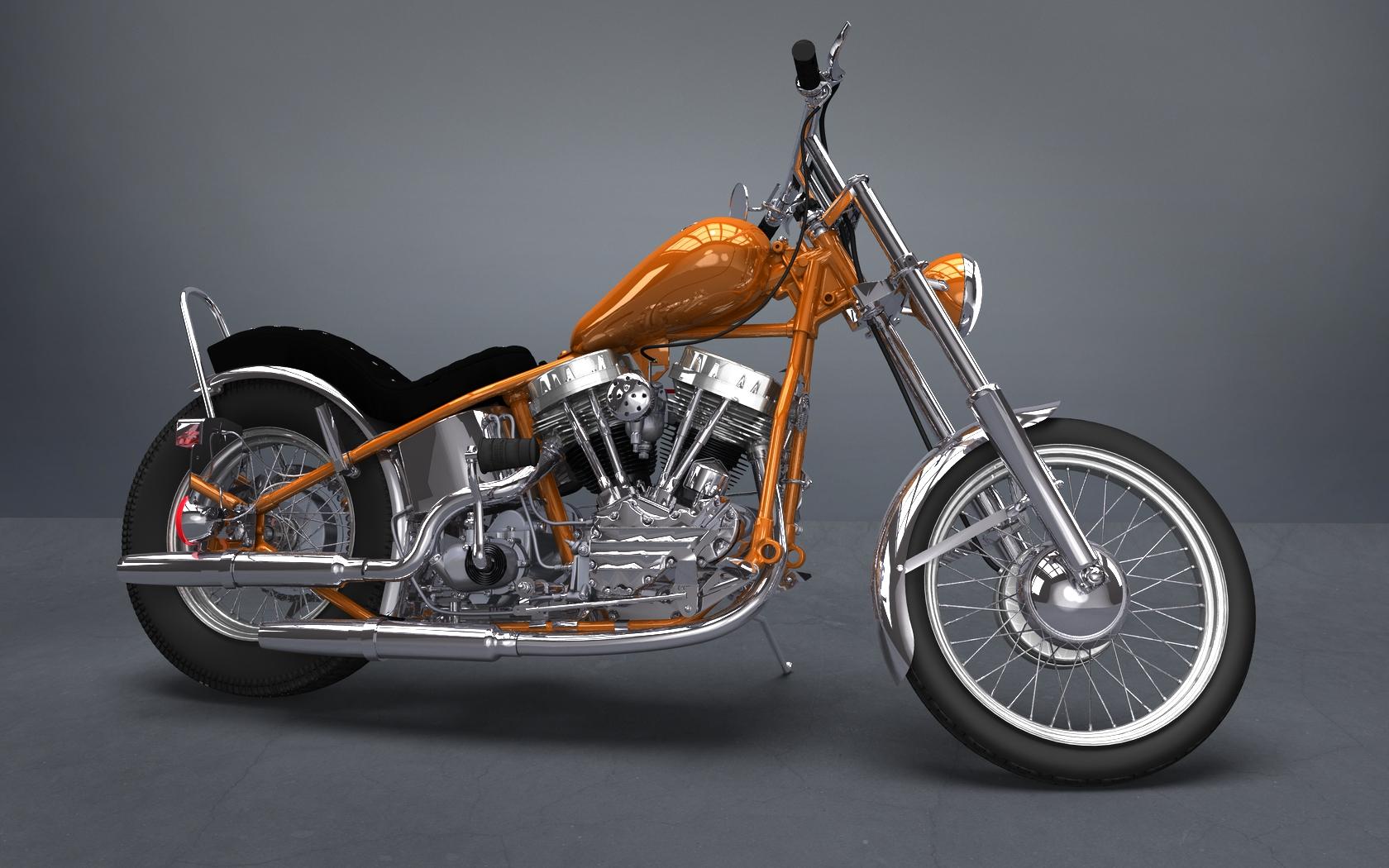
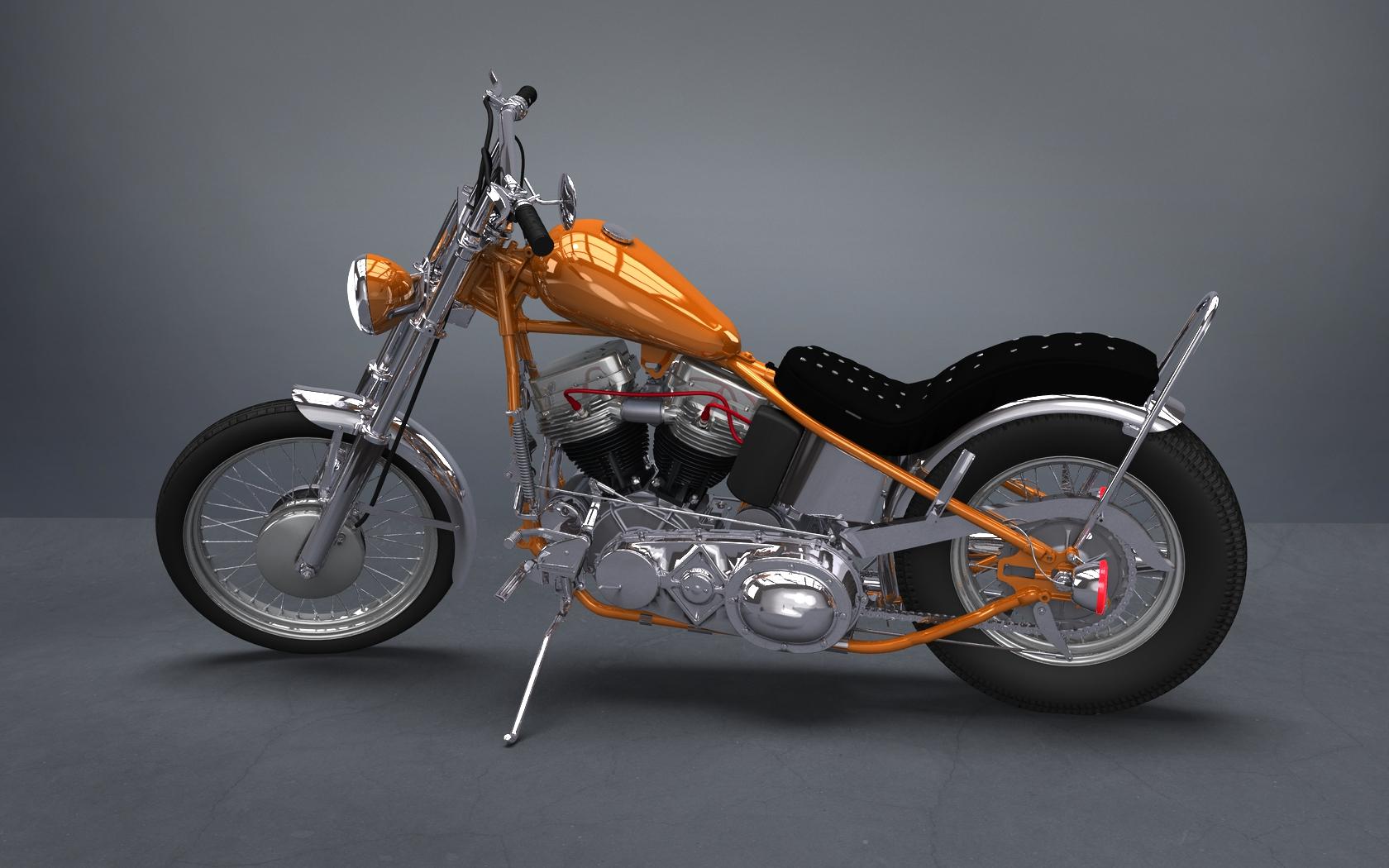
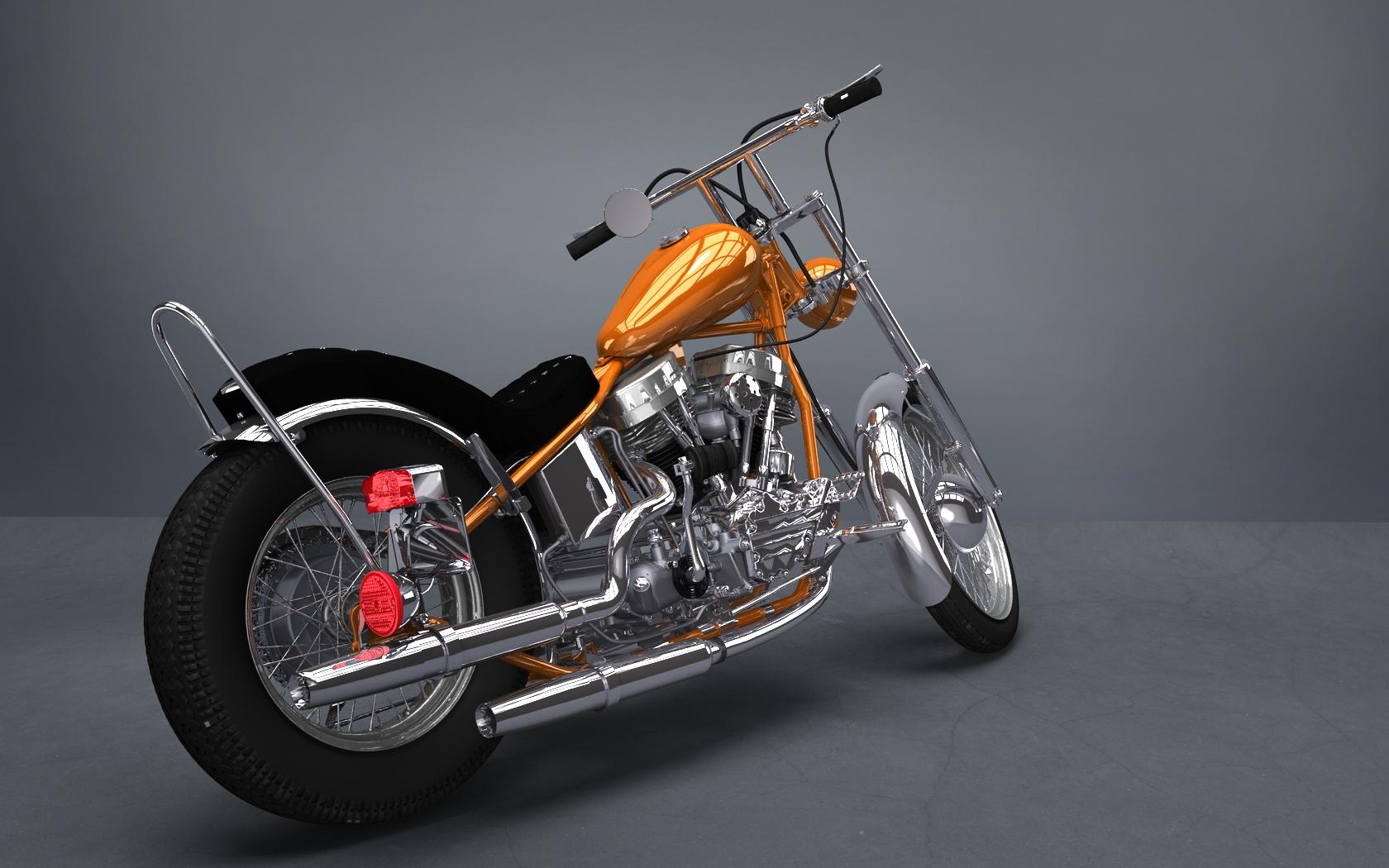
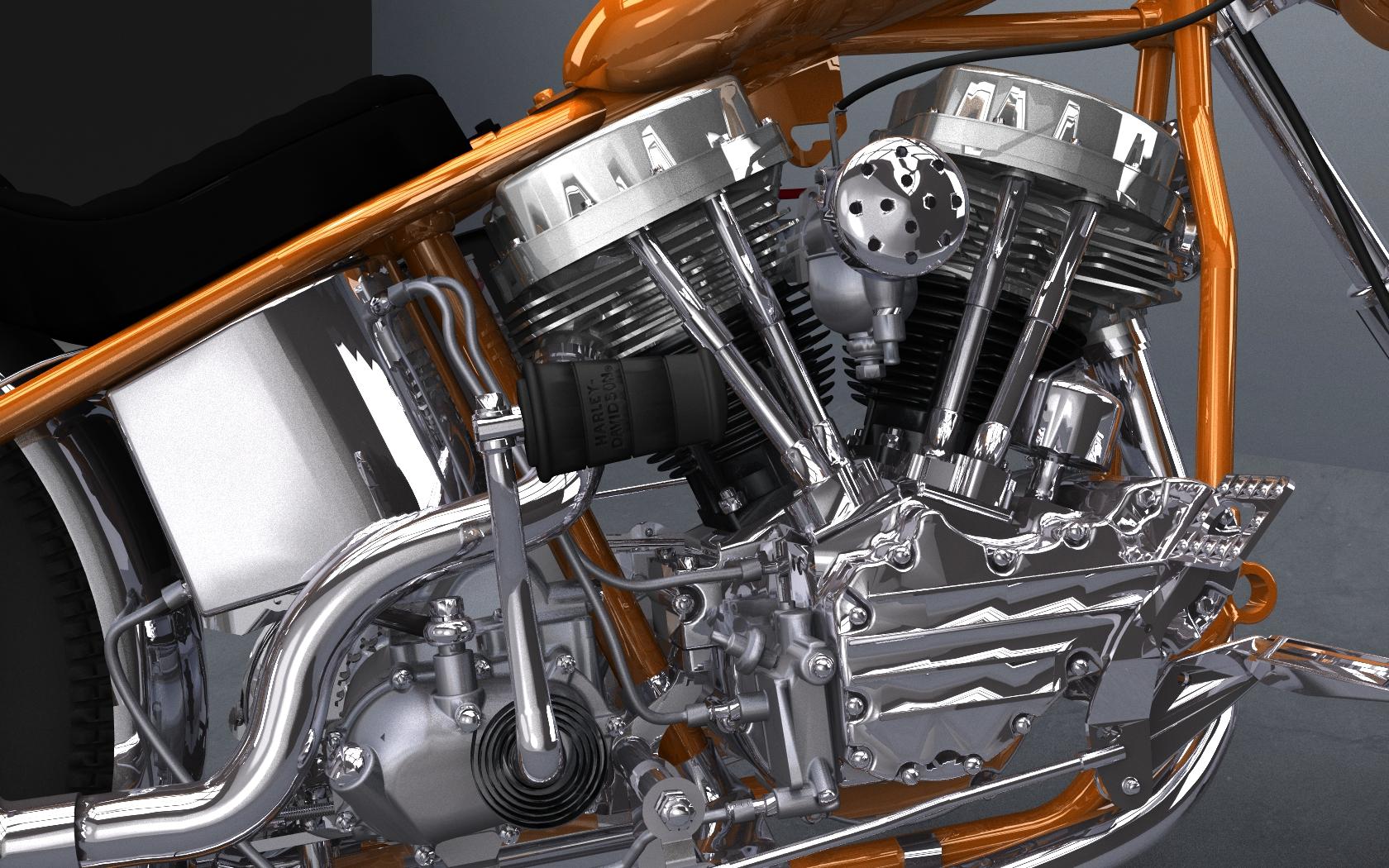
CAR AND BIKE LOVERS THREAD - MARK VLatest work.. Base model is a really nice one from Terry Stonehocker over at Grabcad. Files were originally in .easm format, but Terry kindly enabled the .STL format export on those - loaded in eDrawings, then exported as .STL. Pulled into Simlab and tried a few exports, none of which worked well. Finally exported as an SKP, pulled into Sketchup,exploded the model as it came in as a single component, then eportred as .OBJ, finally imported into Bryce, and exported as another OBJ.. then imported into Daz, and went to town texturing..
 CAR AND BIKE LOVERS THREAD - MARK V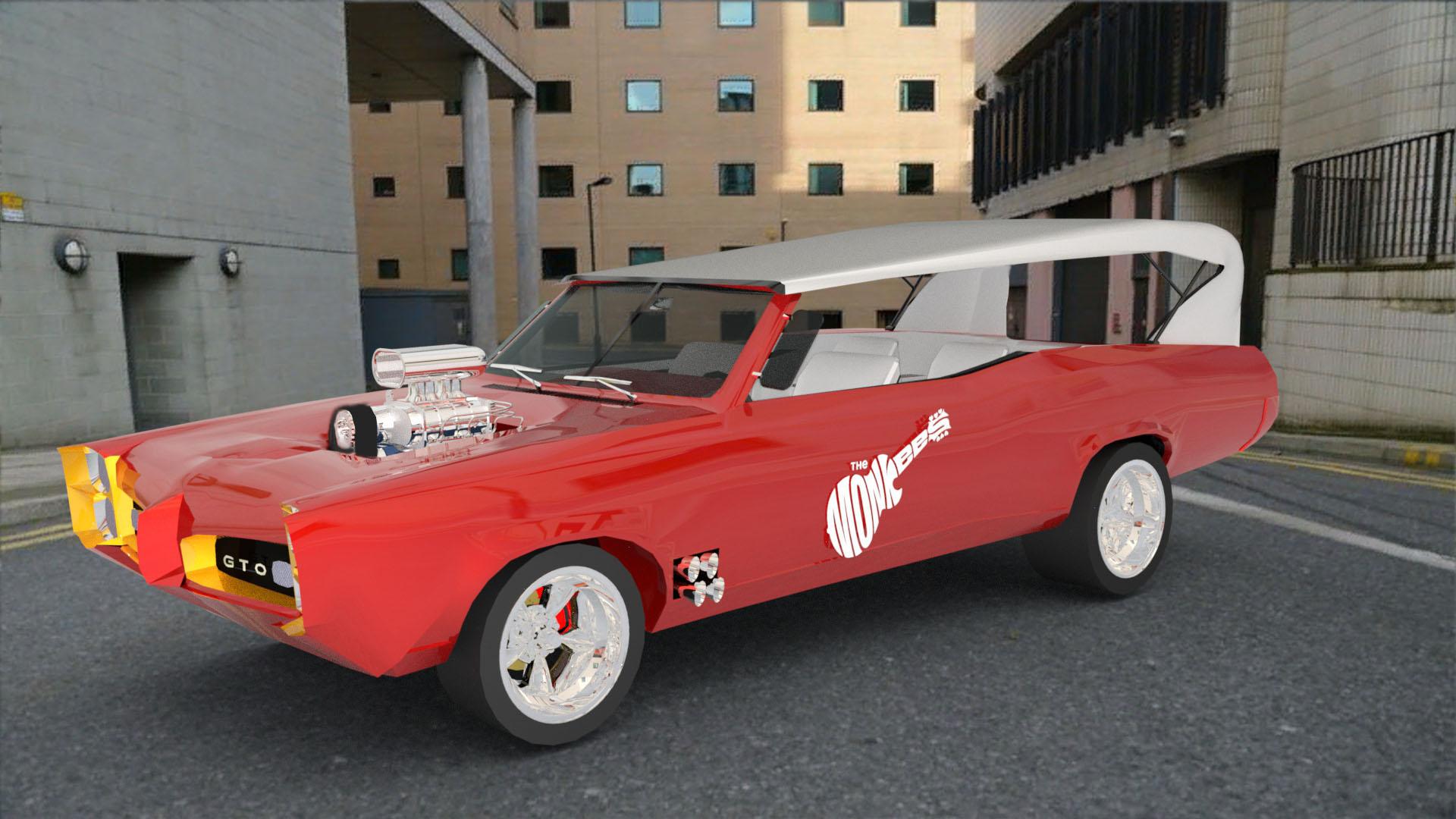
I wanted to post this again because I am very proud of this car. I made this famous Monkee Mobile in Sketchup. I post it in memory of Davey Jones and Peter Tork.
save modelHey new here! I just want to save it as a model I can use in mysketchUp files. wich save as.. do I select?
Please make sure you are not uploading any of the DAZ figures to the sketchup warehouse as that is against the DAZ EULA
save modelI don't know what formats SketchUp imports. DS will export OBJ, FBX, DAE, and U3D - try any of those that are available as import options and see which best suits you.
Star Trek Builders Unite 8: THE REBOOTPerhaps this will be of benefit...
Guide to how to create LCARS (really this is just a guide for modifying an existing one, just omit part about uploading to server, people here are probably doing this already.
https://daedalusomega.proboards.com/thread/142
SketchUp dIY LCARS
https://3dwarehouse.sketchup.com/model/b644b0d9b7158b4a67aad4e7f685c416/DIY-Star-Trek-displays
Photoshop elements for LCARS
https://www.deviantart.com/retoucher07030/art/LCARS-Vector-Shapes-156730231
LCARS fonts: Swiss 911 ultra compressed bt
https://www.download-free-fonts.com/details/112588/swiss-911-extra-compressed-bt
LCARS color palette
Interesting option for LCARS look. (Shows color palette ts used during different alert status)
https://www.deviantart.com/sumghai/art/25th-Century-Starfleet-LCARS-Color-Schemes-330137019
CAR AND BIKE LOVERS THREAD - MARK V
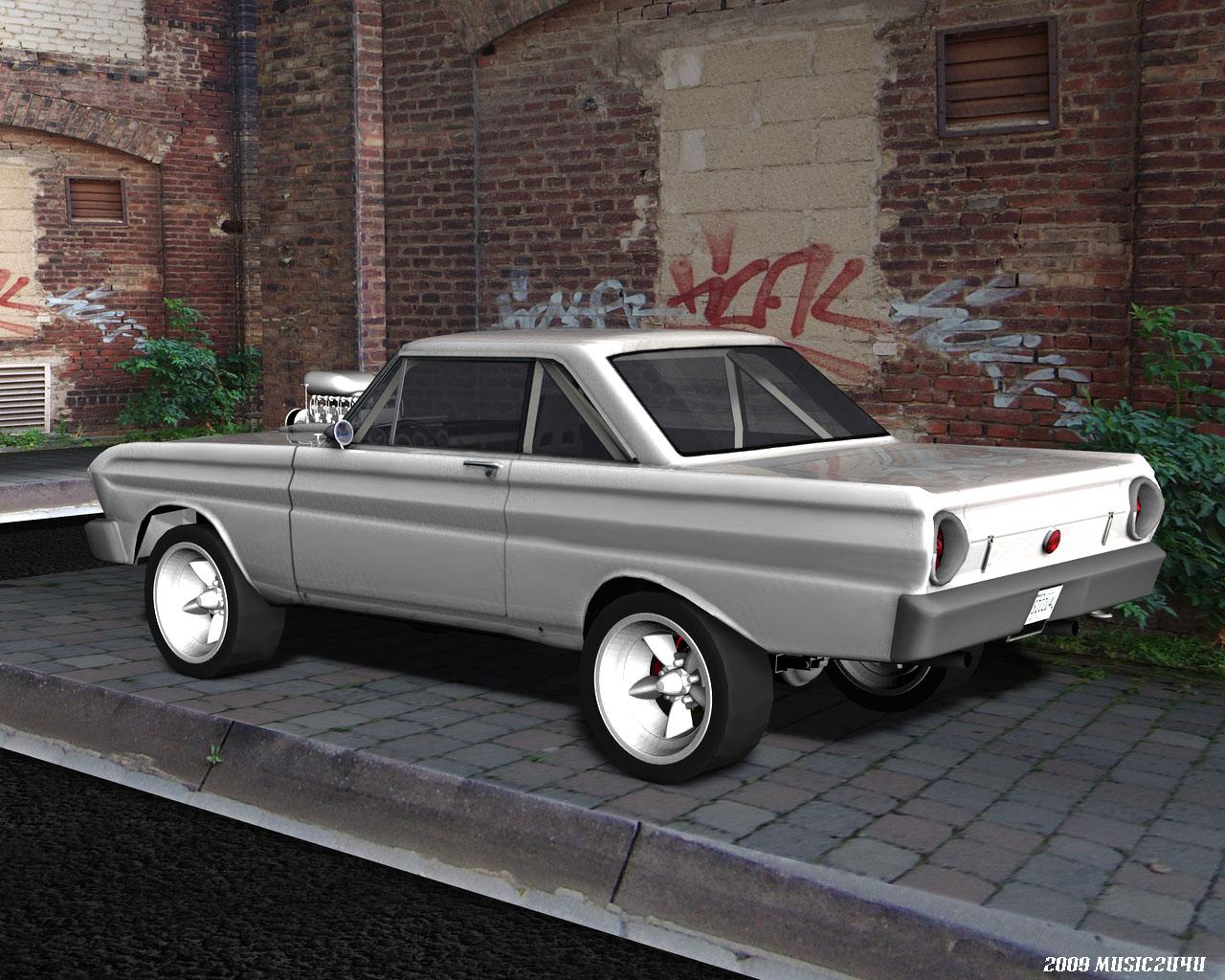
Here is mine I did back in 2009. I think mine is a 65' though. Believe it or not, it was a Sketchup model originally and I converted it to an object, then ran it through Poseray, welded the vertices and recalculated the normals and got this. I then added the wheels and engine and interior. I really like these bad ass looking gassers. You did an awesome job on the 64. Where did you get the car from? Was it a freebie? Got a link? Would love to have it.
Which software for making clothing and architecture?Which software for making clothing and architecture?
Marvelous designer is pretty Marvelous for clothes. For architecture the path of least resistance for me was Sketchup. Once you get the hang of it it's really a very productive modelling tool for this kind of thing (import the mesh, do materials and lighting in Daz of course).
Can't Apply Texture (bumps, paint flakes, etc) To Models Created From CAD ProgramsProgram I primarily use is Siemens NX. I use Blender or CAD Exchange to convert the files to OBJ. Whenever I import the model into Daz as an OBJ, it won't let me apply texture. Applying materials in Blender don't carryover into Daz. Only way to get it to work is importing the OBJ into Sketchup, apply a material and then export it as another OBJ file. Problem with that is Sketchup is really bad with models with a lot of faces and it freezes up or take up to an hour on bigger models. I figure Sketchup is adding a parameter to the model allowing for the texture bumps to take. Wonder if there's any tools with Daz or any paid plugins so I can avoid having to keep on using Sketchup.
Prop Hunt! Anyone know where I can find a chafing dish?There's one at 3DWarehouse that you can download as a collada file, complete with Sterno can holders underneath, if you have any pipeline to get it into DS.
I was recently told about this
https://www.easterngraphics.com/en/products/pcon-planner-space-planning.htmlimports skp exports obj and FBX
not tried it yet
Prop Hunt! Anyone know where I can find a chafing dish?There's one at 3DWarehouse that you can download as a collada file, complete with Sterno can holders underneath, if you have any pipeline to get it into DS.
ETA: Well, that one is very similar to the rectangular ones in Modern Ballroom, linked above, so ... Not sure what you mean by "kind that were popular wedding gifts back in maybe the '50s or '60s," if they aren't like the ones in Modern Ballroom. Can you post a photo of what you're looking for?
Also, there are several different styles on this page: https://www.renderhub.com/firdz3d/chafing-dish
Jaderail is looking down on the STUPID THREAD Xwhy do randoms with no posts message me about topics I have no solutions to?
got one asking about how to import sketchup models
seriously search this forum for sketchup you literally get my posts whining about how Trimble warehouse is no longer supported by any exporter I have!
the only thing I own that will load them is Twinmotion and cannot get them out of there, is a one way street.
Blender won't even.
iSource TexturesBlender looks ok, but zbrush handles uvs and baking much easier from what I can tell. For many, blender might be the only option though due to zbrush costing money, and blender being free.
I bought zbrush, but prefer blender; i just can't get used to its interface.
I also have Blacksmith 3D; i use it to transfer textures, but still prefer to use Blender.
Yes, but after having compared the two, i find that zbrush (once you‘ve memorized the steps) has a fast and powerful workflow. I think it comes down to what a person likes, and then just repeating the needed action to accomplish (in the software of ines choice) ones objectives over and over again until memorized. Once its second nature, any software will do (if they have thevsame capabilities as the others). I personally am not enamoured with the zbrush gui, but I‘ve worked with it enough that it‘s not as imposing and off putting as blender is (which I have worked far less in). Think of sketchup in comparision. What is there not to like (in terms of interface). Its child’s play in comparision (elegant, streamlined, intuitive), but unfortunately lacks the high powered tools that blender and zbrush have (while nevertheless getting most uv jobs done, I think). So, we are forced to deal with the unwieldy beasts. I‘ve only watched tutorials on Blacksmith. It seems like even more work, so there‘s that.
DAZ Install Manager won't download anythingHello there
So I'm trying to get into Daz Studio but the problem is, I can't even get the program. I created an account and download DIM, but I can't get further than this. All downloads seem to fail for some reason, as you can see here :

I have no problem using other 3D softwares by the way (Blender and SketchUp work fine on my computer). I would appreciate help. Thanks !
What is Daz generally used for?I don't have any formal turorials but I can give you an example of my workflow. I use DS to set up scenes that I draw in other programs for my graphic novels. It started many moons ago when I discovered Poser 2. I stink at perspective drawing so I thought it would be a good way to help. The rest is history as they say. Along the way I taught myself some 3D modeling and evolved from using Poser to DS when Genesis came out.
I use a combination of items I purchased ( mostly at DAZ but I do shop other vendors) and those I made using a combination of SketchUp Pro and Cinema4D ( R17- I can't afford to upgrade anymore). The models I build are constructed with just enough detail to give me a good base reference because I'm not a super talented 3D model maker. The rest I do myself in my 2D aps. I don't use fancy textures instead I color my props and figures with bland colors to allow me to see what I'm drawing. When I have my scene set up, I use the windows snipping tool and grab a screenshot ( no rendering required). That JPEG goes into Photoshop for final sizing before getting put into my base template in Illustrator. Perspective grids are set up using Illustrator's awesome ( IMO) perspective functions. Line work is completed in Illustrator and then the file is exported into Photshop for painting and shading.
Before I went all digital, I would use that final screengrab as a reference for traditonal 2D inking/painting. I would use charcoal to blacken the back of the printed image and then tape it to my media and transfer the outlines by tracing. Then I'd use rapidiographs to do the black line art and shading before using colored inks to finish the coloring.
I've attached a screen grab of a scene I'm working on now. The figures are base Genesis 8 with the basic body morph package to help as an anatomy reference. The pose comes from a package I bought at DAZ which I altered a bit to fit my needs better. I made most of the models myself, except for the fridge. That is a DAZ product. Oh, and the handbag came from an outside 3D vendor.
Does anyone use high quality models or outfits from other sources?The outfit looks good, where is it from?
I use all kinds of mesh in many formats in DS, from .LWO (lightwave) files, to .STL (CAD) files, from .SKP (Sketchup) files, to .MAX files to of course .OBJ files. Between 3dsmax and ultimate unwrap 3d I can convert most formats, create UVmaps, or create new material zones to import into DS as an OBJ. Of course i have to usually tweak materials, but that is part of the creative process IMO..
As for rigging, if it's basic rigging the transfer utility does a pretty good job in my experience. I had been wanting a detailed tactical vest forever and no PA ever delivered, so I purchased a good one in OBJ format from CGTrader and imported it and rigged it with the transfer utility. You can see it in the attached image.
i doubt that the transfer utility would do a good enough job for a sellable product, but works pretty good for personal use.
Same. A major part of what I work with comes from free items from other, often older, tech Ive reworked into something usable. The lovely part of Genesis is you only need to attach it to a limb to have an object move along with all the poses. Its pretty sweet.
Does anyone use high quality models or outfits from other sources?The outfit looks good, where is it from?
I use all kinds of mesh in many formats in DS, from .LWO (lightwave) files, to .STL (CAD) files, from .SKP (Sketchup) files, to .MAX files to of course .OBJ files. Between 3dsmax and ultimate unwrap 3d I can convert most formats, create UVmaps, or create new material zones to import into DS as an OBJ. Of course i have to usually tweak materials, but that is part of the creative process IMO..
As for rigging, if it's basic rigging the transfer utility does a pretty good job in my experience. I had been wanting a detailed tactical vest forever and no PA ever delivered, so I purchased a good one in OBJ format from CGTrader and imported it and rigged it with the transfer utility. You can see it in the attached image.
i doubt that the transfer utility would do a good enough job for a sellable product, but works pretty good for personal use.
Diaper bagsWell, the diaper bag at Sketchup does have a DAE version in the downloads, but I cannot get that one to import correctly into DS, it arrives with large pieces missing. Like, most of the bag. If I import it in Blender 2.8 it also arrives with most of it missing. I can load it into Mesh Lab and the whole thing arrives, but on trying to save it back out as a new DAE again, Mesh Lab crashes me to desktop. I can save the bag out from Mesh Lab as other formats, but it then loses all the seperate surfaces, and/or some of the outside parts. I've found various ways to save it out intact, into other formats and then convert it over into OBJ, but nothing I can do seems to make it keep the separate surfaces. 0o
Diaper bagsWell, the diapers etc, are already available with a couple of nursery sets, but the bag will require some improvisation, just like in real life for some mothers. The Mucho Flow bag isn't really what you're looking for, but I think it's the closest you'll find at Daz. There's no opening or closing or anything, but it includes some morphs and poses. There's a diaper bag at Sketchup, but it would take some work to make useable in Daz.
It would be nice to have a general purpose bag with an opening flap, that could be retextured as a diaper bag, camera bag, etc.
Carrara Non Photo Realistic WorksLest We Forget 2020 ANZAC Day - HMAS Australia - https://military.wikia.org/wiki/HMAS_Australia_(1911)
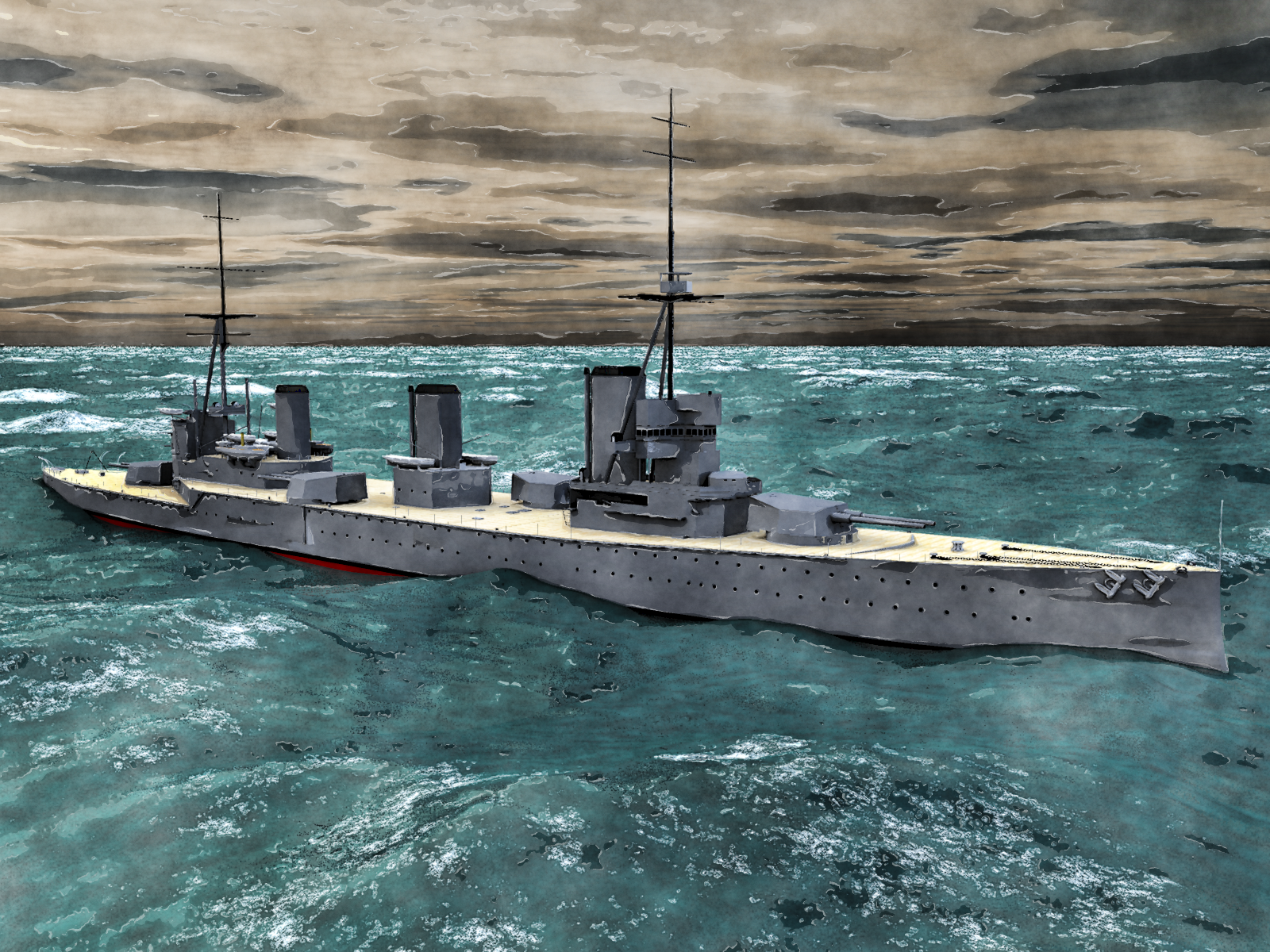
awesome @bunyip02
did you model HMASAust?
Hello Stezza, it is a Sketchup Warehouse model, do a search for HMAS Australia at the Warehouse and you should find it.
I still need to get serious about my 3D modelling.....
Daz 3D is part of

Connect
DAZ Productions, Inc.
7533 S Center View Ct #4664
West Jordan, UT 84084Licensing Agreement | Terms of Service | Privacy Policy | EULA
© 2026 Daz Productions Inc. All Rights Reserved.