-
Star Trek Builders Unite 8: THE REBOOT
Dodger said:
xialiubei said:
Has there ever been a Worf morph? I haven't been able to find one anywhere.
I should probably make one, plus uniform. I already have the season 1 sash (in the TOS) but it would need reversed.
That would be amazing. Your morphs are out of this world.
Face transfer questionI just started using face transfer. Pretty cool!Why does Braided Band Hair take 2.3 GB of space?Taoz said:
PerttiA said:
So, what is it actually, that's taking the space on the disk?
The morphs - 1.1 GB, and the double because they're duplicated.
Wow... 1.1GB's worth of "move point(xyz) to point(x+0.02,y+0.0001,z-0,008)"... Means that everytime you touch a morph dial, the memory consumption will increase considerably.
Texture map/ templateI had a question I've already researched a lot to make custom morph for sale myself, but I just don't understand one thing how it works with the texture map templates,
for example if I make my own custom morph on genesis 8 or another base figure to sell I may copy the texture map template and then make my own changes.
or do i have to make a new uv template all by myself
I really hope you can help me further because I don't know I'm really talking about the basic figure and not about the charcters that others make.greetings judith
I hope I'm posting this in the right thread, otherwise let me know
this is a translatio
[Released] Character Converter from Genesis 3 Female to Genesis 8 Female(Now Conv JCMs) [Commercial]xyer0 said:
Sorry to jump in line, but does checking/ticking Hide Eyes solve the problem of eyeballs losing their sphericality? (These are non-stylized Core Figures---normal eyes). And if it does, are there any caveats?
In a tangential way yes but also no.
 . The Hide Eyes checkbox controls whether the script will hide the eyes during the conversion process. This option controls whether the script avoids the eyes being used in the conversion process. This option is designed to be used (checked) with the 2019 conversion process. The 2020 and legacy process should leave it unchecked. A very, very low Tolerance (0.0005), especially with the legacy method and some with the 2020 method, would help with spherical eyes. If you want to experiment, my suggestion is to uncheck "Convert Corrective Morphs" (as each morph adds time to conversion process). Make sure you delete the morphs between conversion attempts.[Released] Character Converter from Genesis 3 Female to Genesis 8 Female(Now Conv JCMs) [Commercial]
wiktor.fryszka said:
Hello can anyone here tell me where does the character converter save the morphs it created to? I encountered the same issue where the converted character's neck gets ridiculously streatched out and I can't find the morph that the converter created... so does anyone know where the converter saves the morphs it creates?
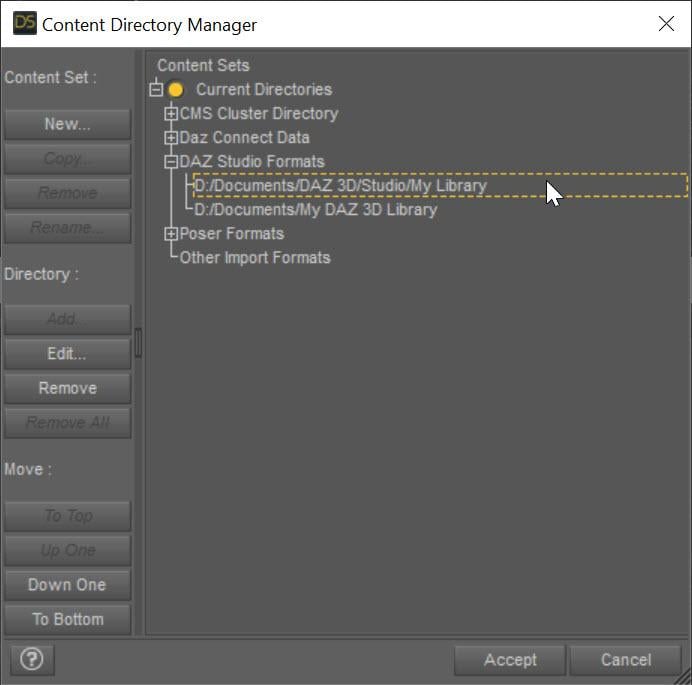
The converted morphs go in data/DAZ 3D/Genesis 8/Female/Morphs under the FIRST directory for Daz Studio Formats specified in the Content Directory Manager (F2->"Content" tab->"Content Directory Manager..." button)
 Why does Braided Band Hair take 2.3 GB of space?
PerttiA said:
Taoz said:
Also, if the morph files were compressed, they would take up less than 1/5 of the current disk space (the combined size of the compressed install zips for both hair and addons is just 727 MB, and that includes the redundant files).
But I don't know if DS supports compressed .dsf files?
Compressing files to save storage space is one thing, but when those files are being read into memory, they must be uncompressed just like the image files.
Sure, but we're talking disk space here.
Why does Braided Band Hair take 2.3 GB of space?Taoz said:
Also, if the morph files were compressed, they would take up less than 1/5 of the current disk space (the combined size of the compressed install zips for both hair and addons is just 727 MB, and that includes the redundant files).
But I don't know if DS supports compressed .dsf files?
Compressing files to save storage space is one thing, but when those files are being read into memory, they must be uncompressed just like the image files.
Why does Braided Band Hair take 2.3 GB of space?Also, if the morph files were compressed, they would take up about 1/4 of the current disk space (the combined size of the compressed install zips for both hair and addons is just 727 MB, and that includes the redundant files).
But I don't know if DS supports compressed .dsf files?
Dforce TreesThere are some old willow trees in the store .. and there's one in https://www.daz3d.com/the-orangery which you may have. I haven't time to try it right now but it might take a dforce modifier - may have to adjust the weights on it [make red things that are not to move] and I would recommend removing all the rest of the scene before running the sim. IF it takes, me with this computer would make and save a morph of the animation. Then load in whatever parts of the scene desired and one could also animate the morph [if doing animations]. I hope that works.
I don't have this one ... the willow in there looks like a good candidate {if it doesn't fall to pieces} https://www.daz3d.com/orestes-trees-vol-1
Update: the trees in the orangery are not willing subjects for dforce. One tree lost its trunk!
So yes, this has to be a good idea for a new product: Trees that can be used with dForce!
Face transfer questionCrystalwizard said:
I have an existing character - gorilla for Gen 8 males - in a scene. i would really like to use face transfer to put a friend's face on the gorilla. I want to use this character because it's got all the hair in place - rather than just using the Gorilla morph
Is this possible?
After making a texture image of your friend's face [Face Transfer saves it when you save the scene subset it makes], then use it instead of the Gorilla's face/lips/ear/eye socket face image. Then apply the fur and carry on.
Star Trek Builders Unite 8: THE REBOOTxialiubei said:
Has there ever been a Worf morph? I haven't been able to find one anywhere.
I should probably make one, plus uniform. I already have the season 1 sash (in the TOS) but it would need reversed.
Face transfer questionI have an existing character - gorilla for Gen 8 males - in a scene. i would really like to use face transfer to put a friend's face on the gorilla. I want to use this character because it's got all the hair in place - rather than just using the Gorilla morph
Is this possible?
I'm looking for a specific kind of Crossbow (open to commissioning one)Hi folks, I'm looking for a specific prop/weapon, and I was hoping somebody might be able to point me in the right direction of where to find one.
What I'm looking for is a very specific kind of crossbow. The best way I could describe it is a standard medieval crossbow, but with a stock, grip, butt, and trigger similar to something like a musket, or WW1 or WW2-era rifle. It's not a modern crossbow I'm looking for, but rather an actual medieval crossbow, just with a modern rifle butt/stock. I've attached a few images to show what I'm talking about.
I've picked up quite a few crossbows from the store (I've even bought products I have no use for, simply because they include a crossbow!), but none of them have really suited what I need. I've tried "kitbashing" different props together, hiding certain parts with "cutout opacity" and retexturing them for a uniform look, but they always look pretty bad.
I'm not even looking for anything particularly fancy or detailed. No swirling, artistic engravings along the frame or anything like that; just a simple, sturdy, utalitarian crossbow. Ideally one with a morph where the string can be left loose or pulled taught (for when it's cocked and loaded), and preferably one where the different parts can be retextured indiviudally (so I can change the wood on the frame, but without affecting the bow, or string, or trigger, etc).I know it's a bit of a specific request and an odd ask, but if anyone knows where I can find something like that, I'd really appreciate it. Or if you know somebody who would make one for me on commission, I'd be open to exploring that option too!
Thanks in advance!
Pose product questionhttps://www.daz3d.com/bianca-morph-poses-and-expressions-and-chair-prop-for-genesis-8-female
Do you guys think this would work with Bugga Boo??
Brilliant poses!!!
I'm hoping there will be more items that include Genesis 8 Female AND Bugga Boo!!!
Issue modifying Maya Bridge export scriptBy default the Maya Bridge script exports all of the facial expressions out of DAZ. I had it working pre-covid where I specified my own custom morphs/expressions to export but have since reformatted my system and didnt save the old script. I'm trying to get it working again but am having trouble for some reason. It's acting like its not reading the same script i am editing but I have triple checked and cant see why. In creating this post it wouldnt let me upload the script so I put a pastebin link below. Lines 535-539 are where I made my changes and added comments. Its still exporting every facial expression in my library and its not exporting any of the elements I specify on line 539. I have also tried entering a single morph name to export and it doesnt export it.
Link to pastebin:
// DAZ Studio version 4.12.0.86 filetype DAZ Script(function(){ var s_o - Pastebin.com
I am editing the script located at:
C:\Users\userName\AppData\Roaming\DAZ 3D\Studio4 Public Build\scripts\support\DAZ\Daz to Maya.dsa
DAZ Studio Public Build 4.15 is the only version I have installed.
Thank you for any help!
Star Trek Builders Unite 8: THE REBOOTHas there ever been a Worf morph? I haven't been able to find one anywhere.
[Released] Character Converter from Genesis 3 Female to Genesis 8 Female(Now Conv JCMs) [Commercial]Hello can anyone here tell me where does the character converter save the morphs it created to? I encountered the same issue where the converted character's neck gets ridiculously streatched out and I can't find the morph that the converter created... so does anyone know where the converter saves the morphs it creates?
HAPPY 4TH of JULY!!!I was already using Lara, and now I've mixed in Sol, who is also an absolute cutie!
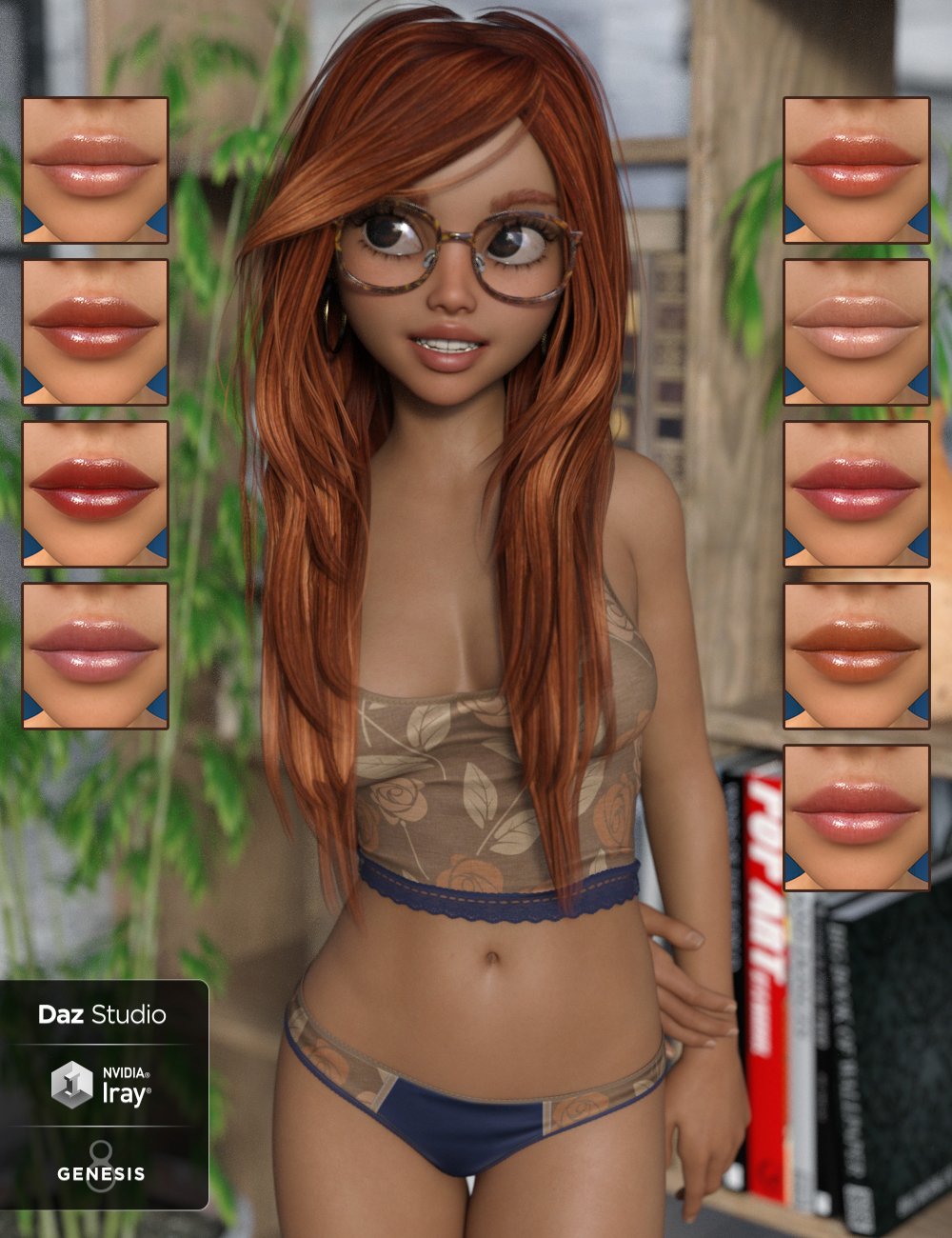
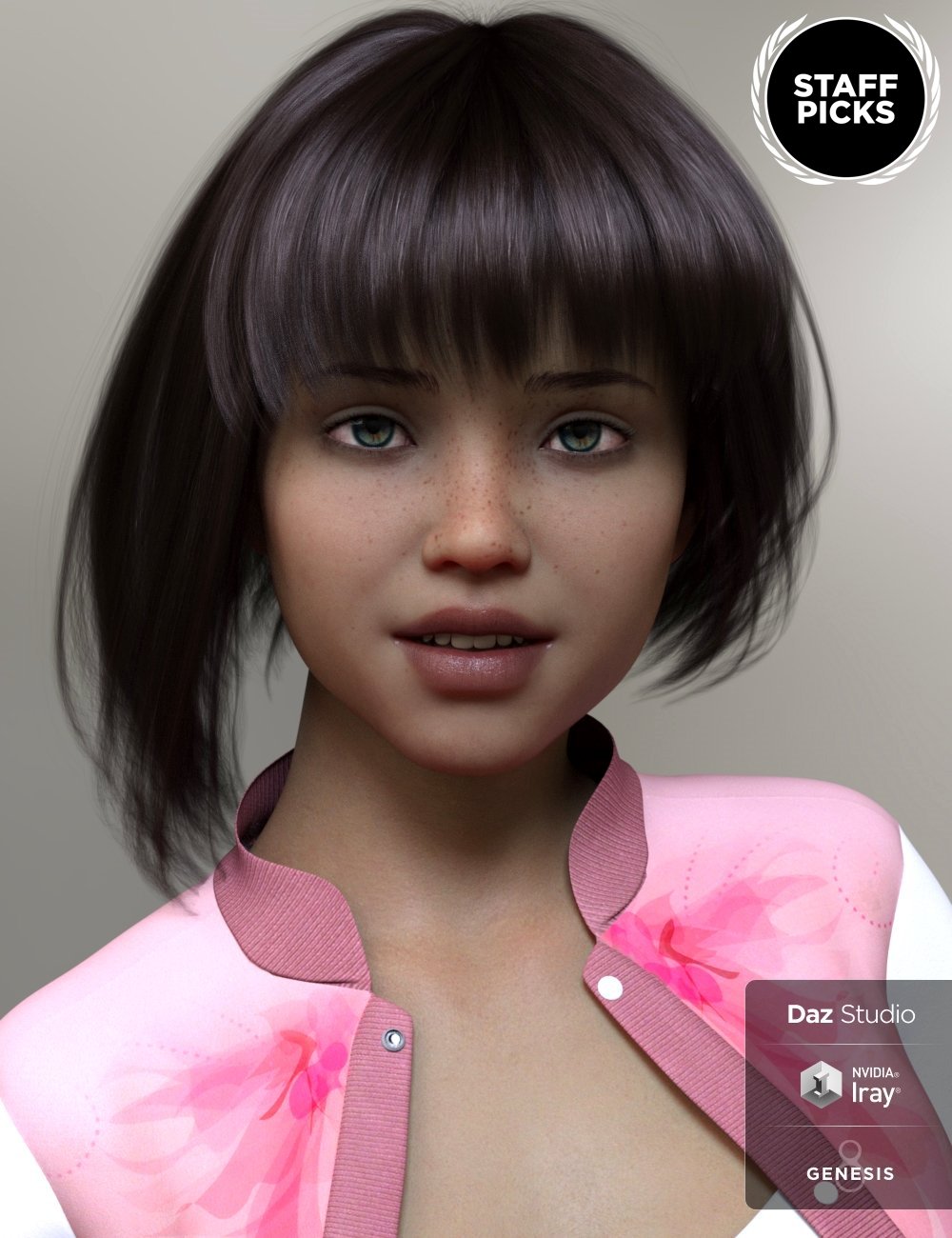
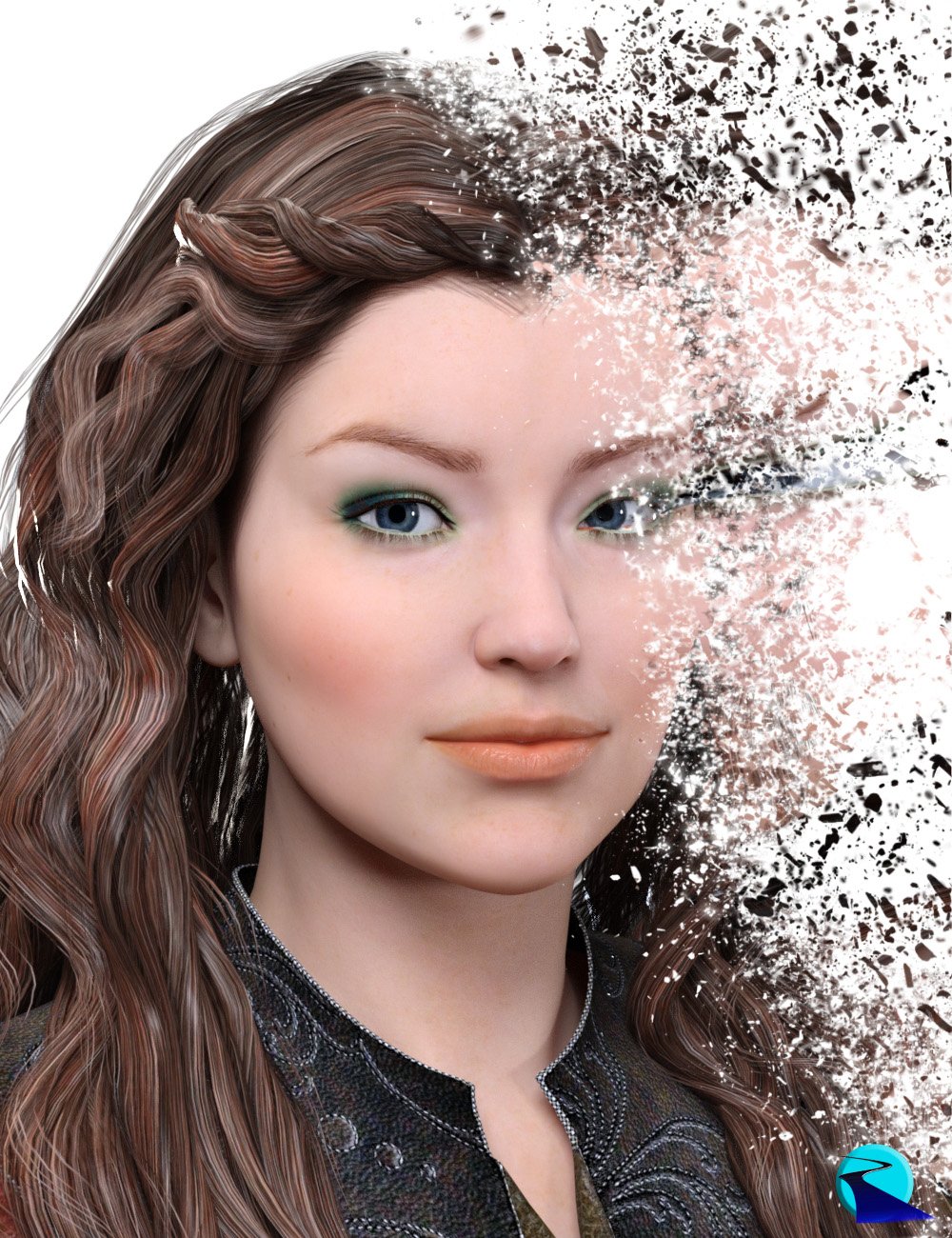
I was still needing some morphs that I couldn't find anywhere for Genesis 8 Female, so I bought RiverSoft Art's Character Convertor - Genesis 2 Female to Genesis 8 Female.
What I couldn't get from Genesis 2 Female, I used GenX2 to send morphs to G2F and then add them that way. I had too much fun and got a little carried away, so I have some morph cleanup to do! ;)
An angry rant (but not exactly at DAZ)Ok, but what about exporting just PBR materials from the other programs and incorporating them into iray Uber Shader in Daz Studio?
There is a Map Master Pro, that suppose to help with the transfer of the maps:
Daz 3D is part of

Connect
DAZ Productions, Inc.
7533 S Center View Ct #4664
West Jordan, UT 84084Licensing Agreement | Terms of Service | Privacy Policy | EULA
© 2026 Daz Productions Inc. All Rights Reserved.