-
Do we have a Mac (M1) version of DAZ Studio yet?
I have a MacBook Pro M1, 16 GB, 1TB with one external HD for Daz's content, and that is now almost full. I have had to remove UltraScenery XT until it can be updated for the latest MacOS Monterey update that was released a few days before USXT was released for sale in the store. I have two other computers with Win 10 that can do it. I can run the original UltraScenery on it.
I find some things work really fast, others not so much. Render times are actually not that bad. I would love to have Filament on it though.
MetaMixerWendyLuvsCatz said:
it doesn't play well on my computer or I would have grabbed many of the presets when they were cheap, Filament works well on its own but with this it is very very laggy, pity it cannot use openGL view to show all the controls.
To remove the lag either (a) delete any attached figures including the Tear and Eyelashes, or (b) do not use the MetaMixer camera, use Perspective View instead. MetaMixer also works with any rendering style: Shaded, Textured, Filament, etc.
Another way to improve general Studio performance is to go to the Draw Settings -> SubDivision Updates and set it to "Delayed".
More Non-photorealistic Renders (NPR III)Very lovely renders! That JS Toon Kit is quite versatile. Do you use it also with Daz Filament renders?
Thanks for sharing.
Cheers!
juvesatriani said:

Another one this time using IRAY and JS Toon kit action
UltraScenery - new territory [Commercial]TheSolitaryMystic said:
Tugpsx said:
Be sure you are using the Studio drivers, If I recall i had a similar problem when i got my RTX360 12GB. I had to remove my other GPU in order for the correct drivers to be installed on the RTX360.
I went back to 472.84 to get studio working properly. Also be sure to set rendering to GPU only. With the faster cards somehow GPU+ CPU combo slows doen the render sometimes.
Thanks for the tip on the unchecking the CPU and switching to studio drivers. I went ahead and tried those and unfortunately it hasn't really solved the issue.
I am able to navigate the scene if I hide most of the instances (which still seem to be generating at a crazy high leve still). However, just a few weeks ago that wasn't necessary and i could navigate the scene immediately after it was built without hiding anything.
 Sorry we haven't been able to help yet. Maybe digging deeper into the details would give some clues.
- What ecology are you using?
- What feature are you using?
- Are you using a height map in the Scene tab or just noise?
- What viewport drawstyle are you using when you are navigating? (Texture Shaded, Filament, etc. I believe you said you are not using Iray Preview)
- Do you have an Aux Viewport pane open in Iray Preview mode, even if your main viewport is not in Iray Preview?
- You should be seeing just the terrain and the tree proxies in the viewport. Do you see actual instances?
- Do you have other elements in your scene (figures, props, etc.)
Some screenshots of the viewport and the Scene pane showing how many instances are being generated might help.
Attach a sample scene (duf file) that you have built so other people can try it and see if there is something strange happening to them, with that scene, too.
3DL viewport preview RendererI've been a hobbyist at this stuff since getting introduced to 3D computer graphics in 2007 (Bryce 5, iClone 2, then Daz Studio 2, 3DS Max, Poser 8, and others along the way) but now having retired, I have more time to play with it. Having a 3DL preview option in the viewport would be nice, but inasmuch as Daz3D introduced Filament a couple of years ago, and touted Octane too, I don’t think the addition of a 3DL previewer is on the list of things to add.
UltraScenery - new territory [Commercial]Tugpsx said:
Be sure you are using the Studio drivers, If I recall i had a similar problem when i got my RTX360 12GB. I had to remove my other GPU in order for the correct drivers to be installed on the RTX360.
I went back to 472.84 to get studio working properly. Also be sure to set rendering to GPU only. With the faster cards somehow GPU+ CPU combo slows doen the render sometimes.
Thanks for the tip on the unchecking the CPU and switching to studio drivers. I went ahead and tried those and unfortunately it hasn't really solved the issue.
I am able to navigate the scene if I hide most of the instances (which still seem to be generating at a crazy high leve still). However, just a few weeks ago that wasn't necessary and i could navigate the scene immediately after it was built without hiding anything.
Edit: Tech support helped me figure out the solution to my issue. Apparently having viewport set to filament was the problem. Changing it to "texture shaded" has resolved my issue.
Daz Studio Pro BETA - version 4.20.0.17! (*UPDATED*)Imago said:
Richard Haseltine said:
Well, the one that is part of the Timeline should certainly get a report.
Yes, please, it's another colossal obstacle to animations. Also, please, tell them about the unmovable triangles and impossible to copy-paste keyframes in timeline, perhaps the devs will listen to you more than me.
I would really love to try Filament and other new stuff for real but until all the bugs on the animation tools aren't fixed I have to stay with DAZ Studio 4.12.
You know you can have version 4.12 and 4.20 installed simultaneously, that includes the general release and the beta... There is no need to be stuck with that version only.
Daz Studio Pro BETA - version 4.20.0.17! (*UPDATED*)Richard Haseltine said:
Well, the one that is part of the Timeline should certainly get a report.
Yes, please, it's another colossal obstacle to animations. Also, please, tell them about the unmovable triangles and impossible to copy-paste keyframes in timeline, perhaps the devs will listen to you more than me.
I would really love to try Filament and other new stuff for real but until all the bugs on the animation tools aren't fixed I have to stay with DAZ Studio 4.12.
Ghost Lights - What's happening, and what's next.Far as I understand it, Filament doesn't support ghostlights. Or any kind of emissive-based lights, come to that. You have to use pointlights and spotlights like in old 3DLight.
Ghost Lights - What's happening, and what's next.When the Ghost Light Kit Number 2 comes out, hopefully somewill note if it will work in DS 4.16.0.3 with the same adjustments that make Kit 1 work.
Also, regarding Filament, do Ghost Lights work with a Filament render? (Filament is not yet working on the Mac platform.)
Volumetric Effects in Daz Studio.Rafmer said:
At first glance I can say two things: The density multiplier is way too low, and volumetric effects only work in Iray.
Daz uploaded a video tutorial in their official channel in youtube that may come in handy to you.
OK, thanks. I will raise the density multiplier. The render is actually in iRay but my viewport is only Filament as I have no nVidia RTX card. I will watch that video too.
Emissive Glow with 3Delight Render Enginestick a point light by it
I just wish Filament had an ambient shader at least
Solved - Ground Decal New Release - What is required? What is AOTP Ground?WendyLuvsCatz said:
do iray decals apply to more than one thing?
I admit I never tried them, in Unreal and Twinmotion decals do and have offset and other settings, the iray ones sady don't work in Filament hence my never using them, yet ironically they export as a separate mesh in obj or FBX to other softwares.
All good questions. I don't know. This is my first time experimenting with this type of content which might be why I am so clueless.
Solved - Ground Decal New Release - What is required? What is AOTP Ground?do iray decals apply to more than one thing?
I admit I never tried them, in Unreal and Twinmotion decals do and have offset and other settings, the iray ones sady don't work in Filament hence my never using them, yet ironically they export as a separate mesh in obj or FBX to other softwares.
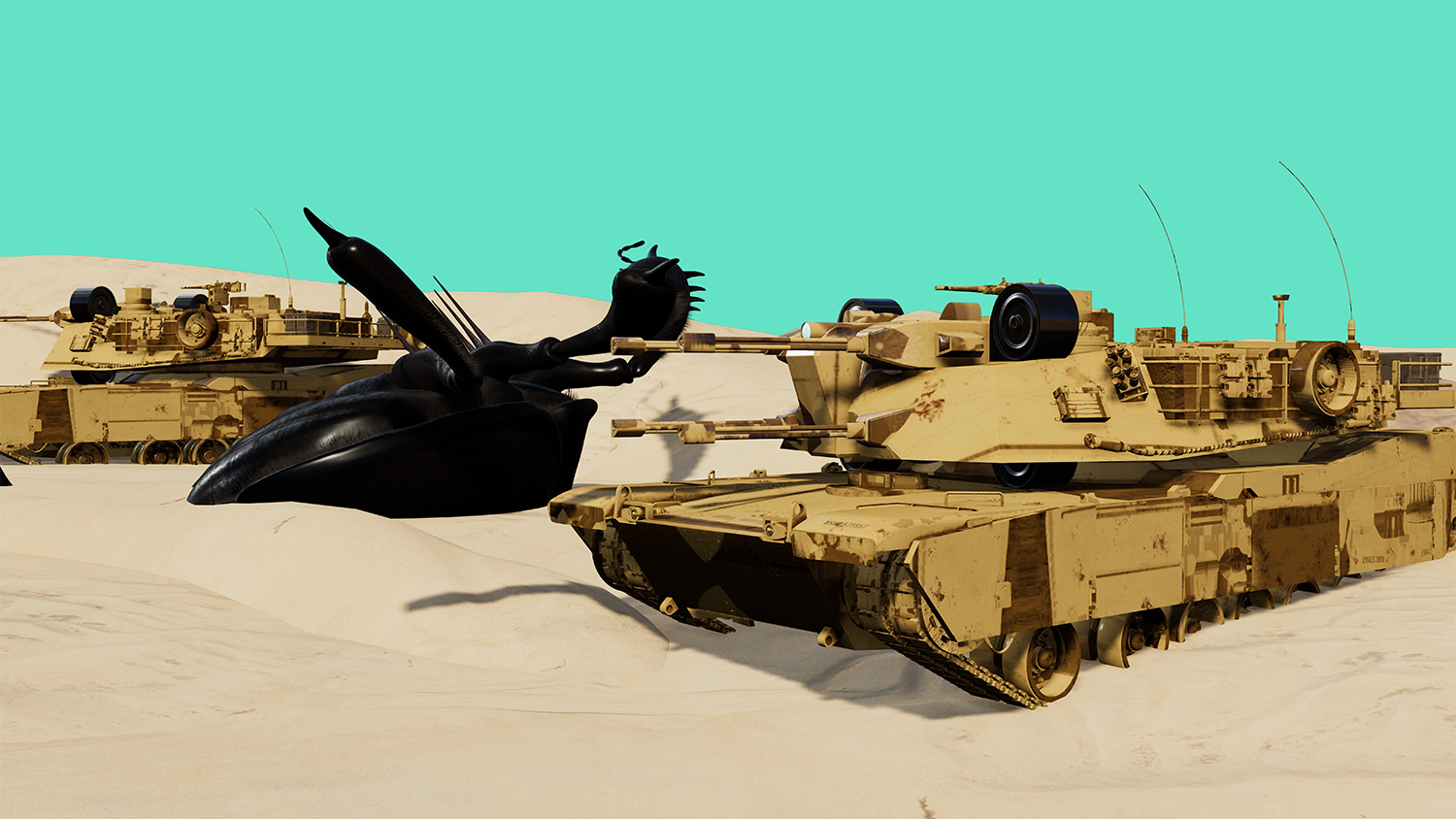
Filament bring out the RendersLast month I discovered in my DAZ 19: Filament, sometime works good:
 Off Topic Thread #2
no Filament hasn't even got compatible shaders in DAZ studio except for some glass ones I bought, not shader bricks for them, DAZ needs to do something about that if they want to keep depriving users of Nvidia cards by supporting the cryptobros with their (3 letter word).
I use Unreal Engine which has its own dedicated material system and usually need to manually import maps other than diffuse.
Likewise with Twinmotion which was built using Unreal Engine, is like a game for Achitects to do Archvis!
Off Topic Thread #2Thanks. You also animate in one of the game engines, don't you? Which one? Are the shaders designed for Filament more compatible with whichever game engine that you use? If not, what is? My friend sends me samples of his progress and asks me questions about where various texture maps go and I don't always know how things match up. For example, AORM maps were completely new to me (three color channels in a map, so the ambient occlusion is measured in one, roughness in a second, and metalicity in a third).
I did a couple of experiments of taking some of my silly puppet models and animating them in mixamo. What format for the rigging would I need to send them to unity or unreal or whatever you have been using? What about textures?
Off Topic Thread #2Diomede said:
Do you think the trend overall will be toward Filament? I have one friend who is an amateur game developer for iphones. He is making his own augmented reality game. Basic humans versus zombies stuff. I noticed that in order to use on phones, the augmented reality folks are taking a big step backwards from hyper-realism. Lower poly counts. Smaller texture maps. Etc. Is filament more resource-efficient and therefore more compatible for the moment?
well it doesn't need a Nvidia Graphics card which is the biggest advantage for me

and yes realism is overrated IMO, I prefer your and Stezza's original models to hyperrealistic DAZ G8.1 HD figures with vellus hairs any day
 Off Topic Thread #2
Do you think the trend overall will be toward Filament? I have one friend who is an amateur game developer for iphones. He is making his own augmented reality game. Basic humans versus zombies stuff. I noticed that in order to use on phones, the augmented reality folks are taking a big step backwards from hyper-realism. Lower poly counts. Smaller texture maps. Etc. Is filament more resource-efficient and therefore more compatible for the moment?
Off Topic Thread #2yes I often look at that thread and wish we still had Howie and a few others who moved on but understand why they would.
Their work is brilliant but DAZ Studio and my hardware are not a great match and it doesn't work with Filament.
I mostly use Filament now in studio.
Daz 3D is part of

Connect
DAZ Productions, Inc.
7533 S Center View Ct #4664
West Jordan, UT 84084Licensing Agreement | Terms of Service | Privacy Policy | EULA
© 2026 Daz Productions Inc. All Rights Reserved.