-
EZFinder - Advanced Content Manager for Daz Studio
-
-
-
-
$198.99
Artist:Compatible Figures:Genesis, Genesis 2 Female, Genesis 2 Male, Genesis 8 Female, Genesis 8.1 Female, Genesis 8.1 Male, Genesis 9, Michael 4, Genesis 3 Female, Genesis 3 Male, Genesis 8 Male, Victoria 4SKU:114241Optional License Add-Ons:
$1.99*Unless otherwise specified, no discounts or offers will apply to License Add‑Ons.
Artist: EZ3DTVCompatible Figures: Genesis, Genesis 2 Female, Genesis 2 Male, Genesis 8 Female, Genesis 8.1 Female, Genesis 8.1 Male, Genesis 9, Michael 4, Genesis 3 Female, Genesis 3 Male, Genesis 8 Male, Victoria 4SKU:114241Optional License Add-Ons:
$1.99*Unless otherwise specified, no discounts or offers will apply to License Add‑Ons.
-
Details
EZFINDER – ADVANCED CONTENT MANAGER FOR DAZ STUDIO
OVERVIEW
EZFinder is a powerful standalone content management application designed for DAZ Studio users. Whether you have hundreds or hundreds of thousands of assets, EZFinder helps you browse, organize, and inject content into DAZ Studio with exceptional speed and efficiency. It puts your entire library at your fingertips.
LIGHTNING FAST CONTENT BROWSING
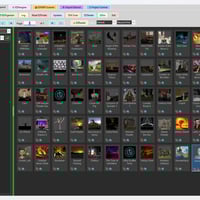
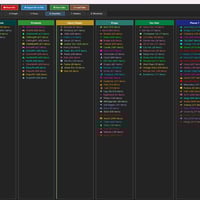
EZFinder scans your content library and creates organized Compartments that load instantly. Browse thousands of thumbnails without lag or delays. The intelligent caching system keeps your content ready the moment you need it. Add, move, or delete items without ever altering your actual Daz Library. Double-click any Compartment to inject its contents into the Main UI and start browsing immediately. Save and back up folders, panels, tabs, and layouts with ease.
TWO-STEP INJECT WORKFLOW
Applying content is simple and efficient. Double-click any asset in EZFinder to queue it for injection, then click the EZLaunch toolbar icon in DAZ Studio to apply it to your scene. This streamlined two-step workflow eliminates the need to dig through complex folder structures. Poses, clothing, hair, materials, and more are injected smoothly in just two clicks.
VIRTUAL FOLDER ORGANIZATION
Create your own personalized structure with Virtual Folders. The Organizer panel lets you drag and drop content into custom folders and tabs without moving any real files. Build collections for projects, favorite characters, or themed sets. Your organization is saved and ready every time you return to EZFinder.
SMART PRODUCT DETECTION
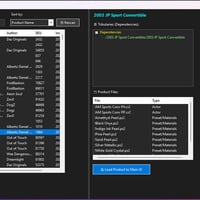
EZFinder reads your product metadata to display detailed information, including product names, vendors, and compatibility. The Links Panel shows related items from the same product, making it easy to locate matching accessories, textures, and companion files. Select an item and instantly view everything included with it.
KEY FEATURES
- Standalone application that runs alongside DAZ Studio
- Fast thumbnail browsing with intelligent caching
- Compartment-based organization for instant content access
- Two-step inject workflow with EZLaunch toolbar integration
- Virtual Folders for custom organization without moving files
- Product metadata display with related item discovery
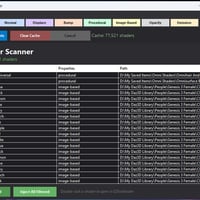
- Project Scanner for cataloging saved scenes
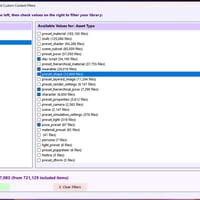
- Powerful search and filtering capabilities
- Support for multiple DAZ Studio versionsPERFECT FOR LARGE LIBRARIES
If your content library feels overwhelming, EZFinder is built to handle it. Designed to scale effortlessly, it performs smoothly whether you have 1,000 assets or more than 100,000. Spend less time searching and more time creating.
What's Included and Features
-
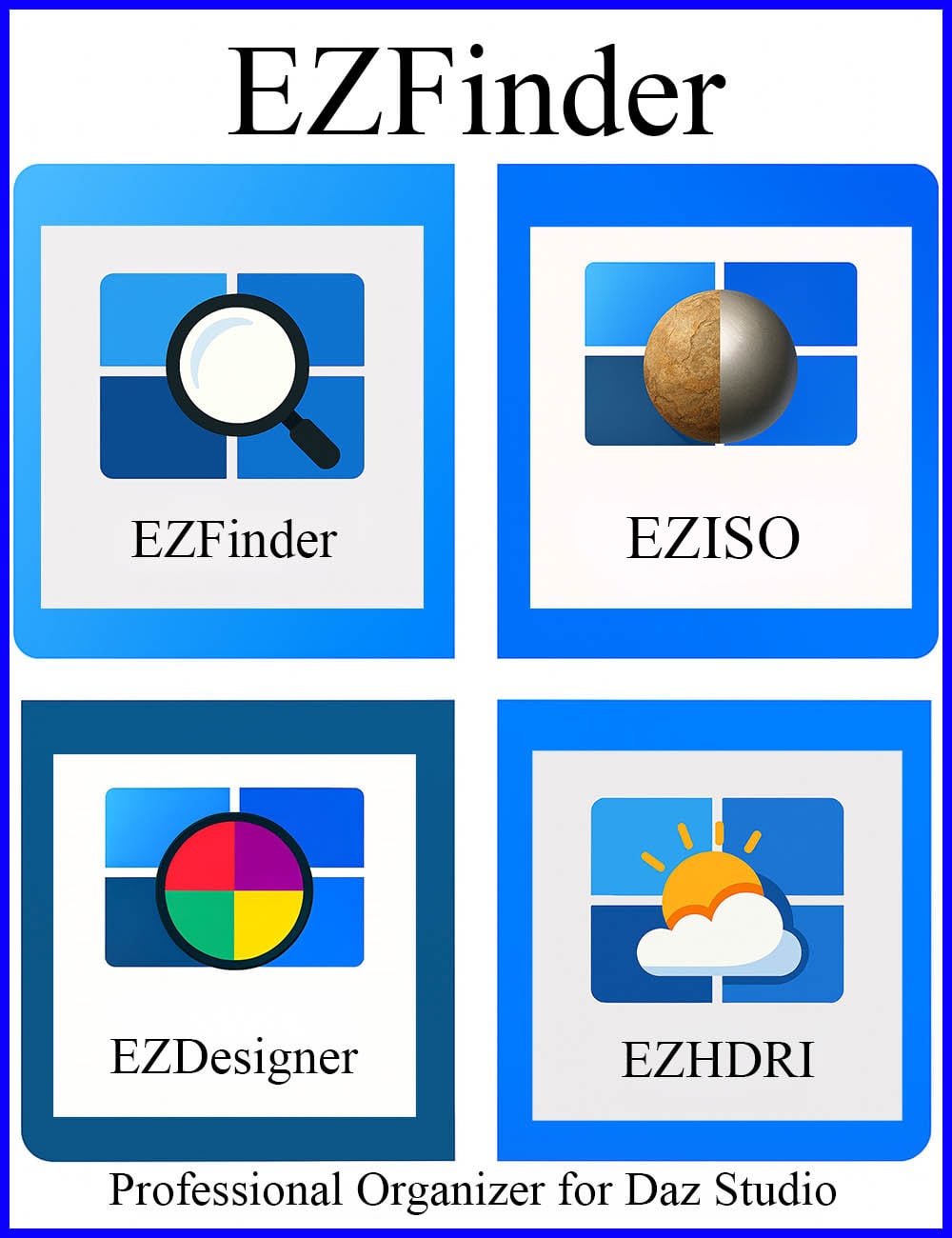
EZFinder - Application Suite
- - EZFinder (main application)
- - EZOrganizer folders, panels and tabs (Save/Load)
- - EZDesigner custom content filters
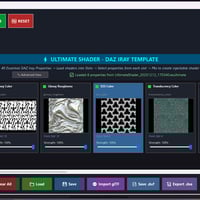
- - EZReader shader image detective scanner
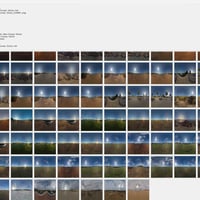
- - EZHDRI scanner
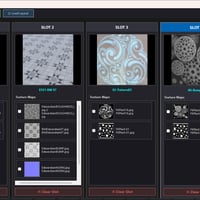
- - EZShader (EZISO) shader blending tool
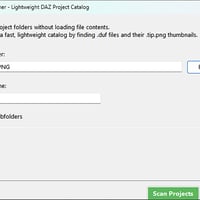
- - Project Scanner - Scan custom projects, characters, clothing...
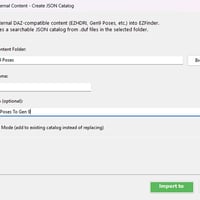
- - External Scanner - for converted poses, shapes etc
- - EZLaunch Quick Inject Script
- - EZToolbar Setup Script
- - Comprehensive User Manual (PDF, DOCX, and TXT formats)
Notes
- This product includes:
- 1 DSON Core Installer
-
EZFinder - Application Suite









Daz 3D is part of 
Connect
DAZ Productions, Inc.
7533 S Center View Ct #4664
West Jordan, UT 84084
Licensing Agreement | Terms of Service | Privacy Policy | EULA
© 2026 Daz Productions Inc. All Rights Reserved.