Ultrascenery 2
& bryce 7 pro
Landscaping, Environment, & ecosystem software
UltraScenery 2
Construct 3D Landscapes
UltraScenery 2 is a powerful 3D environment creation tool that enables artists to design, customize, and render detailed and realistic landscapes and ecosystems
- Customize details using simple dial and dropdown settings
- Build mixed Biome layers and use various blending choices
- Seed your ecosystem and use layers for varied landscapes
- NVIDIA Iray supported atmosphere creation for faster renders
- Use presets, import real world maps, and control heightmaps

WATER

TERRAIN

ATMOSPHERE

REALISTIC
LANDSCAPING SYSTEM
Leveraging Studio's plug-in architecture, UltraScenery 2 offers speed, scalability, and versatility for environment creation

Bryce 7 Pro
Build Your 3D Environment
Bryce is an award-winning 3D modeling and animation package designed to allow users to quickly create and render stunning 3D environments
- Simple to use presets to create amazing landscapes
- Use the built-in editor to paint maps, detail, and erosion
- Create mixed terrains and blend with real world maps
- Seed your ecosystem with trees and other density details
- Control your atmosphere with customizable clouds
WATER

TERRAIN

ATMOSPHERE

CHOOSE YOUR Landscape
Generation tool
|
ULTRASCENERY 2
|
BRYCE 7 PRO
|
|
|---|---|---|
| LATEST RELEASE | Spring 2024 | Winter 2010 |
| SYSTEM COMPATIBILITY | 64-bit | 32-bit |
| ASSET COMPATIBILITY | Can use any Daz Studio asset | OBJ imports and older Daz assets |
| ASSET RIGGING | Assets remain intact, rigged,and usable | No rigging or changes to assets |
| CUSTOMIZATION | Customization via dials and dropdown settings | Simple to use presets but minimal advanced customization |
| HEIGHT MAPS | Import real landscape height maps | Import real landscape height maps |
| WATER | Presets, customizable settings via dials and dropdowns | Built-in editor, presets, customizable settings |
| MIX TERRAINS | Built on mixed Biome layers, customizable via interface | Use different terrains and blend with maps |
| ATMOSPHERE | Uses Iray settings for faster, more up-to-date renders | Built-in editor with customizable settings |
| SOFTWARE COMPATIBILITY | Compatible with all softwares | Not compatible with MacOS 10.7 and above |
| Add to cart | Add to cart |
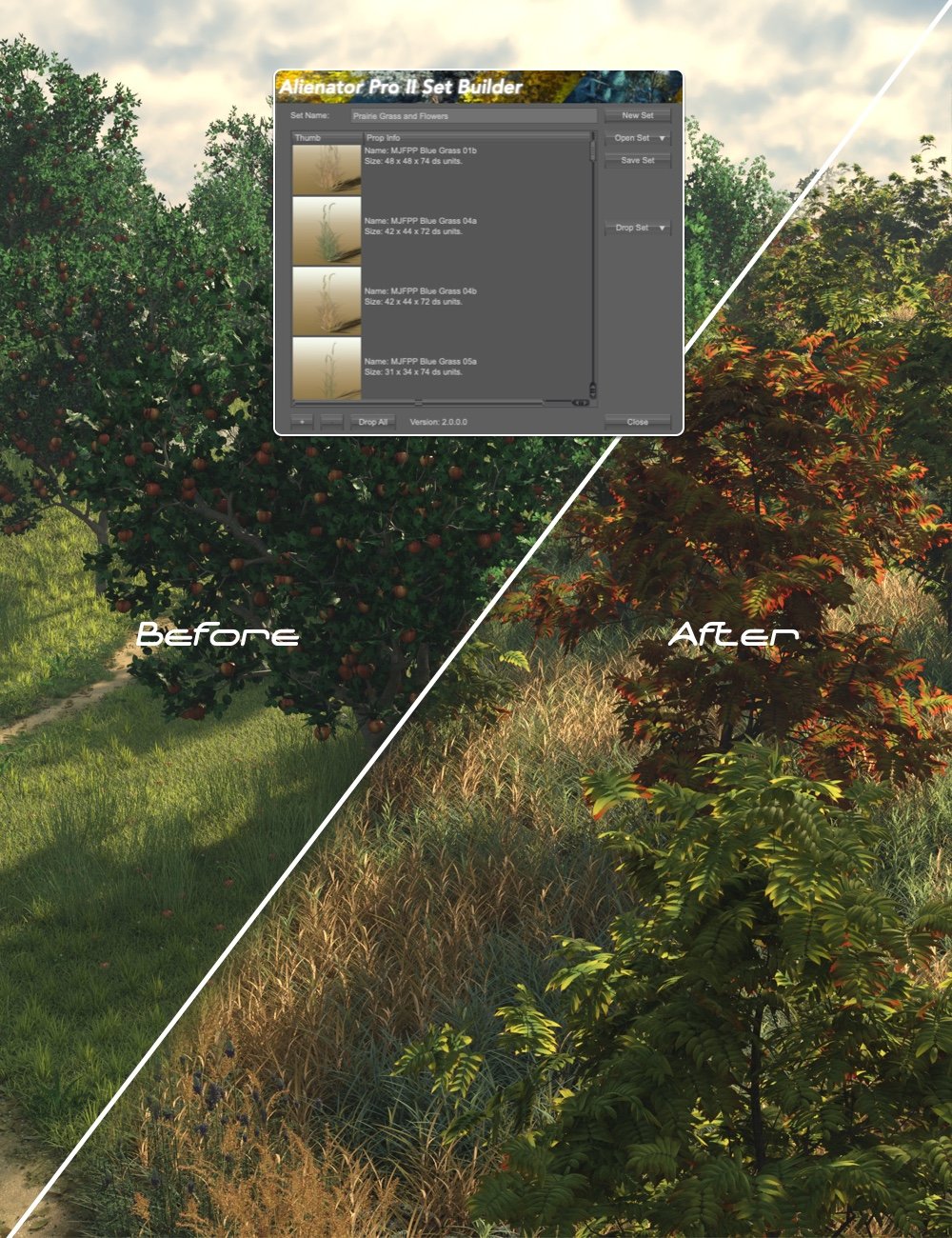
UltraScenery 2 Add-on Products
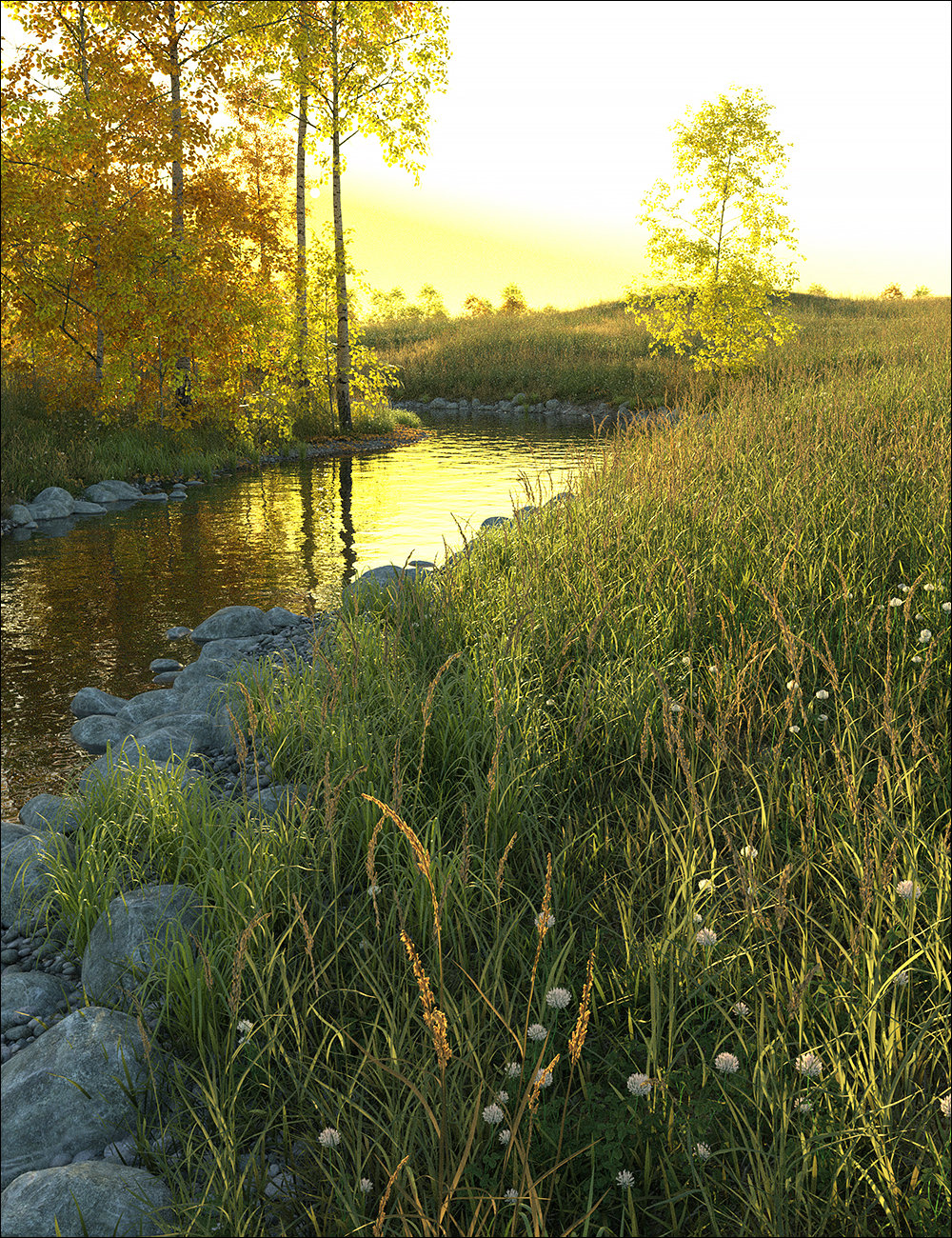


Bryce 7 Pro Add-on Products



Daz 3D is part of 
Connect
DAZ Productions, Inc.
7533 S Center View Ct #4664
West Jordan, UT 84084
Licensing Agreement | Terms of Service | Privacy Policy | EULA
© 2026 Daz Productions Inc. All Rights Reserved.