Contact Us
Tutorials | PRESS & PR | FAQ | Learn More
Watch Free Tutorials & Learn from the Experts
Learn how to pose, animate and render your scenes with our free YouTube tutorials.
Contact Us
We respond to help requests as soon as possible. Please check the link below before submitting your request.
FIND ANSWERSCareers
We believe in rewarding outstanding work, promoting from within and building up with our employees. It’s fun, supportive, competitive and a great place to grow.
JOIN DAZ & TAFIPress & PR
Member of the press? Send us an email to get the scoop on the latest from Daz 3D. Please send all press-related inquiries to [email protected], we’d love to hear from you!
LEARN MOREAbout Daz 3D
Daz 3D has been a leader in the 3D digital asset industry for over 15 years. From design hobbyists to the professional market, we strive to create incredible, easy to design renders.
Forums
Connect with other Daz users on everything from questions, tips, to general discussion.
Wiki Documentation
Get in-depth technical instruction and documentation on how to get the most out of Daz Studio.
Frequently Asked Questions


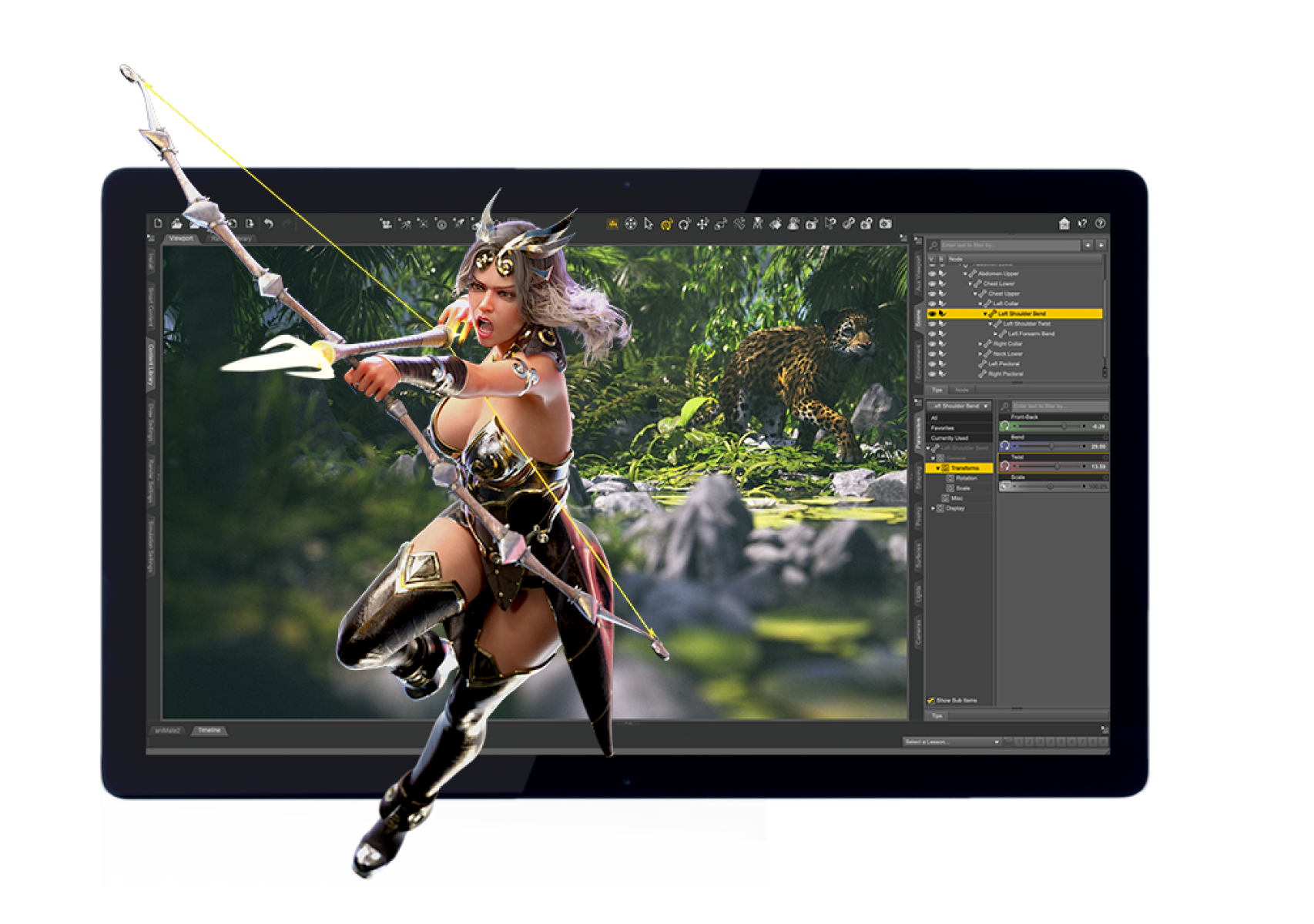
Daz Studio is our free 3D software that allows beginners and professionals alike to create one-of-a-kind characters and scenes. It uses a customizable character platform and over 35,000 ready-made modular products available on our store — or any 3D asset you model yourself! Render your art when you’re finished, or use our bridges to transfer your work from Daz Studio to other popular 3D software.
Ready to download Daz Studio and get started? Register now.
Daz Install Manager (DIM) is our easy-to-use content manager that is a must-have for updating, organizing and managing your Daz content. It allows you to open your content in Daz Studio directly from DIM, making the creative process from start to finish sleek and effortless.
Signing up is easy. Just register for a Daz 3D account, and follow the instructions given afterward to start your free download of Daz Install Manager (DIM) and Daz Studio.
If you’re not seeing the answer to your question in the FAQs, our Customer Service team is here to help! Submit a request here, and fill out the required fields so our team can resolve the issue as quickly and efficiently as possible.
Bryce 7 Pro is a standalone software for creating and animating 3D environments, and Carrara 8.5 Pro allows you to model, create environmental effects, animate, and render all in one application. Both are compatible with Daz Studio.
The first step is to review our guidelines to see what types of content we accept and how to package them for submission. Then, submit your work here. We’ll review and test it, working with you through each step. Once it’s approved and released in the Daz store, your work will be available to the public for purchase.

