-
Freebie Challenge June 2026 - "INVASION!" - Main Thread
Stezza said:
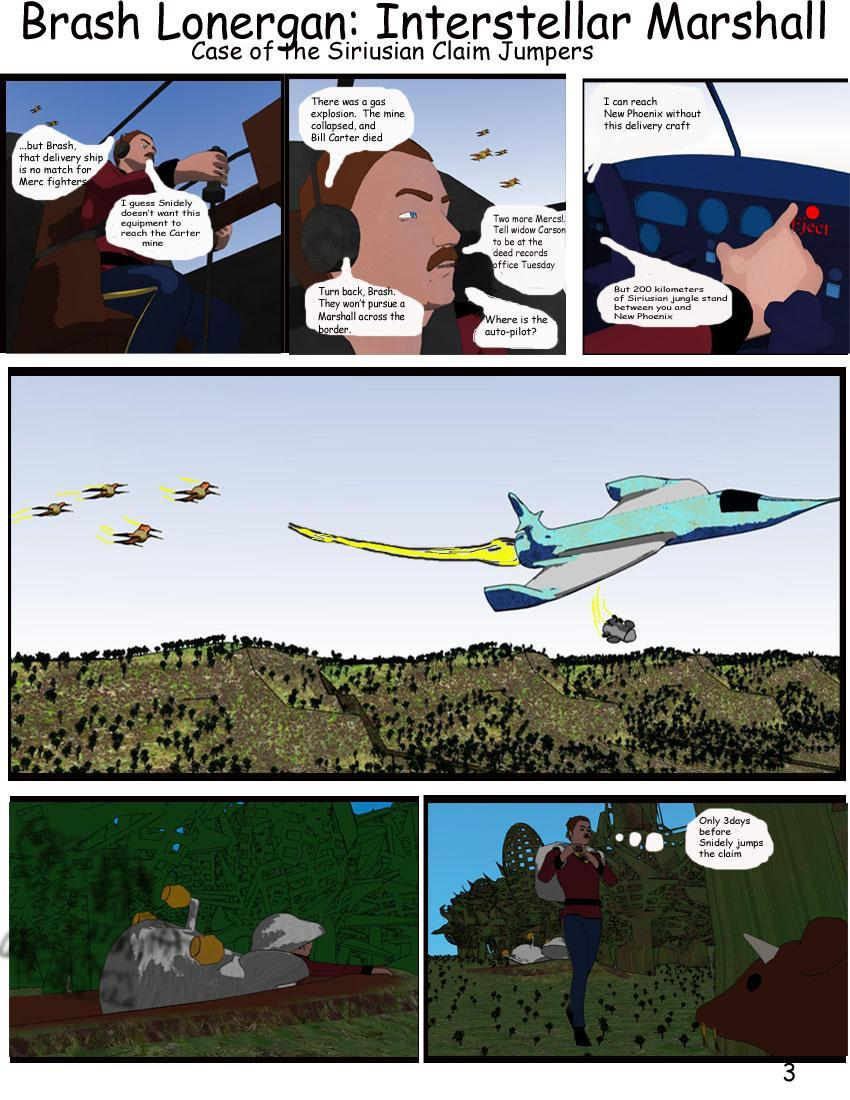
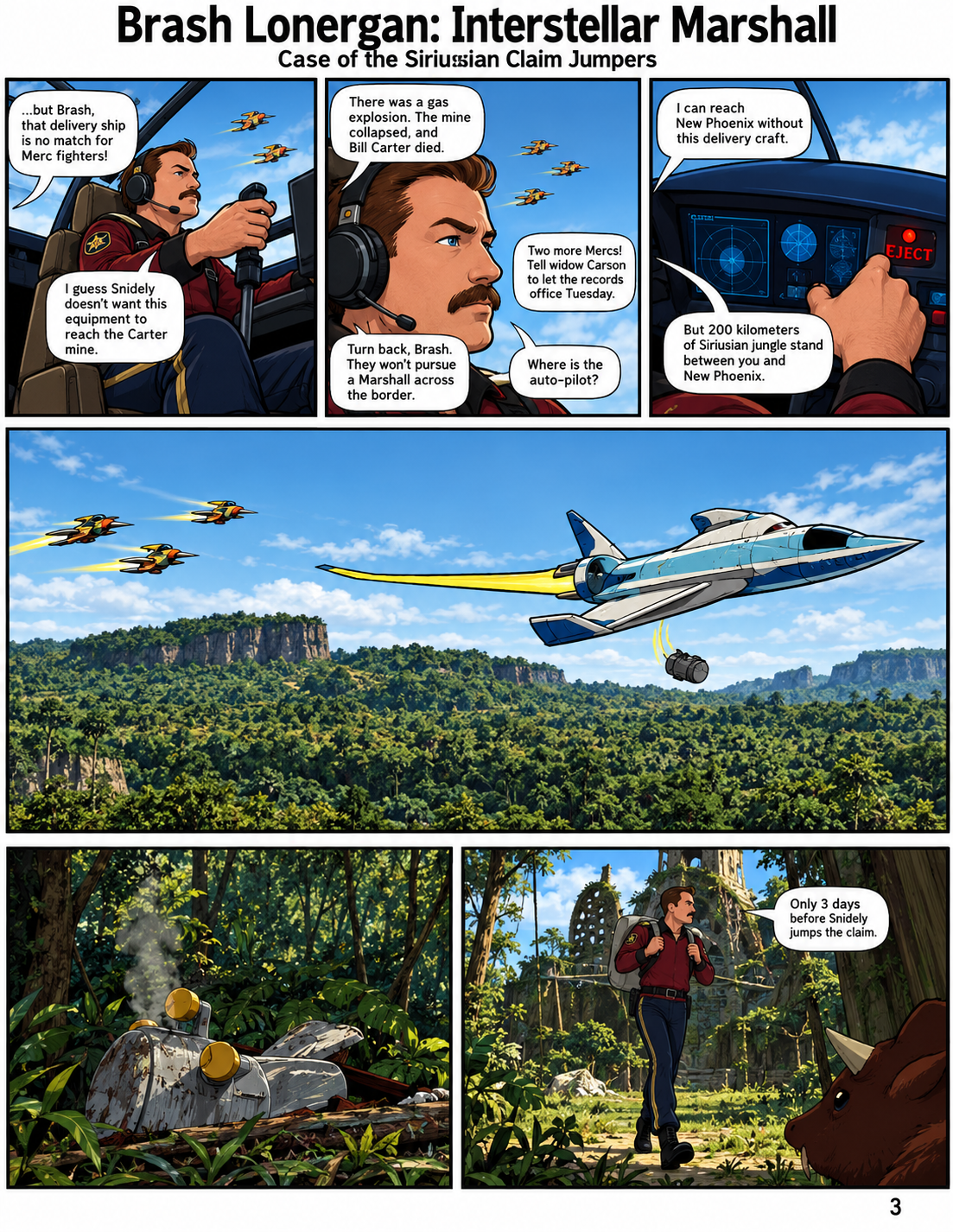
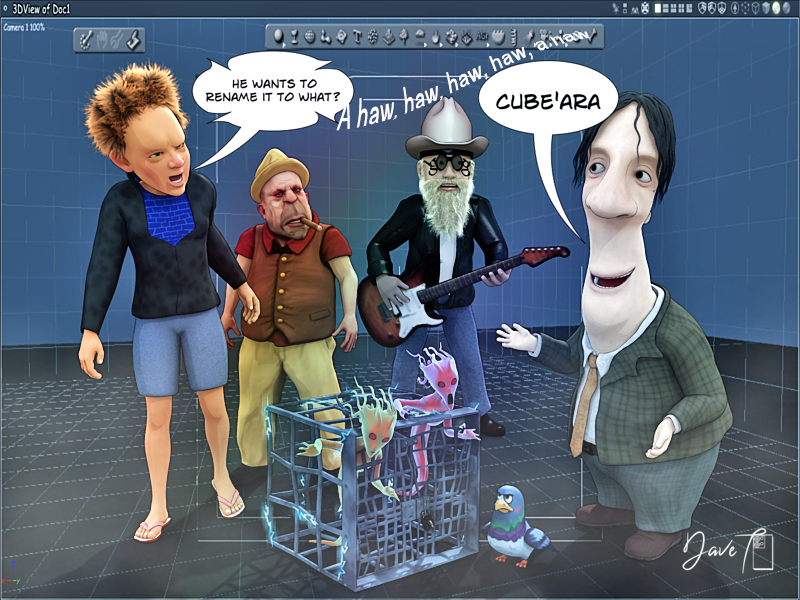
They're coming!
to Carrara


W E L E A S E T H E M S T E Z Z A!
Freebie Challenge June 2026 - "INVASION!" - Main ThreadThey're coming!
to Carrara

Adventures of Lorenzo & LoRez Figures in Carrarahahaha
reminds me of:
Every Daz update: “We fixed a bug where the viewport turned into a slideshow.” Every Carrara update: crickets ghost of a developer from 2013 floats by
Genesis 9: “I require 47 morph packs, 19 geografts, 12 UV sets, and 32GB of VRAM just to blink.” Carrara: “I don’t even know what a geograft is and I’m not learning.”
And the ultimate crossover moment: A Carrara user tries to load a modern Daz asset. Carrara: “Absolutely not.” Daz Studio: “Absolutely not.” The asset: explodes into a cloud of missing textures and broken rigging
And somewhere, deep in the void… Bryce is still rendering the same landscape it started in 2004.

Carrara Rulz
Adventures of Lorenzo & LoRez Figures in CarraraNah... I'm sticking with Carrara. Been there before, if I recall :)
Adventures of Lorenzo & LoRez Figures in CarraraHmmm... not Carrara... Daz Studio? No. Wait... Poser?
Buy Something That Doesn't Work in Carrara? Post your Questions and Workarounds here. (please)I am just confused
I actually have gotten VWD to work in the Carrara beta version with the python script installed on my C drive which is a SSD
3X in a row now on my Win10 machine
so which if not all of those factors is important, I have no idea
Beta has different extensions to the release build, a trial and error mix of which ones clash with each other
also it uses my CPU heavily which might be why it worked on my far superior Win7 CPU before that stopped putting out a signal
so the script being on the C drive may help with that as my externals can go to sleep if not in constant use
I have not been successful with fiddling around with power management settings to stop that, it seems to be a Seagate feature
Adventures of Lorenzo & LoRez Figures in CarraraIn Carrara?
Freebie Challenge June 2026 - "INVASION!" - Main Thread
Freebie Challenge June 2026 - INVASION!
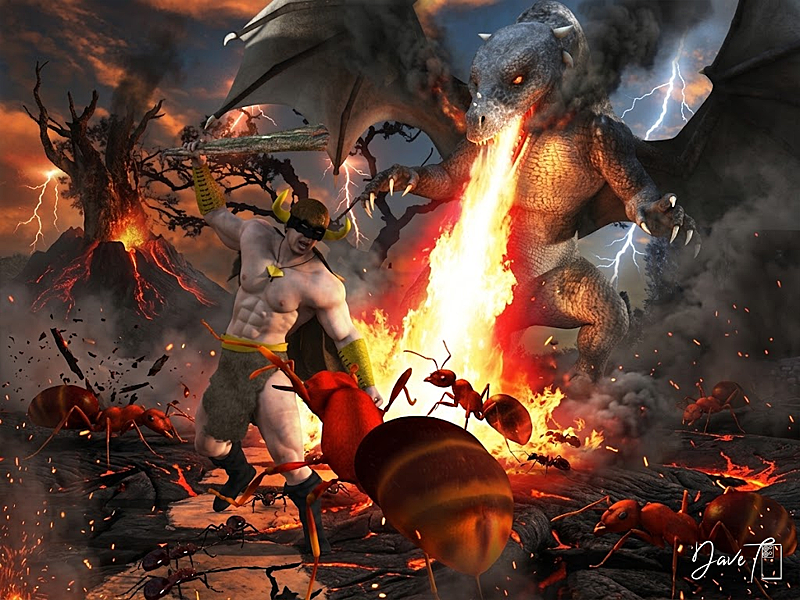
!VIDEO!Denizens, i know what you're thinking. "A flashy video, Higher prize amounts, a hacky theme that you've done before ... this looks like an april fools competition?". Well, that's where you're wrong. This was always meant to be an april June comeptition, and has nothing to do with the fact that i was totally unprepared for April, and had to cobble together a random competition to cover my tracks. Anyway, they're back! An invasion like no other (aside from the last one). A terrible hoard of creatures have invaded earth and brought chaos in their wake. It's time gather talent from the farthest reaches of the Daz3D freebie forum area to battle this foe with power of rendering. We must capture any alien encounters, and comit them to the boards so a crack squad of talented investigators can pour over the evidence.
TL:DR - Render alien invasion images and post them here.
It's not just saving the earth that's at stake either, take a look at these spiffy prizes....
Spiffy indeed. Good luck denizens, the stakes have never been higher!Rules:
-
Minimum of 3 freebies.
-
A Maximum of 5 purchased items.
-
Genesis and its standard morphs are fine.
-
If you postwork your images, provide the base image.
-
You can use AI for post-work, upscaling, colour work etc, just go easy and stick with the spirit of the competition.
-
All Daz ecosystem programs are allowed – Bryce, carrara etc (Even poser, If you behave yourself)
-
Images pictures are subject to Daz TOS.
-
No max Entries on this one. I can't count. Do as many as you want.
This Freebie Challenge will end June 30th, 2026 @ 23:59 Daz time.
First Place: $20 store credit from KindredArts
Second Place: $15 store credit from KindredArts
Third Place: $10 store credit from KindredArts
HM: $5 store credit from KindredArts
Please post your entries in the entries thread below...
ENTRIES THREAD
A LOVELY LIST OF FREEBIES YOU CAN USE!
UltraScenery - new(er) territory [Commercial]Xandyr78 said:
barbult said:
@Xandyr78 The files that you are missing are part of the Country Ford product, not the UltraScenery - Country Ford product. When you look at the product page for UltraScenery - Country Ford you will see that Country Ford is a required product. Do you own Country Ford ? If not, that is the reason you are missing those files. UltraScenery - Country Ford is just a product that allows the previously released stand alone product Country Ford to also be used within UltraScenery products.
If you do own Country Ford and have it installed,we need to dig deeper to solve the problem. Keep in touch here. I'm confident I can help you resolve the issue.I could have sworn that I'd purchased it at one point, but my library doesn't seem to contain it. And that makes perfect sense. I hadn't realized I'd need to check that (I've owned the USC elements for a WHILE). Guess that one goes onto my Wishlist! Thanks, @barbult, for helping me troubleshoot this!
In what has to be the ultimate in irony, after you brought this to my attention, I went back and did a search through the store...Country Ford is literally the only USC element that I don't own. SOMEHOW I managed to choose the ONE set of ecology elements that I hadn't yet purchased.
Murphy's Law sometimes is helpful, I suppose. LOL. Thanks again for your help!This same sort of thing often happens to me. When I am testing software, the very first thing I try, fails. Everything else might be fine, but I magically hit immediately on the one thing that doesn't work. I'm always happy to help people with UltraScenery problems.
UltraScenery - new(er) territory [Commercial]barbult said:
@Xandyr78 The files that you are missing are part of the Country Ford product, not the UltraScenery - Country Ford product. When you look at the product page for UltraScenery - Country Ford you will see that Country Ford is a required product. Do you own Country Ford ? If not, that is the reason you are missing those files. UltraScenery - Country Ford is just a product that allows the previously released stand alone product Country Ford to also be used within UltraScenery products.
If you do own Country Ford and have it installed,we need to dig deeper to solve the problem. Keep in touch here. I'm confident I can help you resolve the issue.I could have sworn that I'd purchased it at one point, but my library doesn't seem to contain it. And that makes perfect sense. I hadn't realized I'd need to check that (I've owned the USC elements for a WHILE). Guess that one goes onto my Wishlist! Thanks, @barbult, for helping me troubleshoot this!
In what has to be the ultimate in irony, after you brought this to my attention, I went back and did a search through the store...Country Ford is literally the only USC element that I don't own. SOMEHOW I managed to choose the ONE set of ecology elements that I hadn't yet purchased.
Murphy's Law sometimes is helpful, I suppose. LOL. Thanks again for your help!
You mentioned issues and workarounds...has anyone posted tutorials for how to do those?UltraScenery - new(er) territory [Commercial]@Xandyr78 The files that you are missing are part of the Country Ford product, not the UltraScenery - Country Ford product. When you look at the product page for UltraScenery - Country Ford you will see that Country Ford is a required product. Do you own Country Ford ? If not, that is the reason you are missing those files. UltraScenery - Country Ford is just a product that allows the previously released stand alone product Country Ford to also be used within UltraScenery products.
If you do own Country Ford and have it installed,we need to dig deeper to solve the problem. Keep in touch here. I'm confident I can help you resolve the issue.Buy Something That Doesn't Work in Carrara? Post your Questions and Workarounds here. (please)WendyLuvsCatz said:
Genesis 9 animation conversions
the first ones are fine and were baked aniblocks I believe I used Bone Minion on some
others are iClone 3DX6 conversions
but
those last ones were keyframed G8 animations converted with n_alexandru's script
and in Carrara they are crazy
I need to test further if its the script or the animations themselves how they are keyframed
may be an interpolation thing
AND if it happens in D|S as I save and render them on the character after conversion
not loading the saved pose file, it could be a save issue too
Aha. Hand keyframed you say?
I can help you, little sister!

Go back into DS and load up the original animation (not aniBlock) - either on G8 or G9 - whichever you have the files for.
If all you have is an aniBlock, load that but then bake it to the timeline.
- Click on an arm to select it so that you can see the keyframes in the timeline. Just a few, right? (I think - I hope)
- Collapse the arm hierarchy as far as you can while still being able to clearly see those specific keyframes.
- Select all of the keyframes and change the interpolation to Linear, and then to TCB.
- Repeat for the other arm and anything else that might be spazzing like that
Should fix it. Now create your new aniBlock for Carrara Importer
Free EnvironKits for CarraraI must say, I had a lot of fun scratching my head over how to render the promo thumbnail.
In the end, I decided to go for a Roleplay Game Boxed Set sort of look using the elements within the kit. So the main central terrain is laid out as the battle mat sort of thing, with some of the individual plant presets around the edge, ready for gameplay! :)I scaled them for the appearance of the shot, not even similar to the actual size from this distance or we'd never see them. Then the large foreground tree casting its branches and leaves as an upper vignette.
Behind the mat on the right are the terrain chunk presets. To the left of the box is the medium size scaled up for better view and asthetics of the shot.
In front of that is a small card box standing up and empty. The cards stacked somewhat neatly in front of it represents various presets - for there are many!
A ton of work went into all of these kits - this one most of all because the entire system was developed and scrutinized quite heavily. I wanted a way for newcomers to Carrara to have an easy, fast way of bringing in their characters, props, whatever they want, and shoot a nice render.
It was never about making money. I wasn't allowed to give them away, nor could I make them only $1. So to counter that, I poured more and more Bang into the Buck. More presets doesn't only make for a more customized Quick Load of the look we're after, but it also gives clear demonstrations that folks can learn from.
I learned a TON simply by buying Carrara Mystic Gorge, by mmoir and exploring how the distant elements were treated, the water, the cliff elements, the building structure with all of those awesome torches, that amazing bridge! mmoir is someone that I've always looked up to as a Master Carraraist from that purchase (very early after creating my Daz 3D account) forward - and still do. The cool part is that I feel that way about all of you too!
Free EnvironKits for Carrara
Woodlands
The system that started it all, Woodlands combines an environmental system using Carrara's Realistic Sky features with supplemental "Cheat" lighting to assist with a more Global Illumination type of effect without using the Global Illumination render settings. I wanted SPEED! I NEEDED Speed! So I endeavored to provide speedy environmental, yet geometric global surroundings.
To help make it all work, we begin with a simple Base Scene which is nothing more than the basics of the Woodlands Terrain system, which has a mostly flat terrain at the center, where props and figures will load by default when double-clicked, which is how I prefer to work - loading things in at 0x, 0y, 0z, and then moving them into position from there.
In setting up the base scene this way, we're able to always access the systems river or stream with water already set up to animate by default, a simple-to-render outer horizon terrain feature - inspired by Carrara's ability to create vast, quick-to-render vistas of great beauty, and a special lighting setup that includes an additional Group that we can drop signature elements to the story for more accent lighting that its surroundings.
I've grown so used to working in this way that most of my Carrara scenes - no matter the terrain - begin with my loading in the Woodlands Base Scene and getting rid of what I won't be using.
Of course, this is a different way to work. I know that "I" am very used to working this way because... well... that's how I was working back when I created this system. But what about everyone else?
Wanting to make things a little easier to grasp, I created an instructional tips system directly into the system, which opens within the Scene Tray. Once we don't need them anymore, we can simply delete them and save the scene over itself, if one so desires. I've still never done that on my copy, but if I did - if I want to get them back all I have to do is to uninstall the product and install it again. Bam!
Also, when I save new custom setups, I'll often delete those first, since I don't need them. So my actual Working files don't include the tutorials, but I always leave them in the main presets. I always create a new save when I start building a new custom scene.
Along with the Base System I've created special chunks of environment that we can use to build woodland scene with. Of course this modular way of working opens us up to a lot more than only woodlands scene, but its primary focus was to be able to create any sort of cool, wooded scenery that we wanted to see on screen.
These individual chunks come in three flavors:
- Small - great for accents and adding interest in small or tight locations - or simply as the smallish terrain feature that it is
- Medium - a bit larger than its small counterpart with a new, interesting shape and plants
- Large - meant for adding much taller, more distant horizon-blocking nature
Each of them are covered in nature - trees and special woodland-looking terrain shaders.
The largest one really has to get at least a certain distance from the camera simply in order to get out from under it. It's quite sizable! For this reason, I purposely populated it with trees only, and it's the only of the three that used the Surface Replicator for placement. Perfect for sculpting non-flat surroundings. This mammoth changes greatly in appearance depending on what parts of it we're looking at - so duplicating this thing around with changes in rotation, scale, and translation makes amazing differences to the appearance of the scene.
The Small and Medium sizes are both populated with trees, shrubs, and fallen wood - and I placed them each by hand, artistically creating a 'chunk' of the woodlands as it basically looks around where I live.
If you care to take the time to watch the videos, you'll see some really cool techniques on how to get the most out of this system. While it comes with quite a lot of presets for instant load or going into building mode, it also includes shader presets, tree (Carrara Plant Editor) presets, custom leaves and berries... so folks can really take this upgrade to Carrara to whatever heights they see fit to.
The pdf User's Guide is available on the download page as well as these two videos to help inspire through guided, albeit long-winded tours
Getting Started
Build a Scene : Palenque Ruins
The much larger download size of this one is mostly due to the fact that it comes with this animated backdrop that we can use directly in Carrara (with no other environment) for walk cycle use. This was included to help demonstrate the additional power of this system for creating animated backdrops and using them as situational assets within our workflow!
Each preset comes with a Spherical Camera in place that we can use to create background domes or even HDRI surrounds, and there are also presets using the results of the included presets as such in Carrara.
Additionally, the "Chunks" of terrain presets can be used as chunks of terrain interest - like exposed bedrock. Simply delete the plant grouping from it. There are also presets that are set up like that as well :)
This last image is a hybrid of Woodlands being used with some of the elements from Badlands.
TIP: Since each EnvironKit comes with Shader Presets, terrain from any of them can be set to match any of the others, which really broadens the horizon of the art we can make with this system! :)
more....Wacky Modelling ~ In Carrara ~wsterdan said:
Cool pickles! Love the TV, but those don't look like rabbit ears!
the dangling dice kinda covers up the rabbit ears on the TV .... I think I cubed up the TV for one of the Carrara Challenges we used to have when we had a few around.

anyways the pickle got me thinking.... my mum won a prize on the local radio station back around the early 60's sometime ( when they were all AM and no FM stations ) for this joke she wrote in for a joke competition.
I just added a bit to it.....

Coming Soon Auto Rigging Pipeline [Commercial]Auto Rigger Pipeline - Feature List
- Import a single OBJ file or batch import all OBJ files from a selected folder in a single run.
- Includes seven source application scale presets for DAZ/Maya, Carrara, XSI, Silo, Blender, 3DS Max/C4D, and Bryce/Poser to ensure geometry imports at the correct size regardless of the originating application.
- Includes five built-in figure profiles for Genesis 9, Genesis 8 Female, Genesis 8.1 Female, Genesis 8 Male, and Genesis 8.1 Male, along with automatic projection template directory resolution and a free-entry field for custom figure labels.
- Automatic platform detection for Windows and macOS correctly resolves content library paths and path separators without user intervention.
- Per-item projection template assignment uses a browsable drop-down populated live from the selected templates folder, while remembering and pre-selecting the last-used template for subsequent items during the session.
- Full Transfer Utility rigging via DzTransferUtility transfers bindings, morphs, face groups, and region groups while automatically setting the source figure as the primary scene selection to avoid Transfer Utility warnings.
- Post-transfer node re-resolution automatically refreshes rigged nodes by label after doTransfer replaces the original DzNode with a new DzFigure.
- Automatically deletes unweighted bones after rigging to keep rigs clean and store ready.
- The Optional Daz Smoothing Modifier application is available per node.
- Optional Sub-D subdivision modifier support includes selectable render subdivision levels from 1 to 4.
- Pipeline stages, including Import, Rig, Delete Unweighted Bones, Smoothing, and Sub-D, can all be toggled independently so any combination of steps can be run or skipped without editing the script.
- Features a wizard-style multi-page dialog with a branded dark interface that guides users through Import, Rig, and Bones and Modifiers pages with clearly labeled controls and inline status feedback.
- An integrated Import button allows importing directly during the Rig setup page, so results can be verified before committing to rigging.
- All pipeline settings are automatically saved to a JSON file next to the script and restored on the next launch, with forward-compatible merging to preserve existing saved values when future versions introduce new settings.
- Comprehensive console logging includes a consistent [Pipeline] tag on all messages for easy filtering in the DAZ Studio log.
- Critical and non-critical failure handling is implemented throughout the pipeline. Missing source figures or zero imported nodes stop the process immediately, while individual node failures generate warnings and allow processing to continue for the remaining nodes.
- The script follows full linter compliance standards, including IIFE encapsulation, Hungarian notation, g_-prefixed globals, style constants, camelCase functions, tab indentation, structured section separators, and extensive try/catch coverage.
A very important note: This does not do auto weight mapping/jcms etc.
Where has Geometry Sculpture gone?Reality is/was a separate plug-in that was available to enable the use of Lux Render with DS (and had versions for Poser and Carrara too, I think).
Off Topic Thread #2Headwax said:
Ha ha that's a scream Stezza ;) and very interesting Wendy;)
I posted this on a surfing site and was accused of it being ai generated
Imagery on the board is carrara and brushes Ron's , hair I borrowed , the sixth toe is mine

unbelievable!

Free EnvironKits for CarraraCarrara EnvironKits were created with the idea of using simple lighting tricks to get faster renders when working with larger 360 degree scenes and were sold at Daz 3D.
The first in the series laid down the base environment lighting system which forsakes things like translucent leaves for 'under lighting' to simulate the effect at faster render speeds. True translucency truly looks much nicer for scenic stills, but I was rendering animations. I needed them to render quickly and be very simple to quickly set up.
Being a fan of having multiple options in the browser, I've included a ton of presets with each kit, along with various modular chunks of pre-built terrain that we can place onto the terrain of any of the base scenes for those times when we want to sculpt out our own landscapes. Tree and shrub presets, shader presets, and a morphing selection of volumetric clouds help to round out each of the packs.
Carrara EnvironKit - WoodlandsWhat's Included
42 Preset Carrara Scene Files (.CAR - Scenes Browser)
-
30 Using the Realistic Sky Atmosphere
-
12 Using Background Maps Made Using This Kit
Preset Nature Blocks (.Car - Objects Browser) - Preset Objects of Terrain with Plants
-
Small, Medium and Large for Ease in Quickly Populating Scenes
-
New Preset Plants and Leaves(Berries) (.CAR - Objects Browser)
-
-
Premade examples in the Browser
-
Load Presets in the Plant Editor
-
-
Three Complete Terrain Shaders
Two Water Shaders
Full Environmental Lighting Rigs in Every Preset
Additional Optional Clouds System
-
Ground Fog (Volumetric Cloud)
-
Animatable Cloud Domes (Replicated Volumetric Cloud)
The pdf User's Guide is available on the download page
Carrara EnvironKit - Underwater Realms7 Preset Underwater Scenes: (.CAR - Scenes Browser)
* 1 Base Scene containing all the controls
* 6 Presets made using everything from the kit showing a variety of possibilites and different uses for the terrain pieces.
3 Preset Terrain "Formations":(.CAR - Objects Browser)
* Formation 1 is sharp and irregular
* Formation 2 is smooth and rounded, transitioning to the jagged floor
* Formation 3 is spiky with many smaller formations, suitable for all manner of habitat.
Each are made to scale up large, or shrink down small, making it duplication friendly.
You can build all manner of scenes using nothing more than the files included.
Shaders and Terrain pieces work beautifully with other Carrara Environ Kit products.
Bubbles:
* Grouping of three individual particle emitters that send forth glass-shaded primitive spheres, which are very resource friendly on your system.
Set up to follow directional forces already supplied within each preset scene.
Shaders:
* Underwater Terrain Shader Group
* Overhead Surface Water Shader
Carrara EnviroKit - Underwater Realms.pdf Instructions Manual, which is also available on the Download Page.
Carrara EnvironKit - BadlandsScene Presets: (.CAR)
* 14 Using the Realistic Sky Atmosphere
* 6 Using Background Maps Made Using This Kit
Preset Nature Blocks: (.CAR)
* Two Badlands Terrain Detail Terrains
* One Feature covered in Badlands Plant life
* One Ocean of Lava
Preset Plants: (.CAR)
* Badlands Weed
* 3 Thorn Tree variants - 1 Dead
* Competing Hardwood Tree
Shaders: (.CAR)
* New Badlands Terrain Shader
* New Lava Shader - Specific For Ocean Primitive
* New Plant Shaders
Carrara EnviroKit - Badlands.pdf Instructions Manual, which is also available on the Download Page.
Need help rendering characters in Carrara?Honestly, I keep forgetting how much I had to add to Daz Studio to get done what I want to get done. It's very ala carte, where Carrara comes fully loaded.
DS is rather formidable once I got situated though.
Quite a while ago ThePhilosopher came out with his iReal Ocean Water System. I kept it in my wish list for quite a while before actually buying it, but after I did I was blown away with how cool it is - and started collecting all of his iReal series. They're products of animated props using aniBlocks.
Fairly recently, my good friend Josh Darling produced an Animated VDB shader system, and it came with a bunch of animated VDB by DimensionTheory. DT then put out a few more packs and I bought them all.
The first thing that drew me to try working in Daz Studio in the first place was Linday's Classic Long Curly Hair with dForce. I Loved it then and never stopped using it - though I'm using a combo of two of their hair products now. Mindsong and I worked for months trying to get the hair working in VWD so that I could use it in Carrara, but that never came close to happening. But by then, I was already starting to love how I never had to touch the shaders for everything I use. Not that I mind, but Iray was really starting to steal my heart - especially when using that hair!
Anyways... So now I animate all the time. Addicted. Can't stop if I tried. But I'm not going to try. Rosie says Go For It... I go for it!
So just inside Studio, this hair is simulated, the flames look real when played back, and the water is alive. Carrara does have all of this stuff, but not the hair :(