-
Show Us Your Bryce Renders! Part 9
@Dave Savage and Horo - Yeah I use sketchup for modeling. I've tried many others and found it to be the best for me to create easily. Creating Bryce shapes do seem pretty alot harder to make in comparison.
Ive always wondered how booleans differ to meshes in bryce.
For now, im staying for sketchup though,
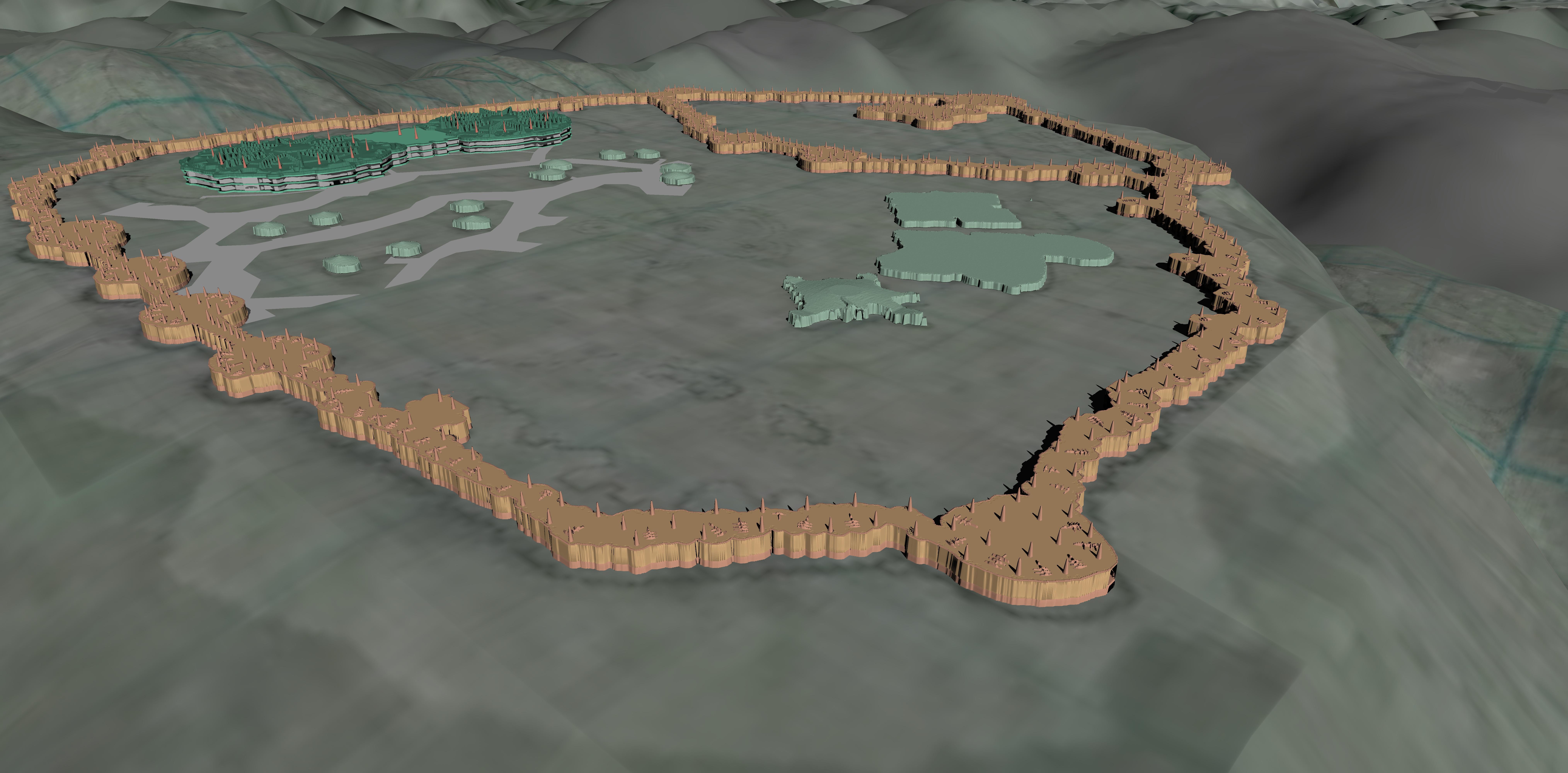
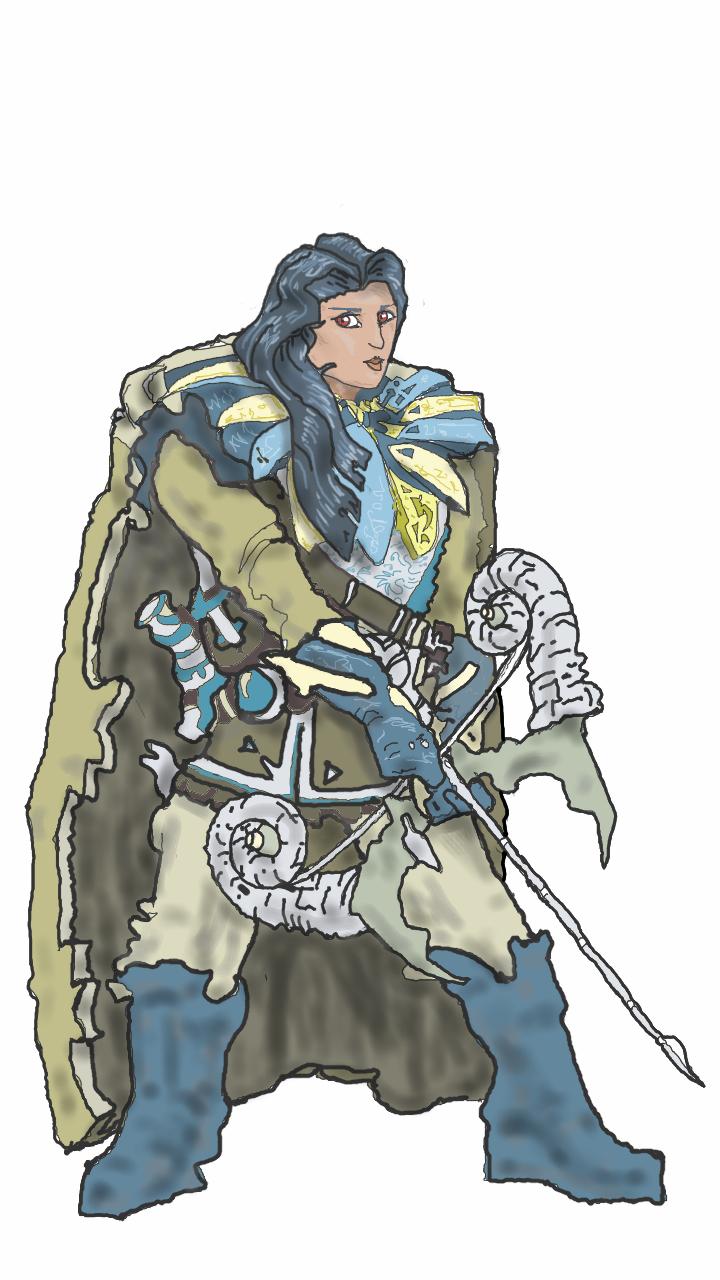
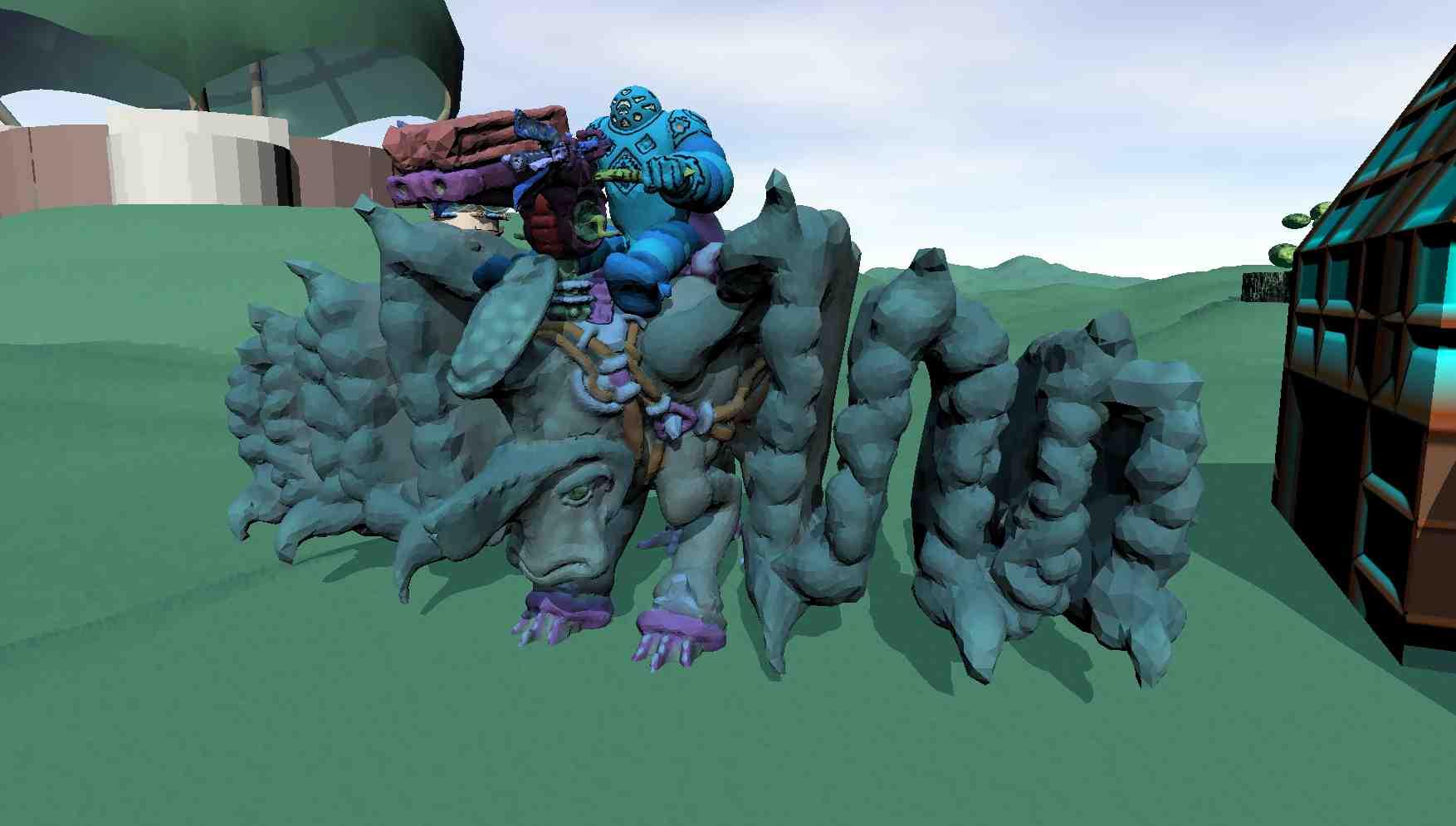
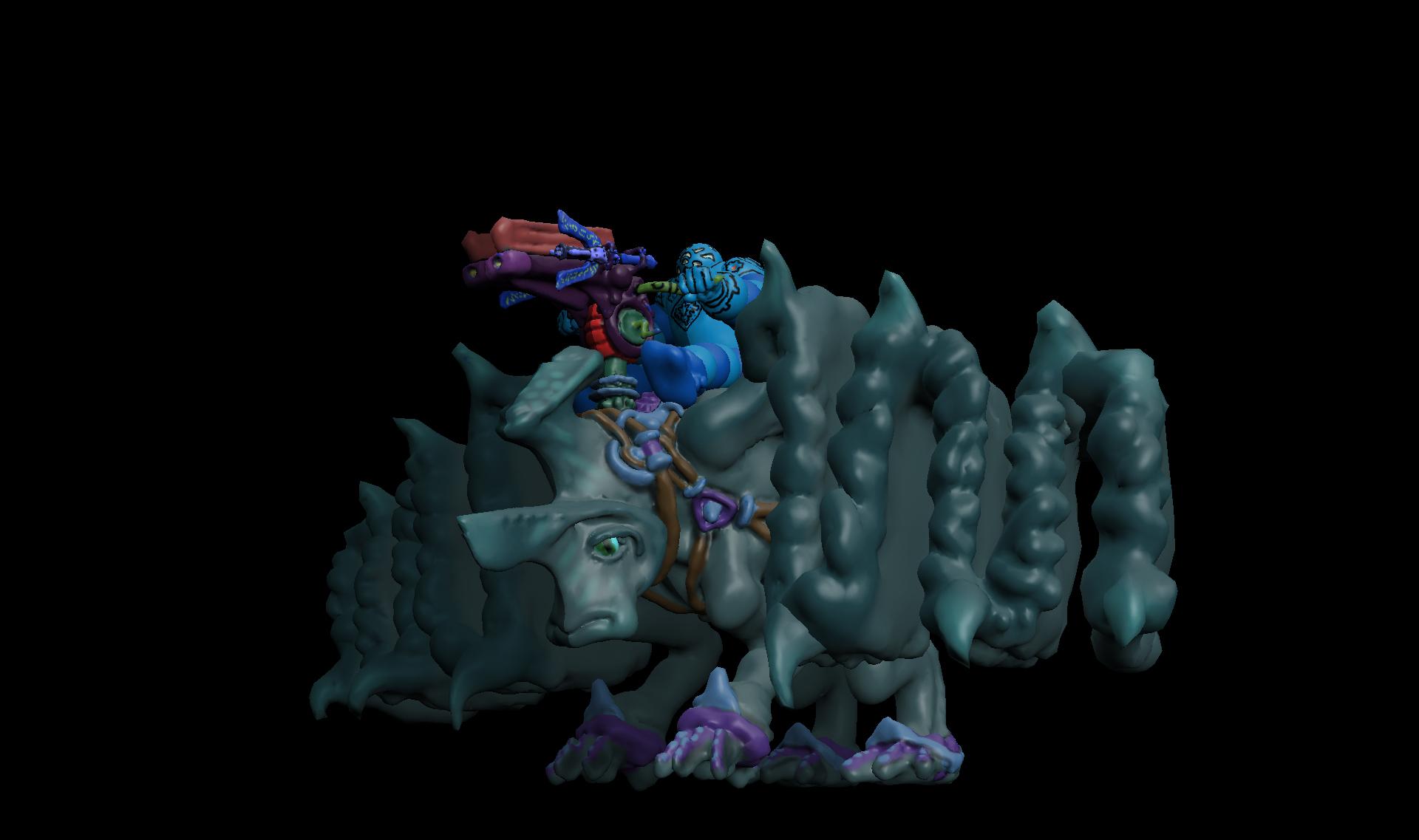
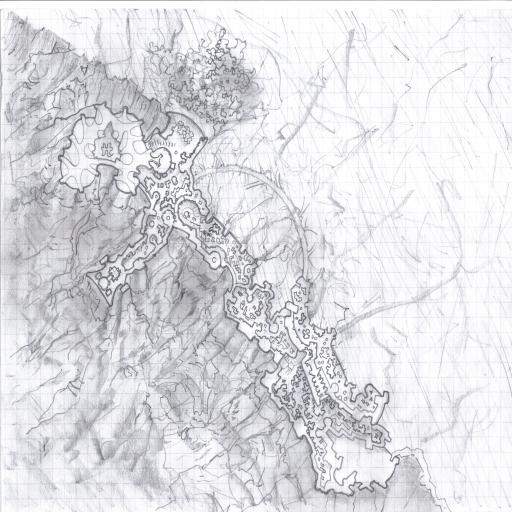
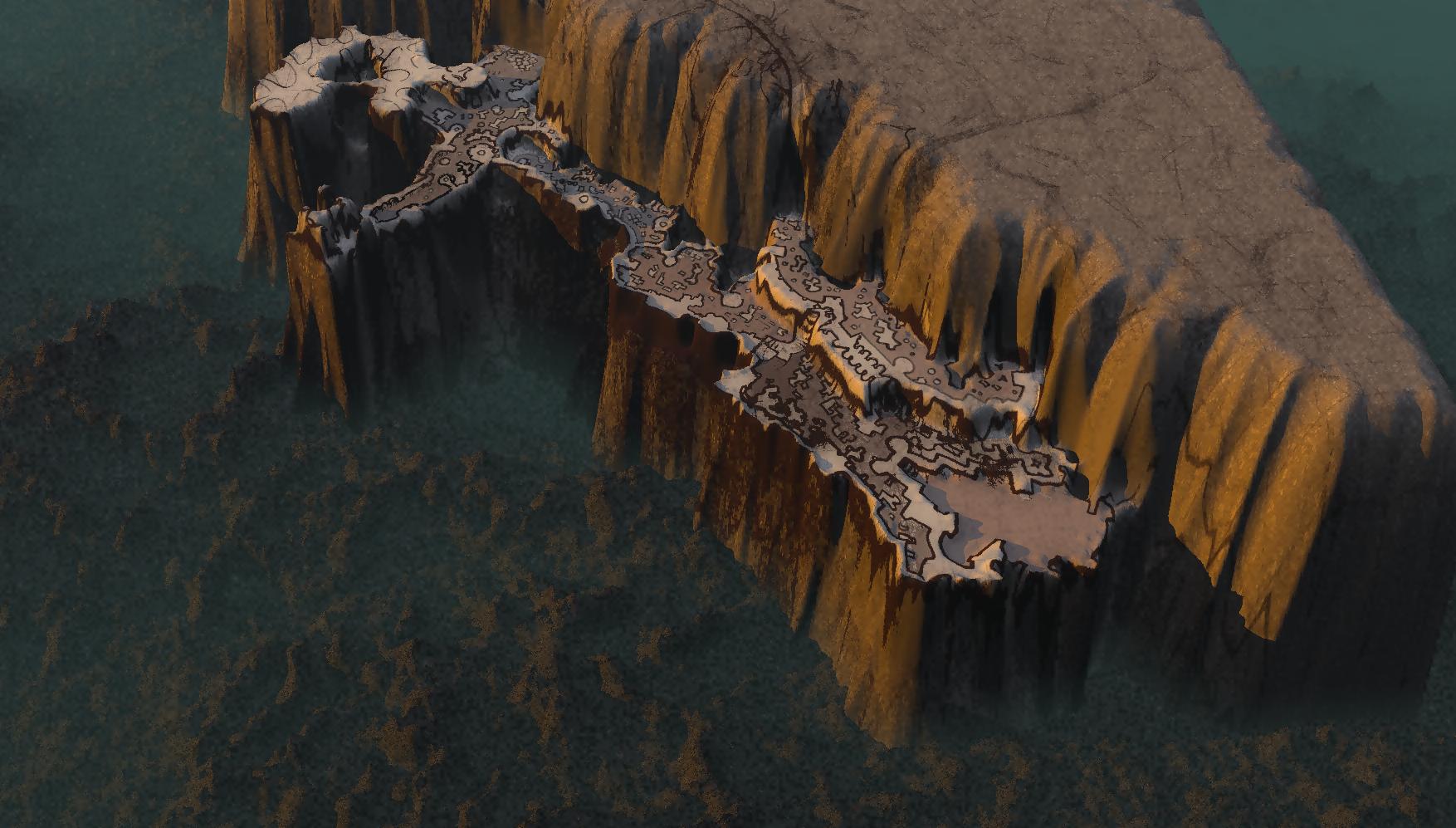
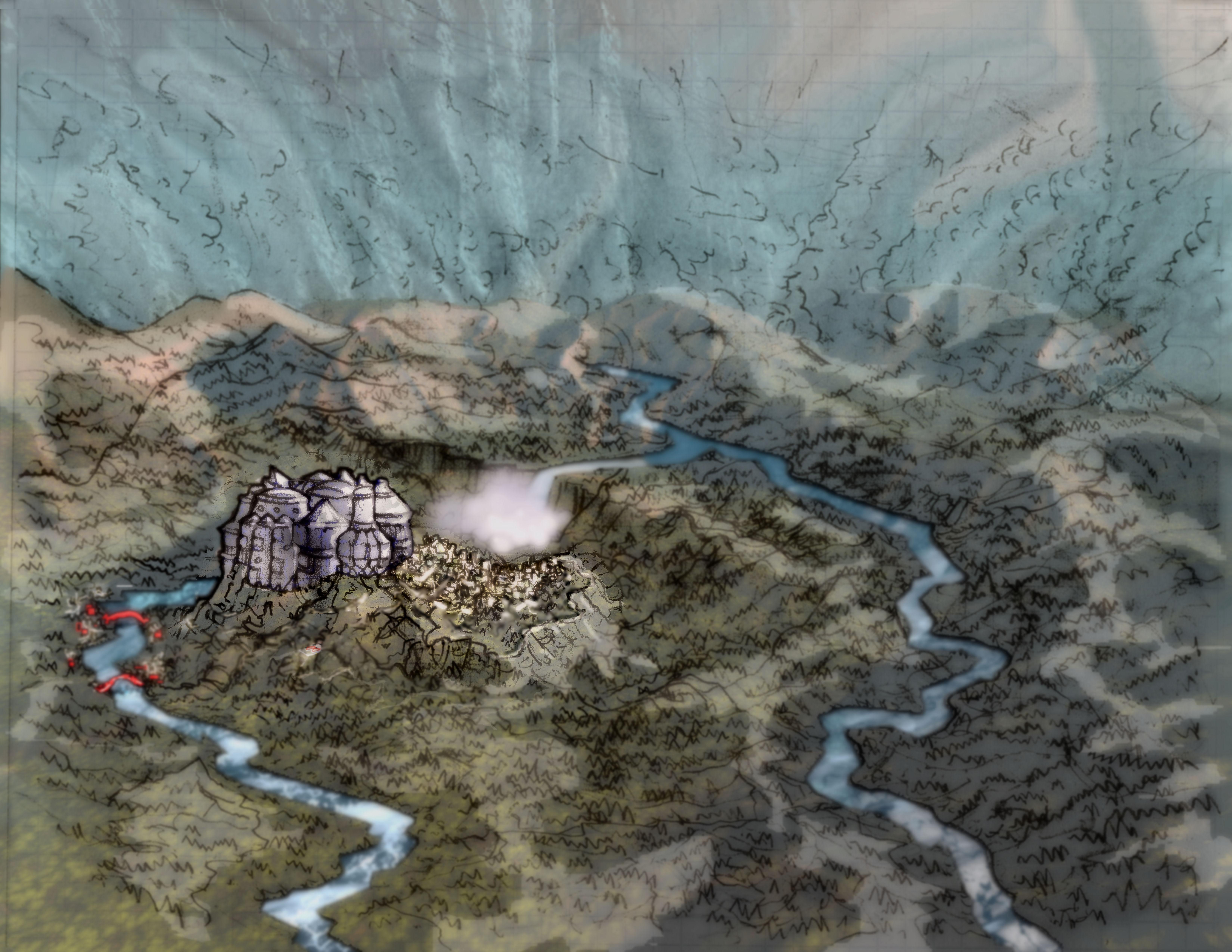
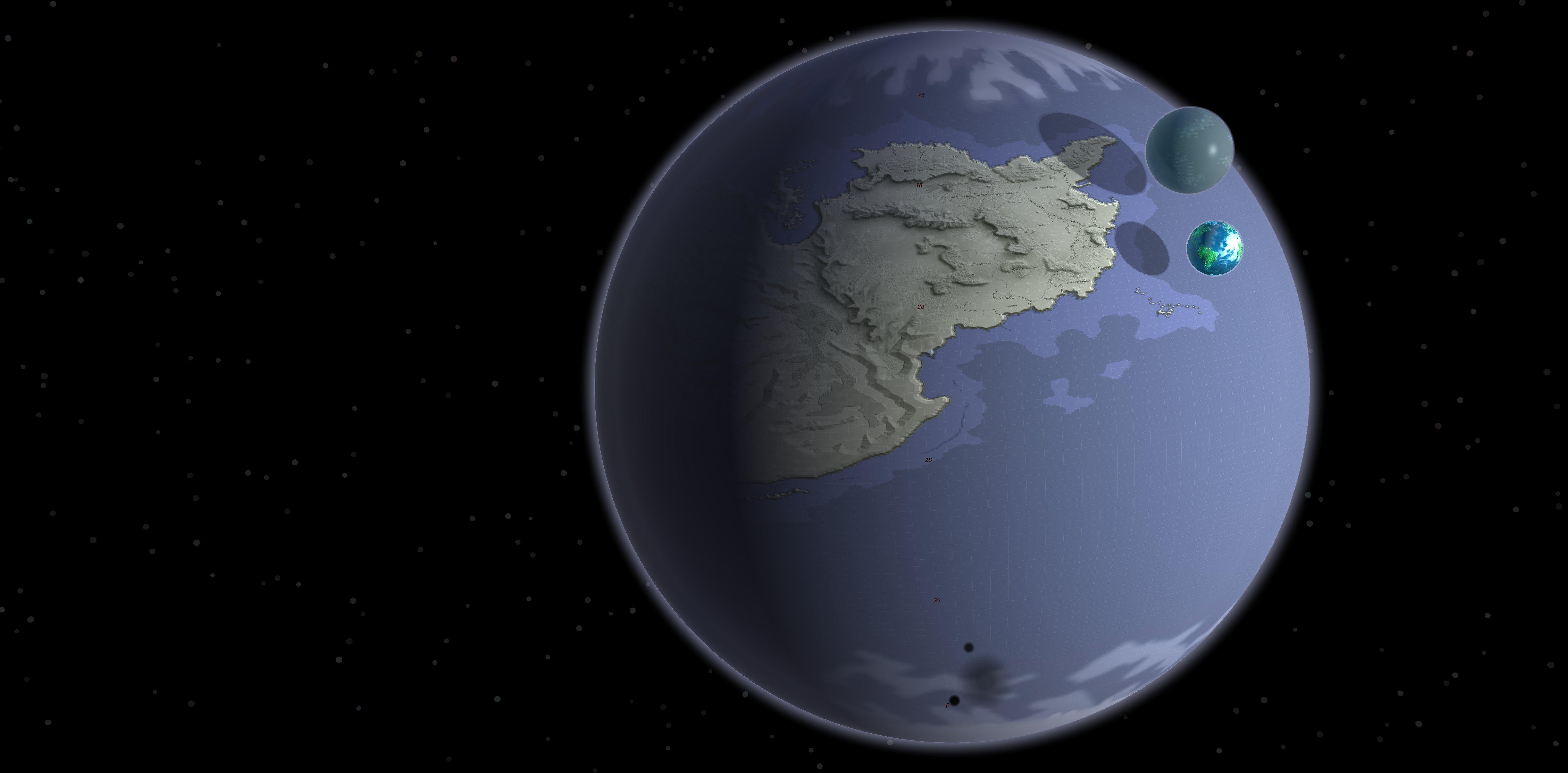
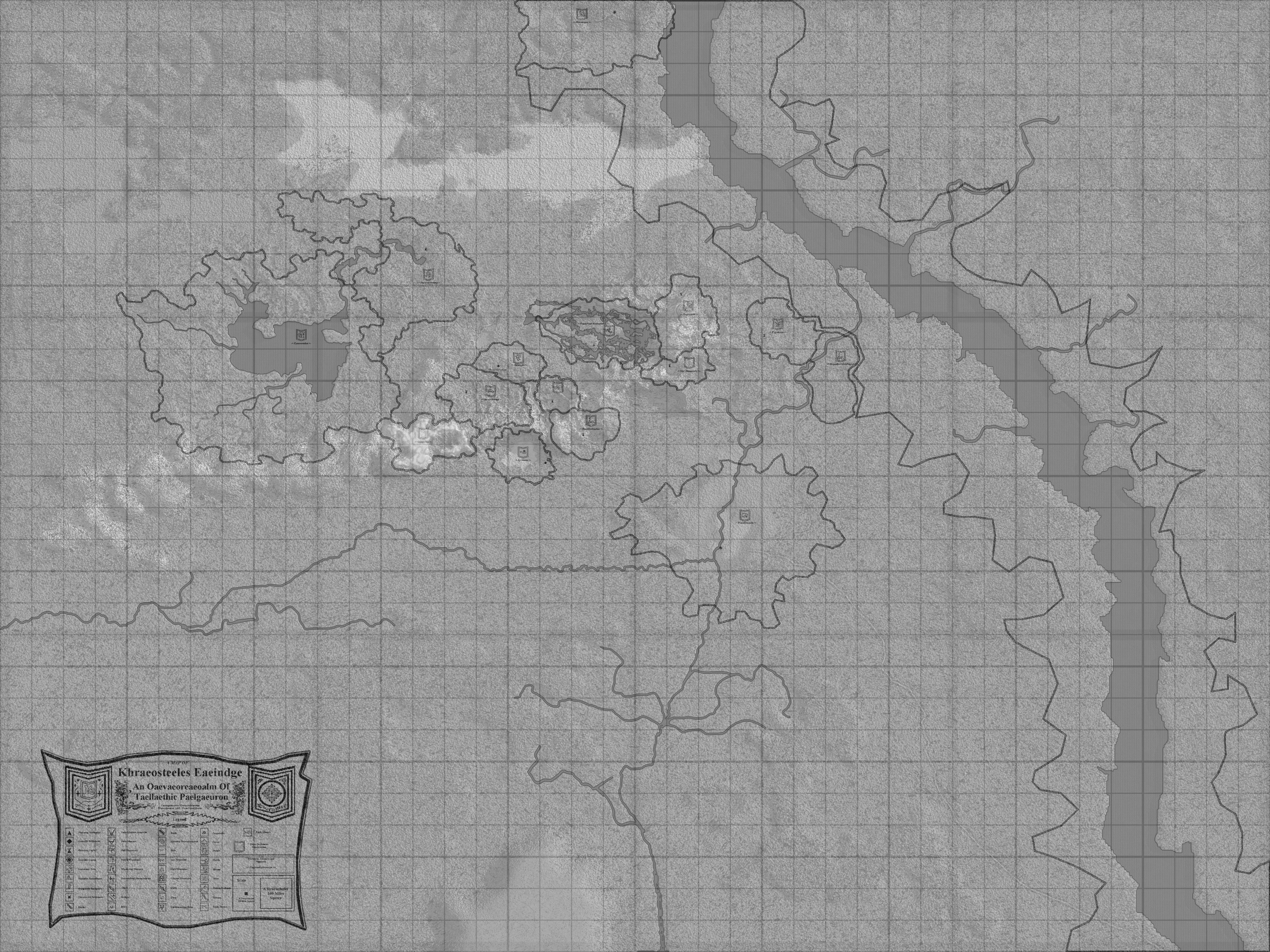
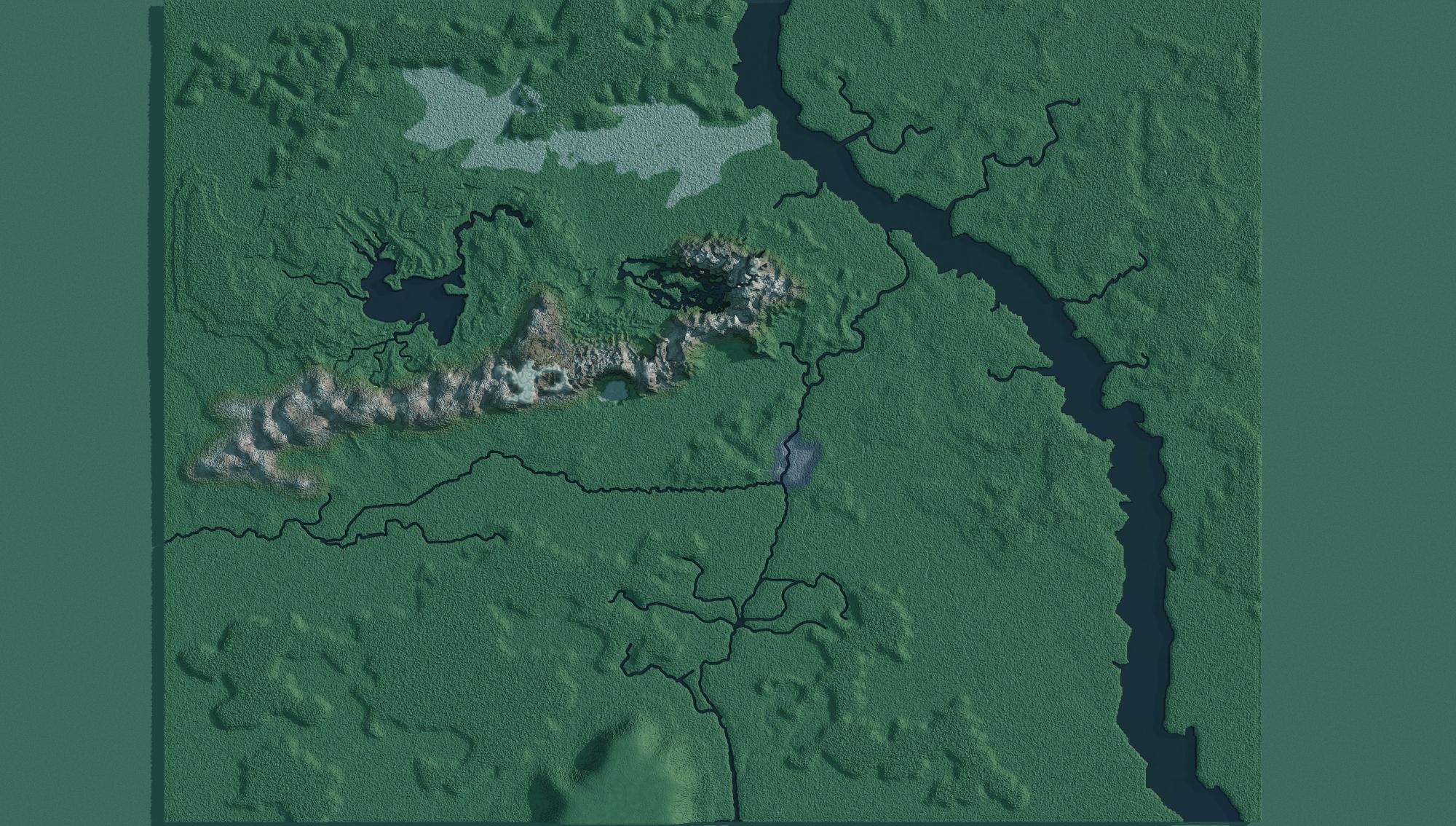
Eventually, all these projects are going to be handouts and maps for my personal dungeons and dragons campaign and sketchup helps me plan out the maps better.
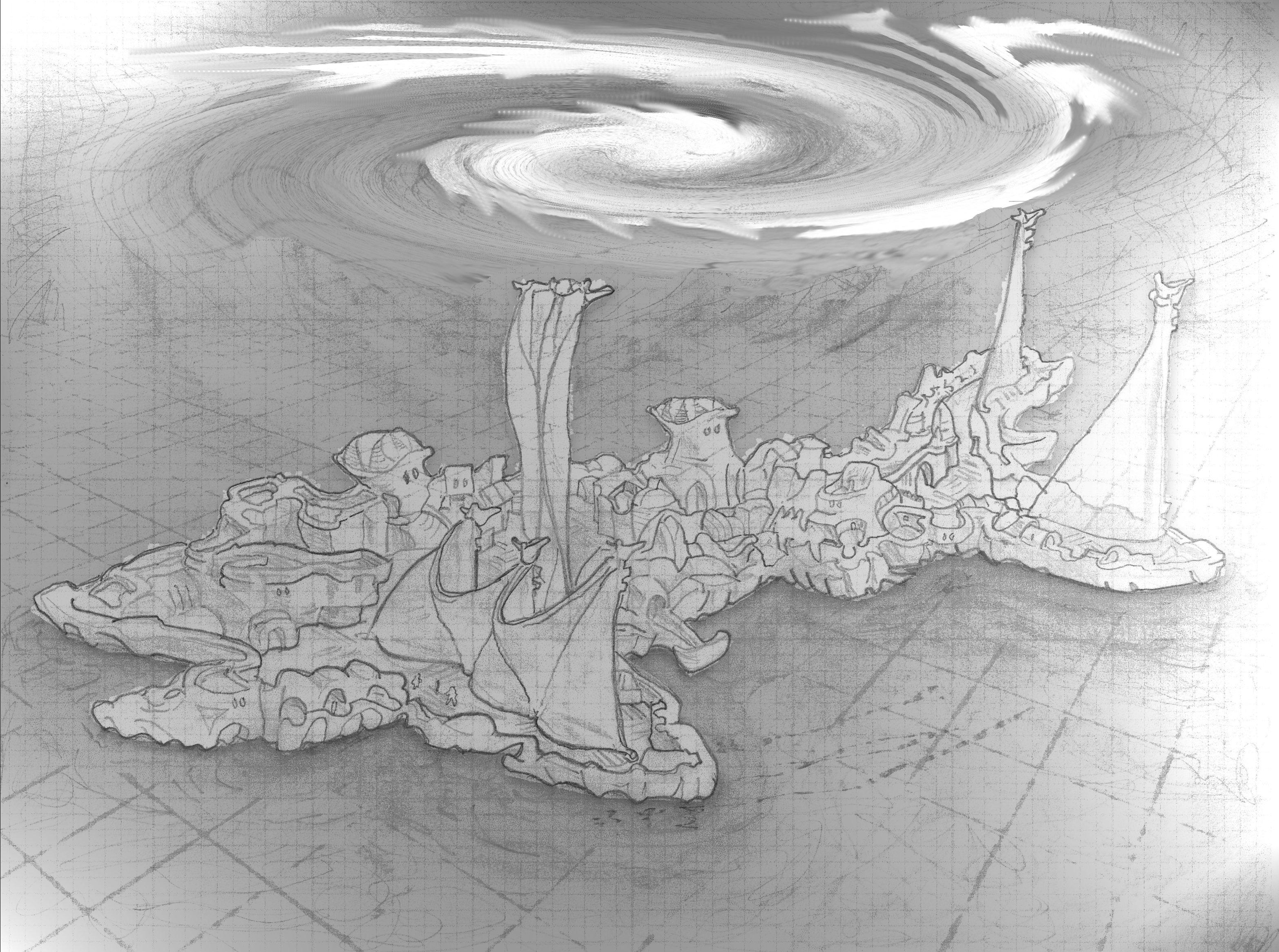
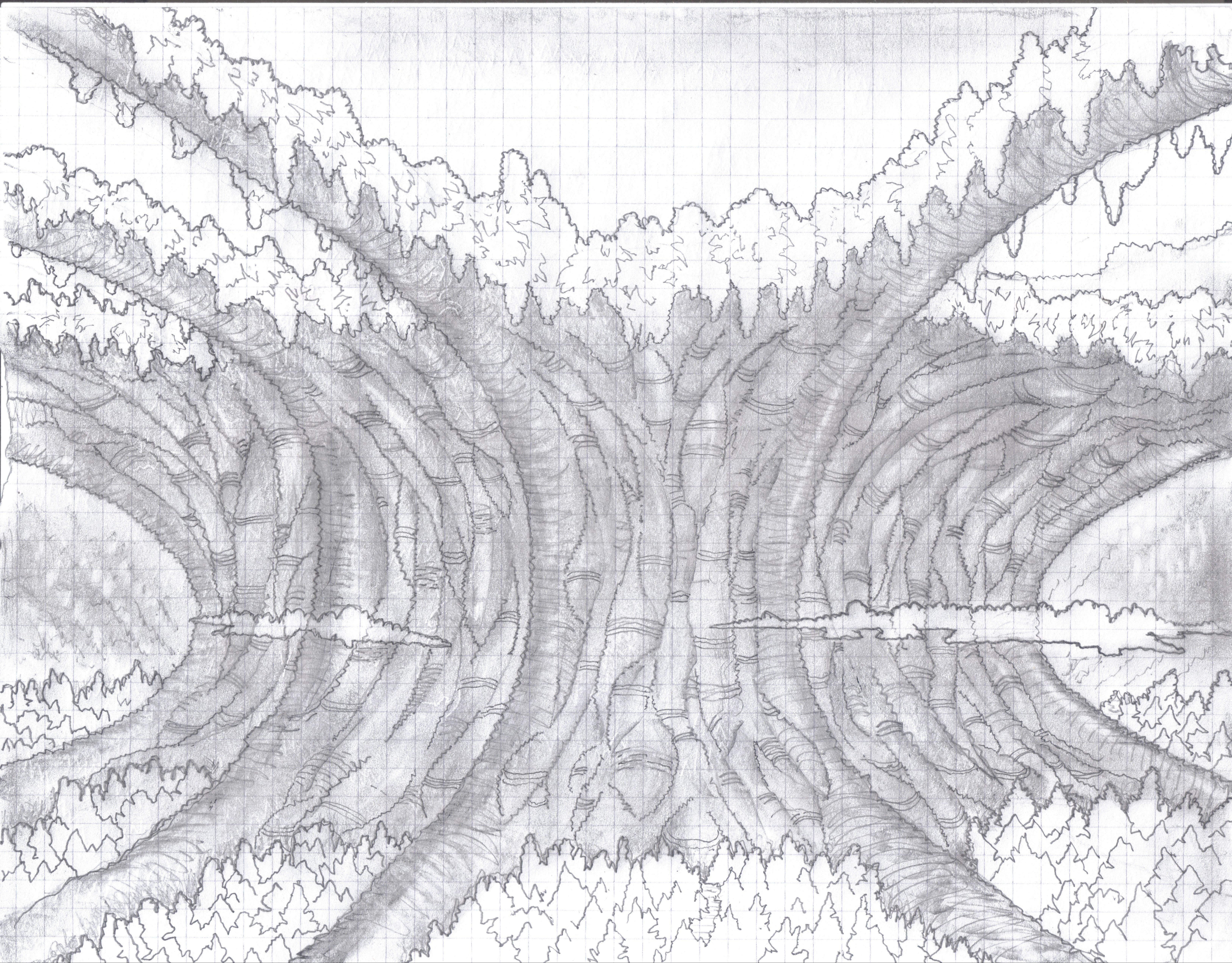
Heres some samples of things I eventually want to model and showcase in bryce.
heres one of the first tests of the castle
original sketch

others..



 Post Your Renders - Happy New Year yall
Going for something a bit more light hearted this time, I call it "Summer Fantasy".
I wanted to add at least one more figure, but I ran into the 2G limit, I think because of memory bloat by the sub. Its Sketchup conversion to OBJ came with over 700 Shading Domains, all of which were useless in Carrara. I think if I remove them all it would have saved a lot of space. But there's no "group remove" facility for Shading Domains, none I could find anyway, and after 20 minutes of single removes I only got rid of like 50. Too tedious.
All figures are Genesis, including Eve, a G2F converted to Genesis using the Batch Converter and GenX2. The converted figure worked perfectly in Carrara but the process itself was slow and time consuming. No problems with Genesis and clothing.
The bow wave was mostly hand drawn in PS. I used some of Ron's brushes for the spash effects.
- Don
CAD models in DS?I didn't find a free program that can convert .dwg to .obj, even though it should be a relatively simple conversion.
SketchUp (free) can import .dxf files (also an AutoCAD format), but that's not the same thing.
Not much of a worry though, since good old AutoCAD has been as good as obsolete for about a decade now.
Most, if not all GrabCAD models have additional .STL files for visualization, so there's no need for fancy expensive CAD-software, just a lot of elbow grease (and free time).
Again, GrabCAD membership is free, downloading those .STL files is free, MeshLab for converting them is free, the only expense to get these models into DAZ Studio is your time and energy.
Commercial vendors won't be able to offer (most of) these models because of copyright limitations and possibly lack of access to required dimensional data, so there's no other way to get them besides modeling yourself.
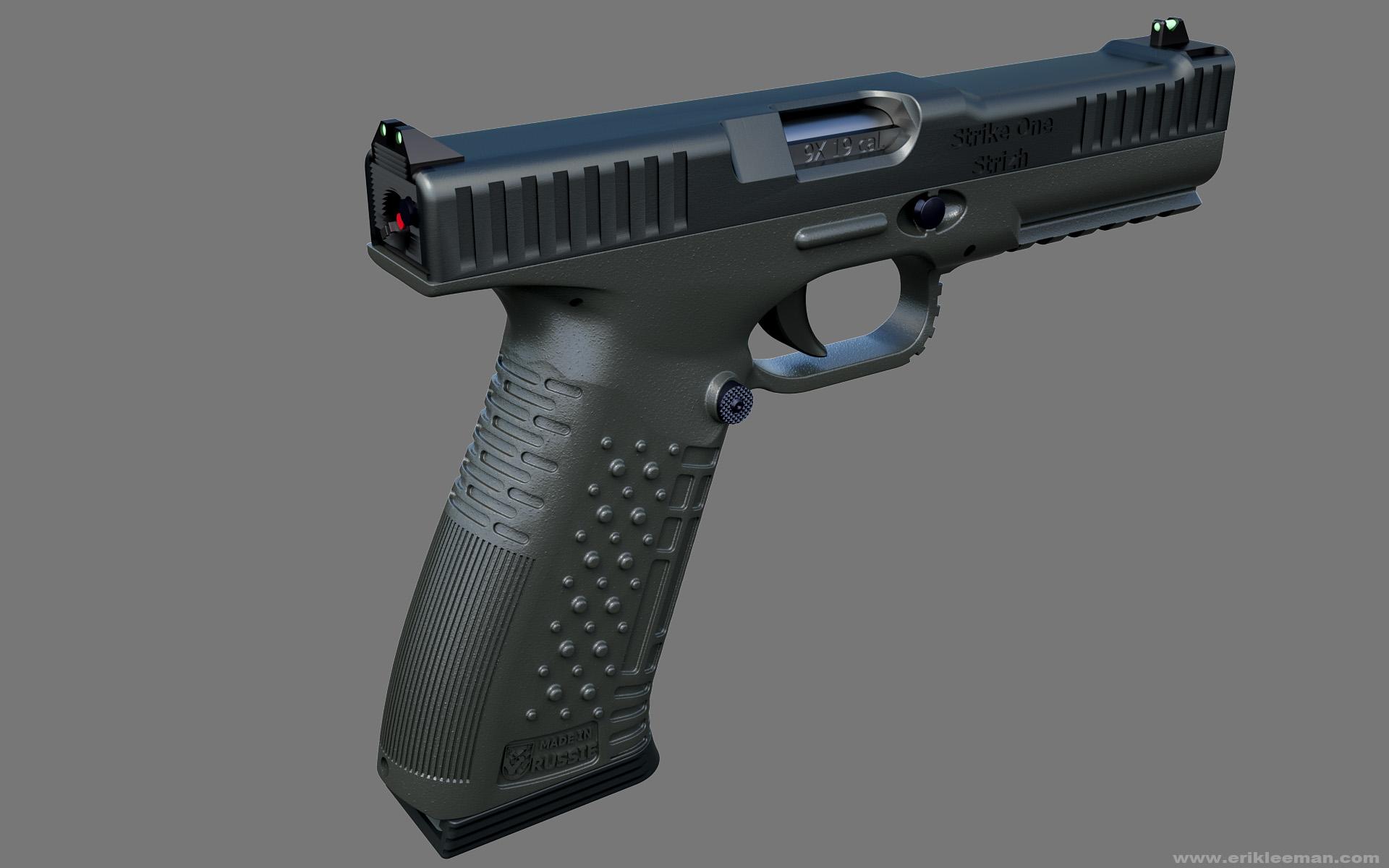
Here's another fine one by brazy-u, fully-named 'strike one arsenal firearms strizh in progress braz V.2'
Same process as before, but this time I exported the frame and slide to 3dCoat to give them UV's, so I could add a bit of bump to them in this Octane for DAZ Studio render.
Cheers!
 Daz studio DAE Import bug?
I have run into the same problem and I think the fault is with SketchUp's export. When I tried to use the dae export I get nothing, zip-zero-naught except for place holders. There is nothing visible at all even though it is listed in scene content.
But when I import a dae from other sources, it has always worked fine.
Shade 3D System Requirements@kyoto kid - in my experience, the filetype support in Shade is as perfect as a 3d program gets. All 3D programs have a whole lot of glitches with import/export, but I've imported and exported through Shade from Rhino3D, 3DS, Wings3D, blender, Fuse, AutoCAD, Visio, SketchUp(Google), Curvy3D, Hexagon, DS 4.x, and some others.
blender's opencl amd comment - that came and went years ago. If you hunt and peck enough, you can find a blender version that supports specifying 'Juniper' in the rendering settings. That was nice when it existed, but it ain't there and it hasn't been there a while and I don't know if it'll come back. (Correction.. the Juniper option is available in blender 2.77a)
shade's general modeling questions - shade3d has been for some time a modeler of efficiency... there were 3 types of geometry caculations supported that all edited differently. It was assumed that the user would convert the geometry to the type that had the most efficient tools for what they were doing. In America, they kept getting nagged to seriously beef up the mesh toolset because people were used to working in 1 type of geometry calculation their entire modeling session. They've beefed up the tools in 14 and more especially in 15, but it's because of audience request not design intent. If you can figure a rhythm of converting, modeling, converting, modeling... you're nearly dancing the dance.
Tutorial for Creating Hair and Clothing for DAZ Studio ModelsMan, is Wings still around? I played with that YEARS ago. It was the easiest modeling experience ever. Well, until I tried Sketchup.Star Trek Builders Unite 7: The Continuing MissionYou're welcome.
Maybe you need a different obj export file. Here's the one I use. I don't have any problems with it:
http://sketchuptips.blogspot.com/2007/01/wavefront-obj-exporter.html
How are you importing your model? Are you exporting an obj from Sketch-up and taking that file into Ds?
What modeling program are you using again? Maybe a different program would help. Mylochoka found that the program I use a lot- Sketch-up- is very easy to use.You litterally draw the shape you want and pull it into existance. Then just export it as an obj file.
Would this pic help any? all you really need is an angled exterior wall.
I'm having a really toughtime building the secondary hull shuttlebays in the Galaxy class. Bay 2 and 3 if built by themselves wouldn't be too bad, but it's the EXTREMELY subtle curves of the neck of the cobra of the engineering hull on the Galaxy that are driving me slowly insane.
I'm actually thinking seriously about simply building the main shuttlebay on the saucer section and calling it good. The walls would be much straighter, it's just as big a complex as what I'm trying to build in much tighter areas of the ship and I'd not have to deal with some really picky curves and angles.
At least on first glance... ugh. Decisions.I'm actually using part of Prologic's Ent D model for the exterior now as a base because my scaling was way off, but I haven't been able to get the curves on the doors and the soft edges just right. I'd really like to be able to have this work as an interior as well as a partial exterior to get some dramatic shuttle lift off visuals but it might be a bit beyond my modeling skills right now. Thanks for trying to help though!I'm using Truespace 3.0 which is a really old version of it but it's the more ashe-friendly version. ;) I do have sketch-up but getting sketch-up to import to DAZ on my machine is an exercise in frustration. Geting from TS to DAZ also requires a 3rd party program but I get better results with less clean-up, generally anyway.
Yeah. I was using the free trial of Sketchup to export the mesh as an obj with and then importing into DAZ from there but there's so much clean-up involved I'd have to export it to DAZ modeling program and fix a bunch of things and then import it again and hope that the DAZ model program didn't crash in the process. It was ugly
I'll have to give it a shot later. Thanks!
Star Trek Builders Unite 7: The Continuing MissionMaybe you need a different obj export file. Here's the one I use. I don't have any problems with it:
http://sketchuptips.blogspot.com/2007/01/wavefront-obj-exporter.html
How are you importing your model? Are you exporting an obj from Sketch-up and taking that file into Ds?
What modeling program are you using again? Maybe a different program would help. Mylochoka found that the program I use a lot- Sketch-up- is very easy to use.You litterally draw the shape you want and pull it into existance. Then just export it as an obj file.
Would this pic help any? all you really need is an angled exterior wall.
I'm having a really toughtime building the secondary hull shuttlebays in the Galaxy class. Bay 2 and 3 if built by themselves wouldn't be too bad, but it's the EXTREMELY subtle curves of the neck of the cobra of the engineering hull on the Galaxy that are driving me slowly insane.
I'm actually thinking seriously about simply building the main shuttlebay on the saucer section and calling it good. The walls would be much straighter, it's just as big a complex as what I'm trying to build in much tighter areas of the ship and I'd not have to deal with some really picky curves and angles.
At least on first glance... ugh. Decisions.I'm actually using part of Prologic's Ent D model for the exterior now as a base because my scaling was way off, but I haven't been able to get the curves on the doors and the soft edges just right. I'd really like to be able to have this work as an interior as well as a partial exterior to get some dramatic shuttle lift off visuals but it might be a bit beyond my modeling skills right now. Thanks for trying to help though!I'm using Truespace 3.0 which is a really old version of it but it's the more ashe-friendly version. ;) I do have sketch-up but getting sketch-up to import to DAZ on my machine is an exercise in frustration. Geting from TS to DAZ also requires a 3rd party program but I get better results with less clean-up, generally anyway.
Yeah. I was using the free trial of Sketchup to export the mesh as an obj with and then importing into DAZ from there but there's so much clean-up involved I'd have to export it to DAZ modeling program and fix a bunch of things and then import it again and hope that the DAZ model program didn't crash in the process. It was ugly
I'll have to give it a shot later. Thanks!
Star Trek Builders Unite 7: The Continuing MissionMaybe you need a different obj export file. Here's the one I use. I don't have any problems with it:
http://sketchuptips.blogspot.com/2007/01/wavefront-obj-exporter.html
How are you importing your model? Are you exporting an obj from Sketch-up and taking that file into Ds?
What modeling program are you using again? Maybe a different program would help. Mylochoka found that the program I use a lot- Sketch-up- is very easy to use.You litterally draw the shape you want and pull it into existance. Then just export it as an obj file.
Would this pic help any? all you really need is an angled exterior wall.
I'm having a really toughtime building the secondary hull shuttlebays in the Galaxy class. Bay 2 and 3 if built by themselves wouldn't be too bad, but it's the EXTREMELY subtle curves of the neck of the cobra of the engineering hull on the Galaxy that are driving me slowly insane.
I'm actually thinking seriously about simply building the main shuttlebay on the saucer section and calling it good. The walls would be much straighter, it's just as big a complex as what I'm trying to build in much tighter areas of the ship and I'd not have to deal with some really picky curves and angles.
At least on first glance... ugh. Decisions.I'm actually using part of Prologic's Ent D model for the exterior now as a base because my scaling was way off, but I haven't been able to get the curves on the doors and the soft edges just right. I'd really like to be able to have this work as an interior as well as a partial exterior to get some dramatic shuttle lift off visuals but it might be a bit beyond my modeling skills right now. Thanks for trying to help though!I'm using Truespace 3.0 which is a really old version of it but it's the more ashe-friendly version. ;) I do have sketch-up but getting sketch-up to import to DAZ on my machine is an exercise in frustration. Geting from TS to DAZ also requires a 3rd party program but I get better results with less clean-up, generally anyway.
Yeah. I was using the free trial of Sketchup to export the mesh as an obj with and then importing into DAZ from there but there's so much clean-up involved I'd have to export it to DAZ modeling program and fix a bunch of things and then import it again and hope that the DAZ model program didn't crash in the process. It was ugly
Star Trek Builders Unite 7: The Continuing MissionHow are you importing your model? Are you exporting an obj from Sketch-up and taking that file into Ds?
What modeling program are you using again? Maybe a different program would help. Mylochoka found that the program I use a lot- Sketch-up- is very easy to use.You litterally draw the shape you want and pull it into existance. Then just export it as an obj file.
Would this pic help any? all you really need is an angled exterior wall.
I'm having a really toughtime building the secondary hull shuttlebays in the Galaxy class. Bay 2 and 3 if built by themselves wouldn't be too bad, but it's the EXTREMELY subtle curves of the neck of the cobra of the engineering hull on the Galaxy that are driving me slowly insane.
I'm actually thinking seriously about simply building the main shuttlebay on the saucer section and calling it good. The walls would be much straighter, it's just as big a complex as what I'm trying to build in much tighter areas of the ship and I'd not have to deal with some really picky curves and angles.
At least on first glance... ugh. Decisions.I'm actually using part of Prologic's Ent D model for the exterior now as a base because my scaling was way off, but I haven't been able to get the curves on the doors and the soft edges just right. I'd really like to be able to have this work as an interior as well as a partial exterior to get some dramatic shuttle lift off visuals but it might be a bit beyond my modeling skills right now. Thanks for trying to help though!I'm using Truespace 3.0 which is a really old version of it but it's the more ashe-friendly version. ;) I do have sketch-up but getting sketch-up to import to DAZ on my machine is an exercise in frustration. Geting from TS to DAZ also requires a 3rd party program but I get better results with less clean-up, generally anyway.
Yeah. I was using the free trial of Sketchup to export the mesh as an obj with and then importing into DAZ from there but there's so much clean-up involved I'd have to export it to DAZ modeling program and fix a bunch of things and then import it again and hope that the DAZ model program didn't crash in the process. It was ugly
Can't get this street model to be ungrouped to use only 1 smaller partThe thing about an .stl file is that usually they are made into one single mesh component for 3D printing and once that single component has been made, you can no longer select different parts of the model.
You can export from Sketchup as a DAE and import it into Bryce, so if you can edit it in Sketch up, you will still be able to edit it in Bryce.
Just make sure you check the .dae box at the bottom of the bryce import window before importing it or it will not work.
Hope this helps.
PS: The .mtl file in Bryce is slightly useless unless all the materials used are stored in the same folder as the model file AND the .mtl file.
Can't get this street model to be ungrouped to use only 1 smaller part@S Ray - thank you for your advice. It's a Sketchup model. I should try this in Sketchup instead and do the changes in there. I am still learning and every bit of advice is helping.
 Spline Objects
Otto,
Do you have any control over the number of segments ( or resolution) of the curves coming from SketchUp, or is that determined when you import the AI into Sketchup?
Maybe Sketchup has changed in the last few years, but as I recall it was not very easy to increase the resolution for some things.
Hi! No, SketchUp can not maneage the resolution or increase the number of the segments, what you can do is to add anchor points in Ai this way you can have smooth curves after importing in SU, is something that not always happens it depends in how the vector image is done, but if you have a dragged image you can back to illustrator and by adding those anchor points you can solve the issue.
The Mickey Mouse above showed was one that needed to add the anchor points, the following image was before that, notice the bad curves:
Spline ObjectsOtto,
Do you have any control over the number of segments ( or resolution) of the curves coming from SketchUp, or is that determined when you import the AI into Sketchup?
Maybe Sketchup has changed in the last few years, but as I recall it was not very easy to increase the resolution for some things.
Spline Objectsotodomus Unfortunately none of my friends have access to SketchUp and I can't afford the Pro version so I'll have to make due with the free version. I'm also not familiar with SketchUp so I'll need to take some time to learn how explode group components and fill lines.
Hello I am sorry as I have been a bit busy but is quite easy to explode the components, what you need to do is to select the imported file in SketchUp and do right click then there's an option to explode it, it would be useful to explode one by one and renamed to get organized.
Also if you are working with the free version you eventually will need a plugin to convert your model to DXF that could be opened in Carrara, it will depend in your PC an operative system but usually this works:
http://www.guitar-list.com/download-software/convert-sketchup-skp-files-dxf-or-stl
Still in touch if you still needing guidance.
Cheers
Otto
Show Us Your Bryce Renders! Part 9Slepalex - Thanks for the suggestion.
Jay and Vivien – I did not realise that Jay’s render was named Mermaid; the avatar is a gift from Sean Riesch. Thanks for the thought

Laura – Thanks. Sorry I don’t know where I got the model from; I found it in an old .obp file. (spring cleaning files and folders)
 Normally I visit Archive 3D, ShareCG or Sketchup. It’s only in the last year or so that I started making notes where I got the models from and who the modeler is if he is named. Sketchup has awesome models.Show Us Your Bryce Renders! Part 9
Just a simple and fast render, this time. A few converted .skp into .obj files from Sketchup bunched together. I was a bit surprised by the reflection in the windows of the main building but I am not happy with the visibly flat surface of the lower building in front.
EDIT: Unfortunately, linking a picture from the gallery doesn't work. So it is back to parking my renders on my provider's server.
EDIT2: Once again I stand corrected, linking a picture from the gallery is quite possible. see the instructions from Chohole, 2 posts below this one.
This is really good to think you have used Sketchup models. I assume the airship is also from Sketchup warehouse?
Laura
Show Us Your Bryce Renders! Part 9Rembrandt - beautiful render using Sketchup models.
I only recently discovered Sketchup -thanks to @Launok - and going a bit greedy on raking in those models.
Tons of inspiration though!
Show Us Your Bryce Renders! Part 9Rembrandt - beautiful render using Sketchup models.
Spline ObjectsWow. This is Super-Cool stuff... stuff that I'd never known until I came across this conversation, and I think it's so awesome!
Sorry to have been away again for so long. I'm hoping that it'll be worth it in the long run. I still check my PMs regularly, but haven't been able to visit the actual forum for some time due to heavily focusing on learning new things in regards to graphics in general, but gearing my focusing thoughts towards how it pertains to Carrara.
I think this is incredible. Does an artist actually need Illustrator to import vectors as splines? How do we do that? Like, can a person use Creature House bypassing AI entirely? I think that's what you're saying, isn't it? Hmmm... I can really see myself becoming immersed in this process!
Edit: I mean also: can we do this without SketchUp?
rob_kr, I could really see that hand model set up with faba's cool example of using Fenric's ERC for Carrara tools! Beautiful work!
Otodomus, beautiful work and workflow info as always! Love it! Thanks ;) Thank you, too, insomnia and cdordoni! Most appreciated to all of you!
Daz 3D is part of

Connect
DAZ Productions, Inc.
7533 S Center View Ct #4664
West Jordan, UT 84084Licensing Agreement | Terms of Service | Privacy Policy | EULA
© 2026 Daz Productions Inc. All Rights Reserved.